Why Browser-Based Remote Access Is Becoming the Simpler Way to Manage IT Infrastructure
-

- Published Updated
- 5,057 views
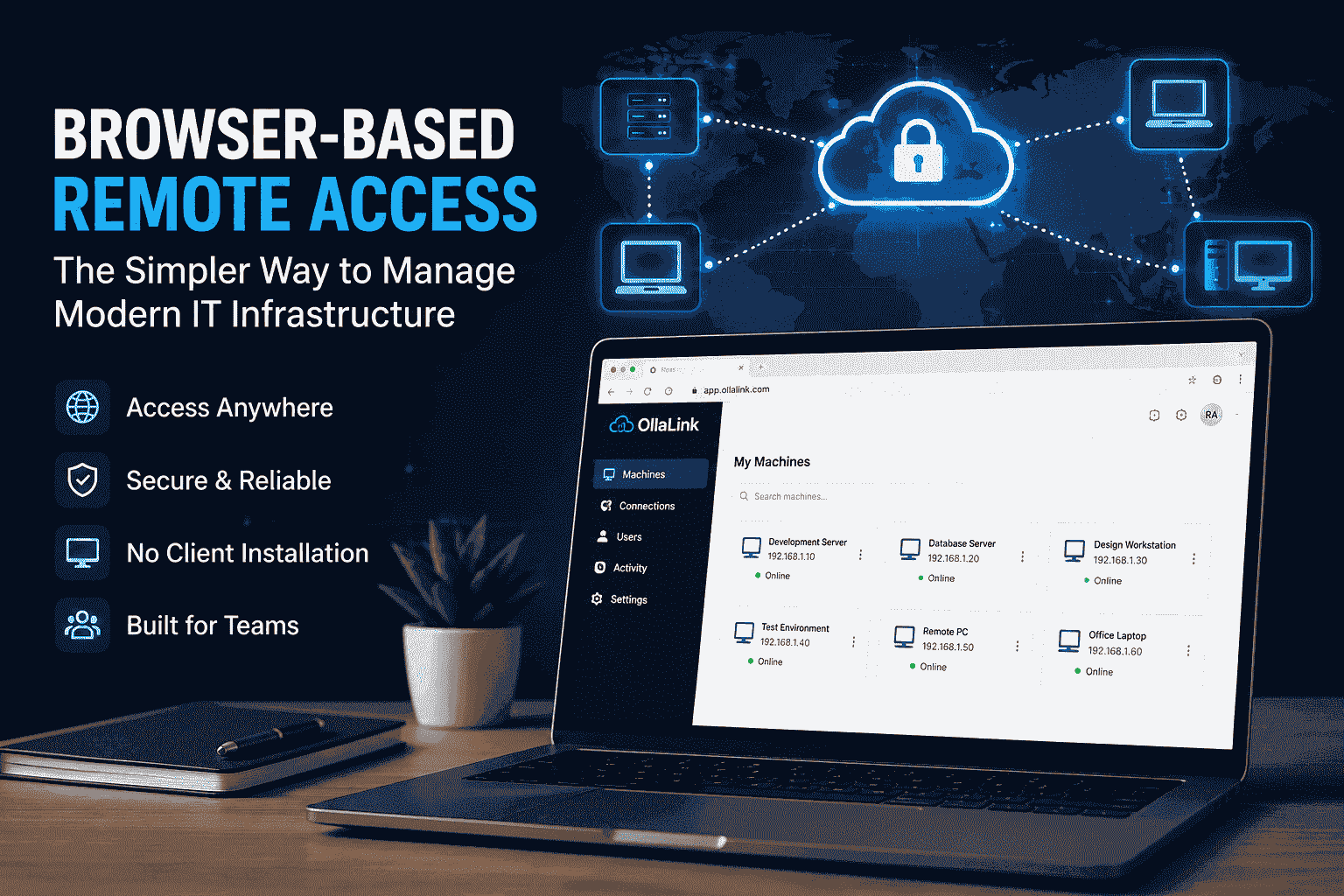
Modern IT infrastructure is becoming increasingly distributed. Teams work remotely, servers run across different environments, development machines may be located in separate offices, and cloud infrastructure can span multiple regions. As these environments grow, managing access to everything becomes a challenge of its own.
OllaLink is one example of a browser-based approach to remote infrastructure access, where users can work with remote systems through a centralized web interface rather than relying entirely on separate desktop applications and complicated connection workflows.
The Growing Complexity of Remote Access
Remote access sounds simple when described from the user's perspective.
A user needs to connect to a computer, open a session, perform some work, and disconnect when finished.
The underlying infrastructure can be much more complicated.
A typical remote environment can involve authentication systems, network configurations, firewalls, VPNs, remote machines, access permissions, session management, monitoring, and security controls. Each component has a specific purpose, but managing them together can become difficult as the environment grows.
A small team might manage a few remote machines without much trouble. A larger organization may have dozens or hundreds of systems distributed across different networks and locations.
At that point, the challenge isn't simply establishing a connection.
It is managing all those connections efficiently.
Why Browser-Based Access Is Interesting
The browser has become one of the most universal interfaces in modern computing.
Almost every developer, administrator, employee, and support engineer already uses a browser throughout the day. This makes the browser an interesting foundation for remote infrastructure management.
Instead of requiring users to install and configure different applications for different environments, organizations can provide access through a familiar interface.
This can make remote workflows easier to understand.
A browser-based approach can also reduce some of the friction associated with onboarding. When a new team member joins an organization, administrators often need to explain how to access different systems and which applications are required.
A centralized browser-based environment can make that process more straightforward.
The objective isn't necessarily to eliminate all networking complexity. Networking, authentication, encryption, and authorization still need to be handled properly.
The difference is where that complexity is presented.
Instead of forcing every user to deal with it directly, a platform can handle much of the underlying infrastructure while presenting users with a simpler interface.
Centralization Can Reduce Context Switching
One of the less obvious costs of remote infrastructure management is context switching.
Developers and IT professionals frequently move between different machines and environments during their workday.
A developer might work on a local machine, connect to a development server, access a testing environment, inspect a remote database, and then connect to another system to investigate an issue.
If each environment requires a different connection method, the user has to remember multiple workflows.
That creates unnecessary friction.
A centralized remote-access environment can provide a single place from which users can discover and access the systems they are authorized to use.
This doesn't just improve convenience.
It can also make infrastructure easier to understand.
When machines are organized logically, users spend less time figuring out where a particular resource is located and more time actually working with it.
Security Should Remain a Core Requirement
Simplifying access should never mean reducing security.
In fact, easier access makes strong security controls even more important.
A modern remote-access system needs to consider authentication, authorization, encryption, session security, and access boundaries.
Authentication answers the question of who the user is.
Authorization answers the more important question of what that user is allowed to access.
These two concepts should not be treated as the same thing.
A user successfully signing into a platform should not automatically give that user unrestricted access to every machine in an organization's infrastructure.
Access should be based on appropriate permissions and organizational requirements.
For example, a developer may need access to development environments but not production systems. A support engineer may require access to specific customer environments without needing access to internal infrastructure.
A well-designed access model makes these distinctions possible.
Self-Hosted Remote Infrastructure
Another important consideration is deployment.
Some organizations prefer managed services because they reduce the amount of infrastructure that their own teams need to maintain. Other organizations want greater control over their systems and prefer self-hosted infrastructure.
Self-hosting can provide additional control over deployment, networking, data, and system configuration.
However, that control comes with responsibility.
Organizations operating their own remote-access infrastructure need to consider updates, monitoring, authentication, security policies, backups, availability, and incident response.
For teams that already operate their own servers and infrastructure, self-hosted remote access can be a natural extension of their existing environment.
The important factor is choosing an approach that matches the organization's technical capabilities and operational requirements.
Remote Access for Distributed Teams
The rise of distributed teams has made reliable remote infrastructure more important.
Employees may work from different cities or countries while still needing access to the same development environments and internal systems.
IT teams may also need to manage infrastructure that isn't physically located in the same building.
This changes the way organizations think about infrastructure.
The physical location of a machine becomes less important than how easily and securely authorized users can access it.
A browser-based interface can help create a consistent experience for users regardless of where they are working.
Instead of designing separate workflows around every physical location, organizations can build access around users, permissions, and infrastructure.
The Importance of a Simple User Experience
Infrastructure software often focuses heavily on technical capabilities.
Performance, networking, security, scalability, and reliability are all important.
But usability is equally important.
A technically powerful platform can still create problems if users struggle to understand how to use it.
Good infrastructure software should make common operations predictable.
Users should be able to understand which machines are available, which systems they can access, and how to start a session without navigating unnecessary complexity.
This becomes particularly important for teams that are growing quickly.
When an organization has only a few administrators, complicated workflows may be manageable because experienced users understand the underlying systems.
As the organization grows, more people need access.
The infrastructure should therefore become easier to use rather than increasingly difficult.
Browser-Based Access as a Broader Trend
The move toward browser-based infrastructure management is part of a larger change in how software is designed.
Many traditionally desktop-oriented workflows have gradually moved into web interfaces.
Development environments, monitoring dashboards, collaboration platforms, cloud management systems, documentation tools, and administrative interfaces are increasingly accessible through browsers.
Remote infrastructure management follows a similar direction.
The browser doesn't magically remove the complexity underneath the system.
Instead, it provides a familiar interface through which that complexity can be managed.
This distinction is important.
The goal isn't to pretend that infrastructure is simple.
The goal is to prevent unnecessary infrastructure complexity from becoming a daily burden for every person using the system.
What Organizations Should Consider
Organizations evaluating remote-access solutions should look beyond basic connectivity.
Several questions are worth considering.
How easy is it to onboard new users?
How are permissions managed?
Can administrators organize machines effectively?
How does the system handle different network environments?
What happens when connectivity becomes unreliable?
How are sessions protected?
Can the platform scale as the number of users and machines increases?
And perhaps most importantly, does the system make everyday infrastructure management easier?
These questions can reveal whether a remote-access platform is actually solving an operational problem or simply adding another layer of technology.
Final Thoughts
Remote infrastructure is unlikely to become less distributed.
Organizations will continue to operate across cloud environments, remote offices, development systems, virtual machines, and geographically distributed teams.
As this happens, the way people access infrastructure becomes increasingly important.
Browser-based remote access offers a practical direction for simplifying that experience. By providing a familiar interface, centralizing access, and reducing unnecessary context switching, it can make remote infrastructure easier to work with without hiding the security and networking requirements underneath.
The most effective infrastructure tools are not necessarily the ones with the largest number of features.
Often, they are the ones that make complicated systems feel straightforward.
For modern IT teams, that simplicity can become a significant advantage.