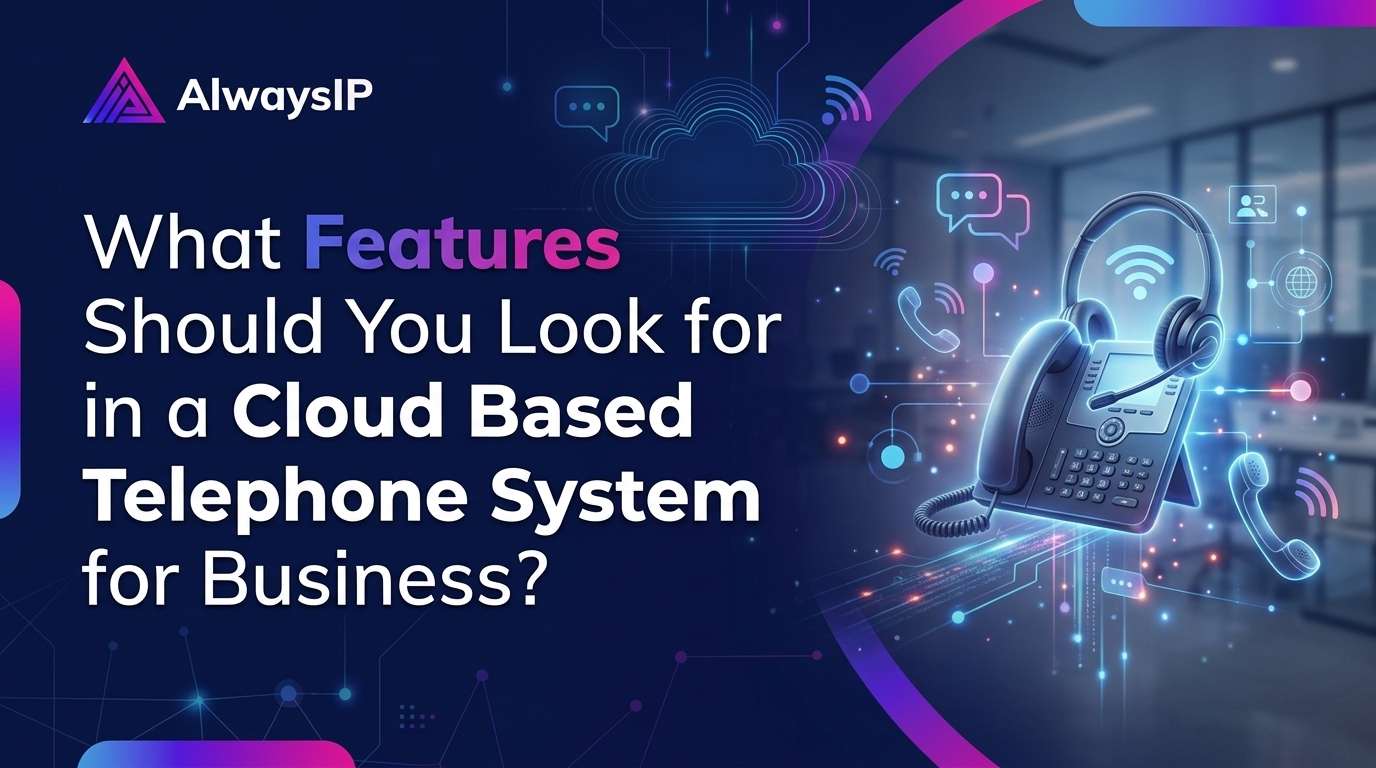
What Features Should You Look for in a Cloud Based Telephone System for Business?
-

- Published Updated
- 75 views
Choosing the right business phone system is about more than making and receiving calls. Businesses need a reliable way to communicate with customers, manage incoming enquiries, support employees and maintain a professional image, whether their teams work in the office or remotely.
Traditional telephone systems can make these tasks more complicated than necessary. They may require physical equipment, ongoing maintenance and additional costs when a business expands. A modern Cloud Based Telephone System for Business offers a more flexible alternative, bringing calling features and communication management together through the internet.
However, not every cloud telephone system offers the same capabilities. Some focus on basic calling, while others provide advanced call management, CRM integrations, AI-powered tools and detailed reporting.
So, which features should you prioritise when choosing a system for your company? This guide explains the most important features to consider and how they can help your business communicate more effectively.
What Is a Cloud Based Telephone System for Business?
A cloud based telephone system is a business communication solution that uses an internet connection to manage voice calls rather than relying entirely on traditional telephone lines and on-site telephone equipment.
Depending on the provider and package, employees can make and receive business calls using desk phones, computers, smartphones or compatible web applications.
Because the service is managed through a cloud platform, businesses can often add users, adjust call settings and manage extensions without installing additional telephone hardware at every location.
For UK businesses preparing for the traditional landline transition, a cloud phone system can also provide a practical way to modernise business communications.
The key is to choose a solution that meets your current needs while leaving room for future growth.
1. Advanced Call Management Features
Call management should be one of the first things you examine when comparing business telephone systems.
When customers contact your company, they expect their calls to be answered promptly and directed to the right person. Without an effective call management system, important enquiries can be missed, transferred incorrectly or left waiting for too long.
Look for features such as:
Call forwarding: Redirect incoming calls to another number, extension or device when required.
Call transfer: Move a conversation to the appropriate colleague or department.
Call hold: Place callers on hold while checking information or contacting another team member.
Call queues: Organise incoming calls when several customers are waiting.
Call parking: Allow an employee to place a call in a shared position so another authorised colleague can retrieve it.
Call pickup: Enable permitted team members to answer calls intended for colleagues.
These functions are particularly useful for sales teams, customer service departments, reception desks and businesses that receive a high volume of enquiries.
For example, a customer calling a hotel could be directed to reception, reservations or the appropriate department without needing to call multiple numbers.
2. Auto Attendant and Interactive Voice Response (IVR)
An auto attendant helps businesses manage incoming calls professionally, even when a receptionist is unavailable.
Instead of relying on someone to answer every call manually, an automated greeting can welcome callers and guide them to the relevant department.
An Interactive Voice Response (IVR) system can offer menu options such as:
Press 1 for sales.
Press 2 for customer support.
Press 3 for accounts.
Press 4 for general enquiries.
A well-designed IVR system makes it easier for customers to reach the right team while reducing unnecessary transfers.
When evaluating a Cloud Based Telephone System for Business, check whether you can customise greetings, configure business hours, create different call routes and set alternative destinations outside normal working hours.
Avoid overly complicated menus. The purpose is to make communication easier for customers, not to create additional steps before they can speak to someone.
3. Mobile and Desktop Applications
Modern employees do not always work from a fixed desk. Sales representatives may visit customers, managers may work from home and support teams may operate across different locations.
A cloud telephone system with mobile and desktop applications allows authorised employees to access business calling features from compatible devices.
Useful capabilities include:
Making and receiving business calls through an application.
Accessing assigned business extensions.
Viewing call history and voicemail.
Transferring calls between supported devices.
Managing availability and call settings.
Supporting communication while working remotely.
This flexibility can help businesses maintain a consistent customer experience without requiring every employee to be physically present in the office.
Before choosing a provider, confirm which operating systems and devices are supported, whether simultaneous device use is available and how business calls are handled when employees have limited internet access.
4. AI Call Transcription and Call Summaries
Artificial intelligence is becoming an important part of business communications. Depending on the provider and package, AI-powered telephone features can help teams review conversations and reduce the time spent on administrative tasks.
Look for features such as AI call transcription, automated call summaries and voicemail-to-text.
AI call transcription converts supported recorded conversations into text, making it easier to review important details without listening to an entire recording.
AI call summaries can help employees identify key discussion points, customer requirements and agreed next steps.
Voicemail-to-text converts supported voicemail messages into readable text, helping employees understand messages more quickly.
For example, a sales representative could review a call summary after discussing a quotation with a potential customer. They could then follow up on the customer's requirements without relying entirely on handwritten notes.
These features can improve efficiency, but businesses should check transcription accuracy, supported languages, storage policies and any additional charges.
Call recording and AI processing must also be configured in line with applicable data protection requirements and appropriate customer notification practices.
5. Call Recording and Archiving
Call recording can be valuable for businesses that need to review conversations, support employee training or maintain appropriate records.
Depending on the system, recordings may be stored centrally and made available to authorised users through a management portal.
Important capabilities to consider include:
Automatic or manual recording options.
Recording controls for different users or departments.
Secure storage and access permissions.
Searchable call records.
Retention and deletion settings.
Integration with relevant business systems.
For example, a customer service manager could review a conversation to understand why an enquiry was not resolved successfully. The recording could then be used for coaching and process improvement.
Not every business needs to record every call. Before enabling recording, establish a clear purpose, suitable retention periods and appropriate access controls. Ensure your practices comply with UK data protection law and any applicable industry requirements.
6. CRM Integration and Click-to-Call
If your employees regularly use a Customer Relationship Management (CRM) platform, integration with your telephone system can save time and improve the way customer information is handled.
A compatible integration may allow employees to:
Start calls directly from a CRM contact record.
View customer information when a call arrives.
Record call activity against the relevant contact.
Access call history alongside customer records.
Reduce manual data entry after conversations.
For instance, when a sales employee receives a call from an existing customer, a supported screen-pop feature could display the customer's contact information. This helps the employee understand who is calling and respond with relevant context.
Click-to-call can also reduce the need to copy and dial telephone numbers manually.
Check whether your chosen telephone system supports your existing CRM and whether the integration includes the functions your team actually uses. Some integrations require additional licences, configuration or third-party applications.
7. Real-Time Call Monitoring and Analytics
Business owners and managers need to understand how their telephone systems are performing.
Call analytics can provide information about call volumes, missed calls, waiting times, call duration and employee activity, depending on the reporting features available.
These insights can help managers identify operational issues and make more informed decisions.
For example, if a business receives a high number of missed calls during lunchtime, managers could adjust staff availability or change the call routing configuration.
Useful reporting features may include:
Incoming and outgoing call reports.
Missed-call tracking.
Call queue performance.
Department-level reporting.
User and extension activity.
Real-time monitoring dashboards.
Some systems also provide authorised call-listening, whispering or barge-in capabilities for supervisors. Availability and permissions vary by provider.
Choose a platform that makes its reports easy to understand and gives you the information needed to improve customer service rather than overwhelming you with unnecessary data.
8. Scalability and Flexible User Management
Your telephone system should support your business as it changes.
A small company might begin with five employees and later expand to several departments or multiple locations. A suitable cloud system should make it straightforward to add users, assign extensions and adjust call routes as requirements evolve.
When comparing providers, consider whether they offer:
Simple user and extension management.
Flexible user licensing.
Support for multiple offices or locations.
Customisable call routing.
Options to add compatible devices.
Clear pricing for additional users and features.
Ask about minimum contract periods, setup charges, number porting costs and any restrictions on adding or removing users.
A system that appears inexpensive initially may become less attractive if essential features require expensive add-ons.
The best choice is one that fits your current budget without making future growth unnecessarily difficult.
9. Security, Privacy and Business Continuity
Business telephone systems can handle commercially sensitive information and personal customer data. Security should therefore be part of your selection process from the beginning.
Ask potential providers about encryption, administrator permissions, account authentication, access logs, security updates and data storage arrangements.
You should also understand how the provider handles service disruptions.
Important questions include:
Can calls be redirected if an office loses connectivity?
Are alternative devices or destinations supported?
What happens if the provider experiences an outage?
Is technical support available when your business needs it?
What backup or recovery arrangements are provided?
A cloud telephone system still depends on internet access and the provider's infrastructure. It is sensible to plan alternative connectivity or call destinations for critical business numbers.
Also, confirm what security measures are included in your package rather than assuming every provider offers the same protections.
10. Integration with Existing Business Tools
Your telephone system should work well with the tools your employees already use.
Depending on your business, integrations with collaboration platforms, helpdesk software, contact centre applications and productivity tools may reduce the need to switch between separate systems.
For example, businesses using Microsoft Teams may want to explore whether their chosen provider supports the required telephony integration. Companies with dedicated customer service teams may prioritise contact centre functionality or helpdesk integrations.
Before committing, identify the applications your team uses every day and ask the provider to demonstrate the relevant integrations.
Confirm which features are included, which require additional subscriptions and whether the integration supports your intended workflow.
11. Transparent Pricing and Reliable Support
Features are important, but the overall cost and quality of support also matter.
When comparing cloud telephone providers in the UK, look beyond the advertised monthly price. Your total cost may include user licences, call charges, desk phones, installation, training, number porting, integrations and optional AI features.
Ask for a clear breakdown of the costs before making a decision.
You should also evaluate the provider's support arrangements. Find out how to report technical problems, what support hours are available and whether assistance is included during setup.
A provider that helps you configure call routing, migrate existing numbers and train employees can make the transition considerably easier.
Request a demonstration and test the features your team will rely on most. This is often more useful than choosing a system based solely on a feature list.
How to Choose the Right Cloud Based Telephone System for Business
The right solution depends on your company size, call volumes, working arrangements and customer service requirements.
Use the following checklist when comparing providers:
-
Essential call management and forwarding features.
-
Auto attendant and customisable IVR menus.
-
Mobile and desktop calling applications.
-
AI transcription and call summaries, if required.
-
Call recording and appropriate retention controls.
-
CRM integration and click-to-call.
-
Useful call analytics and reporting.
-
Flexible user management and expansion options.
-
Appropriate security and business continuity measures.
-
Transparent pricing and accessible technical support.
You do not necessarily need every available feature. Prioritise the capabilities that solve real problems for your employees and customers.
For a small business, easy call handling and mobile access may be the main priorities. A larger organisation might need CRM integration, advanced reporting, call queues and more detailed administrative controls.
Why Consider AlwaysIP for Your Business Telephone System?
AlwaysIP provides business communication solutions designed to help organisations manage calls and support more flexible working arrangements.
Depending on your requirements and selected package, relevant capabilities may include cloud phone services, call routing, AI call transcription, call recording, CRM integration and mobile or desktop access.
If you are planning to upgrade your existing telephone system, it is worth discussing your current setup, employee requirements and future communication needs before selecting a solution.
Explore the AlwaysIP Business Phone Systems page to learn more about the available options.
Ready to improve your business communications? Contact AlwaysIP to discuss your requirements and arrange a consultation.
Website: https://alwaysip.com/
Telephone: 0333 242 2336
Frequently Asked Questions
1. What is the most important feature of a cloud based telephone system for business?
The most important feature depends on your business needs. Most companies benefit from reliable call routing, call forwarding, voicemail and access across compatible devices. Businesses handling large numbers of enquiries may also need call queues, IVR and analytics.
2. Is a cloud based telephone system suitable for small businesses in the UK?
Yes. Cloud telephone systems can suit small businesses because they often reduce the need for extensive on-site telephone equipment and make it easier to manage users as the company grows. However, the overall cost depends on the provider, package, user numbers and optional features.
3. Can employees use a cloud telephone system from home?
Yes. Many cloud phone systems support mobile and desktop applications, allowing employees to make and receive business calls remotely. The available features depend on the provider, device compatibility and internet connection.
4. Does a cloud based telephone system support AI features?
Some systems offer AI call transcription, automated summaries and voicemail-to-text. These capabilities vary between providers and packages, so check availability, additional costs and data protection arrangements before choosing a service.
5. Can I keep my existing business telephone number?
In many cases, businesses can transfer existing telephone numbers to a new provider through a process known as number porting. Eligibility, timescales and requirements depend on the number, current provider and receiving provider. Confirm the process before arranging your migration.
6. Is a cloud telephone system secure?
A cloud telephone system can offer security controls such as encryption, authentication and access permissions, but protection varies by provider and configuration. Businesses should assess the provider's security practices and implement appropriate internal controls.
7. How much does a cloud based telephone system cost in the UK?
Pricing varies according to the number of users, included calling allowances, features, equipment, installation and contract terms. Request an itemised quote that includes both recurring and one-off charges to understand the total cost.
8. How do I choose the best cloud based telephone system for business?
Start by identifying your call volumes, essential features, remote working requirements, integrations and budget. Compare providers against these requirements, request a demonstration and confirm support arrangements, security measures and contract conditions before committing.
Final Thoughts
Choosing a Cloud Based Telephone System for Business is an opportunity to improve more than the way your employees make calls. The right platform can help your team manage enquiries, work across different locations, access customer information and understand how your communications are performing.
Focus on practical features such as call management, IVR, mobile applications, CRM integration, analytics, security and scalable user management. Consider AI capabilities where they offer a clear benefit, and always check the associated costs and privacy implications.
Most importantly, select a system that fits how your business operates today and can adapt as your requirements change. With the right solution and a well-planned implementation, your telephone system can become a valuable part of a better customer experience.
Visit the website: https://alwaysip.com/