Create a Digital Business Card Free: Step-by-Step Guide with Pros and Cons
-

- February 23rd, 2026
- 1,702 views

Want your brand here? Start with a 7-day placement — no long-term commitment.
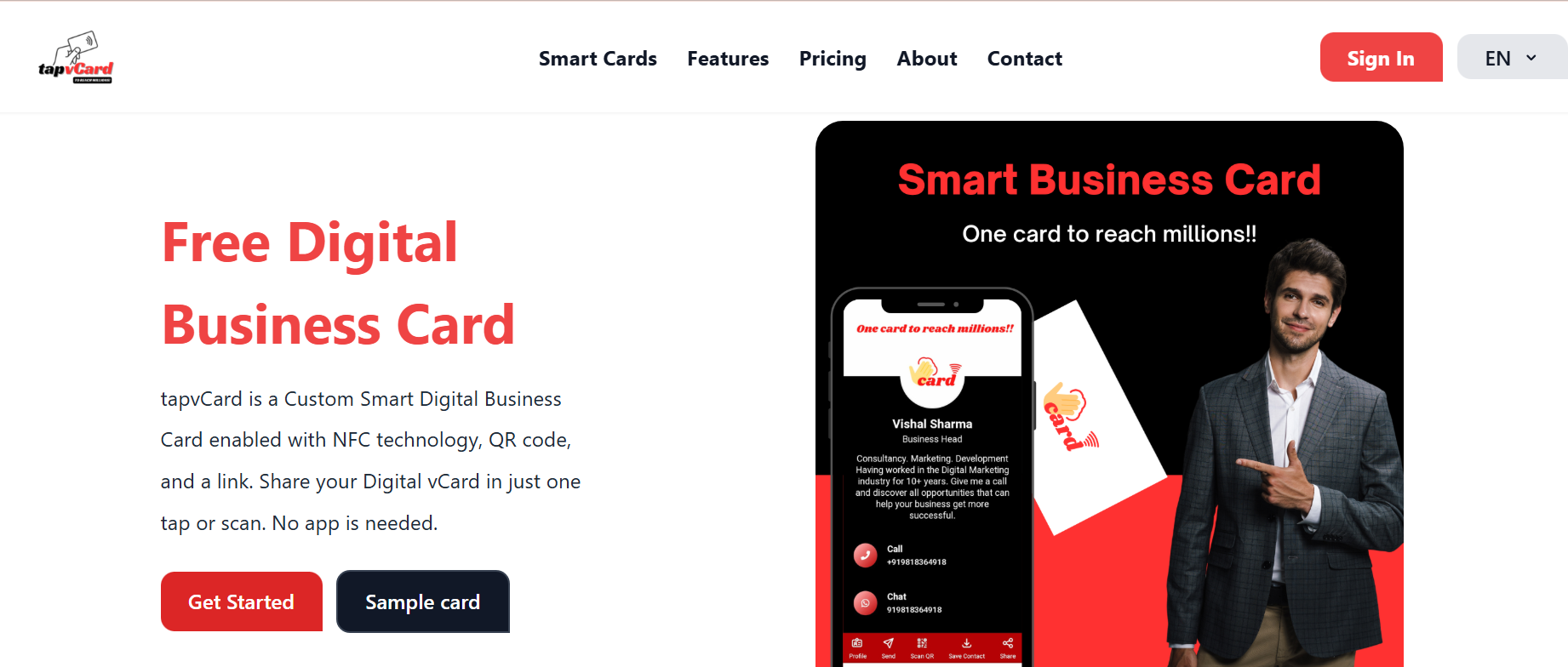
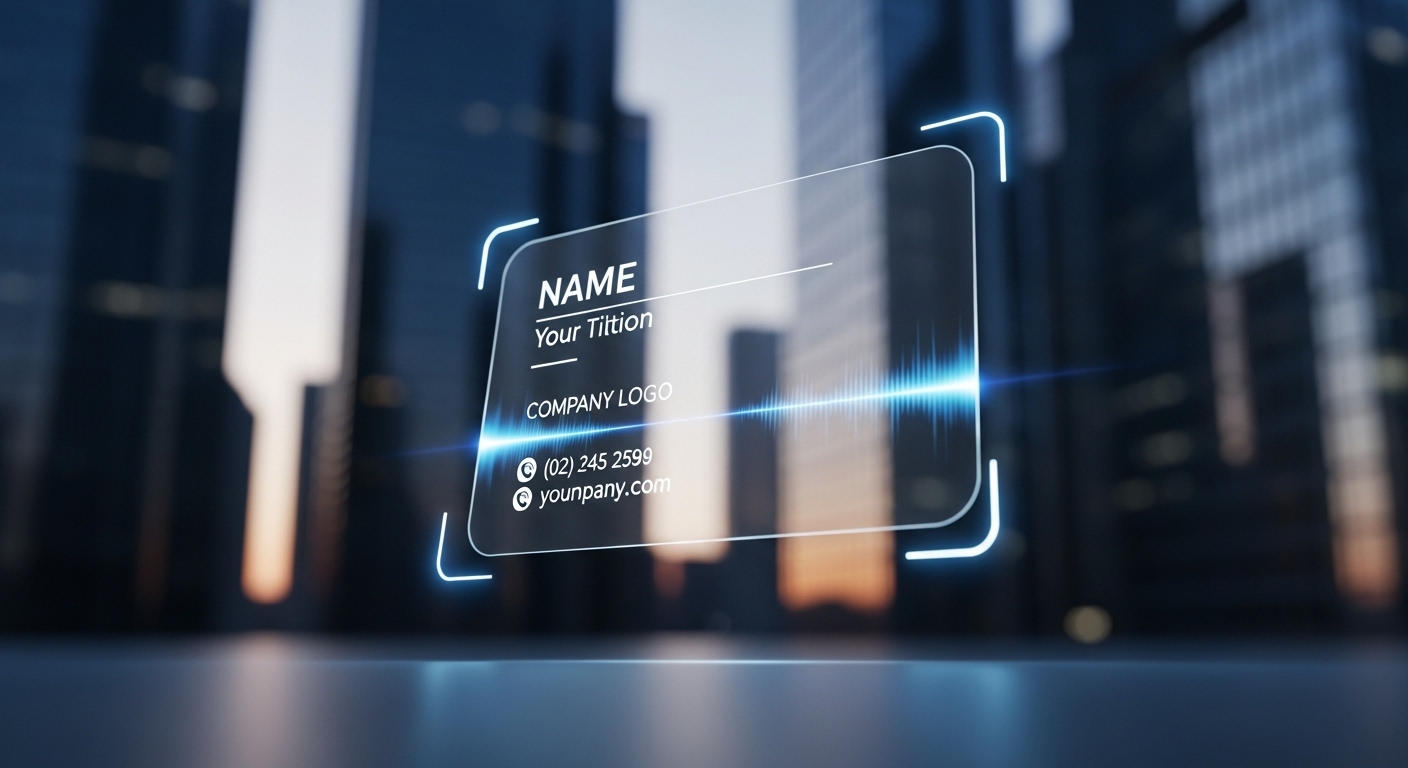
Creating a digital business card free is an accessible way to share contact details, links, and professional information without printing physical cards. Digital business cards use formats like vCard files, QR codes, NFC tags, or simple shareable URLs to transfer information directly into a recipient's contacts or browser.
- What it is: An electronic alternative to paper business cards using vCard, QR, NFC or web profiles.
- Main benefits: Cost-free distribution, easy updates, richer media and analytics options.
- Main drawbacks: Privacy concerns, compatibility differences, potential reliance on third-party services.
- Quick start: Create a vCard or simple web page, generate a QR code or share a URL, test on Android/iOS, consider privacy settings and data portability.
How to Create a Digital Business Card Free: Step-by-step
1. Decide what information to include
Choose essential contact fields first: full name, title, organization, email, phone number, and a website or professional profile link. Optional items include a brief bio, social media handles, a logo or headshot, and links to portfolios or calendars. Keep data minimal to reduce privacy risk and make the contact easier to import.
2. Pick a format
Common free formats are:
- vCard (.vcf): A standard contact file (see IETF vCard specifications, RFC 6350) that can be imported into address books.
- QR code: Encodes a URL or vCard data that smartphones can scan to open a profile or add a contact.
- NFC tag: Stores a URL or vCard pointer in a programmable chip for tap-to-share on compatible phones.
- Simple web page or single-page profile: Hosted on a free site or a personal domain and shared via URL.
3. Create the content
For a vCard, assemble a .vcf file with name, email, phone, and URL fields. Many desktop contact apps and mobile contact managers can export vCard files. For a web profile, use a lightweight HTML page or a free site builder and include clear contact links (mailto:, tel:), and a download link for the vCard file.
4. Generate share methods
To make distribution simple, convert the vCard or profile URL into a QR code using a free QR generator or write data to an NFC tag using a smartphone app and blank tags. Alternatively, host the vCard on a free file host or personal site and share the URL directly via email, messaging apps, or social profiles.
5. Test across devices
Verify that QR codes scan correctly on Android and iOS devices, that the vCard imports cleanly into popular contact apps, and that any links or calendar booking buttons work. Confirm performance when the recipient has limited connectivity, and test the sharing experience both as a file and as a URL.
Benefits and limitations of a digital business card free
Benefits
- Cost savings: No printing fees and easy updates without reprinting.
- Dynamic content: Can include clickable links, appointment booking, and multimedia.
- Easy distribution: Share via QR, NFC, email, messaging apps, or social profiles.
- Analytics potential: When using a hosted URL, basic analytics show clicks and engagement.
Limitations and trade-offs
- Compatibility: Not every device or contact app handles all vCard fields or NFC taps the same way.
- Privacy concerns: Sharing personal contact data widely can increase unwanted contacts; data controllers should consider regulations.
- Reliance on services: Free hosting or QR generators may change terms or display ads; plan for portability.
- Perceived formality: Some industries still prefer physical cards for first impressions.
Privacy, data portability, and compliance considerations
When creating and sharing contact data, follow applicable privacy laws and good data-handling practices. For recipients in the European Union, the General Data Protection Regulation (GDPR) governs how personal data may be processed—include only necessary fields and respect requests to remove shared data. For guidance on EU data protection law, see the official regulation text: EU GDPR. In other jurisdictions, consumer protection agencies such as the U.S. Federal Trade Commission publish guidance on fair data practices.
Best practices and maintenance
Keep it minimal and accurate
Limit fields to what a new contact needs to reach or verify identity. Review and update details regularly to avoid sending outdated information.
Provide multiple ways to connect
Offer an email link plus a phone number and an online profile or portfolio link. Including a one-click vCard download or a direct add-to-contacts option improves usability.
Plan for portability
Host a copy of the vCard or profile on a personal domain or export contact data to standard formats. Avoid locking data into a service without export options.
Troubleshooting common issues
QR code not scanning
Check that the QR encodes a valid URL, the image is high-contrast, and the scanner app supports the format. If embedding a vCard directly in the QR, ensure the payload size is within QR capacity limits.
vCard fields not importing
Some apps ignore custom fields or nonstandard labels. Use standard vCard labels (FN, TEL, EMAIL, URL) to maximize compatibility.
NFC not working
Confirm the recipient's device supports NFC and that the tag is formatted correctly. Test tags on multiple phones before distribution.
FAQs
How can I create a digital business card free?
Create a simple vCard (.vcf) using a contact manager or compose a lightweight web profile. Host the vCard or page on a free host or personal domain, then generate a QR code or program an NFC tag to point to that URL. Test import and scanning on Android and iOS devices and keep the data minimal to reduce privacy risks.
Is a digital business card more secure than a paper card?
It depends. A digital card can be updated or revoked and limits physical copying, but sharing electronic contact information widely can expose details to more people. Control access by sharing only necessary fields and by hosting profiles on trusted, exportable platforms.
Which format should be chosen: vCard, QR, or NFC?
Use vCard for direct contact import, QR for quick visual scanning without hardware dependency, and NFC for tap-to-share convenience. Combining a hosted vCard URL with a QR code covers most recipients and device capabilities.
Can digital business cards include analytics?
Yes. When a hosted URL is used, analytics can track clicks and basic engagement. Avoid collecting sensitive data without consent and follow local privacy regulations when processing analytics data.