Essential Tools & Resources for Web Designers in India: Practical Guide
-

- February 23rd, 2026
- 956 views
The landscape of tools and resources for web designers in India continues to evolve as demand for accessible, performant, and localized websites grows. This guide outlines key categories of tools, workflows, and official guidance useful to web designers in India, emphasizing standards, accessibility, and practical resources for both freelance and in-house work.
- Essential tool categories: design/prototyping, development, testing, hosting, and version control.
- Follow international web standards and local regulations for accessibility and data protection.
- Prioritize responsive design, performance optimization, and localization for Indian audiences.
- Leverage community learning, documentation from standards bodies, and official Indian government resources.
Essential tools for web designers in India
Web designers in India should focus on tools that support responsive design, cross-device testing, accessibility, and localization. Toolkit choices vary by project size: small business sites require easy CMS and hosting; enterprise projects benefit from modular design systems and CI/CD pipelines.
Design and prototyping
Visual design and UI kits
Use vector and layout tools to create responsive mockups, component libraries, and reusable UI kits. Design systems help maintain consistency and scale across pages or products. Include guidelines for typography, color contrast, and spacing that match accessibility recommendations.
Prototyping and user testing
Interactive prototypes and usability testing help validate flows before code. Remote testing and simple prototypes reduce rework and clarify requirements with clients or stakeholders.
Development, version control, and collaboration
Front-end languages and frameworks
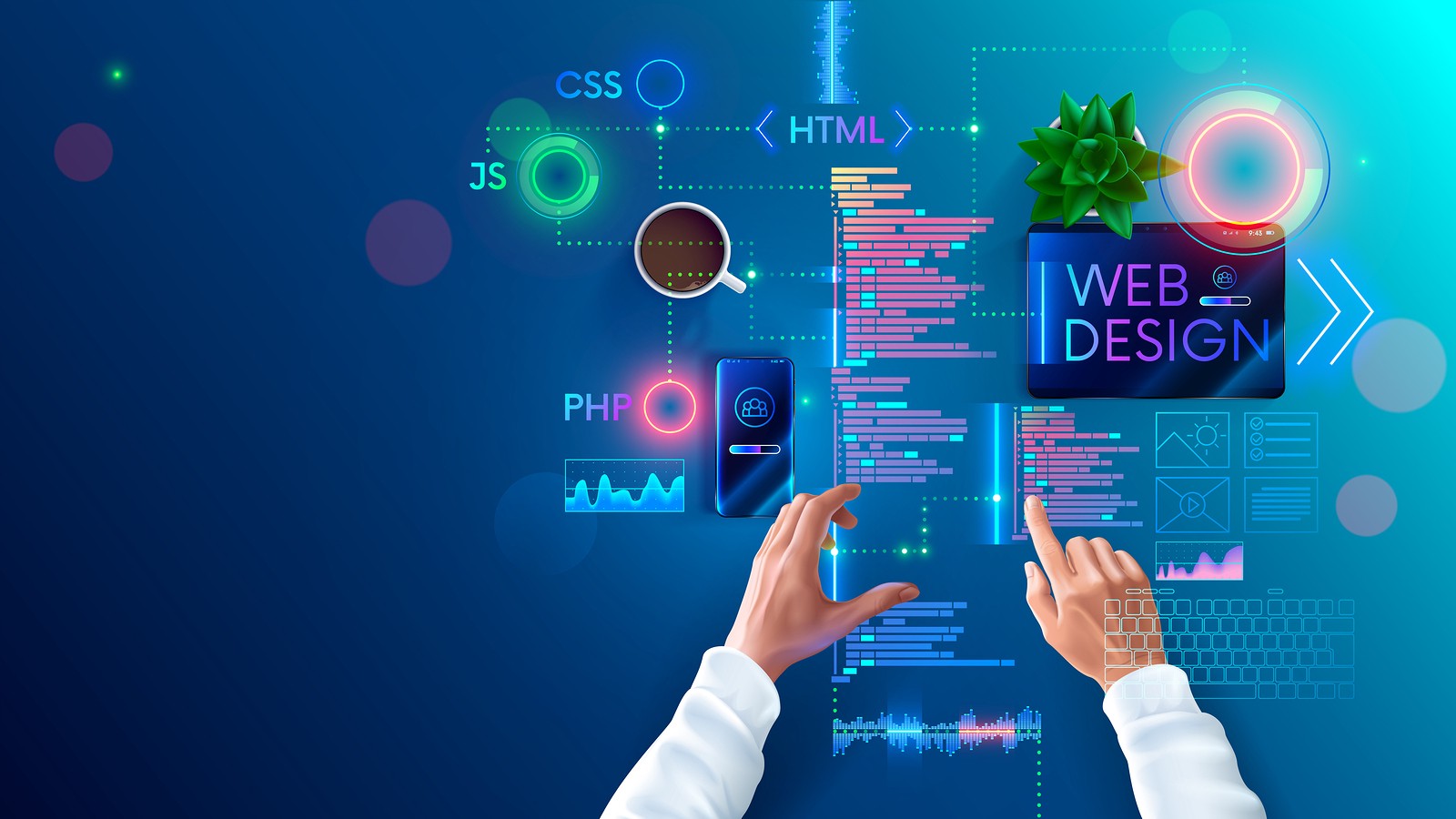
Competence in HTML, CSS, and JavaScript underpins modern web design. Using modular CSS, utility-first approaches, or component-based frameworks improves maintainability; choose options that align with performance goals and team skills.
Code editors and local development
A reliable code editor and local development environment are essential for building and debugging. Workflows that include linting, formatters, and task runners improve code quality and consistency.
Version control and collaboration
Version control systems enable collaborative workflows, branching strategies, and change tracking. Pair version control with code review processes to maintain quality in team environments.
Testing, performance, and accessibility
Cross-device and cross-browser testing
Testing on a matrix of devices and browsers reflects the diversity of the Indian market, where a large share of users access sites on mobile devices and varied network conditions. Emulate slow networks and low-power devices during testing.
Performance optimization
Optimize images, prioritize critical rendering paths, and use efficient asset delivery to improve load times and perceived performance. Performance improvements benefit search rankings and user retention.
Accessibility and standards
Design for inclusive access by following established accessibility guidelines and semantic HTML practices. Refer to the World Wide Web Consortium (W3C) Web Content Accessibility Guidelines for technical standards and testing approaches: W3C Web Accessibility Initiative. Additionally, designers in India may consult national guidelines and government portals that promote accessible public services.
Hosting, domains, deployment, and security
Choosing hosting and deployment models
Selection of hosting depends on traffic, regional latency, and maintenance capacity. Static hosting can be cost-effective for brochure sites, while dynamic sites require managed platforms or cloud infrastructure with staging and rollback mechanisms.
Domain registration and localization
Register domains that reflect brand and audience. Consider regional top-level domains for local trust. Implement correct language tags, character encodings, and locale-aware formatting for dates, numbers, and currency.
Security and data protection
Implement HTTPS by default, follow secure authentication practices, and keep dependencies updated. Be aware of local data protection requirements and consult national regulators or legal counsel when handling sensitive user data.
Learning, community, and regulation
Official resources and standards bodies
Standards organizations and government agencies publish guidelines that are important references for designers. In India, the Ministry of Electronics and Information Technology (MeitY) provides policy documents and initiatives related to digital services. International standards from bodies such as W3C outline best practices for web technologies and accessibility.
Community, courses, and documentation
Self-directed learning, community forums, and formal courses help designers stay current. Documentation from standards bodies and reputable academic publications are reliable sources for foundational topics like web performance, usability research, and human-computer interaction.
Costs and procurement considerations
Budgeting for tools and services
Decide between open-source and commercial options based on total cost of ownership, support needs, and integration with existing systems. Factor in hosting, licensing, testing services, and potential regulatory compliance costs.
Hiring and contracting
When assembling teams, clarify expectations for design systems, code standards, and handoff processes. Freelance or agency arrangements should include deliverables, timelines, and maintenance plans.
Best practices checklist
- Start with mobile-first, responsive layouts suitable for varied devices and network speeds.
- Prioritize accessibility and follow W3C guidelines for semantic markup.
- Use version control and code review for collaborative projects.
- Optimize assets and monitor performance in production.
- Document localization and content strategy for diverse Indian audiences.
Frequently asked questions
What tools should web designers in India start learning?
Begin with core web technologies — HTML, CSS, and JavaScript — plus a reliable code editor and a version control workflow. Learn responsive design techniques, accessibility basics, and performance optimization. Complement technical skills with prototyping and design workflow tools to communicate ideas to stakeholders.
Are there official accessibility or web standards to follow?
Yes. International standards such as the W3C Web Content Accessibility Guidelines (WCAG) are the primary reference for accessible content. Local government portals and policy documents may provide additional guidance for public sector projects.
How can designers account for India's diverse device and network landscape?
Design mobile-first, test on a range of device sizes and simulated network speeds, optimize images and assets, and minimize reliance on heavy client-side processing. Prioritize clear navigation and fast load times for low-bandwidth contexts.
Where can designers find reliable learning resources and communities?
Documentation from standards organizations, academic publications on usability and HCI, and active developer communities provide practical guidance and problem-solving assistance. Local meetups and online forums can help with region-specific topics like localization and regulatory requirements.