SEO Cannock: How to Optimise Your Google Business Profile for Local Rankings
-

- Published Updated
- 4,928 views
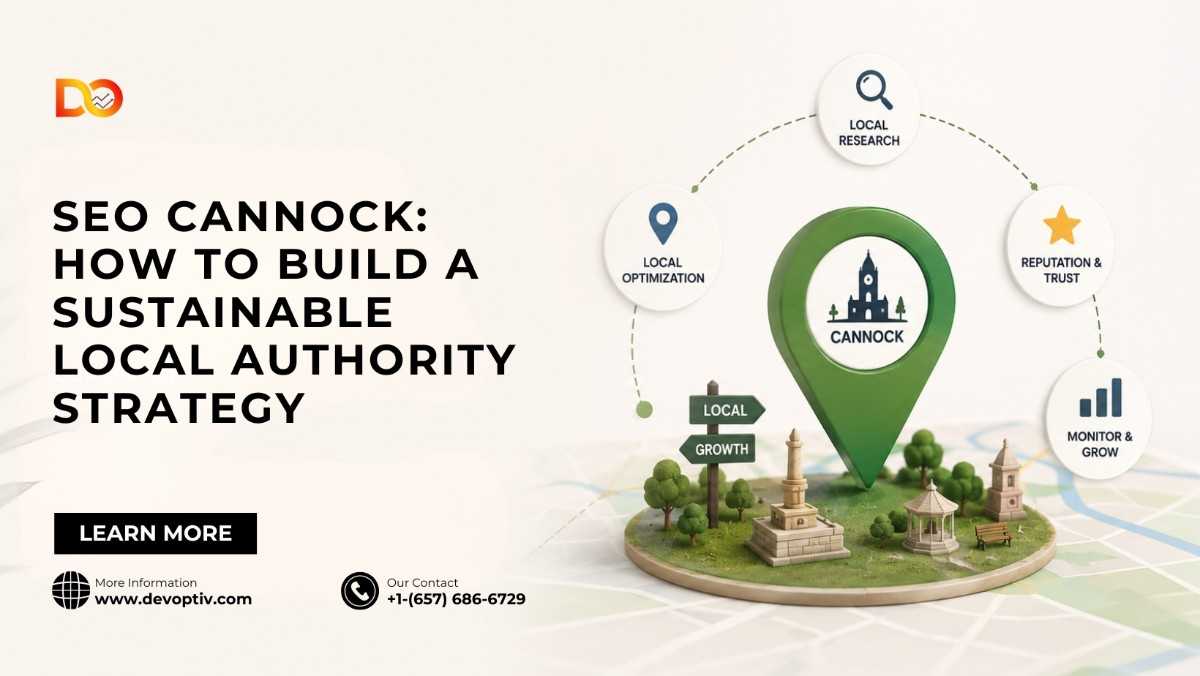
If you run a business in Cannock and you're not showing up when people search "near me," you're handing customers straight to your competitors. Local search is where most buying decisions now start, and for small and medium businesses in Staffordshire, that means one thing above all else: your Google Business Profile (GBP) has to work hard. This is the single most important, and most overlooked, part of SEO Cannock businesses need to get right.
In this guide, we'll walk through exactly how to optimize your Google Business Profile so you rank higher in the Local Pack, the Map, and organic search results specific to Cannock and the surrounding areas.
Why Google Business Profile Matters So Much for Local SEO
When someone searches "plumber Cannock" or "hair salon near me," Google doesn't just look at your website. It leans heavily on your Business Profile signals, your category, your reviews, your location data, your posting activity to decide who deserves the top three spots in the Local Pack.
A well-optimised profile does three things for you:
It helps Google understand exactly what you do and where you do it.
It builds trust with potential customers before they even click through to your site.
It gives you visibility in map results, which often sit above traditional organic listings on mobile.
For any business investing in SEO Cannock, ignoring this free tool is leaving rankings and revenue on the table.
Step 1: Claim and Fully Verify Your Listing
This sounds obvious, but a surprising number of local businesses either haven't claimed their profile or are using an old, unverified one. Head to Google Business Profile Manager, search for your business, and complete the verification process (usually by postcard, phone, or email, depending on your category).
An unverified or duplicate listing actively hurts your visibility, so before doing anything else, confirm you have full ownership and access.
Step 2: Get Your Business Name, Address, and Phone Number (NAP) Exactly Right
Consistency is everything in local SEO. Your business name, address, and phone number commonly referred to as NAP need to match exactly across your website, your GBP listing, and every directory you appear in (Yell, Thomson Local, Bing Places, industry-specific directories).
Mismatched details confuse Google's algorithm and can quietly suppress your rankings. Audit your citations regularly, especially if you've moved premises or changed your phone number.
Step 3: Choose the Right Categories
Category selection is one of the most powerful, least understood ranking factors. Google uses your primary category as a major signal for what searches you should appear in.
Pick a primary category that describes your core business as precisely as possible (e.g., "Electrician" rather than the vaguer "Contractor").
Add secondary categories for any additional services you genuinely offer.
Avoid stuffing irrelevant categories just to appear in more searches this can trigger suspensions and rarely helps rankings.
If you're unsure which category converts best, search for your main competitors in Cannock and see which categories they've selected.
Step 4: Write a Keyword-Rich, Natural Business Description
Your business description is prime real estate. Use it to naturally describe what you do, who you serve, and where including your location and relevant service keywords like SEO Cannock, without stuffing the text unnaturally.
A good structure:
One sentence on what your business does.
One or two sentences on what makes you different (experience, certifications, speciality services).
A clear mention of the areas you serve Cannock, Rugeley, Hednesford, Cheslyn Hay, and nearby towns, if relevant.
Step 5: Use Local Keywords Throughout Your Profile
Beyond the description, local keywords should appear naturally in:
Your services list
Your Google Posts
Your Q&A section
Your review responses
The goal isn't to cram "Cannock" into every sentence, it's to reinforce, consistently and naturally, that your business is genuinely rooted in the local area Google is trying to match searchers to.
Step 6: Add High-Quality Photos and Videos Regularly
Profiles with more photos receive significantly more clicks and direction requests than those without. Add:
Exterior shots so customers can recognise your premises
Interior shots to build trust
Team photos to add a human element
Photos of completed work, products, or services in action
Update your photos regularly. A profile that hasn't added a new image in a year signals inactivity, both to customers and to Google's algorithm.
Step 7: Actively Collect and Respond to Reviews
Reviews are one of the strongest local ranking signals, and they're also what convinces a potential customer to actually pick up the phone. Focus on:
Asking happy customers directly for a review, ideally right after a positive interaction
Making the process easy with a direct review link
Responding to every review positive and negative professionally and promptly
Review responses that mention your services and location (again, naturally) reinforce relevance signals for searches like SEO Cannock and related local terms.
Step 8: Post Regularly Using Google Posts
Google Posts let you share updates, offers, events, and news directly on your profile. Businesses that post consistently tend to see stronger engagement and, anecdotally, better visibility.
Use posts to:
Announce promotions or seasonal offers
Share recent projects or case studies
Highlight new services
Aim for consistency even one or two posts a month is far better than none.
Step 9: Keep Your Hours and Attributes Updated
Nothing damages trust faster than a customer turning up to a business that's listed as open but is actually closed. Keep your opening hours accurate, including holiday hours, and use attributes (wheelchair accessible, free Wi-Fi, outdoor seating, etc.) where relevant. These small details improve both user experience and your profile's completeness score.
Step 10: Monitor Performance with GBP Insights
Google Business Profile provides data on how customers find and interact with your listing search queries, calls, direction requests, and website clicks. Reviewing this monthly helps you understand which keywords are driving discovery and where there's room to improve.
If you notice certain local search terms performing well, feed that insight back into your website content and Google Posts to reinforce those signals further.
Bringing It All Together
Optimising your Google Business Profile isn't a one-off task it's an ongoing part of any serious local SEO strategy. For businesses focused on SEO Cannock, the profile acts as a direct bridge between local search intent and real foot traffic or phone calls. Get the fundamentals right, accurate NAP data, the correct categories, strong photos, consistent posting, and genuine reviews and you put yourself in a far stronger position to rank above competitors in your area.
If you'd rather have this handled professionally, working with a local SEO specialist who understands the Cannock market can save you time and help you avoid the common mistakes that hold local businesses back from ranking where it matters most.