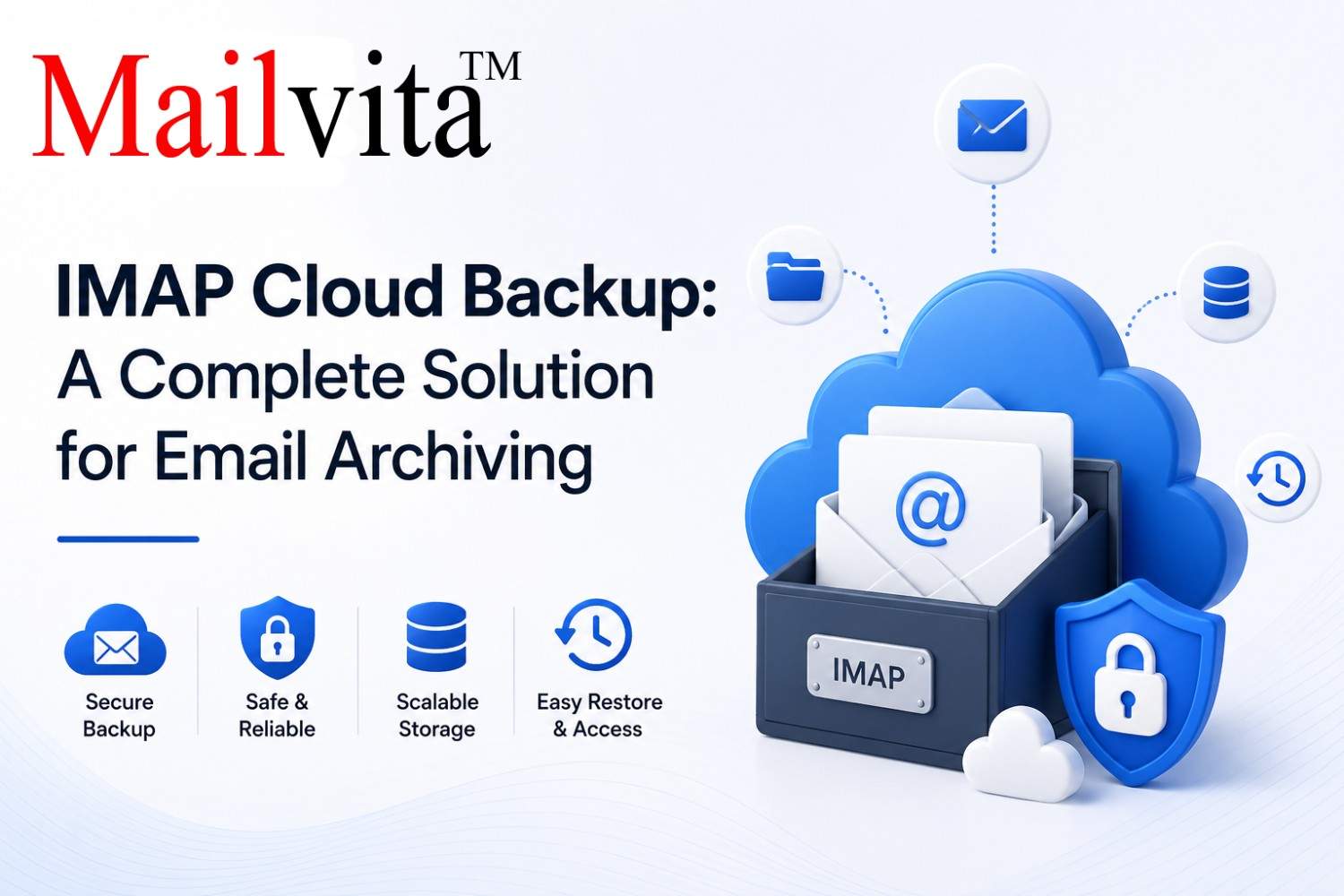
IMAP Cloud Backup: A Complete Solution for Email Archiving
-

- September 12th, 2026
- 4,707 views
Introduction
Email has become one of the most important communication tools for businesses and individuals . Services like Gmail, Yahoo Mail, Outlook.com, Zoho Mail and other IMAP based email platforms store valuable information like business conversations, client communications, invoices, attachments and personal records. These cloud-based email services are convenient and accessible, but they aren’t immune to data loss.
Accidental deletion , cyberattacks , account compromise , server issues , and synchronization errors can lead to loss of critical email data . That’s why having a reliable cloud backup solution is necessary. A good IMAP cloud backup strategy helps users to protect emails and restore important data when needed.
If you are a Mac user and looking for a reliable solution to backup Yahoo Mail, then Mailvita Yahoo Backup for Mac is the best option to protect Yahoo Mail data and take backups in several file formats without losing email integrity.
What Is IMAP Cloud Backup?
IMAP ( Internet Message Access Protocol ) is a protocol that allows a user to access and synchronize their emails across multiple devices without deleting the messages from the mail server.
IMAP Cloud Backup is a process of creating a standalone copy of mailbox data and storing it safely outside the original email account. This backup can be restored whenever emails become unavailable due to accidental deletion, account problems or cyber threats.
Cloud backup provides users with constant access to vital email data, no matter what happens to their email account.
Why Is Email Backup Important?
Many users assume that all of their data is automatically protected by cloud email providers. But most providers recommend that users keep their own backups for complete protection.
Common causes of email data loss include:
1. Accidental deletion of email
2. Malware or ransomware attacks
3. Hacking of email account
4. Synchronization errors
5. Server crashes
6. Man-made error
7. Account suspension
8. Retention limitations for long term
All these cases require a dedicated backup solution to avoid the loss of data permanently.
Benefits of Cloud Backup for IMAP Account Security
1. Avoid Data Loss
The best part about cloud backup is that it saves you from accidental data loss.
If emails are accidentally deleted or otherwise become unavailable, there are backup copies that can be recovered.
2. Improved Security
Cyber security threats are increasing year after year.
Email data can be compromised through phishing attacks, malware infections, and unauthorized access to accounts. Cloud backups are an extra layer of protection, as they are copies stored outside the original account.
3. Fast Email Recovery
Locating missing emails manually can be a time-consuming and difficult task.
Cloud backup solutions enable users to restore:
· Emails alone
· Particular folders
· Mailboxes in general
· E-mail attachments
4. Long-Term Email Storage
Many businesses are required to keep emails for years to meet requirements or to keep historical records.
With cloud backups, you can still access important conversations, even if the provider has limitations.
5. Continuity of Business
Email outages can disrupt daily business operations and communications with customers.
Having backup copies enables organizations to keep running smoothly should email services go down.
Why You Should Backup Gmail, Yahoo and Other IMAP Accounts?
· Gmail Archive
· Gmail accounts often come with:
· Letter Writing for Business
· Accounting Books
· Attachments Contracts
· Gmail backup lets you get critical information for a long time.
Backup Yahoo Mail
Yahoo Mail is still a popular email service for both personal and professional users.
Backups can save your life for important emails that are accidentally deleted and account related issues.
Other IMAP Accounts
Many email services support IMAP, including
1. Zoho Mail
2. AOL Mail Office 365
3. Yandex.Mail
4. FastMail Mail
5. Custom Business Email Servers
Cloud backup solutions protect mailbox data across all these platforms.
Features to Seek in an IMAP Cloud Backup Solution
Things to consider when choosing a backup utility:
Backup Automations
Automatic scheduling minimizes manual effort and offers ongoing protection.
Export Formats – Various
Saving emails in various formats enhances accessibility and portability.
Archive folder
Mailbox structure is preserved making it easier to manage the emails after restoration.
Attachments Backup
Attachments should remain intact during the backup process.
Backup Selective
Users should be able to select certain folders or date ranges to back up.
User Friendly Interface
Thanks to an intuitive interface, both technical and non-technical users can easily perform backup operations.
Yahoo Backup for Mac
Yahoo Backup for Mac is a professional email backup tool which is specially designed for macOS users.
The software helps users to backup Yahoo Mail accounts securely and save mailbox data in various formats. During the backup it preserves emails, attachments, folder structure and email properties.
This Application is useful for Home Users, Professionals & Businesses to secure their important Yahoo Mail Data.
Key Features
Backup Yahoo Emails Safely
The software makes complete copies of your Yahoo Mail mailbox data.
Support for multiple file formats
Users can save emails in formats including:
PST EML MSG MBOX PDF
The flexibility makes it easy to access email data on various platforms.
Email Properties
The software keeps:
· Topic
· Sender Details
· Who gets it?
· Date and Time Attachments Formatting
· During backup
· Selective Back-up
You can choose which folders and e-mail items to back up.
Easy Interface
The software design is very user friendly for quick and easy email backup operations.
Best Practices for Cloud Backup of IMAP
To protect their email to the fullest, users should:
1. Set up regular backups.
2. Keep backup copies in secure places
3. Periodically check backup files
4. Secure your account with passwords.
5. Enable two-factor authentication
6. Keep multiple copies of your backup whenever possible
These practices help to ensure complete email security.
Conclusion
Email accounts are usually where personal and business information is most valuable. If you have Gmail, Yahoo Mail or any email service that supports IMAP, protecting mailbox data should be on top of your list.
A good strategy for cloud backup prevents data loss, improves security, supports compliance and allows for quick recovery when necessary. Yahoo Backup for Mac offers an easy and efficient solution for Mac users to protect Yahoo Mail data by keeping emails, attachments and folder structure. With regular IMAP cloud backups, users can safeguard their important communications and retain access to critical information at all times.