Top 9 Currency Converter Apps for Android: Accurate, Fast, and Offline
-

- Published Updated
- 2,298 views
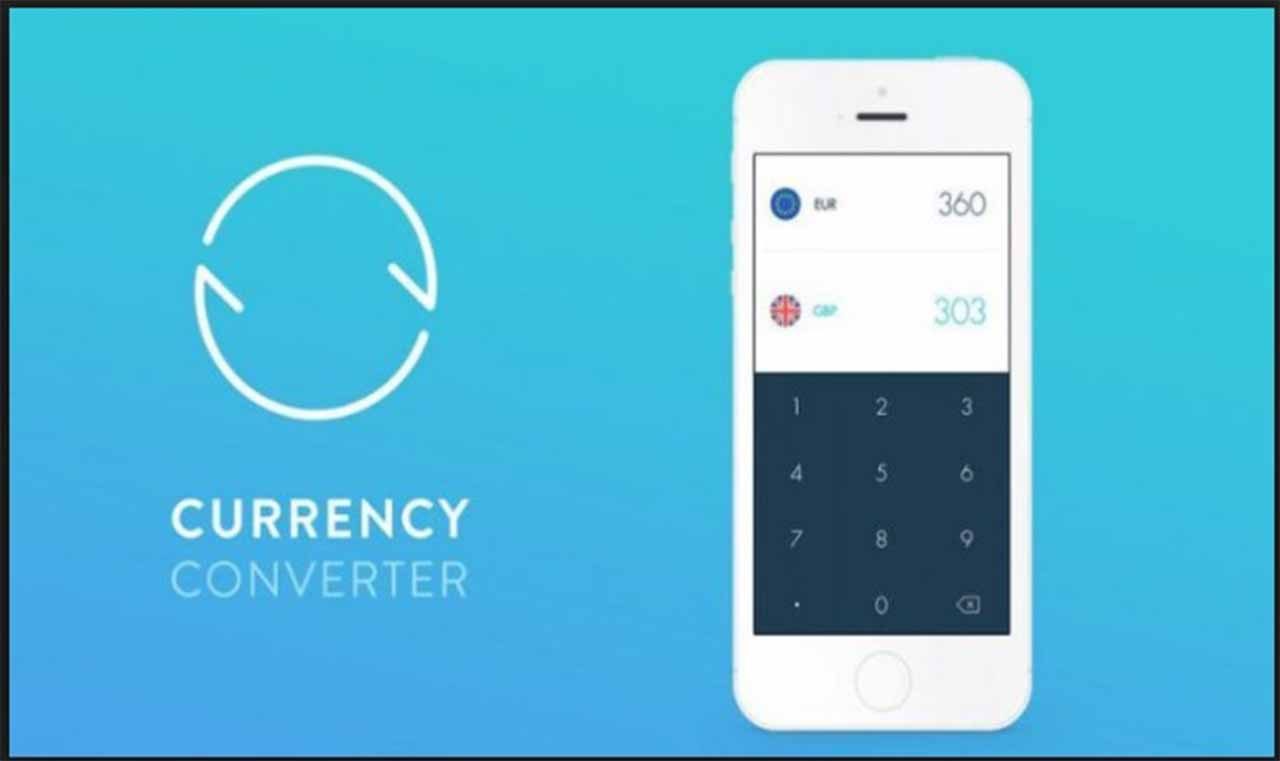
Choosing the right currency converter app can save time and reduce errors when traveling or working with international prices. This guide compares nine leading currency converter apps for Android, showing features such as live rates, offline mode, multi-currency lists, historical charts and data sources.
- Best overall: apps with live rates, easy UI and offline support.
- Best for travel: lightweight apps with offline rates and calculator mode.
- Best for business: apps offering historical charts, many currencies and precise rate sources.
currency converter apps for Android: how the top choices compare
The nine apps below are evaluated for accuracy, update frequency, offline functionality and ease of use. Wherever possible, rate sources such as central banks or established forex providers are preferred; official institutions like the European Central Bank and the International Monetary Fund provide reference rates used by many services for benchmarking. For a primary reference to official exchange rate publication, see the European Central Bank exchange rates page (European Central Bank).
Top 9 currency converter apps for Android
1. XE Currency
Strengths: Live mid-market rates, currency charts, multi-currency conversions, popular for travel and business. Offers an offline mode that stores the last downloaded rates. Limitations: free ad-supported version, with some features behind a subscription.
2. OANDA Currency Converter
Strengths: Professional-grade rates used by businesses, historical data and charts, precise calculations suitable for finance workflows. OANDA is widely cited by financial professionals. Limitations: advanced features can require sign-in or a paid plan.
3. Currency Converter Plus
Strengths: Simple interface, supports 150+ currencies and commodities, customizable lists and quick-convert widget. Includes offline caching of rates and a clear calculator layout for travel use. Limitations: occasional ads in the free edition.
4. Easy Currency Converter
Strengths: Lightweight, fast and optimized for offline use with automatic rate updates when online. Includes a converter widget and support for cryptocurrencies in some builds. Limitations: UI is functional but less polished than premium apps.
5. All Currency Converter
Strengths: Large coverage of currencies and territories, supports custom exchange sources and unit conversions. Useful for travelers who need obscure or local currencies. Limitations: some users report slower update intervals for less common currencies.
6. My Currency — Currency Converter
Strengths: Clean interface, favorite lists and multi-conversion screens that show several currency equivalents at once. Good battery usage and reliable offline caching. Limitations: fewer advanced charting features for historical analysis.
7. Currency (by Currency Converter Developers)
Strengths: Minimalist design focused on speed, widget support and a built-in calculator for quick conversions. Often chosen for straightforward travel needs. Limitations: limited custom reporting or historical export.
8. Exchange Rates — Currency Converter
Strengths: Strong emphasis on accurate rate sourcing and transparent update times. Includes detailed rate update timestamps and source attribution. Limitations: some premium features such as extended histories require in-app purchases.
9. Smart Currency Converter
Strengths: Optimized for usability with features like offline mode, automatic detection of local currency and a split-screen friendly interface for multi-tasking. Useful for quick price checks and receipts conversion. Limitations: fewer currencies than enterprise-focused apps.
How the apps update rates and why sources matter
Accuracy depends on the rate source and update interval. Many apps pull rates from forex aggregators, bank feeds or central banks. Official institutions such as the European Central Bank publish daily reference rates that are commonly used for benchmarking; commercial services add near-real-time quotes and spreads. When comparing apps, check the timestamp for the most recent update and whether the app shows mid-market or bank exchange rates.
What to look for when choosing a currency converter app
Offline mode
Offline caching allows conversions without a connection by using the most recently downloaded rates. This is essential for air travel or areas without reliable internet.
Update frequency and rate source
Look for apps that disclose the update time and data source. For business use, prefer apps that reference reputable providers or central bank rates.
Multi-currency and batch conversions
For pricing, shopping or expense reporting, multi-currency displays and the ability to pin favorites speed comparisons.
Calculator and receipt features
Built-in calculators, tip splits and receipt conversion make in-the-moment decisions easier while traveling.
Privacy and permissions
Check required permissions and privacy policies before installing. Apps that request only necessary permissions (network access and storage for caching) reduce exposure of personal data.
Installation tips and common pitfalls
Download apps from the official Android app store and read recent reviews to confirm current performance. Be aware of ad-supported free versions versus paid or subscription models that remove ads or add features. For financial workflows, validate conversions against a trusted source (for example, a central bank publish) when exact compliance is required.
FAQ: currency converter apps for Android
Are offline rates reliable in currency converter apps for Android?
Offline rates reflect the last time the app updated while online. They are useful for estimates but should not be used for precise settlement amounts if up-to-the-minute accuracy is required; confirm with a live rate or official source for final transactions.
Do these apps show bank exchange rates or mid-market rates?
Some apps display the mid-market rate (the midpoint between buy and sell prices), while others show rates from specific providers or banks that include spreads. Check the app details or settings to see which rate type is shown.
Can a currency converter app handle cryptocurrencies?
Some apps include cryptocurrency rates alongside fiat currencies. When using crypto data, verify the exchange source and be aware of rapid price volatility.
How often should an app update rates for travel use?
For travel, hourly updates are typically sufficient for practical price conversions. For business or trading use, more frequent updates or professional services are recommended.
Is it safe to enter amounts and store favorites in a currency converter app?
Most converter apps only store amounts and favorites locally. Review the app's privacy policy to confirm whether data is stored on the device or synced to cloud services before saving sensitive information.
For authoritative exchange rate publications and methodology, consult central bank resources such as the European Central Bank exchange rates page referenced above.