VLANs Explained: How Cisco Switches Simplify Network Segmentation
-

- February 23rd, 2026
- 1,228 views

👉 Best IPTV Services 2026 – 10,000+ Channels, 4K Quality – Start Free Trial Now
VLANs Explained: How Cisco Switches Simplify Network Segmentation
VLANs are a foundational technique for network segmentation that separate broadcast domains at Layer 2 to improve performance, security, and manageability. This article explains what VLANs do, how they interact with common switch features, and practical steps for configuring VLANs on Cisco switches.
- VLANs partition a single physical network into multiple logical networks.
- 802.1Q tagging and trunk ports carry traffic for multiple VLANs across links.
- Inter-VLAN routing is required for devices on different VLANs to communicate.
- Cisco switches support access ports, trunk ports, SVIs, and VLAN management features.
- Follow basic best practices: consistent naming, VLAN documentation, and minimal native VLAN exposure.
Core concepts of network segmentation
Network segmentation divides a network into smaller parts to reduce broadcast traffic, contain faults, and apply access controls. On switched Ethernet networks, segmentation is commonly implemented using VLANs. Each VLAN acts like a separate LAN: devices in the same VLAN can communicate at Layer 2, while communication between VLANs requires a router or a Layer 3 switch.
VLAN IDs and membership
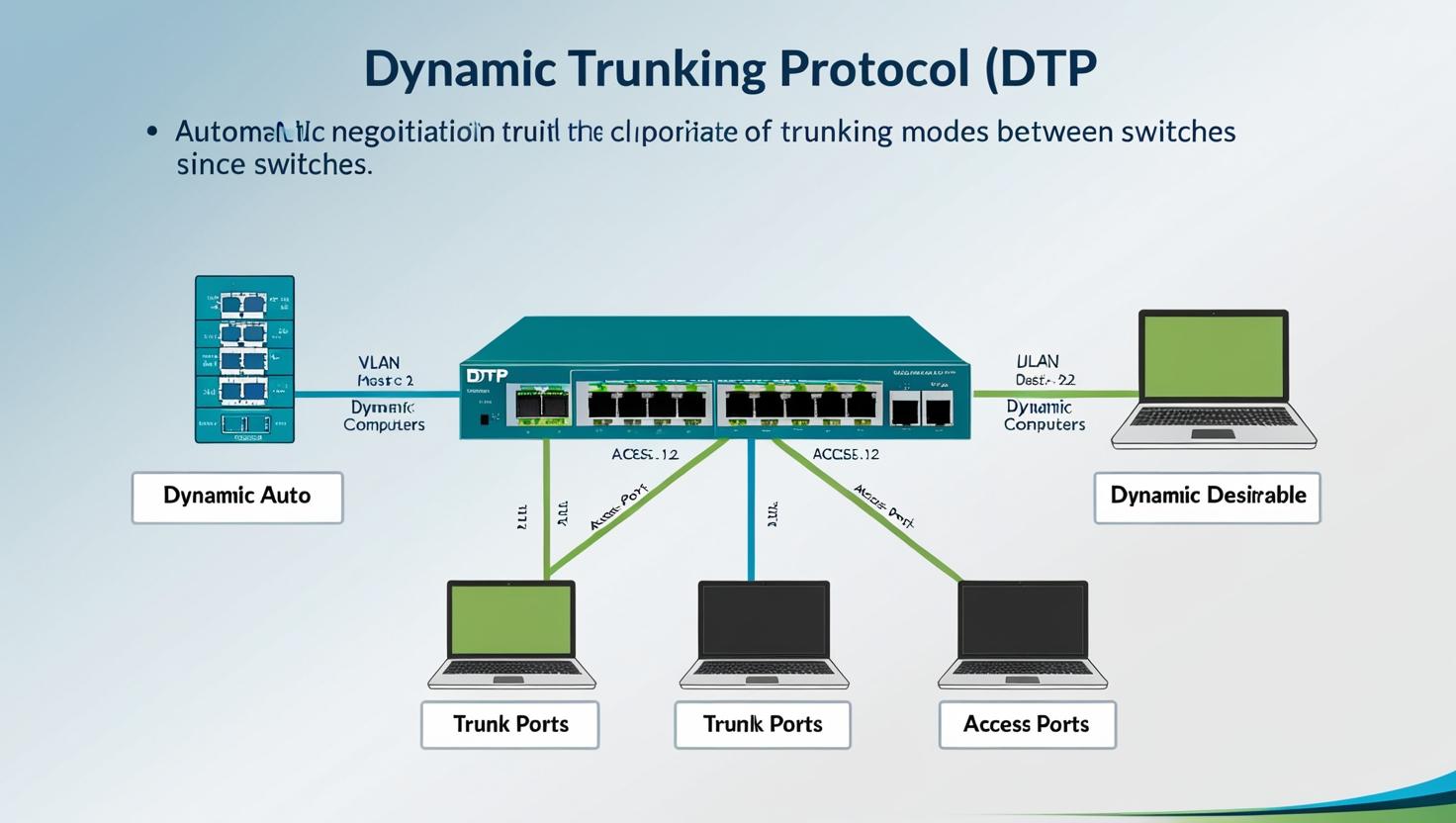
VLANs are identified by a numeric VLAN ID, typically in the range defined by equipment and standards. Ports on a switch are assigned to a VLAN as either access ports (members of a single VLAN) or trunk ports (carrying traffic for multiple VLANs). Membership can be static (port-based) or dynamic using management protocols or authentication systems.
Tagging and trunking
802.1Q is the industry-standard method for tagging Ethernet frames so that traffic for multiple VLANs can traverse a single physical link. A trunk port adds a VLAN tag to frames to indicate their originating VLAN. The concept of a native VLAN allows one untagged VLAN on a trunk in some deployments, though exposing an untagged native VLAN can create security and operational risks.
Types of segments and common VLAN use cases
Design approaches vary by organization, but common VLAN segmentation models include separating user devices, servers, management systems, voice, and guest networks. Examples of typical VLAN types:
- User/Workstation VLANs for employee desktops and laptops.
- Server VLANs to host application and database servers.
- Voice VLANs to prioritize IP telephony traffic and apply QoS.
- Guest VLANs to isolate temporary or untrusted devices from internal resources.
Configuring Cisco switches
Configuration steps vary by platform and software version, but typical tasks include creating VLAN entries, assigning ports to VLANs, configuring trunk links, and setting up inter-VLAN routing or a gateway. Example high-level steps:
- Create VLANs in the switch VLAN database and provide descriptive names for documentation.
- Set access ports to the appropriate VLAN for endpoint connectivity.
- Configure trunk ports between switches and to routers, using 802.1Q tagging.
- Create Switch Virtual Interfaces (SVIs) or use an external router for inter-VLAN routing.
- Apply port security, QoS policies, and management access controls as needed.
Example commands and exact syntax depend on the switch model and operating system. Vendor documentation and configuration guides provide step-by-step instructions for specific platforms.
Best practices for VLAN design
Effective VLAN design reduces complexity and security exposure. Recommended practices include:
- Document VLAN IDs, names, and purposes centrally.
- Avoid overloading a single VLAN with unrelated traffic; map VLANs to functional or security boundaries.
- Minimize the use of the native (untagged) VLAN on trunks and consider tagging all VLANs where possible.
- Implement access control lists (ACLs) or firewall policies for inter-VLAN traffic that must be restricted.
- Use consistent VLAN naming conventions across devices to simplify management.
Troubleshooting VLAN issues
Common problems include misconfigured access or trunk ports, mismatched native VLANs, VLAN not present in the spanning tree domain, and incorrect inter-VLAN routing. Troubleshooting steps typically include verifying VLAN membership per port, checking trunk status and allowed VLAN lists, reviewing VLAN databases, and confirming SVI or router configurations for correct IP addressing and routing.
Standards and references
The IEEE 802.1Q standard defines VLAN tagging and trunking behavior, and vendor configuration guides explain platform-specific setup. For practical configuration examples and product-specific guidance, consult official vendor resources and the 802.1 working group documentation.
Additional vendor documentation: Cisco: What is a VLAN?
FAQ
What are VLANs and why use them?
VLANs are logical groupings of devices within a switched network that form separate broadcast domains. They are used to reduce broadcast traffic, improve security by isolating groups of devices, and simplify network management by grouping related systems together.
Can devices on different VLANs communicate directly?
Not at Layer 2. Devices on different VLANs require a Layer 3 device—a router or a Layer 3 switch—to route traffic between VLANs. Inter-VLAN routing can be provided by a dedicated router, a router-on-a-stick design, or integrated routing on a multilayer switch.
How many VLANs can a switch support?
Support for VLAN count depends on the switch model and firmware. The IEEE 802.1Q standard allows up to 4094 VLAN IDs (1–4094 are usable in many implementations), but hardware limits and reserved IDs vary by vendor and device class.
How should VLANs be named and documented?
Use clear, descriptive names and maintain a centralized VLAN registry that includes VLAN ID, name, purpose, associated IP subnets, and device or port mappings. Consistent naming reduces configuration errors and simplifies troubleshooting.