Comprehensive Guide to Workflow Management Software: Features, Benefits, and Selection
-
- March 08th, 2026
- 1,868 views
Introduction
workflow management software helps organizations design, automate, monitor, and improve business processes across teams and systems. These platforms combine process mapping, task tracking, automation, and reporting to reduce manual steps, improve consistency, and provide visibility into operations.
- Workflow management software coordinates tasks, approvals, and data flow across people and systems.
- Key components include process modeling, automation (RPA/APIs), task queues, and reporting/KPIs.
- Selection should weigh integrations, security, scalability, and governance needs.
- Compliance, change management, and measurable KPIs support successful adoption.
Workflow management software: what it is and how it works
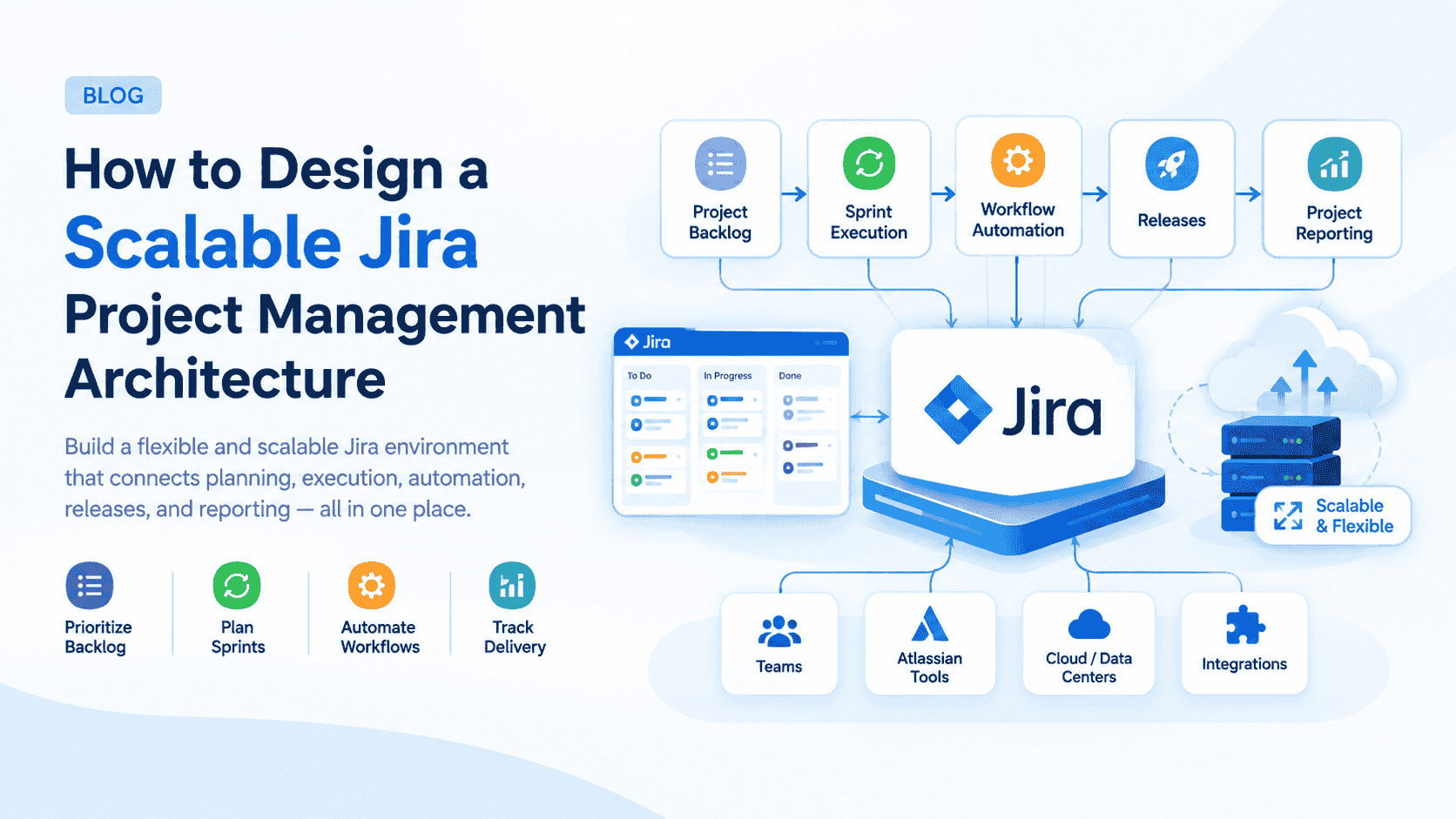
At its core, workflow management software formalizes how work moves through an organization. Typical capabilities include visual process modeling (flowcharts, BPMN), rule engines for decision logic, task assignment and routing, automated notifications, and dashboards showing status and metrics. Many solutions support cloud deployment as SaaS, provide APIs for integration, and include connectors for common enterprise systems such as CRM, ERP, and document repositories.
Common features and components
Process modeling and design
Tools often provide drag-and-drop editors for process mapping and logic configuration. Models may be exported or standardized using notations such as BPMN to aid governance and auditability.
Automation and orchestration
Automation ranges from simple triggers (email, form submissions) to complex orchestrations involving APIs and robotic process automation (RPA). Orchestration coordinates steps across human tasks and system actions.
Task and case management
Task queues, assignment rules, SLAs, and case handling help teams manage work items, exceptions, and handoffs. Kanban boards, lists, and Gantt views are common UI patterns for tracking progress.
Reporting, analytics, and process mining
Dashboards surface KPIs such as cycle time, throughput, backlog, and SLA compliance. Process mining and event logs can identify bottlenecks and improvement opportunities using data from systems and audit trails.
Benefits and limitations
Benefits
- Improved visibility into process status and performance.
- Reduced manual errors and faster completion through automation.
- Consistent application of rules and compliance controls.
- Scalability for standardizing processes across departments or locations.
Limitations and risks
Over-automation can reduce flexibility; poorly designed workflows may create new bottlenecks. Integration gaps, data quality issues, and inadequate change management can undermine expected gains. Licensing and operational costs should be evaluated alongside expected benefits.
Security, compliance, and governance
Security features to consider include role-based access control, encryption in transit and at rest, detailed audit logs, and secure API authentication. Compliance requirements vary by sector: for example, financial services and healthcare may require controls aligned with regulators and standards such as ISO 27001 or regional data protection rules like GDPR. Governance practices should define process ownership, version control, and approval workflows for changes.
Selecting and implementing a solution
Assessment and requirements
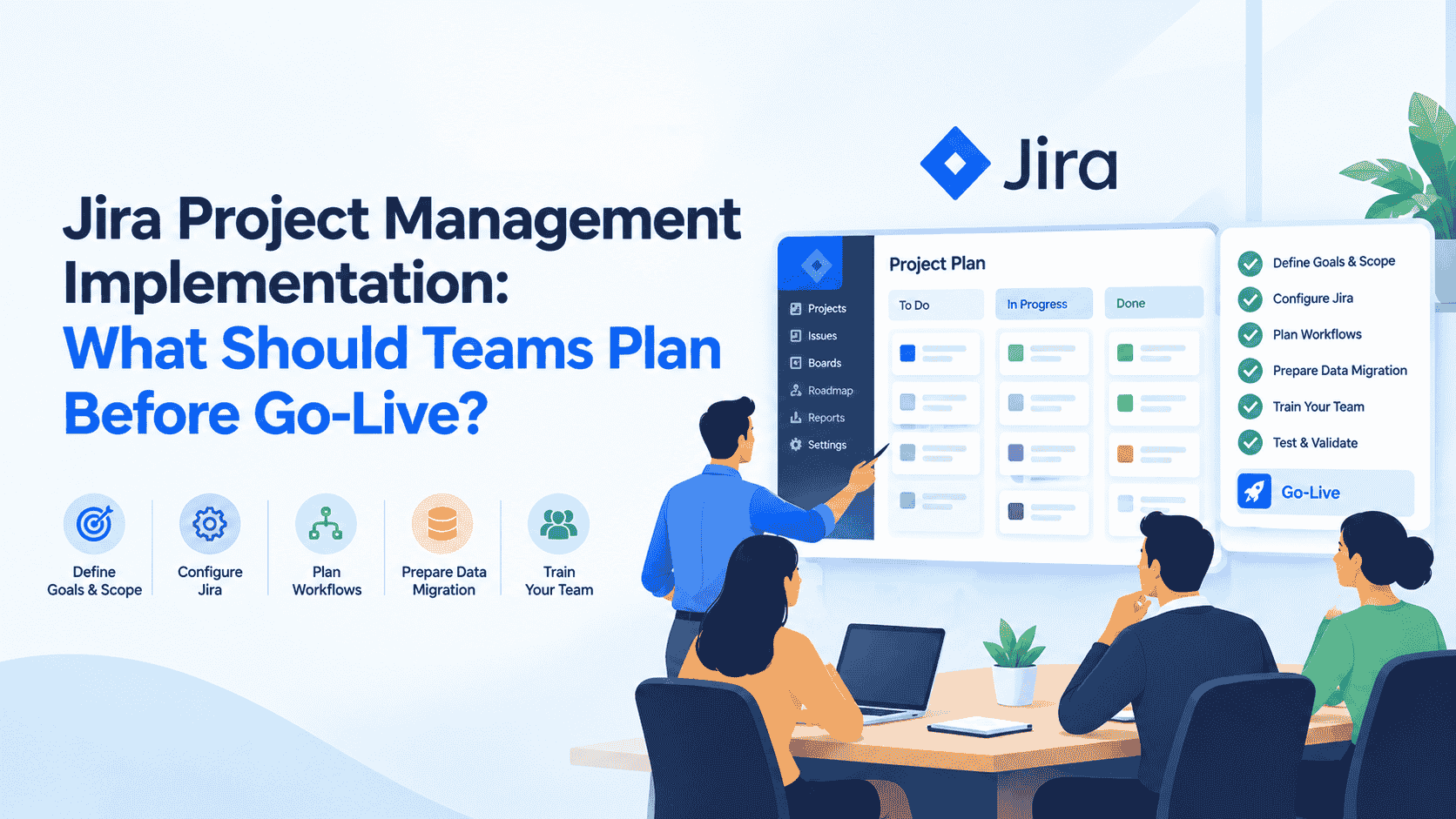
Start with mapped processes and measurable objectives: which KPIs should improve, what systems must integrate, and which compliance constraints apply. Include stakeholders from IT, operations, security, and end users to capture realistic requirements.
Pilot, scale, and change management
A pilot project reduces deployment risk and demonstrates value. Use iterative rollout, train users, and establish feedback loops for continuous improvement. Clear documentation and governance minimize disruptions during scaling.
Integration and technical considerations
Evaluate API availability, connector libraries, support for standards (SAML, OAuth), and data portability. Consider on-premises versus cloud deployment, multi-tenant architecture, and options for high availability and disaster recovery. Performance testing for expected loads helps prevent runtime issues.
Measuring performance and continuous improvement
Track leading and lagging indicators such as cycle time, throughput, rework rate, and customer satisfaction. Process mining, regular audits, and Kaizen-style reviews support iterative improvements. Documented SLAs and periodic reviews help maintain alignment with business goals.
Organizations, standards, and guidance
Relevant organizations and professional bodies can provide frameworks and best practices for process and project work, including the Project Management Institute (PMI) and standards organizations such as ISO. Guidance from these bodies helps align workflows with enterprise governance and risk management practices. For additional reading from a recognized professional association, consult the Project Management Institute: Project Management Institute.
Common use cases
- Finance: invoice processing, expense approvals, and reconciliations.
- Human resources: onboarding, performance reviews, and leave approvals.
- Customer service: case routing, SLA tracking, and escalation management.
- IT and operations: change requests, incident workflows, and provisioning.
Conclusion
Workflow management software can increase efficiency, transparency, and control over business processes when selected and implemented with attention to requirements, security, and change management. Success depends on clear objectives, measurable KPIs, stakeholder engagement, and ongoing governance.
FAQ
What is workflow management software?
Workflow management software is a class of tools that models, automates, coordinates, and monitors business processes across people and systems. It captures the sequence of activities, decision logic, task assignments, and reporting needed to complete work efficiently and consistently.
How to evaluate workflow management tools?
Evaluate integration capabilities, security controls, scalability, user experience, analytics, and total cost of ownership. Pilot with a representative process, measure outcomes, and assess vendor support and ecosystem.
What is the difference between BPM and workflow software?
Business Process Management (BPM) often refers to a broader discipline that includes governance, modeling, optimization, and lifecycle management. Workflow software typically focuses on task orchestration and automation but may be part of a BPM strategy.
How does workflow management software integrate with existing systems?
Integration methods include REST or SOAP APIs, webhooks, prebuilt connectors for ERP/CRM systems, and message queues. Data mapping, identity federation (SAML/OAuth), and secure credentials management are key elements for reliable integration.