AI Speech Writer Guide: How to Craft Precise, Persuasive Speeches with AI
-

- March 12th, 2026
- 632 views
Informational
An AI speech writer is a tool that uses natural language generation to draft, refine, and adapt spoken-word content for speakers, presenters, and communicators. This guide explains how an AI speech writer can be used safely and effectively to create speeches that match audience, purpose, and tone.
- What it does: Drafts and suggests speech structure, language, and rhetorical devices.
- Framework: Use the CLEAR model (Context, Lead, Emotion, Action, Rehearse).
- Workflow: Prompt → Draft → Edit → Localize → Rehearse.
- Primary use cases: keynote outlines, fundraising pitches, technical talks, and short presentations.
AI speech writer: what it is, strengths, and limits
An AI speech writer uses language models (large language models or LLMs) to generate text optimized for oral delivery rather than written publication. Strengths include fast iteration, consistent tone shifts, and automated formatting for time-limited remarks. Limits include possible factual errors, over-sanitized language, and the need for human editing to ensure authenticity and alignment with strategic goals.
CLEAR framework for AI speech writing
Apply a simple checklist to evaluate drafts from an AI speech writer. The CLEAR framework organizes decisions and edits into five action points.
- Context — Define the audience, occasion, and objectives. (Who, what, why, and desired outcome.)
- Lead — Craft an opening that captures attention: anecdote, question, or surprising fact.
- Emotion — Choose one or two emotional tones and tie facts to values or stories.
- Action — End with a clear call to action or takeaway that the audience can remember and act on.
- Rehearse — Mark pauses, emphasize, and run timed readings to ensure natural delivery.
Step-by-step workflow: from prompt to polished speech
Use this repeatable workflow when using an AI speech writer for reliable results. The sequence keeps creative control in human hands while leveraging automation where it helps most.
1. Prepare a focused brief
Include audience profile, length, key messages, preferred tone, and any constraints (e.g., no jargon). Good briefs reduce revisions and improve usefulness of the initial draft.
2. Generate a structured outline
Ask the AI to produce a clear outline with time estimates for each section. Outlines help with pacing and ensure the speech meets time limits.
3. Draft and iterate
Request multiple variants (e.g., concise, narrative, and data-driven) to compare styles. Use the CLEAR framework to select the best elements from each variant.
4. Edit for factual accuracy and voice
Verify any claims, names, or statistics. Edit sentences to match the speaker’s natural cadence and preferred wording. This step prevents the generic 'AI voice' problem.
5. Localize and rehearse
Adjust cultural references and rehearse aloud. Add stage directions: pauses, emphasis, and breathing points. Timing adjustments often require cutting or expanding sections.
Practical tips for better results with speechwriting with AI
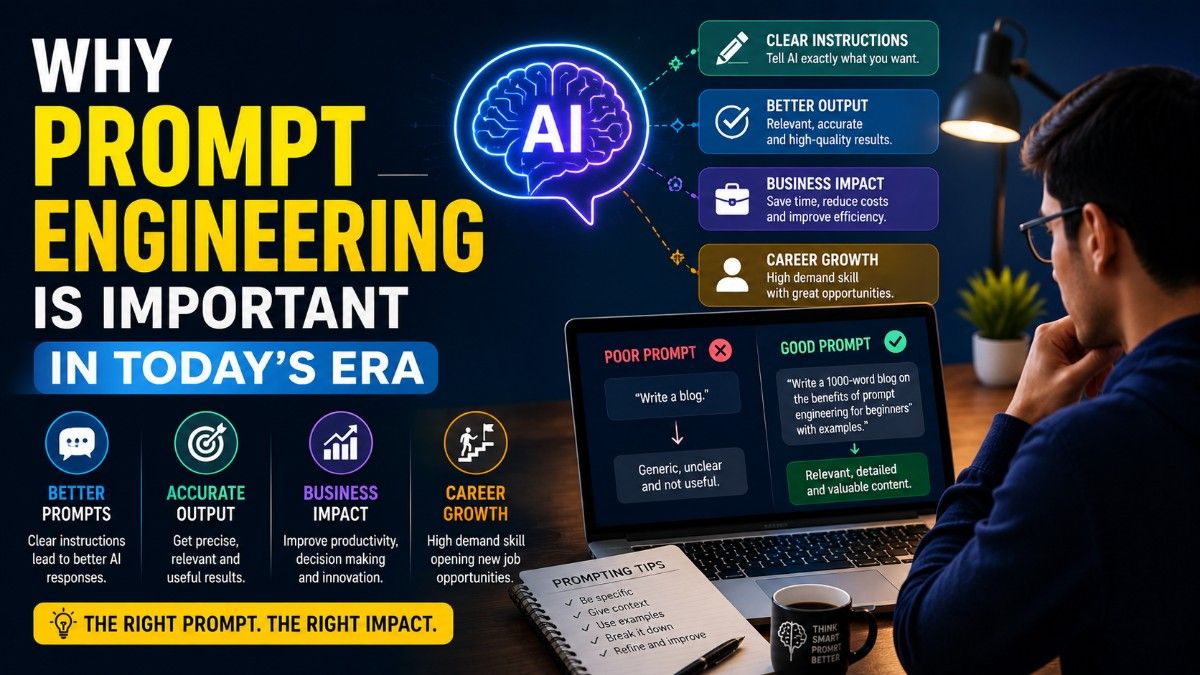
- Use short, precise prompts that include audience and desired length—e.g., "5-minute inspirational keynote for donors."
- Ask the AI to mark pauses, rhetorical questions, and repeating phrases to aid spoken delivery.
- Request multiple tones (formal, conversational, humorous) and compare to the speaker’s authentic voice.
- Keep a running list of phrases and metaphors that match the speaker; reuse them for consistent voice across speeches.
- Run a quick fact-check pass: verify dates, names, and data against original sources before finalizing text.
Trade-offs and common mistakes when using automated speech drafting
Common mistakes
- Over-reliance on the first AI draft without human editing, which leads to bland or inaccurate content.
- Asking for too many objectives in one prompt—results can be unfocused.
- Neglecting rehearsal: AI can write a speech that reads well on paper but sounds unnatural aloud.
Trade-offs to consider
Speed versus authenticity: rapid drafts save time but require human polishing to sound like the speaker. Detail versus concision: highly detailed technical language can lose non-technical audiences; balance depth and clarity to match audience literacy. Privacy versus convenience: uploading sensitive briefing materials to an AI platform may require privacy review or anonymization.
Real-world example: 7-minute donor pitch
Scenario: A nonprofit director needs a 7-minute pitch for a fundraising event. Using an AI speech writer, create a brief: audience (philanthropic donors), purpose (secure follow-up meetings), tone (urgent but hopeful), length (7 minutes).
Workflow: produce three outline options—story-led, data-led, and hybrid. Select hybrid, ask the AI to expand the opening anecdote, tighten data to two compelling statistics, and end with a concrete ask: "Join a follow-up visit to see impact in person." Edit the draft to insert the director’s signature phrases and add stage directions (30-second pause before the ask). Rehearse twice aloud and cut 30 words to meet the time limit. Result: a polished speech that fits time, aligns with brand voice, and includes a clear next step.
Core cluster questions
- How accurate are AI-generated speeches at matching a speaker’s voice?
- What editing steps are essential after using an AI speech writer?
- How should an AI speech writer be used for technical presentations?
- What practices ensure AI-generated speeches are original and plagiarism-free?
- Which audiences respond best to AI-assisted speeches versus fully human-written content?
For guidance on speech structure and public-speaking techniques, see resources from Toastmasters International, which describe classic openings, transitions, and closings useful when editing AI drafts.
Final checklist before delivery
Use this short checklist to move from draft to delivered speech:
- Context & audience verified
- Key messages highlighted and repeated
- Factual claims checked and sourced
- Language adjusted to speaker’s natural cadence
- Timing confirmed and stage directions added
FAQ: How to choose and use an AI speech writer
How does an AI speech writer ensure tone and accuracy?
AI tools provide tone presets and can mimic styles, but accuracy depends on prompt quality and verification. Include explicit tone instructions in the brief and run a factual check against reliable sources. Use the CLEAR framework to align tone with audience and objective.
Can an AI speech writer handle technical or data-heavy talks?
Yes, when the brief specifies the audience’s technical level and the speech includes clear explanations for non-experts. For complex data, generate speaker notes and simple visual cues to support comprehension.
What are quick edits to make AI-generated text sound natural aloud?
Shorten sentence length, insert contractions if natural for the speaker, add rhetorical questions, mark pauses, and replace uncommon vocabulary with words the speaker would use.
How to avoid plagiarism with automated speech drafting?
Request original phrasing from the AI, run the text through a trusted plagiarism checker, and attribute any quoted sources. Rewriting and personalization reduce the risk of accidental duplication.
Is an AI speech writer suitable for high-stakes speeches?
AI can accelerate drafting, but human review is essential for high-stakes or sensitive speeches. Combine AI-generated drafts with human editors who verify facts, tone, and alignment with organizational messaging.