How to Remove Duplicates From CSV Without Excel
-

- Published Updated
- 2,271 views
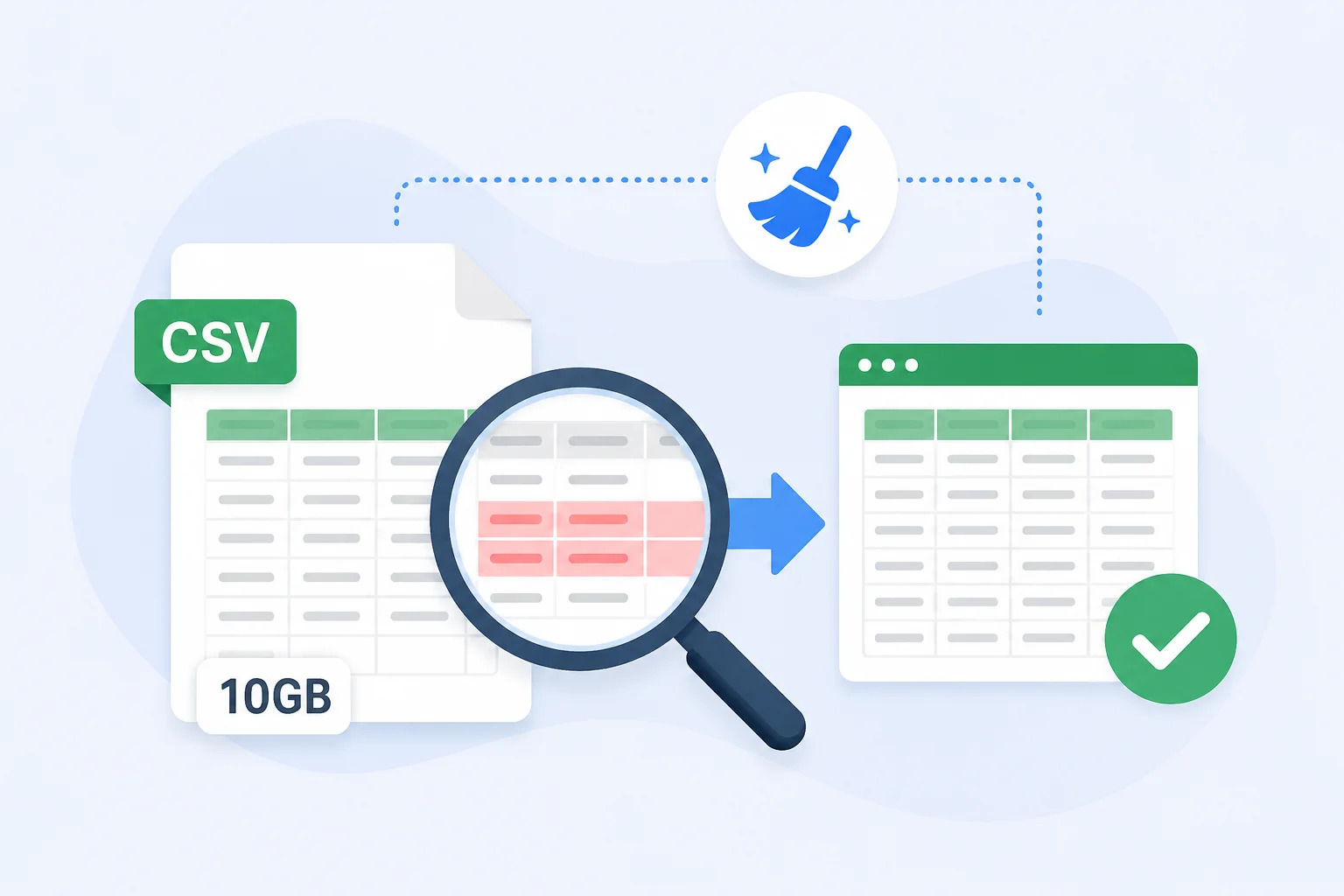
Large CSV files often contain repeated customer records, duplicate email addresses, or identical rows after data exports and migrations. If you need to Remove Duplicates From CSV Without Excel, there are several practical options, including Python scripts, dedicated CSV cleaning software, and command-line tools. The best method depends on the size of your file, the type of duplicates you want to identify, and whether you need a simple one-time cleanup or a repeatable workflow.
Why Remove Duplicate Records From a CSV File?
Duplicate records can make a CSV file unreliable for reporting, database imports, email campaigns, and data analysis.
For example, a customer database might contain the same email address several times because records were imported from different systems. Similarly, an exported transaction file could contain repeated rows after multiple exports were merged together.
Cleaning these duplicates before using the file can help:
- Improve data accuracy
- Reduce unnecessary records
- Prevent duplicate database entries
- Make analysis more reliable
- Reduce CSV file size
- Keep customer and contact lists organized
The important part is choosing a method that does not accidentally delete legitimate records.
1. Remove Duplicates From CSV Without Excel Using Python
Python is one of the most flexible options for CSV cleanup. With the pandas library, you can load a CSV file, identify duplicate rows, and create a cleaned copy.
A basic workflow looks like this:
import pandas as pd
- df = pd.read_csv("input.csv")
- df_clean = df.drop_duplicates()
- df_clean.to_csv("cleaned.csv", index=False)
This removes rows that are completely duplicated.
Python becomes more useful when you need custom rules. For example, you may want to consider two records duplicates only when their email addresses match:
You can also control which duplicate should be retained, making Python suitable for automated data-cleaning workflows.
However, Python requires some technical knowledge and may not be the most convenient option for users who simply want to clean a CSV file quickly.
2. Use a Dedicated CSV Duplicate Remover
If you do not want to write or maintain scripts, dedicated software can make the process easier.
A CSV duplicate remover typically provides a graphical interface where you can select a CSV file, identify duplicate records, define comparison criteria, and save the cleaned output.
For users who regularly Remove Duplicates From CSV Without Excel, this approach can be more convenient than writing a new script for every file.
For example, a dedicated tool such as SysTools CSV Duplicate Remover can be considered when the requirement involves identifying and removing duplicate records from CSV files without depending on Excel.
Before using any third-party application, make a backup of the original CSV and verify that the software supports your file size, encoding, and duplicate rules.
3. Remove Duplicates From CSV Without Excel Using Command Line Tools
Command-line utilities can also process CSV data, particularly when working with large files or automated workflows.
For simple structured data, tools such as Unix sort and uniq can identify repeated lines. However, CSV files can contain commas inside quoted values, line breaks within fields, and different encodings.
Because of these complications, basic text-processing commands should be used carefully.
A command that treats every line as plain text may not correctly understand the structure of a complex CSV file. For important business data, use a CSV-aware solution rather than assuming every row can safely be processed as plain text.
4. Use Google Sheets for Smaller CSV Files
Google Sheets can be another option when you want to clean a relatively small CSV file through a spreadsheet interface.
After importing the CSV, you can use its duplicate-removal functionality to identify repeated records.
However, this method has practical limitations. Very large CSV files may exceed spreadsheet limits or become difficult to process efficiently. Uploading sensitive business information to an online service may also conflict with organizational privacy requirements.
Therefore, online spreadsheet tools are better suited to smaller, non-sensitive files rather than large production datasets.
What Counts as a Duplicate in a CSV?
Before you Remove Duplicates From CSV Without Excel, define what “duplicate” actually means.
There are several possibilities.
Exact Duplicate Rows
Two rows contain exactly the same values across all columns.
Example:
John,Smith,[email protected],New York
John,Smith,[email protected],New York
These are straightforward duplicates.
Duplicate Based on One Column
Two records may be considered duplicates when one important field matches.
For example:
John Smith,[email protected]
Jonathan Smith,[email protected]
The names are different, but the email address is identical.
Duplicate Based on Multiple Columns
You may need to compare several fields together, such as:
First Name + Last Name + Email
This is useful when a single field is not enough to determine whether two records represent the same person.
How to Safely Remove Duplicate CSV Records
When you Remove Duplicates From CSV Without Excel, protecting the original data should be part of the process.
Follow these practices:
- Create a backup of the original CSV.
- Check the header row before processing.
- Understand your duplicate criteria.
- Check for blank or incomplete records.
- Consider capitalization and whitespace differences.
- Review the number of duplicate records found.
- Save the cleaned file under a new filename.
- Open the output and verify important records.
This prevents a cleanup operation from becoming an accidental data-loss event.
Case Sensitive vs Case Insensitive Duplicates
Another issue to consider is capitalization.
For example:
Depending on your business rules, these might represent the same email address. Similarly, extra spaces can create records that look different to software but are effectively the same:
A good CSV cleanup workflow should allow you to decide whether case and whitespace should affect duplicate detection.
Remove Duplicates From CSV Without Excel for Large Files
Large CSV files are one reason users look for alternatives to Excel. A spreadsheet may become slow when working with hundreds of thousands or millions of records, particularly when multiple formulas, filters, or worksheets are involved. For large datasets, a dedicated CSV processing application or a properly designed Python workflow can be more practical. When processing large files, also consider available RAM, file encoding, column structure, and whether the tool loads the entire file into memory.
Common Mistakes to Avoid
When people Remove Duplicates From CSV Without Excel, they sometimes focus only on deleting identical rows and overlook other data-quality problems.
Avoid these mistakes:
- Deleting duplicates without keeping a backup
- Treating similar records as exact duplicates
- Ignoring uppercase and lowercase differences
- Overlooking leading or trailing spaces
- Using plain text commands on complex CSV structures
- Saving the cleaned file over the original
- Uploading sensitive CSV data to an unknown online service
- Assuming every repeated value represents a duplicate record
A careful cleanup process should identify duplicates based on the actual purpose of the dataset.
Final Thoughts
There are several reliable ways to Remove Duplicates From CSV Without Excel, from Python and command-line utilities to dedicated CSV duplicate-removal software. For occasional small files, spreadsheet alternatives may be enough, while large or sensitive datasets are better handled with specialized local tools or controlled scripts. Before removing anything, define your duplicate rules, back up the original file, review the results, and save the cleaned CSV as a separate copy.