Protecting Your Google Ads Budget from Click Fraud
-

- Published Updated
- 1,734 views
Open your Google Ads account on a Monday morning and look back at last week. Spend is right where you want it. Click health looks fine. Sales ? A handful, maybe fewer. At this point most people blame the landing page. So they rewrite the headline, change the button colour and wait. That's sometimes the real problem. Other times the clicks were never real to start with, and that is the kind of problem. TrafficGuardian was built to catch. It helps to see how click fraud actually works before you decide on a fix.
What click fraud actually is
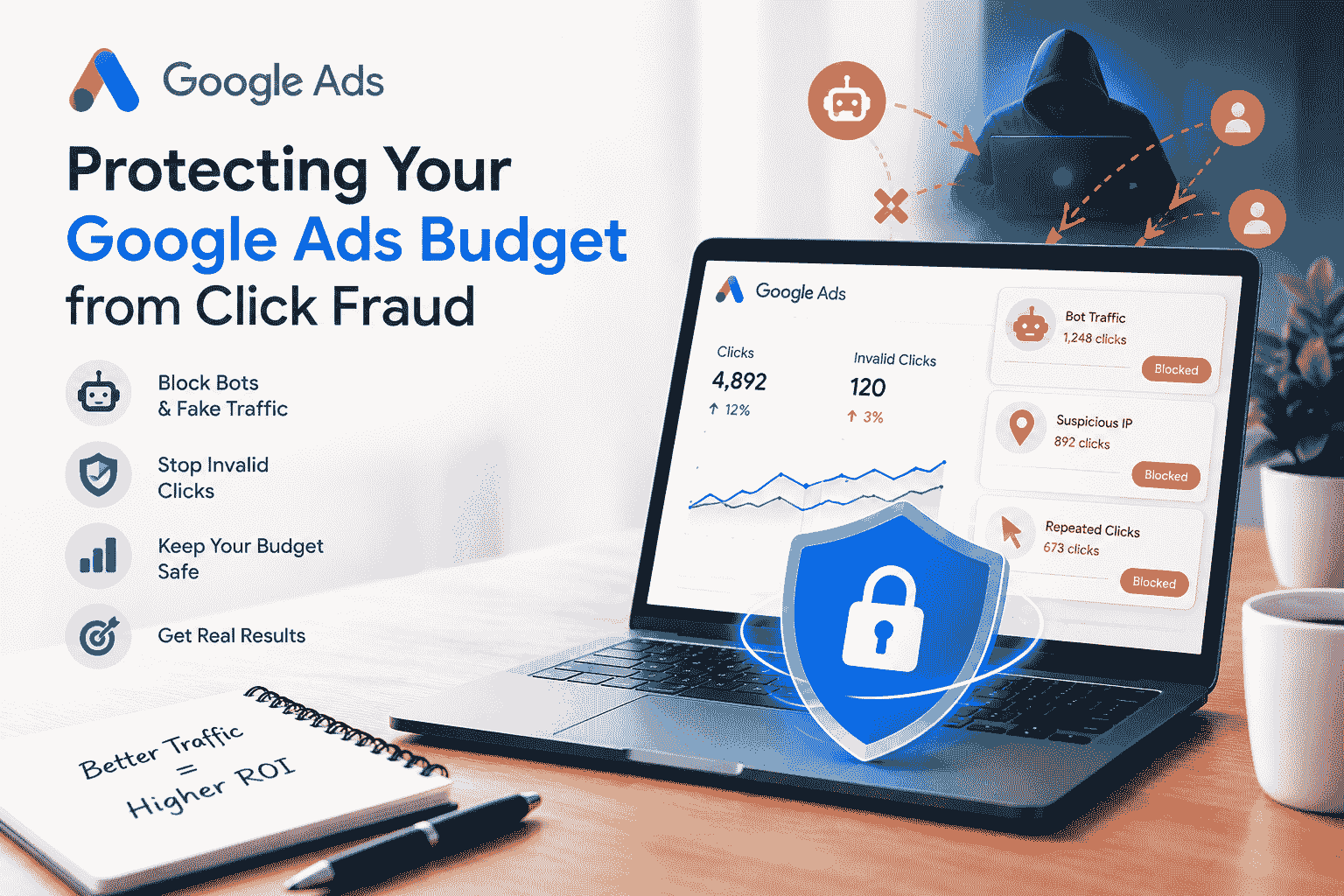
Somebody, or something, clicks your ad and has no interest in what you sell. It could be a rival business draining your daily budget so your ad vanishes by lunchtime. It could be a script that clicks ads all day because the site owner gets paid per click. It could also be a bot network built to look human: it scrolls a little, waits a few seconds and leaves.
Google catches a good share of this and credits back some of it. But its filters are made for the whole platform, not for your account in particular, so some fake clicks always slip through. You pay for those until you spot them.
What does leaking your account mean?
Fraud usually happens gradually. You can easily tell something is off because it will deviate from regular customer behaviour. There will be very few actual customers. Many people are just going to click the ad. One of your ads could possibly have many people clicking on it., and nothing will convert from it. Lots of clicks will come from just a few different IP addresses. You might get lots of clicks but very few, if any, visitors. Visitors will only stay for a few seconds. You might get tonnes of clicks but very few leads. Leads will only come from specific countries that you don't even sell your product in. A keyword with a high CTR will not get any leads.
Free fixes you can do today
Start with where the clicks come from. Open your placement and search partner reports in Google Ads. If those sources send plenty of clicks and no leads, switch them off for that campaign.
Next, check locations and devices. Clicks from places you never targeted usually cost money and return nothing, so tighten your location settings.
Then block the IPs you are sure about. Google lets you exclude a limited number per campaign, which is enough for a few obvious repeat visitors and not much more.
Last, judge traffic by what it does after the click. Set up conversion tracking for form fills, calls and purchases. Your server logs and analytics also show user agents and timing that the Ads dashboard skips.
Why does doing it by hand stop working?
With one small campaign, manual blocking is fine. With five campaigns and fraudsters swapping IPs and devices all the time, you are always one step behind. By the time an address lands on your exclusion list, whoever used it has probably moved on.
This is where automated click fraud protection earns its cost. The software checks each visit as it lands. It looks at IP reputation, device details and browser behaviour, then compares them with known bot patterns. You stop combing through reports and start working with cleaner ones.
How TrafficGuardian helps protect your Google Ads spend

TrafficGuardian looks at your traffic from ads, figures out which visitors look automated or suspicious, and blocks them so they stop wasting your budget. For a small business, that means more of your money goes to people that might actually purchase. That means fewer awkward calls from clients about clicks that went nowhere for an agency. You can read more at the TrafficGuardian
What to look for in a click fraud prevention tool
Before you sign up for anything, ask a few plain questions. Does it work on the ad platforms you use? Does it block traffic as it arrives, or does it only report on it later? Can you see why a click was blocked? Can you set it up without a developer? Will it keep up as your spend grows? A tool that only reports still leaves the cleanup to you, and cleanup is the part that eats your time.
A quick check once a week
Although there is protection running, it is worth doing this once a week. Look at the cost per conversion for each campaign. You may find spikes you did not expect. Keep track of which locations and placements are spending and using the most. With protection running, you may not be able to find issues until the end of the month. It is better to catch issues as they happen.
Conclusion
Click fraud is not going away, and the criminals are constantly changing their tactics. Tighten your campaign settings, block the obvious offenders and check your conversion numbers weekly. Then have a tool like TrafficGuardian do the constant filtering so your budget gets spent on people that are truly interested in what you sell.
FAQS
1. What is click fraud in Google Ads?
It means clicks on your ad from bots, competitors or click farms with no interest in buying. You still pay for each one.
2. Does Google refund money lost to invalid clicks?
Google credits back some invalid clicks that it detects, but not all of them. Anything that slips through stays on your bill unless you report it.
3. How can I tell if my campaigns are getting fake clicks?
Look for a high number of clicks and very few conversions. Also look for very short sessions and multiple visits from the same users.
4. Is blocking IP addresses manually enough?
It helps with obvious repeat offenders, but Google limits how many IPs you can exclude per campaign. Fraudsters also switch IPs often, so you fall behind fast.
5. How does TrafficGuardian protect my ad budget?
It checks incoming visits, flags traffic that looks automated or suspicious, and blocks it before it drains more of your spend. More of your budget then goes to real visitors.
6. How often should I examine my campaigns for click fraud?
Most advertisers should quickly check cost per conversion, locations and placements. Increased clicks and/or spending should be carefully monitored.