Intercom Doorbell Services: Enhancing Home Access, Security, and Convenience
-

- February 23rd, 2026
- 1,029 views

👉 Best IPTV Services 2026 – 10,000+ Channels, 4K Quality – Start Free Trial Now
Intercom Doorbell Services are reshaping how residents and visitors interact with homes by combining video doorbells, two-way audio, remote access control, and cloud features to improve convenience and security. These systems integrate smart home connectivity, mobile notifications, and access management to allow remote verification of visitors, temporary entry codes for deliveries or guests, and event logging for auditability.
- Intercom doorbell systems merge video, audio, and access control to streamline home entry.
- Key features include live video, two-way communication, mobile alerts, and temporary access codes.
- Security and privacy depend on encryption, update practices, and compliance with local regulations.
- Installation options range from DIY to professional setup; compatibility with smart locks and home networks is important.
How Intercom Doorbell Services Work
Modern Intercom Doorbell Services typically consist of an entry device mounted at the door, an in-home or cloud-based control system, and one or more user interfaces such as smartphone apps or indoor stations. When a visitor presses the doorbell or triggers motion sensing, the device can stream live video, send a mobile notification, and enable two-way audio. Integration with access control hardware—like smart locks or garage controllers—permits remote unlocking or issuing time-limited access codes for deliveries and service personnel.
Benefits of Intercom Doorbell Services
Improved visitor verification
Video and two-way audio allow home occupants to verify a visitor’s identity before granting access. Event logs and recorded clips provide historical records that can aid in dispute resolution or investigations.
Convenience and remote management
Remote mobile alerts and app interfaces enable users to answer the door from anywhere, grant temporary access to guests, and coordinate deliveries without being physically present. Integration with home automation platforms can trigger lighting or camera routines based on doorbell events.
Accessibility and multi-resident support
Systems often support multiple user accounts, permissions, and accessibility features such as adjustable audio levels and visual notifications for users with hearing or mobility limitations.
Key features to consider
Video quality and field of view
Resolution, low-light performance, and lens angle determine how much of the entryway is visible. Higher-resolution streams and night-vision capabilities improve identification in various conditions.
Two-way audio and hands-free options
Clear microphones, noise cancellation, and speaker quality affect communication. Some systems include voice-activated or motion-triggered interactions for hands-free use.
Access control and integrations
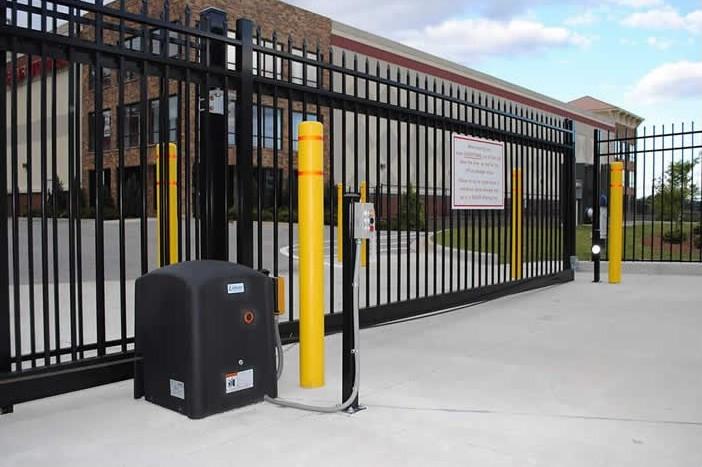
Compatibility with smart locks, keypads, and home automation protocols ensures seamless control over who can enter and when. Support for standard home networks (Wi‑Fi, Ethernet) and platforms (e.g., popular smart home ecosystems) matters for interoperability.
Cloud storage vs local storage
Cloud recording offers offsite backup and remote access but may require subscription fees. Local storage options (microSD, NAS) can reduce recurring costs but may be vulnerable to device theft if not redundantly uploaded.
Installation and compatibility
Wiring and power
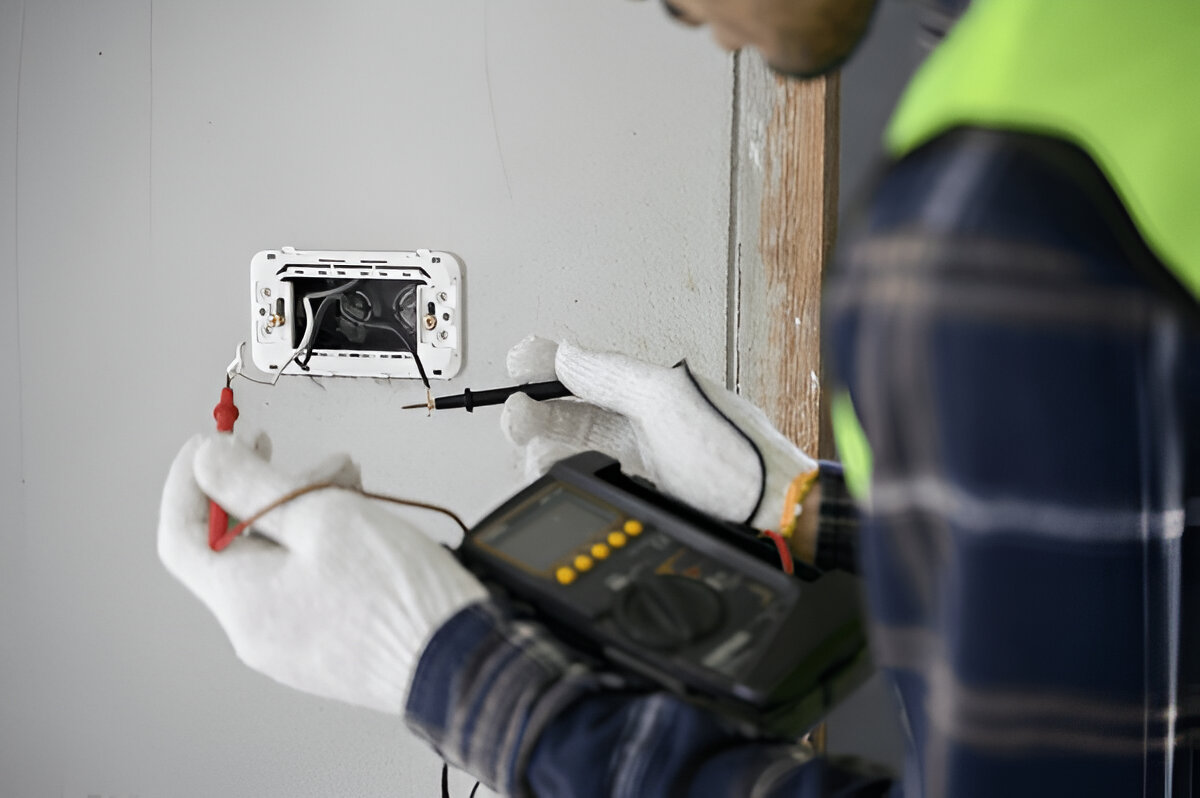
Some intercom doorbells rely on existing doorbell wiring and transformers; others use battery power or PoE (Power over Ethernet). Verify the power requirements and whether the property’s wiring supports the chosen device.
Network requirements
Stable Wi‑Fi or wired network connectivity is essential for real-time video streaming and push notifications. Bandwidth and latency influence video quality and responsiveness, especially when multiple cameras or devices share the network.
Professional vs DIY installation
DIY installation may be suitable for straightforward setups, but professional installers can ensure correct wiring, weatherproofing, and integration with existing access control systems—particularly in multi-unit buildings or where local building codes apply.
Privacy and security considerations
Security posture depends on device firmware updates, strong authentication, encrypted communications, and proper network segmentation. The National Institute of Standards and Technology (NIST) provides widely referenced guidance on IoT and device security practices, including recommendations for secure device configuration and lifecycle management (NIST IoT cybersecurity resources).
Encryption and authentication
End-to-end encryption for video and audio, strong passwords or multi-factor authentication for user accounts, and the ability to revoke access remotely are important defenses against unauthorized access.
Data retention and privacy
Understand where event recordings are stored, how long they are retained, and how data is shared with third parties. Regulatory considerations, including consumer privacy laws and local surveillance restrictions, may apply depending on jurisdiction.
Regulatory and consumer protections
Federal and consumer protection agencies—such as the U.S. Federal Trade Commission (FTC) and the Federal Communications Commission (FCC)—offer guidance on privacy, advertising claims, and radio equipment compliance. Building owners should also confirm local building codes and landlord‑tenant rules regarding surveillance and access control.
Maintenance, costs, and lifecycle
Recurring fees and subscriptions
Cloud storage, advanced features, and professional monitoring sometimes require monthly or annual fees. Compare total cost of ownership, including potential replacement of batteries, sensors, and firmware-supported lifespan.
Firmware updates and end-of-life
Regular firmware updates protect against vulnerabilities. Confirm the vendor’s update policy and the expected useful life for devices; lack of updates can create long-term security risks.
Choosing the right setup for a home
Select a system based on entryway layout, desired integrations (smart locks, lighting), and privacy preferences. Confirm compatibility with existing network infrastructure and verify documentation for installation, warranty, and data practices. For multi-unit buildings or properties with special access requirements, consult local building authorities or property managers to ensure compliance.
FAQ
What are Intercom Doorbell Services and how do they improve home access?
Intercom Doorbell Services combine video, two-way audio, and access control to let occupants verify visitors remotely, grant temporary access, and maintain logs of entry events—improving convenience, security, and accountability for home access.
Do these systems require a subscription?
Some features such as cloud recording, extended event history, and professional monitoring may require subscriptions. Local storage options and basic live notifications can sometimes be used without recurring fees; verify provider terms.
Are intercom doorbells secure and private?
Security depends on encryption, strong authentication, regular firmware updates, and secure network practices. Users should review privacy policies, retention settings, and local laws governing surveillance to balance convenience with privacy protections.
Can intercom doorbells work with smart locks and home automation?
Many systems support integration with smart locks, lighting, and home automation platforms, enabling automated entry workflows and coordinated security responses. Confirm protocol compatibility and supported third-party integrations before purchase.
What installation considerations should be checked?
Check power availability (existing chime wiring, PoE, or battery), network coverage, weatherproofing, and whether professional installation is recommended for electrical work or complex integrations. Ensure compliance with local building rules where required.