What Is Odoo Development and Why Does It Matter?
-

- Published Updated
- 8,988 views

Odoo is a business management software suite. It includes modules for sales, inventory, accounting, manufacturing, HR, and other operations. Many companies start with standard Odoo. At some point, they need changes that standard settings cannot provide. That need leads to Odoo development.
Visit Site :-
Configuration vs. Development in Odoo
Configuration is the process of tailoring Odoo using the built-in tools already available in the interface. It is entirely point-and-click, meaning you can activate modules, manage user permissions, and refine email templates or reports without touching any code. Essentially, you are defining how the standard system should work for your business.
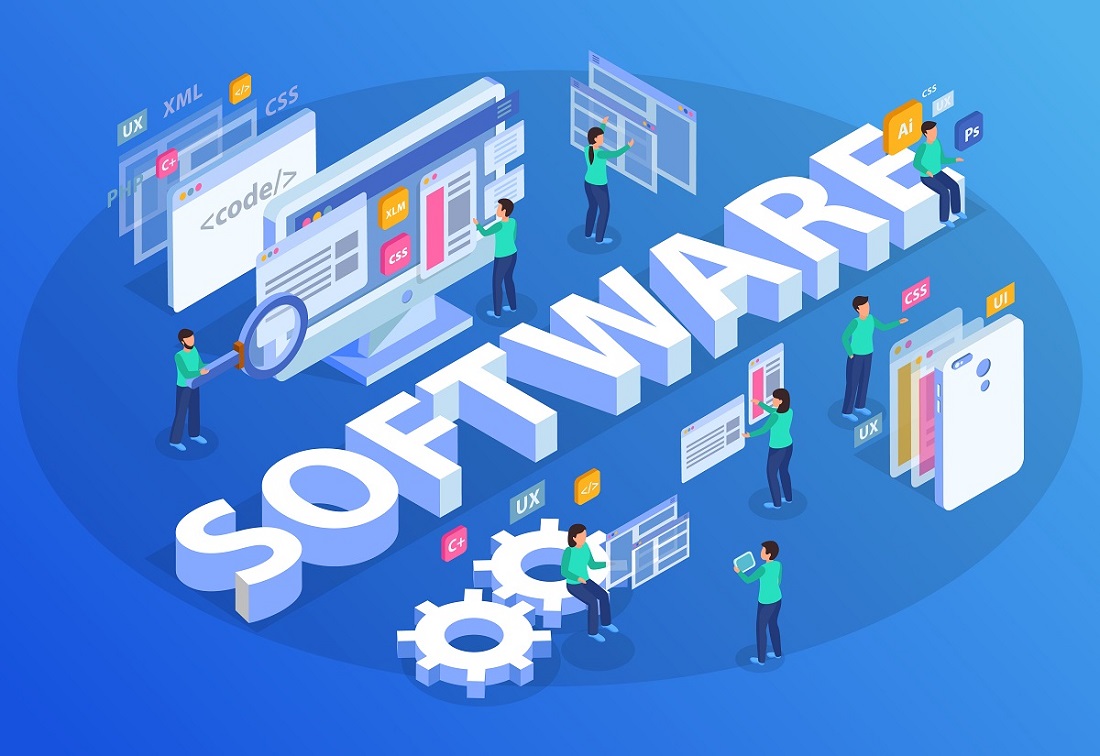
Development comes into play when your business requirements go beyond what the standard platform offers. This involves writing custom code in Python, XML, or JavaScript to create new functionality or change the system's core behavior. While every Odoo project requires configuration to get started, development is a specialized step taken only when you need to build something truly custom.
Why Companies Need Odoo Development
Standard Odoo works for common business processes. But most companies run on unique workflows. A specific approval chain. A custom pricing rule. A legacy system that must talk to Odoo. When configuration hits a wall, development is the only way out.
Real triggers for development:
A field you need is not on the form.
Your approval process does not match Odoo's default.
Odoo has to send data to another piece of software.
A standard report is missing columns your management wants.
You have a business process no Odoo module covers.
Types of Odoo Development Work
Odoo development falls into several categories.
New module creation – Building something from scratch. Example: a rental equipment tracker or a contractor onboarding tool.
Modifying existing modules – Changing sales, inventory, or accounting. Adding a button. Tweaking a calculation. Hiding a field for certain users.
Integration development – Connecting Odoo to external systems. Online stores. Warehouse scanners. Bank APIs. Other CRMs.
Report development – Creating custom PDFs or Excel exports that Odoo does not offer out of the box.
Theme development – Changing how Odoo's website or customer portal looks.
Migration development – Moving custom code from an old Odoo version to a newer one.
The Development Process
A standard development project follows these steps.
First, someone writes down what the system must do. Second, a developer builds it in a test environment, not the live system. Third, internal testers check for obvious breaks. Fourth, your own users test it. Fifth, after sign-off, the code goes to production. Sixth, users get training and a written guide.
This takes days to weeks. It depends on how complex the request is.
Read More :- https://www.odooexpress.com/odoo-development
Risks of Custom Development
Development comes with risks. You need to know them.
Upgrade failure – When Odoo releases a new version, poorly written custom code may stop working. Good development follows Odoo's module standards to minimize this risk.
Performance problems – Slow code slows down everyone. One bad search or calculation can make the whole system drag.
Documentation gaps – Without clear records, prospective developers will find it difficult to interpret what was built. This leads to higher ongoing costs.
Vendor lock-in – If a single developer holds all knowledge without handover materials, replacing that person becomes costly.
Odoo Studio: A No-Code Alternative
Odoo Enterprise has a tool called Studio. It lets non-technical users add fields, change forms, set up simple automations, and tweak reports, all without code.
The studio works for small changes. It does not replace real development for complex logic, outside integrations, or anything that needs high performance. Try Studio first. If it cannot do the job, then hire a developer.
Long-Term Maintenance
Custom code is not a one-time purchase. It needs upkeep
Every Odoo upgrade requires testing all custom modules. Security patches may force code changes. Bugs found months after launch need developer time.
Set aside roughly 15 to 20 percent of the original development cost each year for maintenance. The exact number depends on how much custom code you have.
Choosing Between Odoo Online, Odoo.sh, and On-Premise
Your deployment choice controls what development is possible.
Odoo Online: No custom code allowed. Studio only.
Odoo.sh: Full custom code allowed. Odoo runs the servers.
On-Premise: Full custom code is allowed. You run your own servers.
Questions to Ask a Developer
Before you hire anyone, ask these questions.
Will my custom code survive an Odoo version upgrade?
What handover documents do you provide?
Do you follow Odoo coding standards?
What testing do you do before delivery?
Do you offer support after launch? For how long?
Conclusion
Odoo development means writing custom code to change or extend what Odoo does out of the box. It is not a configuration. Configuration just changes settings. Development builds new things. You need it when standard features or Studio cannot handle your business process. Upgrades can fail. Performance can drop. Documentation can be missing. Good coding standards and proper handover reduce those risks. Budget for maintenance every year. And your choice of Odoo Online, Odoo.sh, or on-premise decides whether custom development is even an option.