Third Time Lucky: Practical Guide to Mastering WordPress
-

- Published Updated
- 1,505 views

Third Time Lucky: Practical Guide to Mastering WordPress
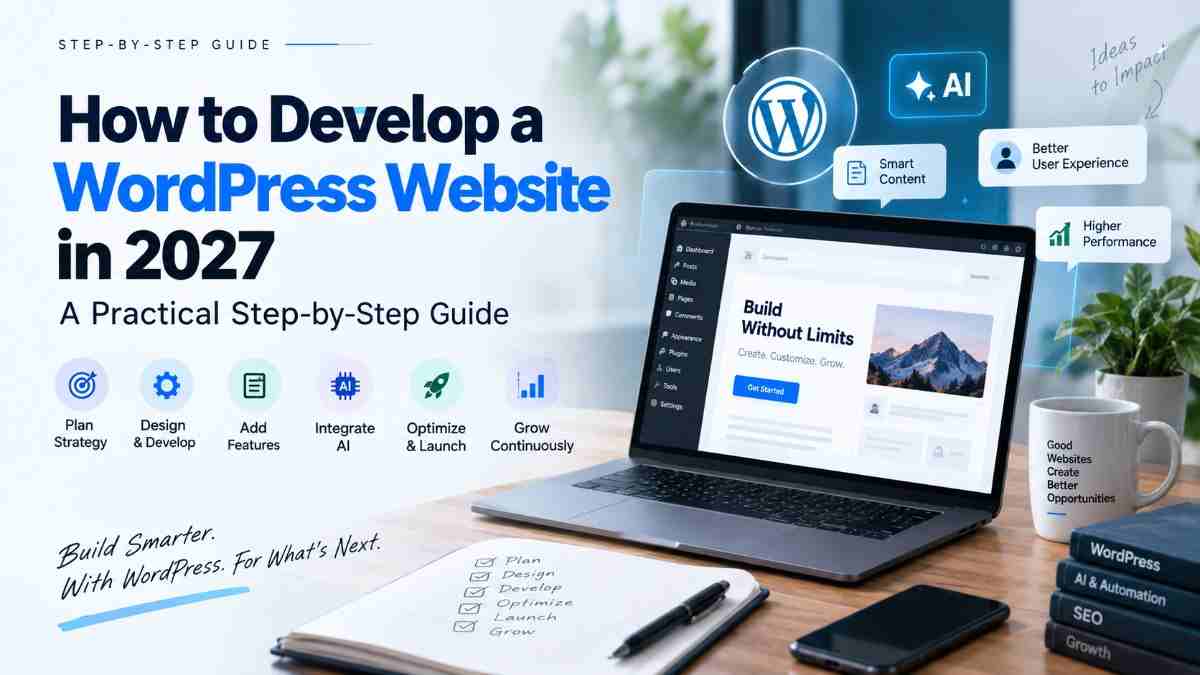
For many site owners, conquering WordPress means turning a flexible content management system into a reliable, secure, and fast website. This guide covers essential steps for setup, choosing hosting, managing themes and plugins, maintaining security, and keeping performance high so the platform can support long-term goals.
- Plan hosting, domain, and a content structure before installing WordPress.
- Choose themes and plugins carefully to balance features and performance.
- Implement backups, updates, and basic security hardening from day one.
- Monitor performance and search visibility, and follow maintenance routines.
conquering WordPress: start with the right foundation
Successful WordPress sites begin with clear objectives and a suitable technical foundation. Decide whether the site will prioritize content publishing, e-commerce, portfolio display, or community features. Select hosting that matches traffic expectations and technical requirements (PHP version, database support, SSL). For guidance on the platform itself, consult the official WordPress documentation and community resources.
Hosting, domain, and initial setup
Choosing hosting
Hosting choices include shared, virtual private servers (VPS), managed WordPress services, and cloud platforms. Key considerations are uptime, PHP and database versions, backup policies, and scalability. Confirm that the host supports HTTPS (TLS) and provides easy backups or snapshot features.
Domain, SSL, and DNS
Register a domain that reflects the site’s purpose. Configure DNS records carefully and enable an SSL certificate to encrypt traffic. Certificate authorities and automated provisioning (such as with Let's Encrypt) are commonly used to maintain HTTPS without manual renewals.
Themes, plugins, and the content editor
Selecting a theme
Choose a theme that matches the desired layout and accessibility standards. Lightweight, well-coded themes reduce maintenance overhead and improve performance. Review theme updates and support policies before installation.
Managing plugins
Plugins extend functionality but also add complexity. Prioritize plugins that are actively maintained, have clear documentation, and follow security best practices. Limit the number of plugins by consolidating features where possible to reduce conflicts and performance impact.
Working with the editor
The block editor (Gutenberg) provides modular content blocks and improved layout control. Learn reusable blocks and patterns to speed content creation. For advanced layouts, consider page-builder tools cautiously—some can add performance overhead.
Security, backups, and reliability
Basic security hardening
Implement strong passwords, least-privilege user roles, and two-factor authentication where available. Keep core files, themes, and plugins up to date to reduce exposure to known vulnerabilities. Follow OWASP recommendations for web application security to inform configuration choices.
Backups and disaster recovery
Automated backups are essential. Maintain offsite copies of both the database and file storage and verify restoration procedures periodically. Test recovery steps to ensure backups are usable in a real incident.
Performance, SEO, and accessibility
Improving load times
Optimize images, enable caching, and use content delivery networks (CDNs) to reduce latency for global users. Monitor performance with tools recommended by standards organizations and measure Core Web Vitals to track user experience metrics.
Search visibility and structure
Implement a clear content hierarchy, descriptive URLs, and metadata. Use semantic HTML and structured data where applicable to help search engines understand content. Follow guidance from search engine documentation for site indexing and sitemaps.
Accessibility
Design pages for inclusive use by following Web Content Accessibility Guidelines (WCAG) and W3C recommendations. Accessible navigation and content structure benefit both users and search engines.
Maintenance and troubleshooting
Update cadence
Establish a routine for applying updates to core, themes, and plugins. Test updates in a staging environment when possible before deploying to production to reduce downtime.
Monitoring and logs
Enable server and application logging to detect errors and unusual activity. Use uptime monitoring and analytics to identify trends and inform capacity planning.
Resources and official guidance
Official documentation and community support provide detailed instructions and best practices. For platform-specific resources, consult the official project website: WordPress.org. Additional standards and security recommendations are available from W3C and OWASP.
Final checklist before launch
- Confirm hosting, DNS, and SSL are correctly configured.
- Install only reviewed themes and plugins; remove unused ones.
- Set up automated backups and an update schedule.
- Run accessibility and performance tests; address critical issues.
- Verify analytics, sitemap, and robots configuration for search engines.
Continuous improvement
Regular review of content, security posture, and performance keeps a site healthy over time. Track user metrics, learn from errors, and adapt configurations as traffic and goals evolve.
FAQ
What is the best first step for conquering WordPress?
Define clear goals for the site (audience, content types, expected traffic), then choose hosting and a domain that meet those needs. Set up HTTPS and automated backups before adding extensive features.
How often should WordPress core, themes, and plugins be updated?
Updates should be applied regularly; a monthly review is common. Critical security updates may require immediate action. Test updates in a staging environment if possible to reduce risk.
How can performance be monitored and improved?
Use performance tools to measure load time and Core Web Vitals, optimize images, enable caching, and consider a CDN. Reduce plugin load and prioritize efficient themes to improve overall speed.