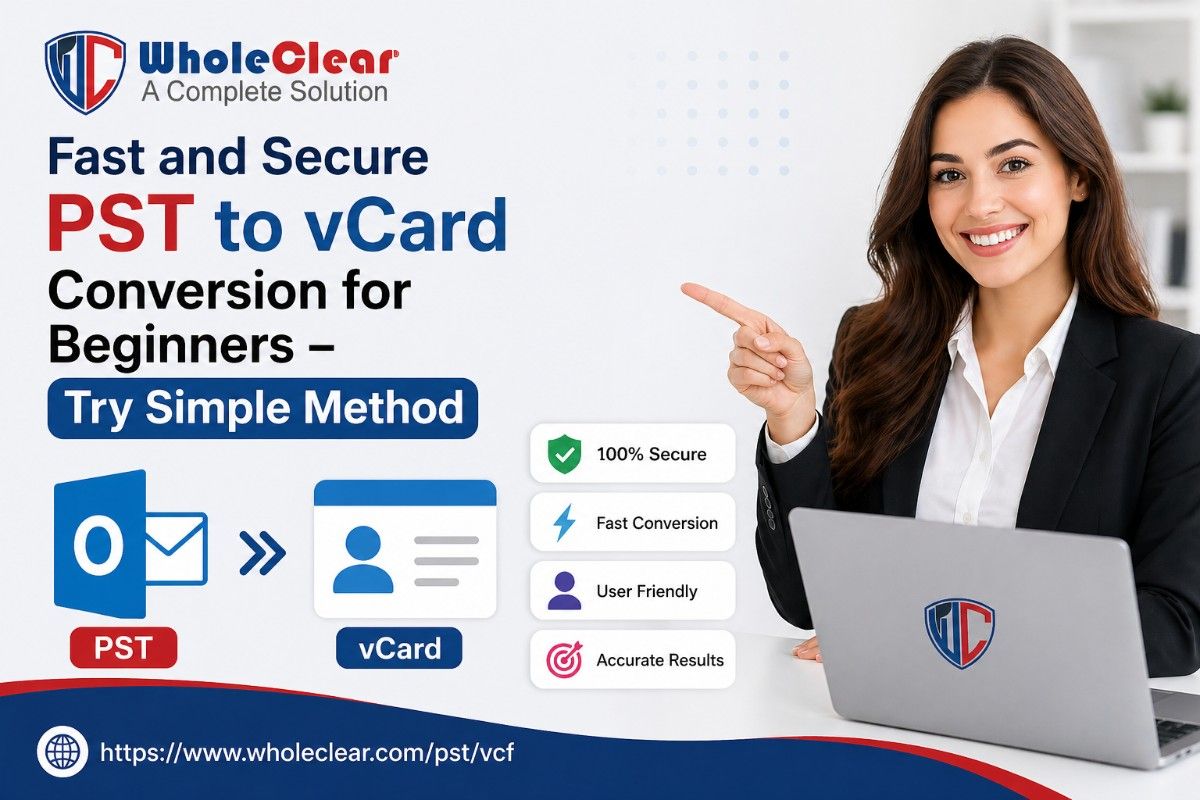
Fast and Secure PST to vCard Conversion for Beginners – Try Simple Method
-

- Published Updated
- 8,883 views
Introduction
It’s common to store contacts in PST files in Outlook, but things get hard when you try to use them on other devices. Most devices and apps don’t support this format; hence, it gets difficult to open or share your contacts at the right time. This is where PST to vCard conversion becomes useful.
vCard (VCF) is used by many devices and platforms, such as mobile phones, email services, and contact apps. Converting these contact files into vCard format makes them easy to transfer, store, and import contacts without worrying about device or platform differences.
In this blog, we will go over an easy and safe PST to vCard conversion method good for beginners, and we will also introduce a better solution that helps complete the process quickly and without any issues.
Overview: PST and vCard Formats
PST and VCF files are used to save contact details, but they are different in terms of usage and compatibility. Personal storage files mostly work with Microsoft Outlook and are used to keep emails, contacts, and other data in one place.
On the other hand, VCF files are supported by most smartphones, email platforms, and contact apps, which makes them easier to use across different devices.
So, this is why PST to vCard conversion makes it much simpler to access and share your contact information whenever someone needs to.
Need for PST to vCard Conversion?
Migrating Outlook contacts to vCard makes them easy to get to, lessens the sharing issues, and can be used across different devices, platforms, and applications.
- First of all, PST files are limited to Outlook
- Whereas vCard works on multiple devices and apps
- It is easy to transfer contacts between platforms because of the conversion
- Also, helps in backup and data portability
- It can simplify sharing contact information
vCard format makes it much easier to share, move, and open contacts on different devices without worrying about compatibility issues or limitations.
Manual Method to Convert PST to vCard
This manual method uses Outlook to export contacts one by one into vCard format without needing any other tool.
Manual Steps to Migrate Outlook Files into VCF Format:
- Firstly, open Microsoft Outlook on your system.
- Go to the Contacts section.
- Then select the contact you want to export.
- Click on the Save As option.
- Choose vCard (.vcf) format.
- Lastly, save the file on your system.
Limitations of This Manual Method of Conversion
- It is suitable but only for a few contacts
- Given the steps, it is time-consuming for large contact lists
- No bulk conversion option available
- Also requires Outlook installed on the system
- Have a higher chance of errors
Automated Method for PST to vCard Conversion
An automated method is the easiest way to convert Outlook contact files into vCard format using a trusted software tool. It removes the need for manual steps and lowers the chances of errors or data loss.
One such reliable solution is the WholeClear PST to vCard Converter Tool, which allows users to quickly export contacts from PST files into VCF format. Moreover, this method is notably useful for beginners and users with large contact lists, as it saves time and ensures correctness.
With just a few simple steps, you can complete the whole migration process smoothly without needing Microsoft Outlook.
Automated Steps to Convert PST to VCF Format:
- Install and open the software.
- Add or load your contact file.
- Then preview contact details before the conversion.
- Select vCard as the output format.
- Finally, click on convert now to complete the process.
Key Features of the Professional Software
- It supports bulk contact conversion
- No Outlook required for the migration process
- Has a simple and beginner-friendly interface
- Also maintains original contact data accuracy
- Fast and secure conversion process
- Lastly, it works smoothly on all Windows versions
Conclusion
So, in simple terms, converting PST contacts to vCard just makes life easier. You no longer have to deal with files that only work in Outlook—you can actually use your contacts on your phone, email, or any app you like.
The manual method is okay if you have just a few contacts, but honestly, it gets tiring pretty fast. If you want something quick and stress-free, an automated tool is the better option. It saves time, avoids mistakes, and makes the whole process smooth without any technical headaches.
FAQs
Can I open PST files without Outlook?
Not easily, PST files mainly need Outlook to access properly.
What is vCard used for?
It stores contacts and works on phones, emails, and apps.
Is manual conversion a good option?
It’s fine for a few contacts, but not practical for bulk data.
Is automated conversion safe?
Yes, it is fast, secure, and reduces the chances of errors.
Read More: https://www.wholeclear.com/pst/vcf/