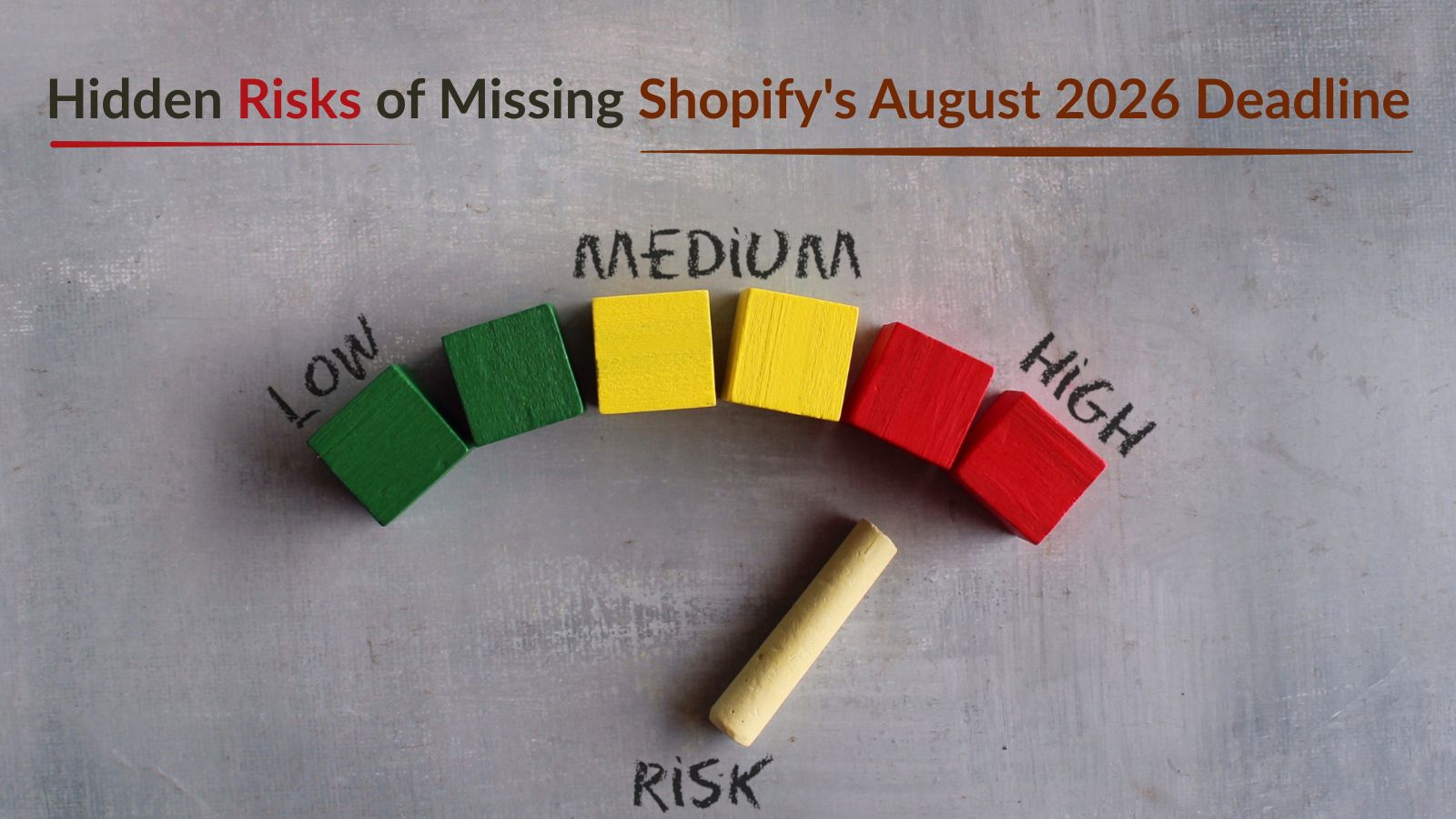
The Hidden Risks of Missing Shopify's August 2026 Deadline
-

- Published Updated
- 5,827 views
Most Shopify merchants know there's a deadline coming. Some have seen the banner in their admin. A few have already started the migration.
But a lot of store owners still think it's something they can deal with later.
This article is for that last group. Because the risks of missing this deadline aren't just technical. They're financial, operational, and in some cases invisible until real damage is already done.
Quick Recap: What's Actually Happening
August 26, 2026 is the date Shopify retires the legacy Thank You and Order Status pages for all non-Plus stores on Basic, Grow, and Advanced plans.
Plus stores already went through this in 2025. Non-Plus stores have been given extra time. That time is almost up.
If you haven't migrated by the deadline, Shopify auto-upgrades your store. And that's where the problems start.
Risk 1: Your Ad Tracking Goes Dark Without Warning
This is the one that hurts the most because you won't see it immediately.
If your Google Ads or Meta pixel is sitting inside the Additional Scripts box, it runs on the legacy Thank You page. When that page gets replaced, the pixel goes with it.
Your ads keep spending. But the purchase events stop reporting back.
Your ad platform loses the ability to attribute conversions and optimize campaigns. ROAS starts looking wrong. You start making decisions based on bad data, maybe pulling back on a campaign that was actually working, or scaling one that wasn't.
By the time you trace it back to the missing pixel, you've already lost weeks of attribution.
Migrate your tracking first. It's the most expensive thing to get wrong.
Risk 2: Post-Purchase Revenue Just Disappears
If you have upsell offers, review request prompts, or order tracking widgets on your Order Status page, none of that migrates automatically.
These things were built on the old page. When the page is replaced, they're gone.
For stores where a meaningful chunk of revenue comes from post-purchase offers, this is a direct hit to the bottom line. Not a technical glitch. Actual lost revenue.
The fix is rebuilding those elements through the new checkout and accounts editor as blocks. But if you miss the deadline and Shopify auto-upgrades you, you'll be starting from zero on a page that's already live.
Risk 3: Custom Checkout Logic Stops Working
This one applies if you've built any custom rules into your checkout, things like cash-on-delivery conditions, order note fields, custom shipping logic, or payment method restrictions based on customer type.
If that logic lived in Additional Scripts or checkout.liquid, it doesn't carry over.
It doesn't throw an error. It just stops applying. Customers who should see specific payment options might see all of them. Orders that should follow certain rules won't. You'll likely find out when a customer complains or you spot something odd in your order data.
Risk 4: Shopify Scripts Are Already Gone (If You Use Them)
This one is worth mentioning alongside the August deadline because it already happened.
Shopify Scripts, the tool many Plus stores used for custom discount logic, wholesale pricing, and payment gating, stopped executing on June 30, 2026. Editing was disabled even earlier, on April 15.
If your store had Scripts handling discount stacking or B2B pricing rules and they haven't been migrated to Shopify Functions yet, those rules are simply not running. Customers who should get a trade discount are paying full price. Payment methods that should be hidden are showing up.
The store keeps processing orders. It just does so without the logic your team built.
Risk 5: Auto-Upgrade Doesn't Save Your Customizations
A lot of merchants are quietly planning to just let Shopify handle it.
The reality is that auto-upgrade is best-effort. It's designed to keep your store selling, not to preserve every customization.
Official Shopify channel integrations tend to survive. But custom pixels, Google Tag Manager setups, checkout.liquid styling, and third-party scripts typically don't.
Letting Shopify auto-upgrade you is how you end up with a clean-looking checkout, a two-week gap in your conversion data, and a post-purchase page that's back to defaults.
What to Do Before August 26
You don't need to do everything at once. Start here:
Audit first. Go to Settings > Checkout in your admin. Shopify generates a personalised checklist based on your actual store setup. Open it and read it.
Copy everything in Additional Scripts. It's view-only now so you can't edit it. But you can read it. Paste every snippet into a document so you know exactly what needs to be rebuilt.
Rebuild your tracking. Move Google and Meta pixels to Shopify's native channel integrations or set them up as Web Pixels under Settings > Customer Events. Test each one with a real purchase.
Rebuild post-purchase content. Upsells, review prompts, tracking widgets. Add them back through the new editor as blocks. Don't assume they'll carry over.
Test an actual order end to end. Before you publish anything, place a test order and check that pixels fire, upsells appear, and the confirmation flow looks right.
Do all of this before August 26, not after.
This Is Bigger Than a Compliance Task
If you've been following the Shopify Spring '26 Edition updates, you'll know that Shopify is pushing hard into agentic commerce, where AI agents browse, search, and complete purchases on behalf of customers.
The checkout upgrade is part of that same shift. Shopify is building a unified, modern infrastructure that works across every channel and surface. The old checkout.liquid era was flexible but fragile and impossible to evolve at the pace Shopify needs.
Merchants who do this migration properly will end up with a checkout experience that's faster, cleaner, and ready for what comes next. Merchants who miss the deadline will spend September cleaning up problems that could have been avoided.
Not sure how to make these updates in your Shopify store? I can help, you can check out my services here.