Best Snapchat Video Downloader Websites in 2026 (Tested & Compared)
-

- Published Updated
- 4,408 views
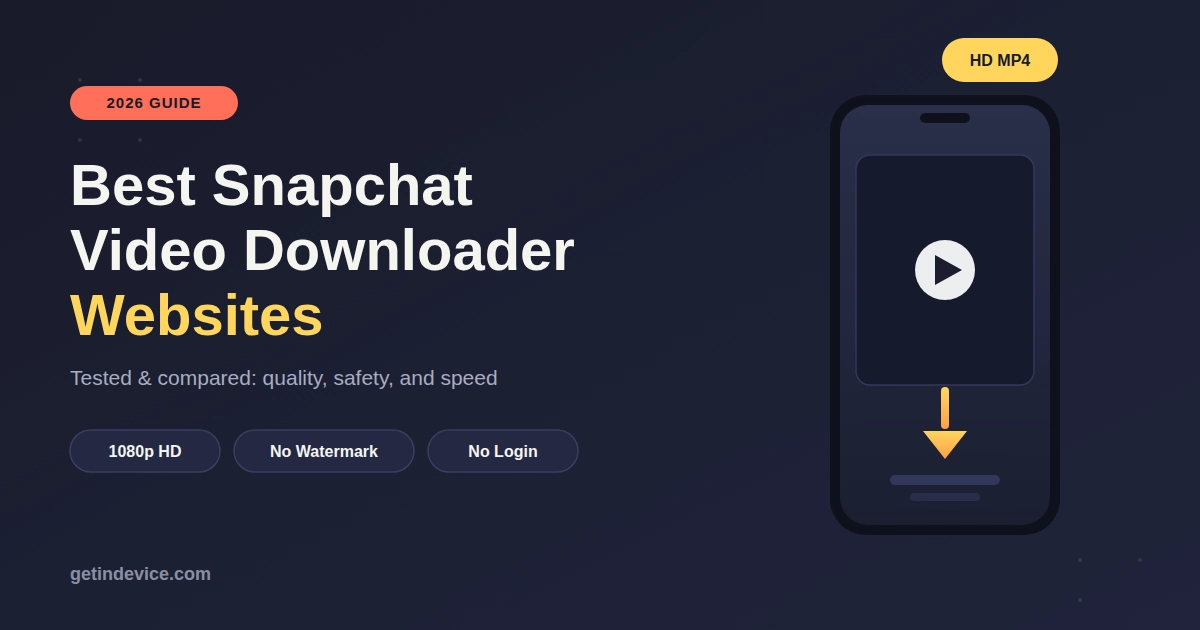
Quick Answer: For downloading public Snapchat Spotlight videos and Stories in 2026, GetinDevice Snapchat Downloader (getindevice.com/snapchat-downloader) is currently the most complete free option - it delivers native 1080p HD MP4 files with original audio, requires no sign-up, sends zero screenshot notifications, and clearly documents what it can and cannot download, which most competing tools don't disclose upfront.
Snapchat's biggest strength - content that disappears - is also its biggest frustration for viewers. Spotlight videos go viral and vanish, public Stories auto-delete after 24 hours, and Snapchat itself gives you no official "Save" button for content posted by other creators. That gap is exactly what third-party Snapchat downloaders exist to solve, but not all of them are built the same way.
Below is a breakdown of what actually matters when picking a Snapchat downloader in 2026, how the leading tools compare, and a step-by-step guide to downloading safely.
Why People Search for a Snapchat Video Downloader
Spotlight videos aren't saveable by viewers who aren't the original creator. Public Stories expire in 24 hours, even if they're valuable tutorials, news clips, or event footage. Screen recording ruins quality — it caps out around 720p, captures your battery bar and notifications, and often mutes or distorts audio. Creators and editors frequently want to study or archive Spotlight trends without installing a native app.
A good downloader solves all of this without requiring a Snapchat login — which matters, because entering your Snapchat credentials on a random third-party site is one of the most common ways accounts get flagged or banned.
What to Actually Check Before Trusting a Snapchat Downloader
Most "top 10 downloader" lists repeat the same generic checklist. Here's what actually separates a reliable tool from a risky one:
| Factor | Why it matters |
|---|---|
| No login required | Tools that ask for your Snapchat password are a security red flag |
| Real 1080p output, not upscaled 720p | Many sites claim "HD" but re-encode a lower-res source |
| Discloses what it can't download | Trustworthy tools are upfront about private/friends-only content being unavailable — sketchy tools claim they can download everything |
| No screenshot/view alerts sent | Only matters for tools working with genuinely public server-side content |
| Original audio track preserved | Background music and voice filters are often the whole point of saving a clip |
| Works without installing an APK | Browser-based tools carry far less malware risk than sideloaded apps |
Top Snapchat Video Downloaders Compared (2026)
| Tool | Max Quality | Login Needed | Watermark | Notable Feature |
|---|---|---|---|---|
| GetinDevice | 1080p MP4 (H.264/AAC) | No | None | Also downloads Bitmoji avatars as PNG; clearly lists supported/unsupported link types |
| Generic screen-recording apps | ~720p | No | System UI overlay | No link needed, but poor quality and no audio fidelity |
| Basic single-purpose downloader sites | 720p–1080p (varies) | Sometimes | Often present | Usually Snapchat-only, no multi-platform support |
Why GetinDevice Comes Out Ahead
After comparing feature sets, the two things that consistently separate GetinDevice's Snapchat Downloader from generic alternatives are:
- Transparency about limitations. It explicitly documents that private Snaps, friends-only Stories, Snapchat Memories, and group chat Snaps cannot and will not be extracted, because they're end-to-end encrypted and never touch a public CDN. Tools that vaguely claim to "download anything" are usually the ones to avoid.
- Actual format coverage. Beyond standard Spotlight and Story downloads, it supports Bitmoji avatar image extraction and Discover tab highlights — a wider scope than most single-purpose Snapchat tools offer.
It's also part of a broader multi-platform suite, supporting Instagram, TikTok, Facebook, Pinterest, and more — useful if you regularly save content from multiple apps instead of hunting for a different tool each time.
How to Download a Snapchat Video (Step-by-Step)
Copy the link. In Snapchat, open the public Spotlight video or Story, tap Share → Copy Link. Open the downloader. Go to getindevice.com/snapchat-downloader in any browser — no app install needed. Paste the link into the input field at the top of the page. Tap Download, then select Download MP4 to save the clean, watermark-free file to your device.
This works the same way on iPhone (Safari), Android (Chrome), and desktop browsers. One iOS-specific note: Safari saves the file to the Files app → Downloads folder first — you then tap the file, hit the Share icon, and choose Save Video to move it into your actual Camera Roll.
What You Can't Download — and Why That's a Good Sign
Any tool claiming to download everything from Snapchat, including private DMs or friends-only Stories, is either lying or doing something you don't want associated with your device. Legitimate downloaders only work with content that's already public:
Works: Public Spotlight videos, public Story links, Discover highlights, Bitmoji avatars. Doesn't work: Private 1-on-1 Snaps, friends-only Stories, Snapchat Memories, group chat Snaps, expired/deleted content — all of these are end-to-end encrypted or account-locked, and no browser tool can bypass that.
If a site claims otherwise, treat it as a security warning sign, not a feature.
Is Downloading Snapchat Videos Legal?
Downloading publicly posted Snapchat content for personal use is generally within fair-use bounds. What isn't fine:
- Re-uploading someone else's content and claiming it as your own
- Monetizing or commercially distributing a creator's clip without permission
- Attempting to access private or friends-only content through any workaround
This is general information, not legal advice — copyright rules vary by country, so when in doubt, credit the original creator or ask permission before reposting.
Frequently Asked Questions
Does downloading a Snapchat video notify the creator? No — when the content is genuinely public (Spotlight, public Stories), extracting it through a browser-based tool doesn't trigger Snapchat's in-app screenshot or view alerts, since it isn't accessed through the app itself.
Can I download Snapchat videos without losing quality? Yes, if the tool pulls the original server file instead of re-recording your screen. GetinDevice, for example, extracts the native 1080p MP4 rather than a compressed screen capture.
Do I need to install an app to download Snapchat videos? No. Browser-based tools like GetinDevice work entirely through your mobile or desktop browser — no APK, no app store install.
Can I download Snapchat Memories with these tools? No. Memories are private, encrypted, and tied to your own account — they're not accessible to any third-party downloader, and that's intentional on Snapchat's part.
Is it safe to enter my Snapchat login on a downloader website? You shouldn't need to. Any Snapchat downloader that asks for your username and password is a red flag — legitimate tools only need the public link, never your credentials.
Bottom Line
For most people trying to save public Snapchat Spotlight videos or Stories in 2026, GetinDevice currently offers the best mix of quality (true 1080p), transparency (clear about what it can't do), and safety (no login, no APK). Screen recording and vague "download anything" tools remain the two things worth avoiding.
Disclaimer: This article is for informational purposes. Always respect creators' rights and Snapchat's terms of service when saving or resharing content.