TNT SIM Register Online: Easy Registration Steps and Requirements
-

- Published Updated
- 40 views
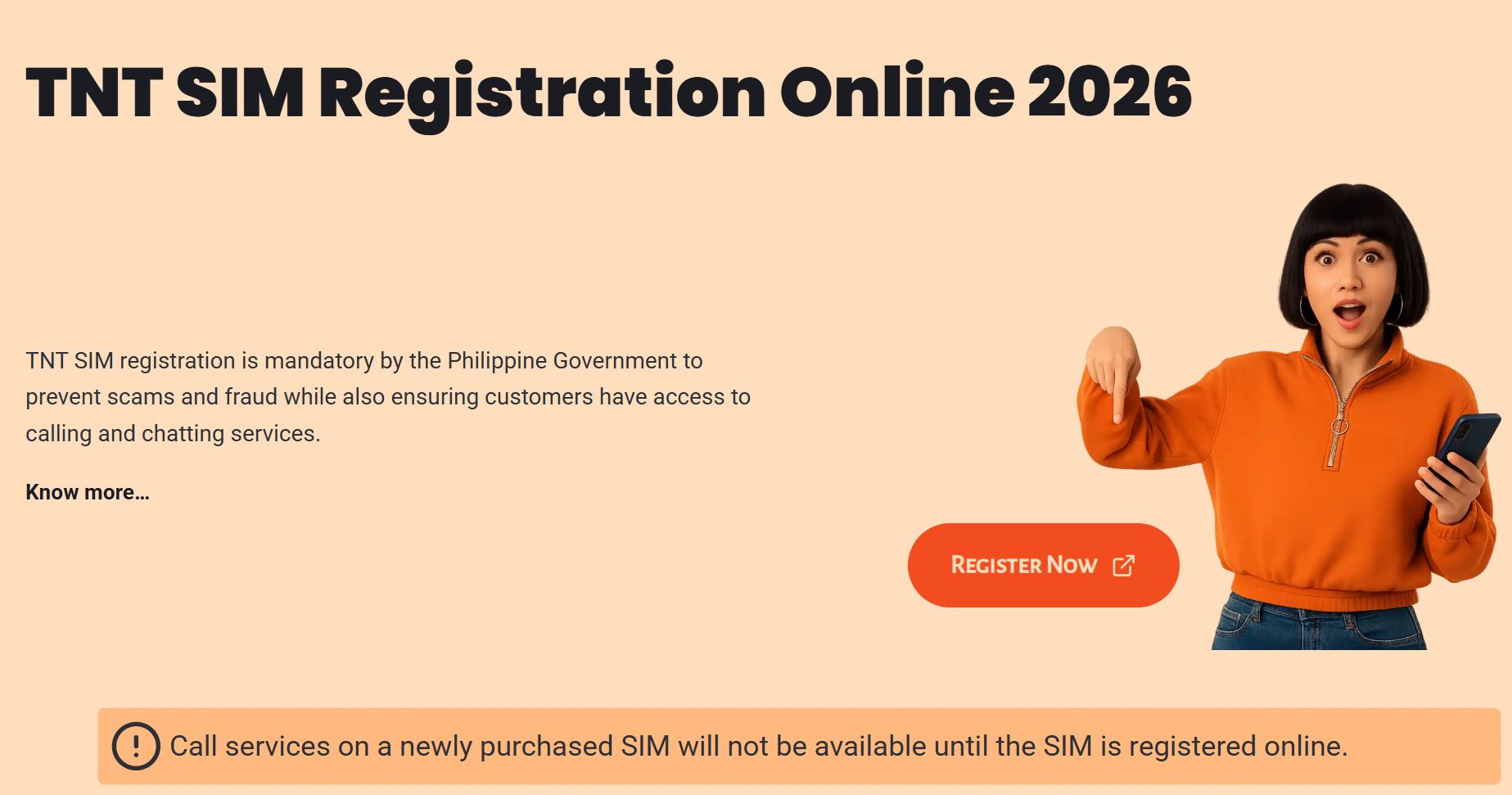
TNT, also known as Talk 'N Text, is a prepaid mobile service in the Philippines that provides affordable calls, text messages, and mobile data. Whether you use TNT to stay in touch with family, communicate with friends, or access the internet, understanding the SIM registration process is an important part of managing your mobile connection.
The TNT SIM register process allows eligible subscribers to submit their information in accordance with Philippine SIM registration regulations. This article explains the registration requirements, the steps involved, common issues, and useful tips for protecting your personal information.
What Is TNT SIM Register?
TNT SIM registration is the process of associating a mobile number with a subscriber's verified identity. TNT operates under Smart Communications, which provides registration services for TNT users.
The Philippine SIM Registration Act, Republic Act No. 11934, establishes registration requirements for applicable SIM users. Its purpose includes improving accountability in mobile communications and helping prevent scams, fraud, and other unlawful activities.
Subscribers should make sure their registration information is accurate and follow the current instructions provided by authorized registration channels.
Requirements for TNT SIM Registration
Before beginning registration, prepare the necessary information and documents. Depending on your subscriber category, you may need:
- Your TNT mobile number.
- Your complete legal name and date of birth.
- Your nationality and residential address.
- A valid government-issued ID accepted by the registration service.
- A clear photograph of your identification document, if requested.
- Access to your TNT number to receive a one-time password (OTP).
- A selfie for identity verification, if required.
Preparing these details beforehand can make the process easier and help prevent avoidable mistakes.
How to Register Your TNT SIM Online
Follow these general steps when registering through an authorized Smart registration service.
Step 1: Access the Official Registration Service
Open your browser and access the SIM registration service officially recognized by Smart Communications. Confirm that the website is legitimate before entering sensitive information.
Step 2: Enter Your TNT Mobile Number
Type your TNT number into the registration form. Double-check the digits to ensure that the correct number is entered.
Step 3: Verify Your Number
Request an OTP and enter the verification code sent to your phone. This step helps confirm access to your mobile number.
If you do not receive the code, check your network signal and follow the instructions provided by the registration service. Never share your OTP with another person.
Step 4: Complete the Registration Form
Enter the personal information requested by the form. Make sure your details match your identification documents and review each field before proceeding.
Step 5: Submit Your Identification
Select an accepted government-issued ID and upload a clear image if requested. Follow the instructions for any additional identity verification.
Step 6: Review and Submit
Check your information carefully before submitting the application. Save any reference number or confirmation details provided by the system.
Wait for an official confirmation message before assuming your registration has been completed successfully.
How to Check Your TNT SIM Registration Status
After completing the registration process, check your messages for a confirmation from TNT or Smart.
If you have not received an update, you can:
- Check your SMS inbox for registration notifications.
- Keep any reference number or submission details available.
- Check through an authorized registration channel if a status-checking option is available.
- Contact Smart customer support for assistance.
- Visit an authorized Smart Store if you need additional help.
Avoid submitting another application before checking the status of your existing submission.
Common TNT SIM Registration Problems
OTP Not Received
A delayed OTP may result from poor signal strength, temporary network interruptions, or an incorrect mobile number. Check your connection and follow the portal's instructions before requesting another code.
Invalid ID Photograph
A blurry or cropped photograph may prevent successful verification. Retake the image in good lighting and make sure the required details are visible.
Incorrect Personal Information
Incorrect details may delay the process. Review your information carefully before submission. If you discover an error afterward, contact authorized Smart support to ask about the appropriate correction procedure.
Registration Page Not Loading
Temporary technical issues or an unstable internet connection can interrupt the registration process. Check your connection and try again later rather than entering sensitive information on an unfamiliar website.
Confirmation Message Missing
A missing confirmation message does not necessarily mean your registration failed. Keep your reference details and contact Smart customer support to verify the status.
Is TNT SIM Registration Free?
SIM registration through authorized Smart channels is free of charge. Be cautious of anyone demanding payment for standard registration or promising guaranteed approval in exchange for money.
Always verify the legitimacy of a service before submitting personal details or identification documents.
Tips for Safe TNT SIM Registration
Protecting your personal information is essential when registering a mobile number.
- Use authorized registration channels.
- Never share your OTP or account passwords.
- Avoid uploading identification documents to unverified websites.
- Check the website address before entering personal information.
- Keep registration reference details private.
- Contact official support if you suspect unauthorized use of your information.
These precautions can help reduce the risk of online scams and identity misuse.
Frequently Asked Questions
Can I register my TNT SIM using my phone?
Yes. You can generally use a smartphone browser to access the authorized registration service, provided you have internet access and can complete the required verification steps.
What identification do I need?
You generally need an accepted government-issued ID and the personal information requested by the registration system. Requirements may differ depending on your subscriber category.
Can I register more than one TNT SIM?
Eligible subscribers may register multiple SIM cards, subject to applicable requirements. Each number must satisfy the relevant registration rules.
What should I do if registration fails?
Check your mobile number, OTP, identification image, and personal details. If the problem continues, contact Smart customer support for guidance.
Where can I get registration assistance?
You can contact TNT or Smart through recognized customer support channels or visit an authorized Smart Store.
Conclusion
The TNT SIM register process is an important part of complying with SIM registration requirements in the Philippines. Preparing the required documents, entering accurate information, and completing identity verification carefully can help make the process more straightforward.
Always use authorized registration channels, keep your personal information secure, and save your confirmation details. If you encounter problems, contact TNT or Smart through recognized support channels for reliable assistance. https://simregistertnt.ph/