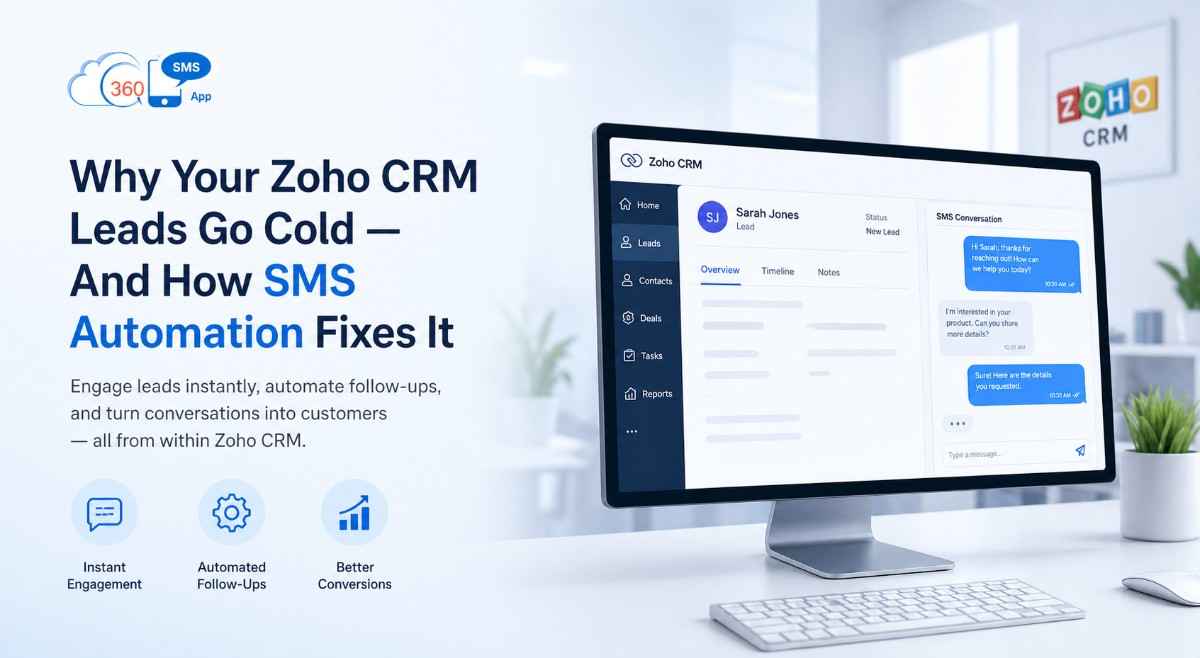
Why Your Zoho CRM Leads Go Cold — And How SMS Automation Fixes It
-
- May 01st, 2026
- 7,816 views
There's a particular kind of frustration that every sales team recognises. A lead comes in on a Friday afternoon. Someone meant to follow up Monday morning. By Tuesday it's buried. By Wednesday the lead has booked a call with your competitor.
Nothing failed dramatically. Nobody made a mistake. The system just didn't keep up — and there was no system in place to catch what fell through.
Zoho CRM SMS automation is the fix for exactly this problem. Not because it makes your team faster, but because it removes the parts of follow-up that depend on anyone remembering to do something at the right moment.
The Five Stages Where Zoho CRM Leads Actually Go Cold
Most teams assume the drop-off happens at the top — a slow first response, a missed inquiry. That's real, but it's only one of five points in a typical sales pipeline where a lead quietly loses momentum.
Stage 1: The first 10 minutes after inquiry
A lead fills out a form on your website at 7:30 PM. Your office closes at 6. They wake up the next morning and the first thing they see is a WhatsApp from your competitor who apparently works 24 hours. Your email — polite, professional, sent at 9:02 AM — is the second message in their inbox.
Speed matters here more than most teams want to admit. The first business to respond to a new inquiry has a dramatically higher close rate than the second — this is consistently backed by lead response studies across industries. An automated SMS firing within 60 seconds of form submission, even just acknowledging the inquiry and naming the rep who'll follow up, changes that dynamic immediately.
Stage 2: Post-demo silence
Your rep ran a good demo. The prospect said all the right things. And then nothing for three days.
This is the most common place leads go cold, and the least automated. Most CRM setups don't have anything happening here unless a rep manually schedules a task. A Workflow Rule set to fire an SMS 48 hours after "Demo Completed" status — something like "Hi [First Name], just checking if you had any questions after our call" — catches a meaningful percentage of these before they disappear permanently.
Stage 3: The proposal gap
Sending a proposal is a high-intent moment for you. For the prospect, it's paperwork they'll read when they get a moment. An SMS reminder 24 hours after a proposal is sent, with a direct link to the document, doesn't feel pushy — it feels helpful. There's a difference between chasing someone and giving them a useful nudge.
Stage 4: The document or payment hold-up
B2B deals stall here constantly. The customer agreed. Contracts or invoices are outstanding. But nobody wants to send the third email about it. An automated SMS reminder with a one-click link — to a document, a payment portal, a booking link — removes the awkwardness and moves things forward without any human involvement.
Stage 5: The quiet dropout
Fourteen days of silence. The deal's technically still open. No one's officially said no.
A re-engagement SMS at the two-week mark — different angle from the original pitch, shorter, more direct — brings back a percentage of these that most teams write off as lost. Not every one. But enough that it changes your end-of-quarter numbers.
How Zoho CRM SMS Automation Actually Works
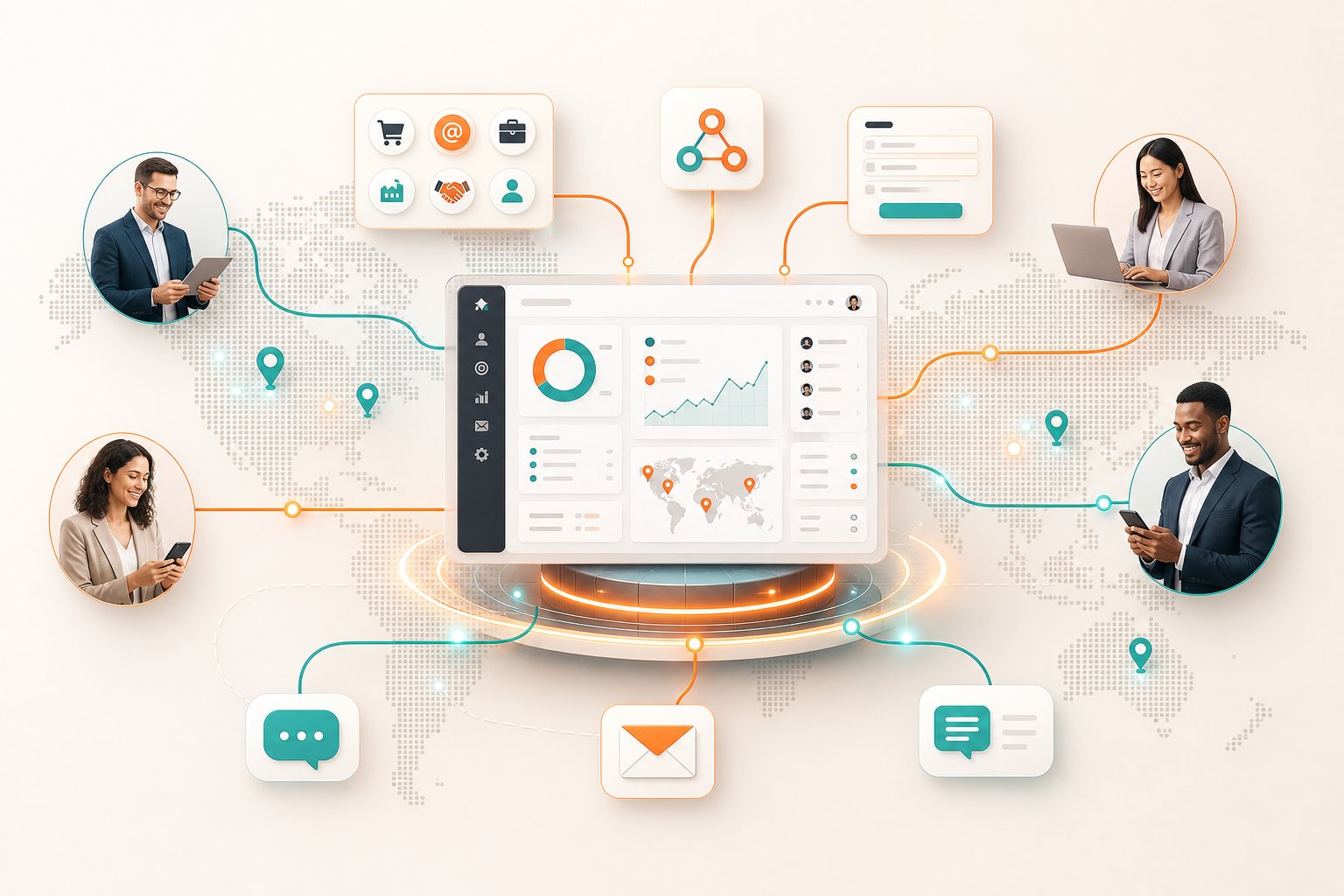
The mechanism is simpler than most people expect. Zoho CRM has a built-in feature called Workflow Rules — it lets you trigger actions automatically when specific conditions are met. A new lead is created? Trigger. A deal stage changes? Trigger. A date field is reached? Trigger.
With 360 SMS App connected to Zoho CRM via the Zoho Marketplace, SMS messages become one of those actions. You set the condition once inside Workflow Rules, write the message template with CRM merge fields (so "Hi [First Name]" pulls the actual contact name from the record), and from that point on the automation handles itself.
There's no separate platform to log into. No API setup. No developer needed. The message fires from inside Zoho CRM, logs on the contact record, and — if the contact replies — that reply lands back on the same record for your team to see. 360 SMS App for Zoho CRM handles both the outbound trigger and the inbound reply within the same workflow.
The setup for one trigger takes about 20 minutes the first time. Subsequent ones take five, once you've got the logic down.
What Good Templates Actually Look Like
Most automated SMS messages sound automated. That's what kills the response rate. There's a significant difference between a message that reads like it was fired by a script and one that reads like a real person checked in.
A few principles that consistently improve response rates on Zoho CRM automated texts:
Keep it under 160 characters. Not because of technical limits — because messages that look like they took effort to compose feel like broadcast, not conversation. Short messages feel personal.
Use the contact's first name in the first sentence. Pull it from the CRM record. "Hi Sarah" outperforms "Hi there" every time — this is documented across dozens of A/B tests in CRM messaging platforms.
Give the message a clear next action. A link. A question. A specific time to connect. An open-ended text is easy to ignore; a text with a direct response option isn't.
Don't copy the email. If you've already sent an email about the proposal, the SMS shouldn't repeat the same words. Treat it as a different channel — more casual, more direct, more like something a colleague would send.
The Compliance Side — Keep It Simple
People overthink this. Zoho CRM SMS automation is entirely manageable from a compliance perspective if you follow two basic rules: have a clear opt-in on your lead capture forms, and make sure your automation respects opt-outs instantly.
Opt-outs in 360 SMS App are handled automatically — when a contact replies STOP, they're removed from future sends without any manual action. Consent records log on the CRM record. If you're operating in a region with specific regulations (GDPR, TCPA, etc.), the configuration details matter — but the principle is the same: collect consent before you text, honour opt-outs when they happen.
The practical advice most guides skip: restrict your automated sends to business hours. Zoho CRM Workflow Rules support time-of-day conditions. Use them. A 2 AM reminder about a proposal is not a good first impression.
Before You Switch Everything On
Running before walking is the most common mistake teams make with CRM automation. They build eight workflows in a day, switch them all on, and then can't figure out which one caused a contact to receive the same message three times.
Start with one trigger. The first-response automation — new lead creation — is the highest-value and lowest-risk place to begin. Get that running, watch it for two weeks, check delivery rates and reply rates. Then add the next one.
Map your pipeline on paper before you build in the CRM. Write out every stage where a prospect might need a nudge, every moment where a rep would normally send a manual follow-up. Those are your trigger points. Most pipelines have six to eight of them. You don't need to automate all of them on day one.
And test on a dummy record before you go live. Update a test contact to trigger the condition and confirm the message sends correctly, the merge fields pull from the right place, and the timing fires when you expect it to. This takes ten minutes and prevents the kind of embarrassing double-sends that stick in a customer's memory.
What Changes When This Is Running
The outcomes aren't subtle. Teams that have Zoho CRM SMS automation properly configured — covering the five pipeline stages, not just the welcome message — report two specific things changing.
First, speed-to-first-contact drops from hours to under two minutes for new inquiries. That alone moves conversion numbers in a way that no amount of better copywriting in emails does.
Second, and more interesting: the pipeline actually reflects reality. When deals aren't progressing, the re-engagement sequences surface the true status faster than a static CRM record would. Reps spend less time chasing cold leads manually and more time on conversations that are actually live.
The setup investment is real — a few hours to map triggers and build templates properly. But once it's in place, it runs without attention. The follow-up happens whether your rep is in a meeting, on a call, or offline. That's the actual value of automating this well.
Frequently Asked Questions
1) Does Zoho CRM have built-in SMS sending?
Zoho CRM has Workflow Rules that can trigger actions, but native SMS delivery requires a third-party integration from the Zoho Marketplace. Apps like 360 SMS App add SMS as a native workflow action — so you trigger from Zoho CRM's existing automation logic without building anything external.
2) How personalised can automated SMS messages actually get?
As personalised as the data in your CRM. Every merge field from the contact record — first name, company, assigned rep name, deal name, custom fields — can be pulled into the message template. A message going to 500 contacts can read like it was written for each one individually, as long as your CRM data is clean.
3) What happens if a contact replies to an automated SMS?
With a properly configured SMS integration, replies log back on the contact's CRM record automatically. Your team sees them inside Zoho CRM. Some setups also support routing replies to the assigned rep or to a shared team inbox — depending on how you configure it.
4) How long does it take to set up the first Zoho CRM SMS automation?
The first workflow takes 20–30 minutes to configure — writing the template, setting the trigger condition, testing on a dummy record. After the first one, each additional trigger takes about five minutes because the logic is the same. Most teams have their core five pipeline automations running within a day.
5) Is SMS automation worth it for teams with low lead volume?
Honestly, probably not if you're under 30–40 leads a month. At that volume the manual follow-up is manageable and personalisation from a human touch is more valuable than automation. The break-even point where automation starts paying off significantly is around 50–100 new leads monthly — or any pipeline where response time is a competitive factor.
360 SMS App is a Zoho Marketplace-certified messaging app for Zoho CRM and Salesforce, supporting SMS, WhatsApp, and multi-channel automation from inside your CRM without developer setup.