Affordable Smart Home Upgrades: Top Budget-Friendly Gadgets
-

- Published Updated
- 1,770 views

Introduction
Adding smart technology can make daily life more convenient and efficient, and budget-friendly smart home gadgets make upgrades accessible without a large investment. This guide explains affordable options, practical features to prioritize, and basic security and compatibility considerations for a reliable, long-lasting smart home setup.
- Start with low-cost devices such as smart plugs and bulbs to add automation quickly.
- Focus on compatibility, software updates, and basic security (separate IoT network, strong passwords).
- Balance features with energy use—look for energy-efficient ratings and reusable settings.
Budget-Friendly Smart Home Gadgets: What to Consider
Selecting budget-friendly smart home gadgets involves balancing upfront cost with long-term reliability. Look for devices that receive regular firmware updates, support common connectivity standards (Wi‑Fi, Bluetooth, Zigbee, or Z‑Wave), and offer clear return policies. For security and interoperability guidance, consult resources from standards bodies and technical agencies such as the National Institute of Standards and Technology (NIST) for IoT security best practices: NIST IoT guidance.
Essential Gadgets for a Smart Home
Smart Plugs
Smart plugs are a low-cost entry point for home automation. They turn standard appliances into controllable devices using schedules and remote on/off controls. Useful for lamps, fans, or holiday lights, smart plugs can also enable simple energy monitoring on some models. Prioritize plugs with overload protection and clear power ratings.
Smart Bulbs and Lighting
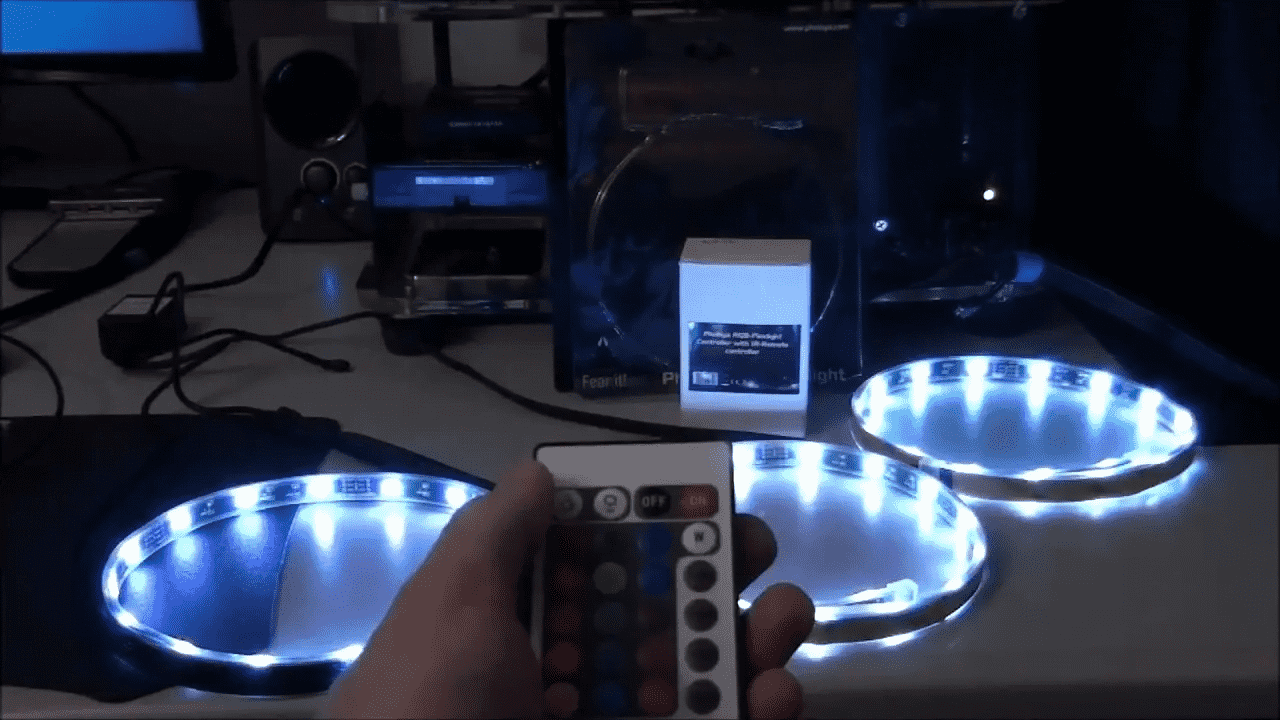
Smart bulbs replace traditional bulbs to offer dimming, color temperature adjustment, and scheduling. Choose bulbs compatible with existing fixtures and protocols used elsewhere in the home. LED smart bulbs are more energy-efficient and often last longer than incandescent equivalents.
Smart Speakers and Voice Assistants
Smart speakers can act as a control hub for voice commands, routines, and quick timers. They often integrate with many third-party smart devices, enabling hands-free control. Consider privacy settings and microphone mute options when choosing a model.
Smart Thermostats (Budget Models)
Entry-level smart thermostats can provide scheduling, basic remote control, and simple energy-saving features. Even basic programmable thermostats can reduce energy use when set up correctly. Check compatibility with HVAC systems before buying, and prioritize models that permit local control and firmware updates.
Entry-Level Cameras and Door Sensors
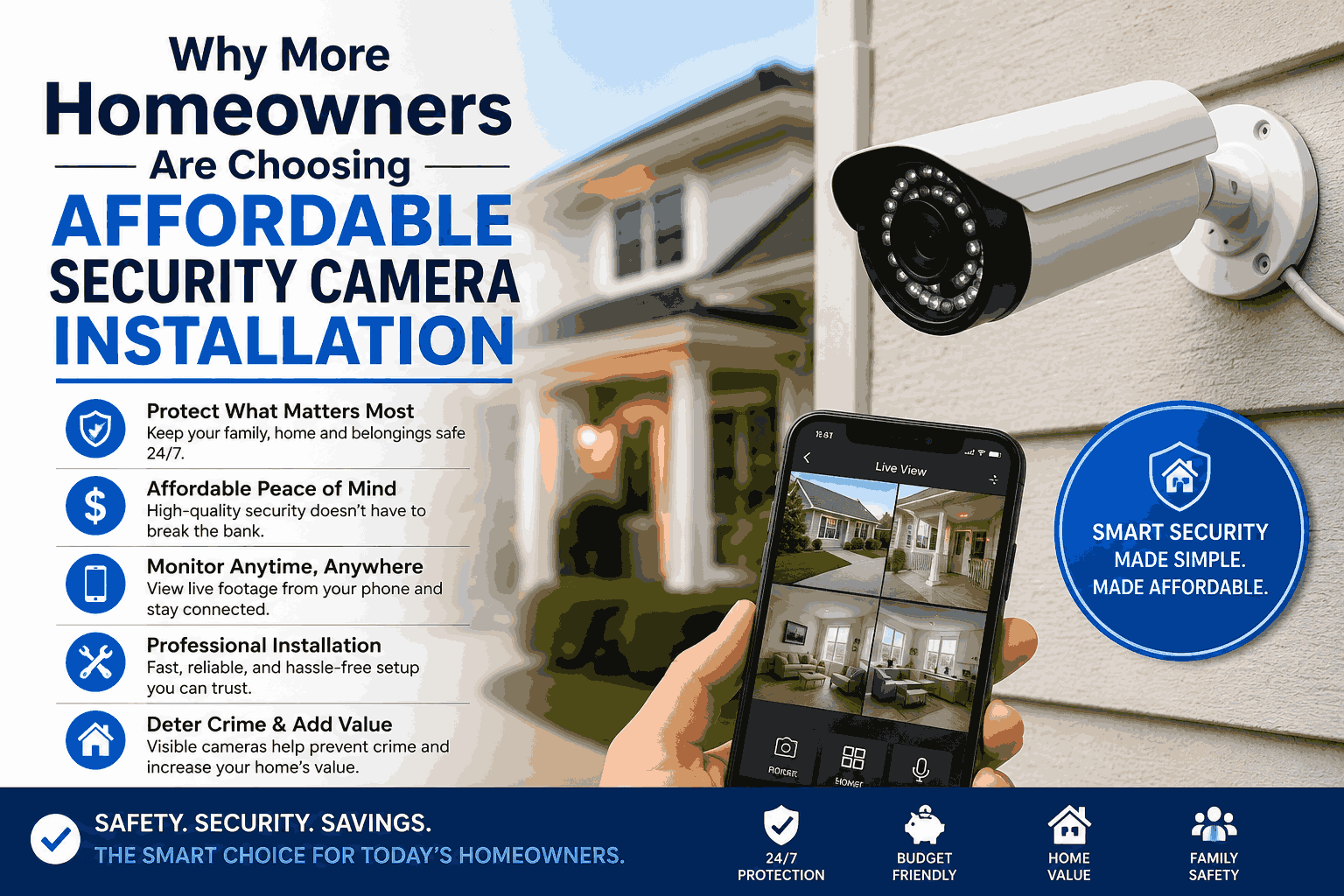
Indoor cameras and door/window sensors provide basic security and activity monitoring. Look for encrypted connections, two-factor authentication for accounts, and configurable privacy zones for cameras. Battery-powered sensors are often easy to install and do not require wiring.
Smart Hubs and Bridges (Optional)
Some devices require a hub or bridge to communicate using Zigbee or Z‑Wave. A single, affordable hub can allow many devices to work together more reliably than connecting multiple devices directly to Wi‑Fi. Choose a hub that supports open standards and receives software updates.
Choosing Devices: Features to Prioritize
When selecting devices, prioritize these features:
- Regular firmware updates and active vendor support.
- Clear documentation about data collection and privacy.
- Compatibility with existing devices and platforms used in the home.
- Energy efficiency ratings and the ability to schedule or automate to save power.
Basic Installation and Security Tips
Security reduces the risk of unauthorized access and preserves privacy. Recommended steps include:
- Create a separate Wi‑Fi network for IoT devices whenever possible to isolate them from sensitive devices like computers.
- Change default passwords and use strong, unique passphrases. Enable two‑factor authentication when available.
- Keep device firmware up to date and review vendor security notices periodically.
- Disable unnecessary features, such as remote access, if they are not needed.
Regulatory agencies and standards organizations publish guidance on secure deployment and consumer privacy. For technical best practices, an overview from recognized agencies can be useful for homeowners and installers.
Energy and Cost Considerations
Budget-friendly devices can still affect utility bills. Use scheduling and presence-based automation to limit unnecessary runtime for heating, cooling, lights, and entertainment equipment. Energy monitoring features in smart plugs or thermostats help measure real-world savings and identify high-usage devices.
Maintenance and Longevity
Consider long-term support when buying low-cost devices. A low initial price may not be cost-effective if a device stops receiving updates or is discontinued. Look for vendors with clear update policies and consider community reviews from consumer testing organizations when evaluating reliability.
Compatibility and Future Upgrades
Plan for gradual upgrades rather than replacing an entire system at once. Start with a few interoperable devices and expand as needed. Choosing devices that adhere to common standards increases the likelihood that future products will work together without major changes.
How can a renter start with budget-friendly smart home gadgets?
Renters can use non-invasive devices such as smart plugs, smart bulbs, battery-powered sensors, and plug-in cameras with temporary mounts. These options require no hard wiring and can be moved when relocating. Always check lease terms and local regulations on surveillance before installing cameras.
Do budget-friendly smart home gadgets compromise on security?
Low cost does not necessarily mean low security, but some inexpensive devices may lack strong update policies or robust encryption. Mitigate risk by isolating devices on a separate network, using strong authentication, and choosing vendors that publish security practices.
What are recommended first purchases for budget-friendly smart home gadgets?
Helpful first purchases include a smart plug, a smart bulb, a basic smart speaker for voice control, and a simple door/window sensor. These items provide immediate convenience and automation without high expense.
Can smart home gadgets save money on energy bills?
Yes—when used with schedules, presence detection, and efficient devices, smart gadgets such as thermostats and smart plugs can reduce wasted energy. Monitor usage through devices with energy reporting to track savings over time.
Where to find trustworthy information about smart home device safety?
Official guidance from standards bodies and government agencies, such as the National Institute of Standards and Technology (NIST) and consumer protection organizations, provides reliable security and privacy recommendations for smart home devices.