How Do You Reduce Bench Time in an IT Consulting Firm?
-

- Published Updated
- 63 views
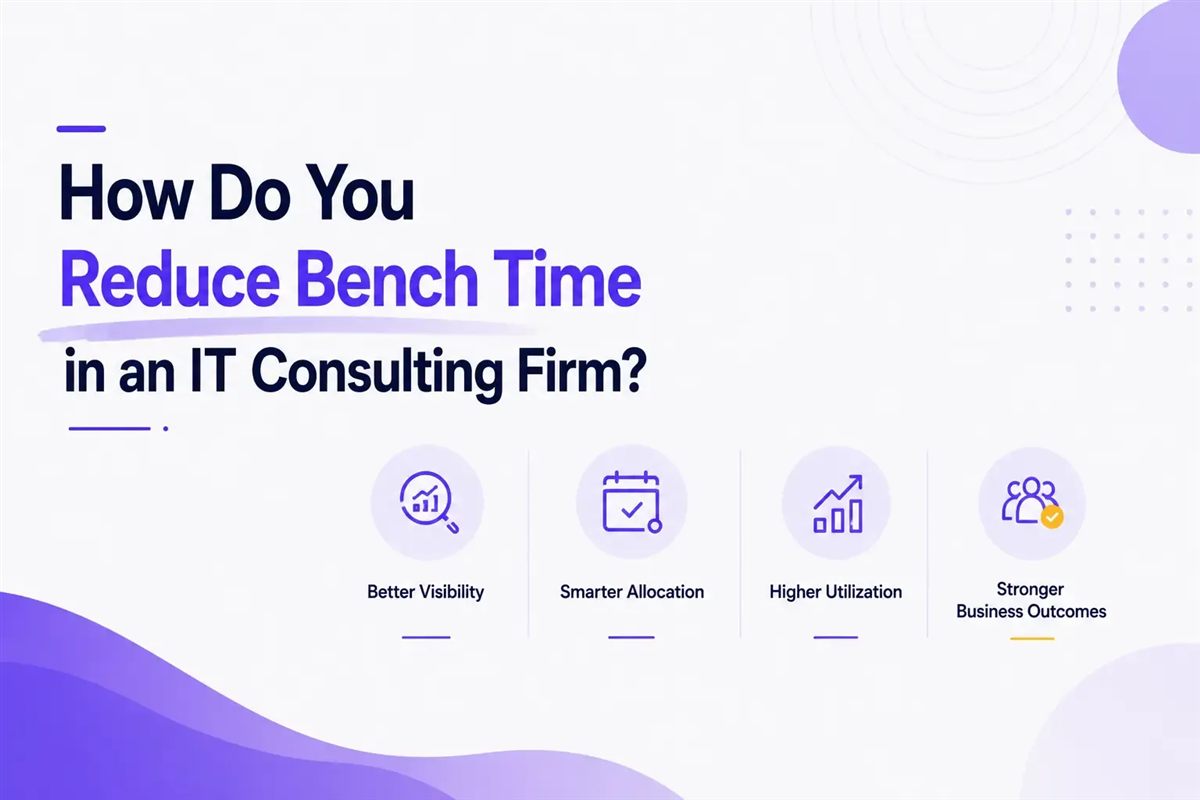
A 100-consultant firm billing $1,000 a day loses roughly $1.34 million a year by running at 68.9% utilization instead of a 75% target. That gap is bench time, and it is one of the most expensive problems in staffing and IT services. This is a practical summary of the full guide, Bench Time in Staffing: Meaning, Costs and How to Reduce It, covering what bench time means, how TCS now caps it, what it costs, what a healthy rate looks like and how to bring it down without burning out your team.
What does bench time mean?
Bench time is the paid period an employee or consultant spends without a billable assignment, waiting to be staffed on their next project. It is not a vacation and it is not unemployment. It is paid, unbilled availability. Utilization rate is the percentage of an employee's available working hours that is actually billed to a client project. A 75% utilization rate means three out of every four working hours generate billable revenue, with the rest going to bench time, internal work or admin.
What is bench time in TCS?
Bench time in TCS refers to the paid period an employee goes without a client assignment, and the company introduced a formal cap on it in June 2025. Under the new policy, TCS requires employees to be billed for at least 225 business days a year, which caps unallocated time at 35 business days, according to Outlook Business. Employees who go unallocated are expected to spend 4 to 6 hours a day on upskilling and complete mandatory training during that window. The policy states that long unallocated periods can affect compensation, career growth and even continuity of employment.
That language drew real pushback. An IT employee union filed a formal complaint with India's Ministry of Labour and Employment on July 17, 2025. It is a useful reminder that a bench policy without real redeployment support can turn into a retention risk instead of an efficiency win. Bench time across major IT firms has shrunk industry-wide to 35-45 days a year, down from 45-60 days back in FY21, and bench sizes have dropped to 2-5% of headcount from the 10-15% range firms carried before.
What does bench time actually cost a staffing firm?
The basic formula is consultants multiplied by day rate multiplied by working days multiplied by utilization rate. Take a 100-consultant firm billing $1,000 a day with 220 available working days a year. At the 2023 global average utilization of 68.9%, that firm bills roughly $15.16 million. Hit a 75% target instead, and revenue climbs to about $16.5 million, a gap of $1.34 million a year sitting in unbilled bench time, according to Saibon Group's calculation framework.
The cost compounds beyond the missed revenue. Consultants who sit on the bench for more than three consecutive weeks show 40% higher turnover, and replacing a departed consultant typically runs 50% to 150% of their annual salary. Losing the person costs more than the idle days ever did.
What is a healthy bench time percentage?
A healthy bench time percentage generally falls between 20% and 31% of total working days, which corresponds to the 69-80% utilization range most consulting benchmarks target. IT services, management consulting and engineering commonly target above 80% utilization, leaving bench time under 20%. General professional services averaged 68.9% utilization globally in 2023, putting healthy bench time nearer 30%. Zero bench time is not actually the goal. A firm running at 100% utilization has no slack to redeploy anyone fast when a project ends early, which usually just pushes the problem into a worse spot later.
How do you reduce bench time without overloading your team?
You reduce bench time by forecasting availability weeks ahead and keeping a searchable skills inventory current, not by pressuring people to accept any assignment that comes up. Reactive staffing drives both high bench time and burnout on the people who are staffed.
- Forecast bench risk 3 to 6 weeks out. Review project timelines and the sales pipeline weekly instead of waiting for a gap to already exist.
- Keep a live, searchable skills inventory. Matching the right person to a new project quickly depends on knowing who is actually qualified.
- Give bench time real structure. Certifications, training and proposal support turn idle days into something the person and the firm can both point to later.
- Track bench rate weekly, not monthly. A rate creeping up over four weeks is a much easier fix than one that has been climbing for a quarter.
- Fix the redeployment process, not just the policy. A hard cap on bench days without faster staffing support just recreates the pressure that TCS employees pushed back on.
You cannot cut bench time you cannot see
We360.ai gives staffing and services teams a live view of capacity, utilization and workload, so a rising bench rate is caught within days, not months. It is used by more than 120,000 users across 10,000+ companies in 21+ countries, and G2 has voted it the highest-rated employee monitoring software in the world (4.7 rating). Firms that catch a rising bench rate within days keep it inside the healthy range far more reliably than firms checking a spreadsheet once a month.
Want to see whether your own team's bench time and utilization match what the benchmarks call healthy? Start a free trial to check real capacity and workload patterns this week, or book a demo to walk through it with the team.