Common Biometric Lock Problems and How to Troubleshoot Them
-

- May 20th, 2026
- 7,208 views
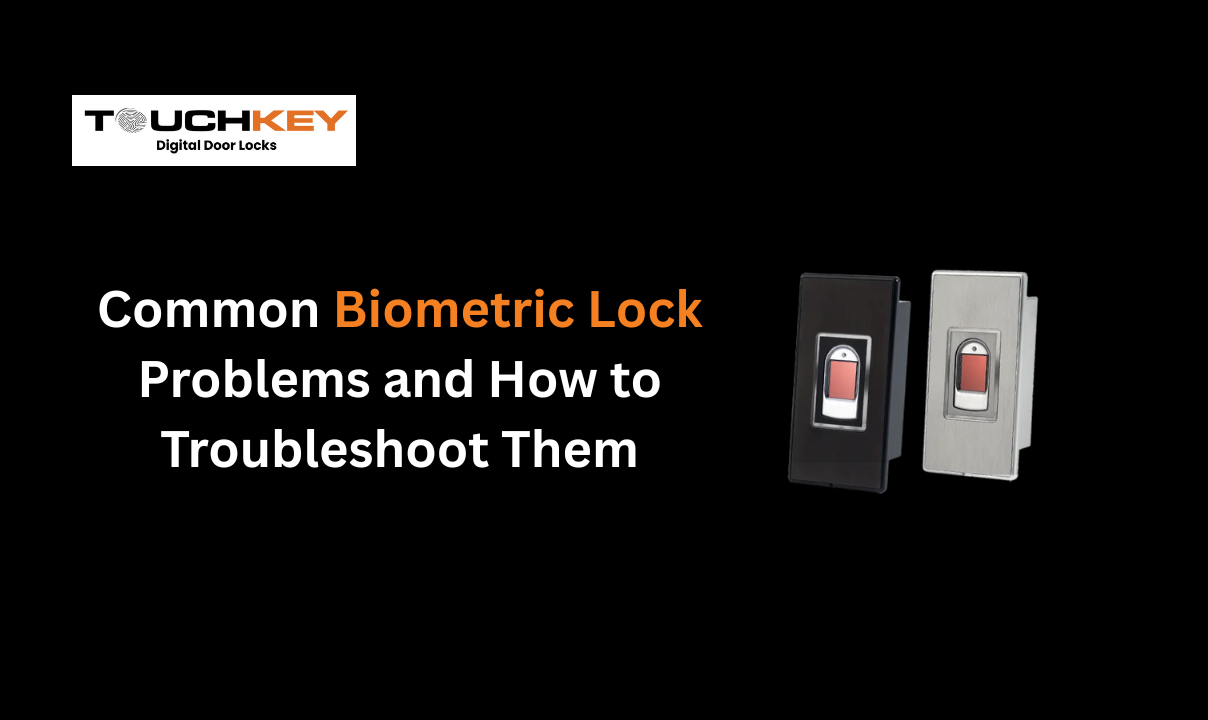
Modern smart security systems have transformed the way homes, hotels, and offices manage access. A biometric door handle lock offers convenience, keyless entry, and enhanced safety through fingerprint recognition and smart authentication. However, like any technology-driven device, biometric locks can occasionally face operational issues.
The good news is that most problems are easy to troubleshoot with simple maintenance and proper usage. Understanding these common concerns can help users improve lock performance, extend device lifespan, and maintain reliable security at all times.
Fingerprint Recognition Failure
One of the most common issues users experience with a smart fingerprint lock is failed fingerprint recognition. This usually happens because of dirty sensors, wet fingers, or improper fingerprint registration.
To fix this issue, first clean the fingerprint scanner using a soft microfiber cloth. Dust, oil, and moisture can interfere with accurate scanning. Next, ensure that the registered fingerprint covers multiple angles of the finger during setup. Many users register only one section of the fingerprint, which reduces accuracy over time.
Additionally, dry or damaged skin may affect recognition. In such cases, users should register multiple fingerprints or use an alternative unlocking method like PIN access or a mobile app.
Battery Drain and Power Issues
Battery-related problems are another frequent concern with electronic door locks. If the lock suddenly stops responding or shows delayed operation, low battery power is often the reason.
Most biometric smart locks provide low-battery alerts in advance. However, users sometimes ignore these notifications until the lock performance becomes unstable. Replacing batteries every 6–12 months can prevent unexpected lockouts.
It is also important to use high-quality alkaline batteries recommended by the manufacturer. Cheap or mixed batteries may reduce performance and cause power fluctuations. Some advanced locks even include emergency USB charging ports for temporary access during battery failure.
Connectivity Problems with Smart Features
Many modern digital door locks include Wi-Fi or Bluetooth connectivity for remote access and mobile control. However, weak internet signals or improper app synchronization can create connection problems.
If the lock fails to connect with the mobile application, restart both the lock and smartphone app. Updating the firmware regularly also helps maintain smooth performance and compatibility.
For Wi-Fi-enabled locks, placing the router closer to the entrance improves signal strength. In Bluetooth-enabled models, users should remain within the supported operating range for seamless communication.
Why Regular Updates Matter for a Biometric Door Handle Lock
Firmware updates improve security, fix bugs, and enhance lock responsiveness. Ignoring updates may lead to app crashes, delayed unlocking, or pairing issues. Therefore, users should regularly check for software updates through the official application interface.
Keeping firmware updated also improves cybersecurity protection, which is essential for any connected biometric security system.
Lock Not Responding Properly
Sometimes, users notice that the smart lock handle becomes slow or unresponsive. This issue may result from internal mechanical obstruction, loose fittings, or excessive force during usage.
To troubleshoot this, inspect the door alignment carefully. Misaligned doors can put pressure on the locking mechanism and reduce smooth operation. Tightening loose screws and lubricating mechanical parts with a non-greasy lubricant can also improve functionality.
Moreover, avoid slamming the door repeatedly, as it may damage sensitive internal components over time. Proper installation by trained professionals significantly reduces long-term operational issues.
False Rejections and Access Delays
Occasionally, biometric locks may reject authorized users or take longer than usual to unlock. Environmental factors such as extreme heat, humidity, or direct sunlight can affect sensor performance.
Installing the lock in a shaded or protected area helps maintain stable operation. Users should also avoid touching the scanner with wet or dirty hands. If delays continue, resetting and recalibrating the lock may solve the problem.
For commercial spaces and hospitality environments, maintaining a backup access method is always recommended to ensure uninterrupted entry during emergencies.
Tips to Improve Biometric Lock Performance
Here are a few simple practices that help maintain smooth lock operation:
Clean the fingerprint sensor regularlr
Replace batteries on schedule
Update firmware frequently
Register multiple fingerprints
Avoid forceful door handling
Ensure proper lock installation
Keep backup unlocking options enabled
Following these steps can significantly improve the reliability and lifespan of any biometric access system.
Conclusion
A biometric door handle lock provides modern convenience, improved security, and seamless access control for homes and businesses. While occasional issues like fingerprint errors, battery drain, or connectivity problems may occur, most can be resolved quickly through proper maintenance and troubleshooting.
As smart security technology continues to evolve, choosing a high-quality biometric lock with reliable support and advanced features becomes increasingly important. Solutions inspired by innovative platforms like TouchKey are helping users experience smarter, safer, and more efficient access control systems.
Whether for residential or hospitality use, maintaining your biometric smart lock properly ensures long-lasting performance and dependable security every day.