Boost Site Speed with WordPress: Practical Steps for Faster Loading
-

- February 23rd, 2026
- 1,348 views
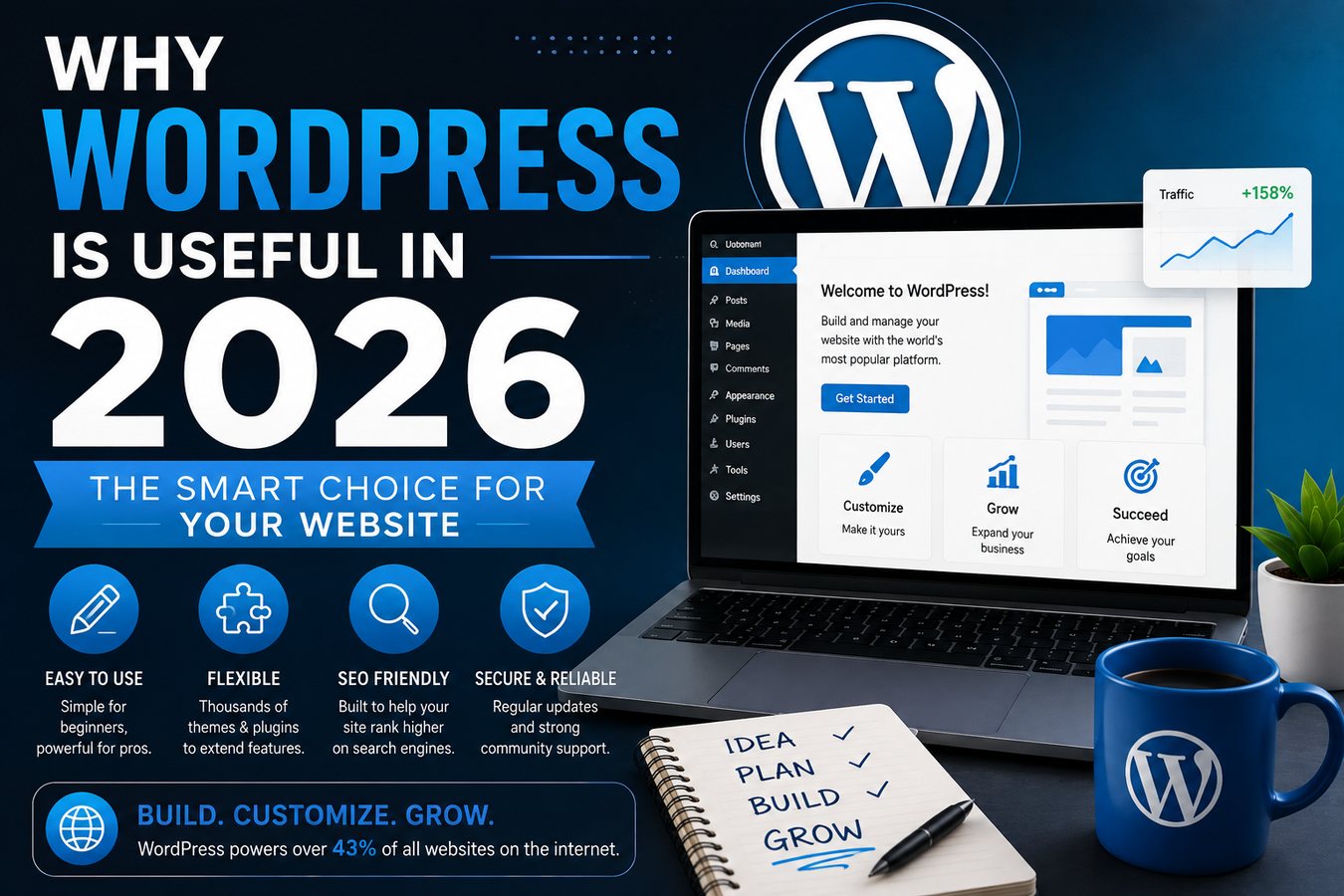
Choosing a content management system affects how quickly pages load and how easily performance improvements are applied. WordPress speed optimization can transform a slow-loading site into a responsive experience by combining platform features, hosting choices, and best-practice configuration. This article explains why WordPress is often selected for performance-focused websites and lists practical steps to achieve faster loading.
WordPress offers a flexible ecosystem for improving page speed through caching, image optimization, modern hosting, and a vast plugin and theme marketplace. Achieving consistent performance requires measuring with tools (for example, Google PageSpeed Insights and Lighthouse), choosing a fast host, reducing payloads, and following front-end best practices. The platform’s popularity and broad community support make it a practical choice for sites that need both speed and content flexibility.
WordPress speed optimization: core reasons to choose WordPress
WordPress combines a mature codebase with many performance-focused plugins, widely available documentation, and hosting ecosystems that prioritize speed. The platform supports widely accepted web performance standards, is compatible with HTTP/2 and modern caching strategies, and integrates with content delivery networks (CDNs) and image optimization tools. Official WordPress documentation and community guides provide step-by-step advice that aligns with standards from organizations such as the World Wide Web Consortium (W3C) and performance recommendations from search engines.
Extensive plugin and theme ecosystem
Many well-maintained plugins target caching, image compression, lazy loading, and critical CSS delivery. Choosing lightweight, actively updated themes and limiting unnecessary extensions reduces render-blocking resources and improves server response times. When selecting tools, prefer those with transparent changelogs and compatibility with recent PHP and WordPress versions.
Hosting and infrastructure options
WordPress runs on a wide range of hosting platforms, from managed WordPress hosts that tune servers for performance to cloud providers that enable autoscaling. Fast hosting with PHP-FPM, modern database tuning, and object caching (Redis or Memcached) can significantly reduce Time to First Byte (TTFB). Integrating a CDN offloads static assets and reduces latency for geographically distributed audiences.
Practical steps to speed up a WordPress site
Measure current performance
Begin with objective metrics. Tools such as Lighthouse, Google PageSpeed Insights, and webpagetest.org provide metrics like Largest Contentful Paint (LCP), First Input Delay (FID), and Cumulative Layout Shift (CLS). Record baseline scores before making changes to track improvements and avoid regressions.
Optimize images and media
Compress images using modern formats (WebP or AVIF where supported), serve appropriately sized images with responsive srcset attributes, and enable lazy loading for off-screen media. Reducing image payloads often yields the largest gains for content-rich pages.
Use caching and a CDN
Implement page caching to serve prebuilt HTML to visitors and use object caching for repeated database queries. A CDN caches static assets close to end users to reduce latency. When using CDNs, configure cache-control headers and purge policies to balance freshness and performance.
Minify and defer resources
Minify CSS and JavaScript and defer noncritical scripts to prevent render-blocking. Critical CSS strategies and inlining small style blocks for above-the-fold content improve perceived load time. Combine files prudently; HTTP/2 reduces the need to concatenate assets, but reducing resource count still helps on some connections.
Database and backend optimizations
Regularly clean transient data, optimize database tables, and avoid inefficient queries from poorly coded plugins. Use object caching for repeated computations and consider persistent connections or connection pooling for high-traffic sites.
When WordPress may not be the best fit
While WordPress is versatile, some use cases may favor lightweight static-site generators or headless setups for extreme performance or security requirements. Static site generators eliminate server-side rendering overhead at the cost of dynamic features, while headless architectures separate the content layer from the presentation layer, which can complicate workflows and increase implementation effort.
Monitoring and ongoing maintenance
Automated monitoring
Set up continuous performance monitoring that checks page speed from multiple locations and alerts on regressions. Regular audits help detect slow plugins, theme changes, or third-party scripts that degrade performance.
Keep software up to date
Applying updates to WordPress core, themes, and plugins ensures access to performance improvements and security patches. Modern PHP versions (for example, PHP 8 or later) often provide noticeable performance benefits over older runtimes.
Additional resources
Official platform documentation and community-maintained guides offer implementation details and troubleshooting steps. For a comprehensive starting point on optimization techniques, consult the WordPress performance guide: https://wordpress.org/support/article/optimization/
Conclusion
WordPress speed optimization is achievable through deliberate hosting choices, front-end best practices, efficient use of plugins, and continuous monitoring. The combination of a mature ecosystem, standards compatibility, and extensive documentation makes WordPress a practical choice for many sites that require both rich content management and faster loading times.
How does WordPress speed optimization improve loading times?
WordPress speed optimization reduces the volume and complexity of assets delivered to visitors, improves server response times via caching and optimized hosting, and defers or eliminates render-blocking resources. Together these changes lower LCP and FID metrics and create a faster, more responsive user experience.
What are the first changes to make for faster WordPress pages?
Start by measuring performance, then prioritize hosting improvements, image optimization, page caching, and removing or replacing slow plugins. Apply resource minification and defer noncritical JavaScript as next steps.
Can a CDN and caching replace good hosting choices?
CDNs and caching complement good hosting but do not fully replace the need for a performant origin. A fast host reduces server-side latency and improves cacheability; the CDN optimizes delivery to end users. Both are important for consistent, high-performance results.
How often should performance be reviewed?
Performance should be reviewed after significant site changes (theme updates, new plugins, or content changes), and on a regular schedule such as monthly or quarterly. Continuous monitoring with alerts is recommended for high-traffic or revenue-sensitive sites.