Practical Smart Home Integration: How to Bring Smart Technology into Your House
-

- February 23rd, 2026
- 1,390 views

👉 Best IPTV Services 2026 – 10,000+ Channels, 4K Quality – Start Free Trial Now
To modernize living spaces, many homeowners want to incorporate smart technology into your house in ways that improve convenience, safety, and energy efficiency without creating unnecessary complexity. This guide covers planning, core components, security and privacy, installation strategies, and ongoing maintenance to create a reliable smart home system.
- Start with a plan: prioritize needs, budget, and network capacity.
- Choose interoperable devices and a central control approach (hub, app, or voice).
- Secure the home network and apply device updates regularly.
- Consider professional installation for wired systems or high-security components.
How to incorporate smart technology into your house: planning and priorities
Define goals and budget
Determine what matters most: convenience (lighting, voice control), comfort (thermostat, shades), safety (cameras, sensors), or energy savings (smart meters, thermostats). Identify a realistic budget and start with a few high-impact items rather than outfitting the entire home at once.
Assess the home network and power
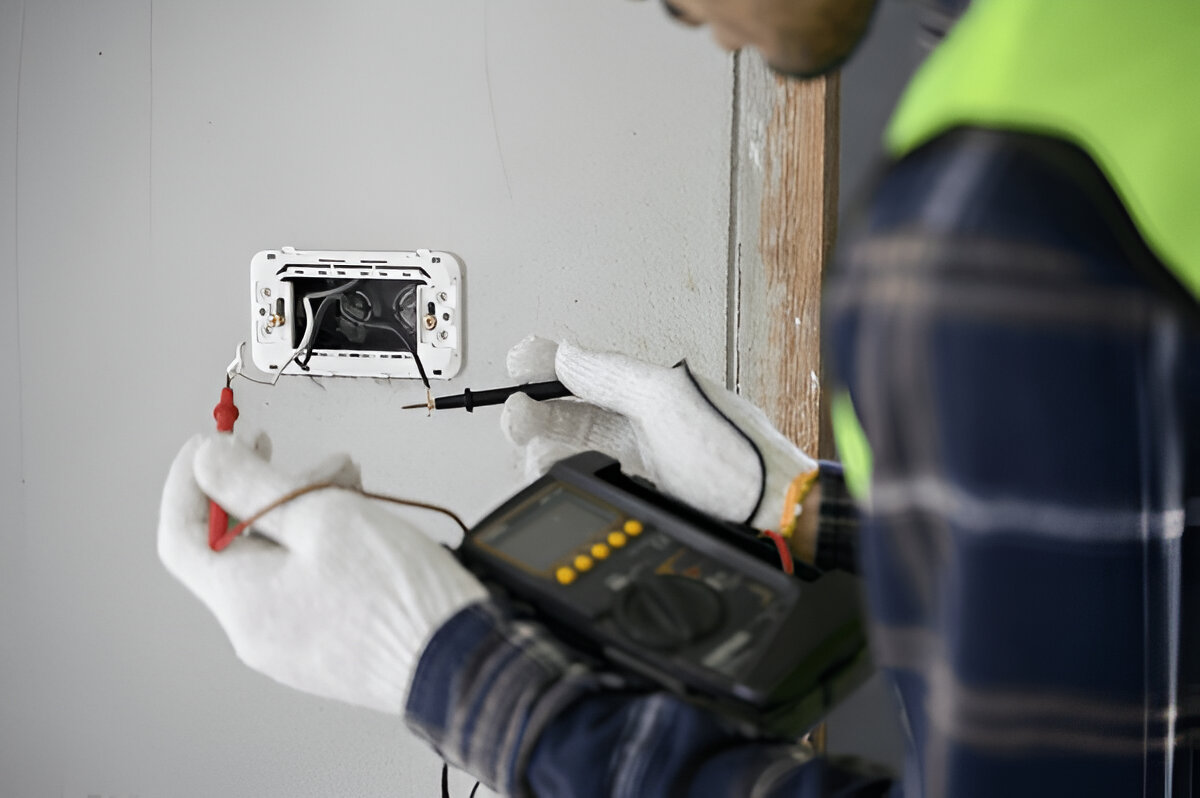
A stable Wi-Fi network is foundational. Evaluate router placement, bandwidth needs, and the number of connected devices. Consider power requirements for wired sensors or powered hubs; consult a licensed electrician if planning new low-voltage wiring, especially for security systems or hardwired smart lighting.
Key components of a smart home
Hub and control methods
Home automation can be centralized with a hub, managed through a cloud service, or controlled via local apps and voice assistants. Choose a control method that balances convenience with privacy and local control preferences.
Common smart devices
Core categories include smart lighting, thermostats, door locks, cameras, sensors (motion, water, contact), smart plugs, and energy monitors. Selecting devices that use common protocols (Wi-Fi, Zigbee, Z-Wave, Thread) improves interoperability.
Interoperability and standards
Look for devices that support open standards or widely adopted ecosystems to reduce fragmentation. Industry-level protocols and initiatives aim to improve cross-vendor compatibility; choose products with clear specifications for future flexibility.
Security, privacy, and network considerations
Network segmentation and passwords
Isolate smart devices on a separate network or guest SSID when possible to limit exposure. Use strong, unique passwords and enable WPA3 or the best available Wi-Fi security standard supported by the router.
Device updates and vendor trust
Apply firmware updates promptly and verify that manufacturers provide security patches. Prefer devices from vendors that publish security practices and update policies. Regulatory guidance and standards from organizations such as the National Institute of Standards and Technology (NIST) provide detailed recommendations for IoT security and device lifecycle management. For more information, see NIST's IoT resources: https://www.nist.gov/topics/internet-things-iot.
Data privacy and cloud services
Understand what data devices collect, where it is stored, and how it is shared. Review privacy settings and minimize data retention where possible. Choose local-control options when privacy is a primary concern.
Installation and interoperability tips
Start small and expand
Begin with a single room or function—such as lighting or security—and expand after validating the setup. This approach reduces complexity and helps identify compatibility issues early.
Use automation scenes and routines
Create simple routines (e.g., “Away” mode that locks doors, arms sensors, and adjusts thermostat) before building complex automations. Test automations to ensure they behave reliably across power cycles and network outages.
Wired vs. wireless trade-offs
Wireless devices are easier to install; wired connections can offer more reliability and power for cameras or smart locks. For permanent installations, consult professionals to comply with building codes and ensure safe wiring.
Energy efficiency, accessibility, and long-term maintenance
Energy monitoring and savings
Smart thermostats, lighting controls, and energy monitors can reduce consumption when configured correctly. Use usage reports to identify high-energy devices and schedule automations to lower consumption during peak pricing hours if applicable.
Accessibility and user experience
Smart technology can improve accessibility through voice control, automated lighting, and scheduled adjustments. Ensure interfaces (apps, voice commands, physical controls) are usable by all household members.
Documentation and lifecycle planning
Keep a record of device models, network credentials, and account information. Plan for device replacement and check vendor support timelines to avoid orphaned products when manufacturers discontinue updates.
Professional installation and compliance
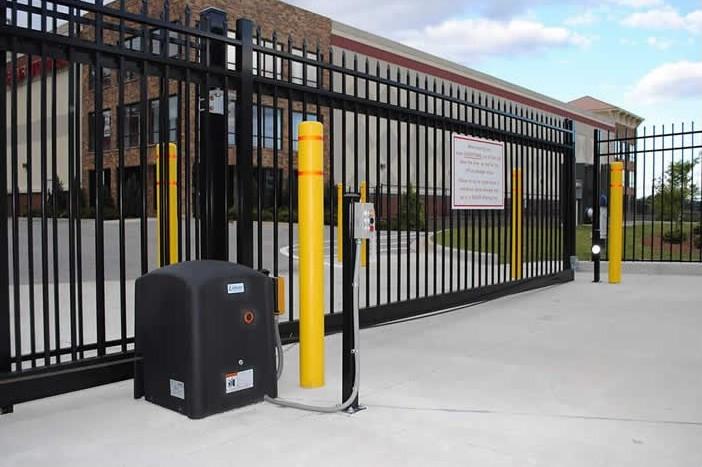
Consider certified installers for complex systems like home security or whole-home automation. Comply with local regulations for electrical work and follow building codes.
Conclusion
Incorporating smart technology into your house requires planning, attention to network and security practices, and a focus on interoperability and ease of use. Start with clear goals, choose compatible components, and maintain devices through timely updates and documentation to create a durable, useful smart home.
FAQ
How can one incorporate smart technology into your house without replacing everything?
Begin with priority upgrades—such as smart lighting, a thermostat, or security sensors—that provide immediate value. Choose devices that work with existing Wi-Fi and consider hubs or bridges for older systems. Expand in phases and prioritize interoperability.
Is a professional installer necessary for a smart home?
Professional installation is helpful for wired systems, whole-home networks, or when integrating security systems. For plug-and-play devices, self-install is often feasible; however, consult experts for electrical or network upgrades.
What security steps should be taken for smart devices?
Use strong unique passwords, network segmentation, regular firmware updates, and enable two-factor authentication for cloud accounts when available. Follow guidance from regulators and standards bodies to reduce risk.
How long do smart devices typically receive updates?
Support lifecycles vary by manufacturer. Check product documentation for expected update timelines and choose vendors that commit to security patches and transparent policies.
Can smart technology improve home energy efficiency?
Yes. Smart thermostats, lighting controls, and energy monitors help optimize usage and can lower consumption when configured with schedules and automation routines tailored to household habits.