How to Save Instagram Stories and Reels: A Simple Guide
-

- Published Updated
- 1,780 views

Instagram has changed the way people consume and share content online. Every day, millions of users watch Instagram Stories and Reels for entertainment, education, inspiration, news, product recommendations, and personal updates. Because Stories are temporary and Reels can sometimes disappear when an account removes them, many people look for convenient ways to save content they are allowed to keep.
Saving Instagram content can be particularly useful for creators who want to maintain backups of their own videos. It can also help users organize their personal collections of content that they have permission to download and reuse.
In this guide, we will look at why people save Instagram Stories and Reels, how online saving tools work, and what you should consider before downloading content.
Why Are Instagram Stories and Reels So Popular?
Instagram Stories were designed as temporary posts that normally remain visible for 24 hours. They are widely used for quick updates, behind-the-scenes content, announcements, polls, and personal moments.
Reels, on the other hand, are short-form videos designed for discovery and engagement. They can reach people beyond the creator's existing followers and are now one of the major content formats on Instagram.
Because both formats are highly visual and often contain useful information, users may want to keep certain videos for future reference.
For example, someone might find a cooking tutorial in a Reel and want to refer to it later. A business owner may want to keep a copy of their own promotional Reel. A creator might also want to maintain an archive of previously published videos.
Why Save Your Own Instagram Stories and Reels?
One of the biggest reasons to save Instagram content is to create a backup.
Creators spend considerable time recording, editing, and publishing their videos. Losing the original file can make it difficult to reuse that content later. Keeping a copy on a computer, smartphone, or cloud-storage service provides an additional layer of protection.
A backup can also make repurposing content easier. A creator may want to edit an old Reel into a YouTube Short, Facebook video, website article, or another social-media post.
Saving your own content therefore isn't simply about downloading a video. It can become part of a broader content-management strategy.
How Does an Instagram Story and Reel Saver Work?
Online saving tools generally work through a web browser. Instead of installing an application, users can visit the website, enter the relevant Instagram URL, and follow the instructions provided by the service.
An Instagram story and reels saver can be useful when you want a browser-based way to save eligible Instagram content.
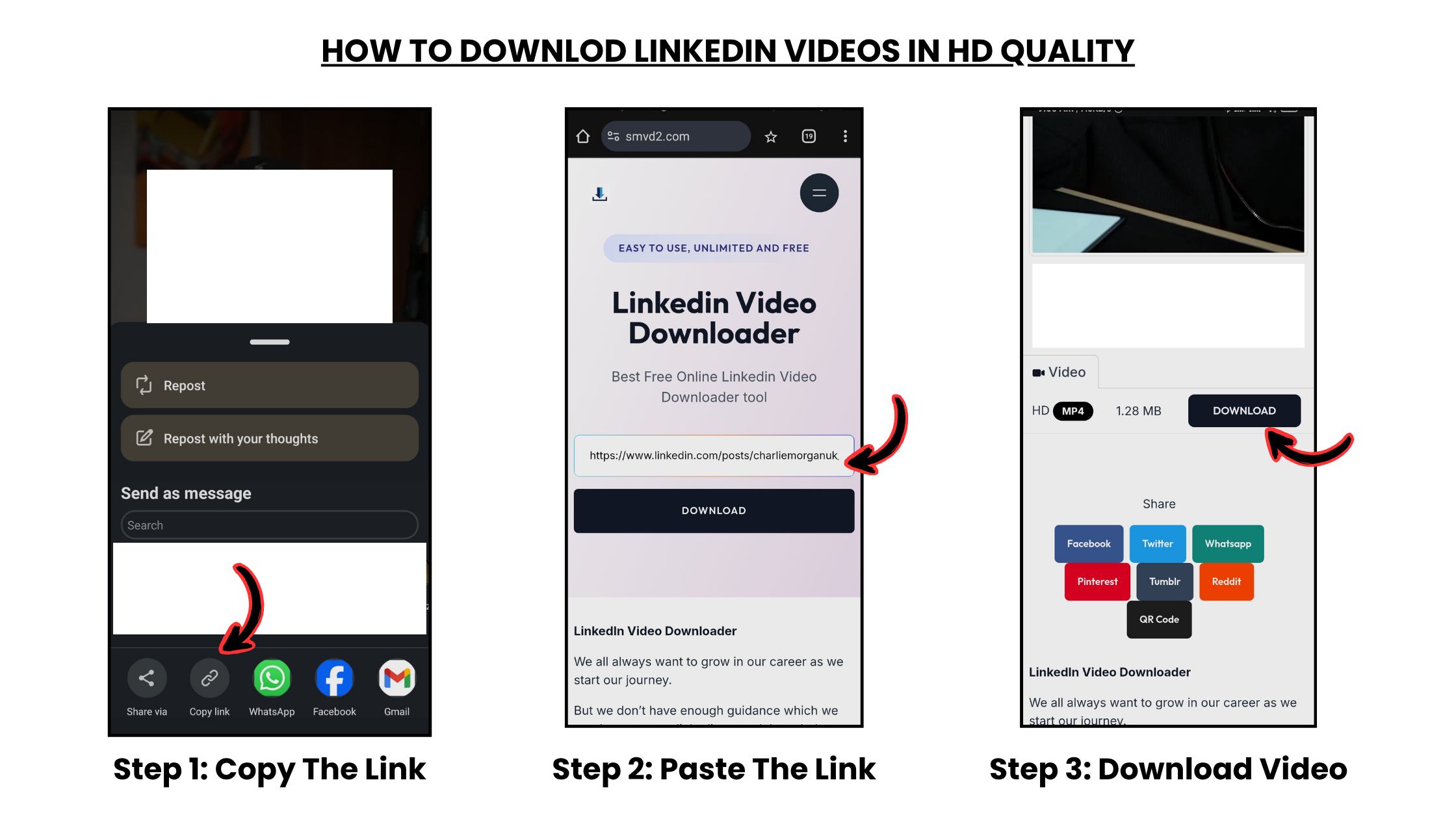
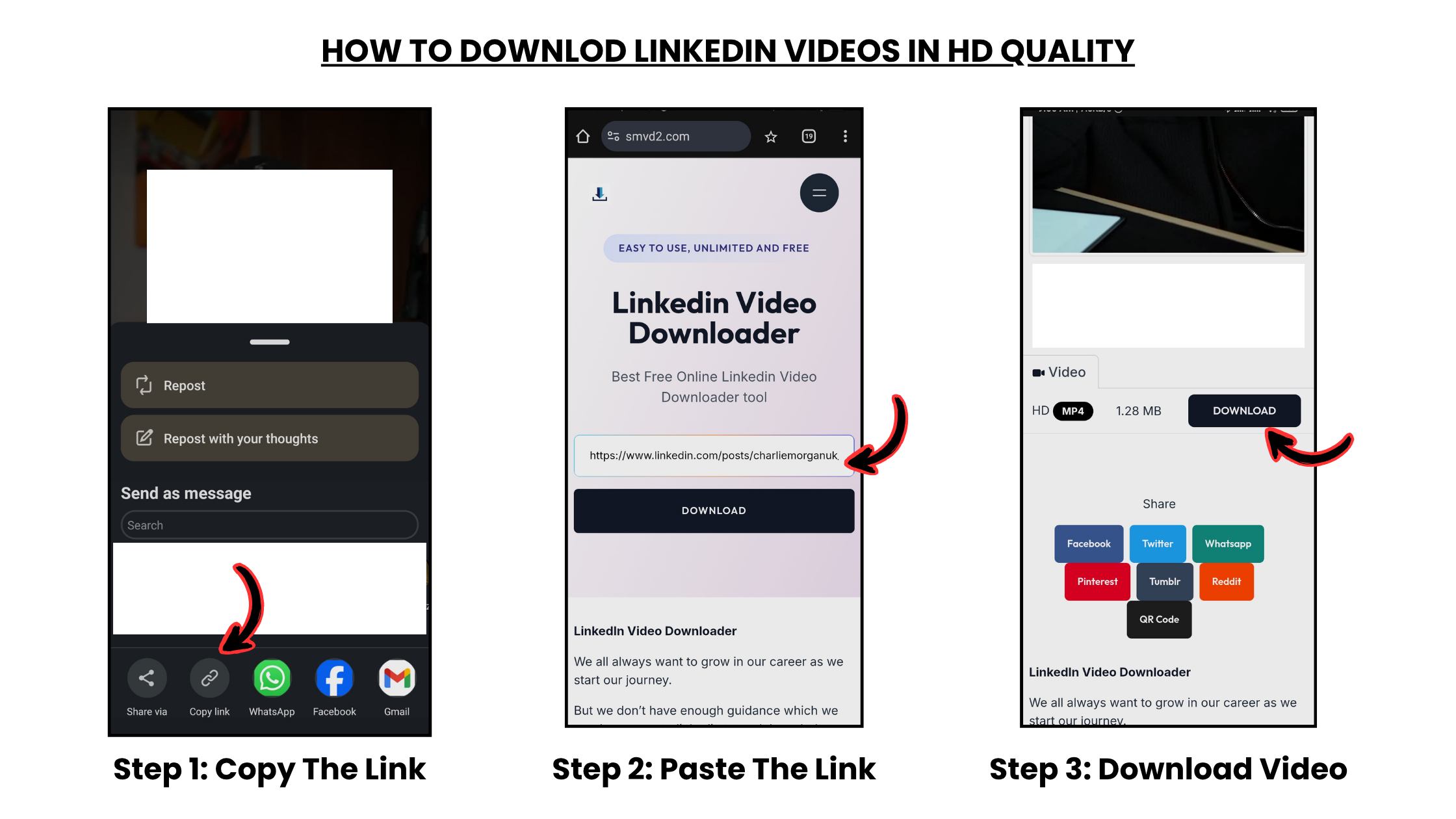
The general process is straightforward:
- Find the Instagram Story or Reel you want to save.
- Copy the URL of the content.
- Open a suitable online saving tool.
- Paste the Instagram URL into the required field.
- Follow the instructions displayed by the website.
- Save the available file to your device if you have the right to download it.
The exact process can vary depending on the service and the type of Instagram content involved.
Saving Instagram Stories
Stories are different from regular Instagram posts because they are designed to disappear after a limited period.
If you create your own Story, keeping a copy can help you maintain a personal archive. This can be especially useful for businesses and creators that publish Stories frequently.
For example, a small business might publish a Story announcing a new product. Saving a copy can allow the business to refer back to the announcement later or use elements of the content in future marketing material.
However, downloading someone else's Story doesn't automatically give you permission to republish it. The original creator may still own the copyright to the images, videos, music, or other material contained in the Story.
Saving Instagram Reels
Reels are often more suitable for long-term content because they can continue receiving views after publication.
Creators may want to save their original Reels as backups. Users may also want to keep educational content for personal reference.
Before downloading a Reel created by someone else, consider whether you have permission to save, edit, or redistribute it. Personal access and copyright ownership are not the same thing.
If you want to publish the video somewhere else, ask the creator for permission where appropriate.
Benefits of Using an Online Tool
Browser-based tools can be convenient because they don't necessarily require additional software.
One advantage is accessibility. You can potentially use a web-based service from a computer, tablet, or smartphone without installing a dedicated application.
Another benefit is simplicity. Users who only occasionally need to save their own Instagram content may prefer a website rather than installing another application.
However, users should still be careful when choosing an online service. Avoid websites that request unnecessary personal information, Instagram passwords, or suspicious software installations.
What Should You Check Before Downloading?
There are several things worth considering before saving Instagram content.
1. Copyright
Instagram content can be protected by copyright. Downloading a video doesn't transfer ownership to you.
If you want to reuse or republish somebody else's content, obtain the appropriate permission.
2. Privacy
Private content should be treated carefully. Don't attempt to access or distribute content that you aren't authorized to access.
3. Terms of Service
Instagram has its own rules regarding the use and downloading of content. Users should make sure their activities comply with the platform's current terms and applicable laws.
4. Website Security
Be cautious with unfamiliar download websites. Never provide your Instagram password to a third-party downloader, and avoid downloading unknown software simply because a website tells you that it is required.
5. Content Ownership
The safest use case is generally saving content that you created yourself or content for which you have permission to download and use.
How Creators Can Organize Saved Content
Downloading a video is only the first step. If you create a lot of Instagram content, organization can make your backups much more useful.
Create folders based on dates, campaigns, or content categories. For example, a business could have separate folders for product launches, customer testimonials, promotional Reels, and Stories.
You can also maintain copies in cloud storage and on a local device. This reduces the risk of losing important files because of accidental deletion or hardware problems.
Using descriptive filenames can make older videos easier to locate. Instead of keeping a file with a random name, use something such as "summer-sale-reel-2026" or "product-launch-story."
Final Thoughts
Instagram Stories and Reels have become important formats for personal users, creators, influencers, and businesses. Saving your own content can help protect your work, create backups, and make future content management easier.
Online saving tools can provide a convenient browser-based option when you need to save eligible Instagram content. However, convenience should always be balanced with privacy, copyright, security, and responsible use.
Before downloading or reusing content created by someone else, make sure you have the necessary permission. When used responsibly, saving tools can be a practical part of managing your own Instagram content and maintaining a useful personal archive.