How to Convert OLM to MSG Format Easily
-

- May 05th, 2026
- 4,182 views

FREE SEO Topical Map Generator: Find Your Next Content Ideas
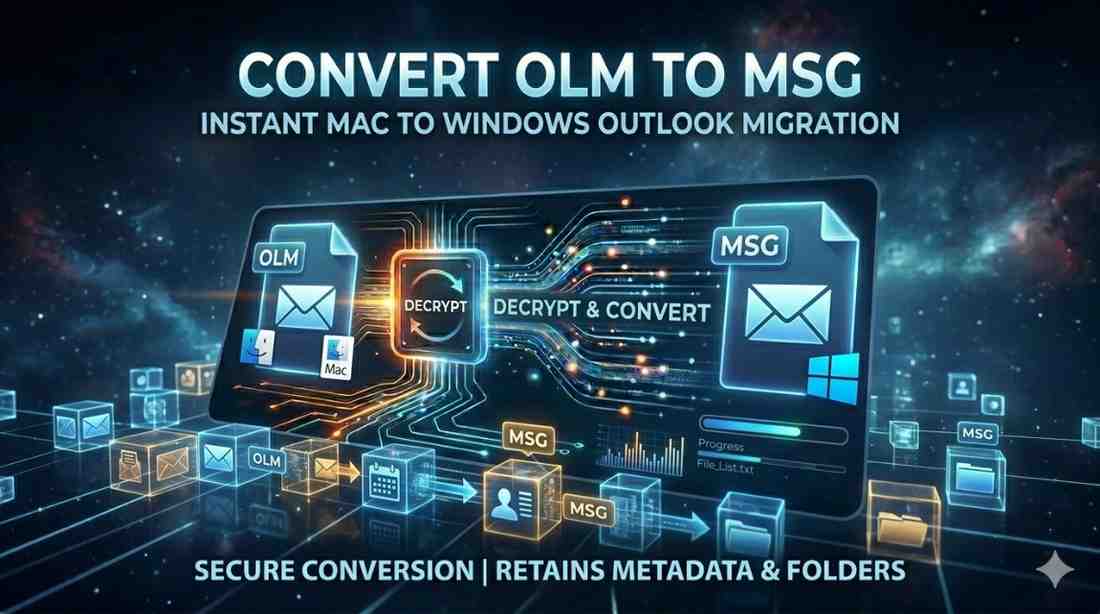
Users often face compatibility issues with email file formats when they try to switch from Mac Outlook to Windows Outlook. Since Mac Outlook stores data in OLM format and Windows Outlook uses MSG, this creates a challenge for users to access their old emails on a different platform. Hence, that is why there is a need to convert OLM to MSG so that users can easily open, view, or even manage Mac Outlook emails directly in Windows Outlook without data loss. In this article, you will understand why there is a need fr conversion, simple methods, and common mistakes to avoid. Additionally, if you wish to convert OLM to PST, then you can go with this professional tool.
Key Reasons Behind Converting OLM to MSG
There are several practical reasons why users need to convert OLM files into MSG format. Since both formats are platform-specific, switching systems often requires migration.
Here are the key reasons:
OLM files are not supported in Windows Outlook, while MSG files are fully compatible.
MSG format allows users to open individual emails directly in Outlook.
Each email is saved as a separate file, making management simpler.
MSG files can be easily shared or transferred between systems.
Helps users shift from Mac Outlook to Windows Outlook without data loss.
MSG files can be stored as individual email backups for future use.
Different Methods to Convert OLM to MSG
There are multiple ways to export OLM to MSG, depending on the number of files, user expertise, and required accuracy. Since OLM files are native to Mac Outlook and MSG files are used in Windows Outlook, users must follow a suitable method to ensure smooth data transfer. Generally, to convert OLM to MSG can be done either manually or with the help of automated tools. While manual methods are limited and time-consuming, automated solutions provide a faster and more reliable way to complete the process without data loss.
#1. Manual Approach for OLM to MSG File Conversion
The manual approach to convert OLM to MSG is a basic method that allows users to export emails from Mac Outlook and then access them in Windows Outlook. However, it is not a direct or fully automated process, so it requires multiple steps and careful handling of files. This method is generally suitable for converting a small number of emails rather than bulk migration.
Open Mac Outlook on your system.
Select the email you want to convert.
Drag and drop the email onto your desktop or any folder (this saves it in EML format).
Transfer the EML file to a Windows system.
Open Windows Outlook.
Drag the EML file into Outlook.
Save or export the email as MSG format.
Limitations:
Time-consuming for large email batches.
Risk of data loss or formatting issues.
No guarantee of attachments being preserved.
Not suitable for bulk conversion.
Requires both Mac and Windows systems.
#2. How to Convert OLM to MSG Using Automated Tools?
Using an automated tool like SysTools OLM converter Software is one of the most efficient ways to convert OLM to MSG without data loss or complex manual steps. Such a tool is designed to directly process Mac Outlook OLM files and export them into MSG format, making them compatible with Windows Outlook. This method is especially useful for users who need to migrate large mailboxes or want a quick and error-free conversion process.
Install a reliable tool on your system.
Launch the software and add the OLM file(s).
Preview the email data (optional but recommended).
Select MSG as the output format.
Choose the destination folder.
Click on the Convert button to start the process.
Wait for the tool to complete the conversion and check the output folder.
Benefits of Automated Method:
Fast and efficient conversion.
Supports bulk email migration.
Preserves attachments and formatting.
User-friendly interface.
Reduces chances of data loss.
No technical expertise required.
Top Mistakes Users Make While Converting OLM to MSG
When users try to convert OLM to MSG, they often make small but critical mistakes that can lead to data loss, incomplete migration, or corrupted files. Since OLM files are Mac-based and MSG files are used in Windows Outlook, the conversion process requires careful handling. Avoiding common errors can make the entire migration smoother and more reliable.
Not taking a backup before conversion.
Using unreliable or free tools.
Skipping post-conversion verification.
Trying the manual method for large files.
Ignoring Outlook compatibility issues.
Losing folder structure after migration.
Missing email attachments during transfer.
Choosing the wrong output settings while converting OLM to MSG.
End Note
To convert OLM to MSG, users need a clear understanding of both manual and automated approaches. While manual methods may work for a small number of emails, they are often slow and prone to errors, especially when dealing with large mailboxes. On the other hand, automated tools provide a faster, safer, and more reliable way to complete the conversion with minimal effort. Choosing the right method depends on the user’s needs. By following the correct steps and avoiding common mistakes, users can easily complete a smooth and efficient OLM to MSG conversion without data loss or complications.