How to Use OpenArt AI for Free in 2026: Complete Beginner's Guide
-
- Published Updated
- 7,130 views
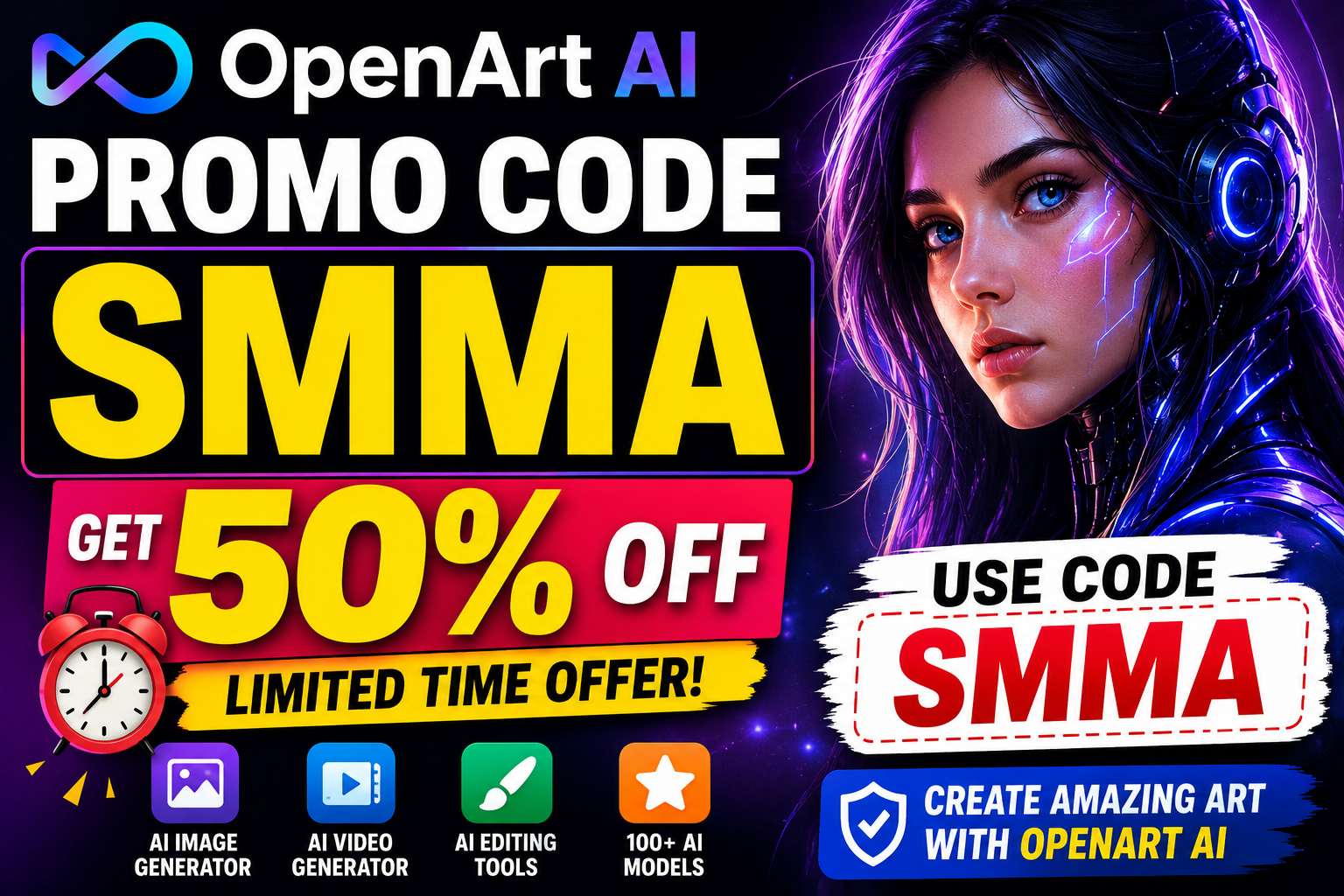
Artificial Intelligence has revolutionized the creative industry, allowing anyone to generate stunning images, artwork, illustrations, and even videos without professional design skills. One of the most popular AI art platforms available today is OpenArt AI.
Whether you're a blogger, content creator, marketer, designer, or simply curious about AI-generated art, OpenArt AI offers an excellent way to create professional-quality visuals with minimal effort.
The best part? You can start using OpenArt AI completely free.
In this guide, you'll learn exactly how to use OpenArt AI for free in 2026, what features are included in the free plan, its limitations, and tips to maximize your free credits.
What Is OpenArt AI?
OpenArt AI is an AI-powered creative platform that allows users to generate images, artwork, characters, illustrations, and videos using simple text prompts.
Instead of manually designing graphics, users simply describe what they want, and the AI creates multiple image variations within seconds.
For example, you can type:
"A futuristic city with flying cars at sunset"
and OpenArt AI will generate several unique images based on your description.
The platform is widely used by:
- YouTubers
- Bloggers
- Graphic Designers
- Digital Marketers
- Content Creators
- Artists
- Business Owners
Can You Use OpenArt AI for Free?
Yes!
OpenArt AI offers a free plan that allows users to test the platform before upgrading to a premium subscription.
The free plan is ideal for:
- Beginners
- Students
- Hobbyists
- Content Creators
- Anyone exploring AI art generation
You can create AI-generated images without entering payment information.
What Does the OpenArt AI Free Plan Include?
The exact features may change over time, but free users typically receive:
| Feature | Free Plan Access |
|---|---|
| AI Image Generation | ✅ Yes |
| Basic AI Models | ✅ Yes |
| Daily Credits | ✅ Limited |
| Image Downloads | ✅ Yes |
| Community Access | ✅ Yes |
| AI Editing Tools | ✅ Basic Access |
| Premium Models | ❌ Limited |
| Faster Generation Speed | ❌ No |
The free plan provides enough functionality to learn how the platform works and create impressive images.
How to Sign Up for OpenArt AI Free
Getting started takes only a few minutes.
Step 1: Visit OpenArt AI
Go to the OpenArt AI website.
Step 2: Create an Account
You can sign up using:
- Email Address
- Google Account
- Other supported login methods
Step 3: Verify Your Account
Confirm your email if required.
Step 4: Access the Dashboard
After signing in, you'll gain access to the OpenArt AI workspace.
How to Create Your First AI Image
Once you're inside the dashboard, follow these steps.
Step 1: Open the Image Generator
Navigate to the AI Image Generator tool.
Step 2: Enter a Prompt
Describe the image you want.
Example:
A majestic dragon flying over snowy mountains during sunset.
The more detailed your prompt, the better your results.
Step 3: Choose an Art Style
You can often select from various styles such as:
- Realistic
- Anime
- Fantasy
- Digital Painting
- Cinematic
- 3D Art
Step 4: Generate
Click the Generate button.
Within seconds, OpenArt AI will create multiple image variations.
Step 5: Download
Choose your favorite result and download it.
Tips for Better AI Images
Many beginners struggle because they use short prompts.
Instead of writing:
Dog
Try:
A golden retriever sitting beside a lake at sunrise, cinematic lighting, ultra detailed, realistic photography.
Detailed prompts usually produce significantly better results.
Include:
- Subject
- Environment
- Lighting
- Colors
- Style
- Camera effects
This helps the AI understand exactly what you want.
Best Free Uses of OpenArt AI
YouTube Thumbnails
Create eye-catching thumbnails that improve click-through rates.
Blog Graphics
Generate unique images for articles and websites.
Social Media Posts
Create visuals for Instagram, Facebook, Pinterest, and X.
Digital Art
Experiment with creative artwork and illustrations.
Character Design
Create avatars, game characters, and story characters.
Marketing Content
Design promotional graphics without hiring a designer.
Understanding OpenArt AI Credits
OpenArt AI generally uses a credit-based system.
Each image generation consumes credits.
Free users receive a limited number of credits, while paid users receive more credits and access to advanced features.
To maximize your free credits:
- Generate only when prompts are ready
- Save successful prompts
- Avoid unnecessary regenerations
- Use lower image quantities when testing ideas
This helps extend your free usage.
OpenArt AI Editing Features
OpenArt AI includes several useful editing tools.
Background Removal
Remove unwanted backgrounds instantly.
Image Enhancement
Improve image quality automatically.
Upscaling
Increase image resolution for professional use.
Style Transfer
Apply different artistic styles to existing images.
Object Editing
Modify specific elements within generated artwork.
Some advanced editing features may require a premium subscription.
Who Should Use OpenArt AI?
OpenArt AI is suitable for almost anyone creating digital content.
Content Creators
Create graphics faster.
Bloggers
Generate custom article illustrations.
YouTubers
Design unique thumbnails.
Marketers
Create advertising creatives quickly.
Businesses
Develop branding assets at lower costs.
Artists
Explore new creative possibilities using AI.
Advantages of the Free Plan
The OpenArt AI free plan offers several benefits.
No Cost
Start creating without paying.
Beginner Friendly
Simple interface and easy setup.
Fast Results
Generate artwork within seconds.
Creative Freedom
Experiment with different styles and prompts.
Learn AI Art Creation
Gain experience before investing in a paid plan.
For many casual users, the free plan is more than enough.
Limitations of the Free Plan
While the free plan is excellent, it does have some restrictions.
Limited Credits
You can only generate a certain number of images.
Premium Models Restricted
Some advanced AI models are available only to paid users.
Slower Processing
Free users may experience slower generation speeds.
Advanced Features Locked
Certain editing and customization tools require a premium plan.
These limitations are common among most AI image-generation platforms.
Is OpenArt AI Worth Using in 2026?
Absolutely.
OpenArt AI remains one of the most user-friendly AI creative platforms available today.
Its strengths include:
- Easy image generation
- Multiple art styles
- Character creation
- Editing tools
- Video features
- Free plan availability
Whether you're creating content for social media, YouTube, blogging, marketing, or personal projects, OpenArt AI provides tremendous value.
Final Verdict
If you're looking for a free AI image generator in 2026, OpenArt AI is one of the best places to start.
The free plan allows beginners to explore AI-generated art without any financial commitment while still providing access to powerful creative tools.
As your needs grow, you can upgrade to premium plans for more credits, faster generation, and advanced features.
For beginners, content creators, and digital marketers, OpenArt AI is definitely worth trying.
Overall Rating: ⭐ 4.8/5
Best For
✅ Beginners
✅ Bloggers
✅ YouTubers
✅ Designers
✅ Marketers
✅ AI Art Enthusiasts
Frequently Asked Questions
Is OpenArt AI completely free?
OpenArt AI offers a free plan that includes image generation and basic features, although usage limits apply.
Do I need a credit card to use OpenArt AI for free?
In most cases, you can start using the free plan without entering payment details.
Can I download images from the free plan?
Yes, free users can typically download generated images.
Is OpenArt AI good for beginners?
Yes. Its simple interface makes it one of the easiest AI art generators for new users.
Can OpenArt AI generate realistic images?
Absolutely. OpenArt AI supports realistic photography-style image generation as well as many artistic styles.