Spatial Design in XR: UX Principles for Virtual, Augmented & Mixed Reality
-

- Published Updated
- 1,730 views
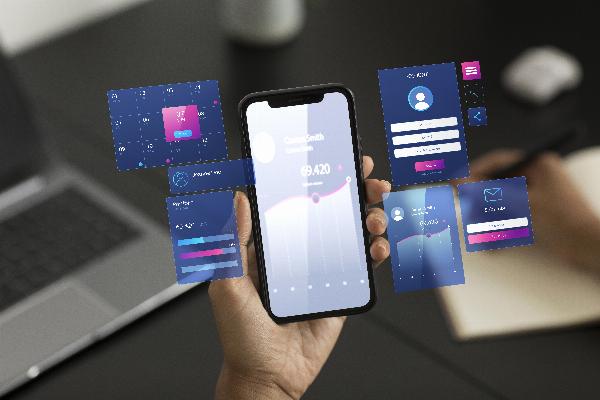
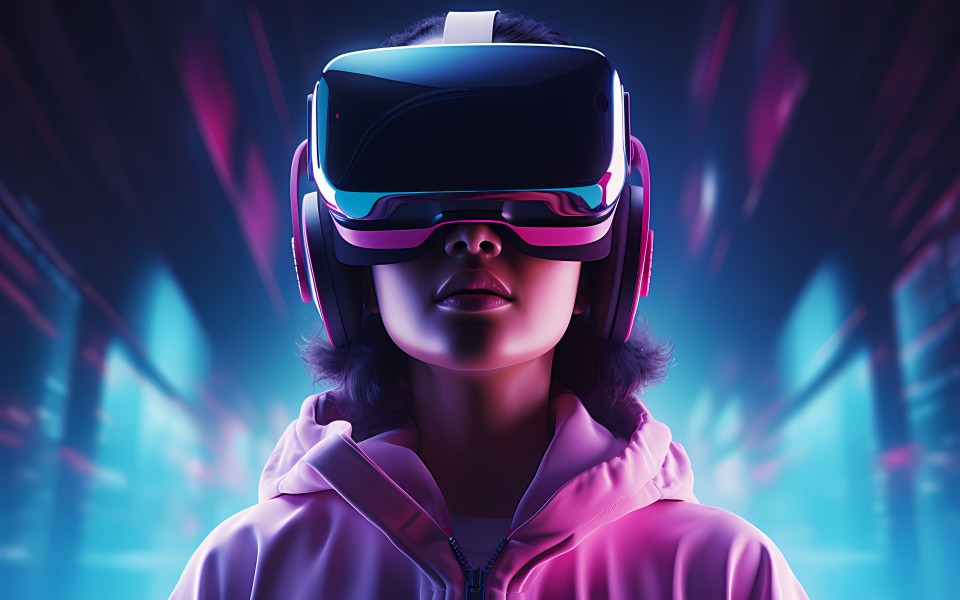
Spatial Design describes how users perceive, move through, and interact with three-dimensional digital environments. In virtual reality (VR), augmented reality (AR), and mixed reality (MR), Spatial Design shapes user experience (UX) by combining geometry, interaction design, sensory feedback, and environmental mapping to support tasks, orientation, and comfort.
- Spatial Design is the practice of designing user experiences in 3D and spatial computing contexts like VR, AR, and MR.
- Key considerations include scale, spatial audio, navigation, interaction affordances, and safety.
- Standards and research from organizations such as W3C, ISO, and IEEE inform best practices.
Spatial Design: Core Principles
Good Spatial Design balances perceptual cues, interaction patterns, and environmental constraints to create usable, comfortable, and meaningful XR experiences. Important principles include presence and immersion, consistent affordances, clear spatial hierarchy, and predictable spatial navigation.
Perception and Scale
Human perception of scale and distance differs in digital 3D scenes compared with physical spaces. Designers should test scale cues such as object proportions, shadowing, and occlusion to ensure users can judge distances and reach safely. Visual depth cues and spatial audio help convey relative position and size.
Affordances and Interaction
Affordances in spatial interfaces are the properties that suggest how to act—grab, push, point, or walk. Interaction design should align with common motor skills and minimize cognitive load. Use progressive disclosure: reveal advanced controls only when needed to avoid cluttering the spatial environment.
Design Patterns for VR, AR, and MR
Spatial Design patterns differ by device capabilities and context of use. VR frequently privileges complete immersion and direct manipulation with controllers or hands. AR overlays must respect the physical world, maintaining legibility and safety. MR blends virtual and physical elements, demanding accurate occlusion and stable tracking.
Navigation and Locomotion
Navigation patterns include physical walking, teleportation, guided movement, and scaled navigation (e.g., room-scale vs. world-scale). Each method involves UX trade-offs: teleportation reduces motion sickness but can disrupt spatial memory; physical walking is intuitive but limited by real-world space.
Spatial UI Components
Spatial UI elements—floating menus, anchored labels, or tool palettes—should be placed to reduce head and hand movement while remaining legible. Consider dynamic placement that responds to gaze and tasks, and use spatial constraints to prevent overlap with real-world objects.
Technical Foundations and Standards
Reliable Spatial Design depends on accurate tracking, environmental mapping, and rendering. Tracking systems (inside-out, outside-in), SLAM algorithms, and sensor fusion inform positioning and occlusion. For developers and designers, browser and platform APIs provide building blocks—see the W3C WebXR Device API for web-based XR integration.
Performance and Latency
Low latency and consistent frame rates are essential to avoid discomfort and preserve presence. Rendering optimizations include foveated rendering, level-of-detail management, and careful use of dynamic lighting. Profiling on target hardware and testing in representative environments is critical.
Privacy, Safety, and Regulation
Spatial experiences may collect environmental data, imagery, and motion patterns. Design must anticipate privacy requirements and legal considerations, such as data minimization and user consent. Follow guidance from standards bodies and local regulations when handling sensor or biometric data.
Accessibility and Inclusive Spatial UX
Inclusive Spatial Design addresses sensory, motor, and cognitive differences. Provide alternative input modes (voice, controller, gaze), captioning for audio, high-contrast visuals, and adjustable scale to accommodate assistive devices. Consult accessibility guidelines and research from ISO and other standards organizations for specific recommendations.
Motion Sickness and Comfort
Design strategies to reduce simulator sickness include minimizing vection conflicts, providing stable horizon references, using shorter movement distances, and offering user control over locomotion speed. Allow customization of comfort settings and provide clear warnings for intense motion sequences.
Testing and Evaluation
Combine usability testing, physiological measures (when appropriate and consented), and observational studies to evaluate spatial interactions. Lab tasks, field trials, and heuristic reviews help identify issues in navigation, discoverability, and physical safety.
Workflow and Collaboration
Spatial Design benefits from cross-disciplinary teams: interaction designers, 3D artists, software engineers, researchers, and accessibility experts. Iterative prototyping with real users, digital twins, and mixed-fidelity mockups accelerates validation of spatial concepts before full implementation.
Tools and Prototyping
Prototyping approaches range from paper and storyboard mockups for conceptual flows to interactive prototypes in engines or web platforms. Early testing of scale, reachability, and comfort in physical spaces can reveal constraints that are not visible in 2D design tools.
Measuring Success
Key metrics for Spatial Design include task completion time, error rates, spatial orientation retention, subjective presence and comfort scores, and accessibility compliance. Quantitative and qualitative data together provide a balanced assessment of usability and experience quality.
FAQ
What is Spatial Design and why does it matter for XR UX?
Spatial Design is the discipline of designing user experiences in three-dimensional and spatial computing contexts like VR, AR, and MR. It matters because effective Spatial Design supports usability, safety, and user comfort by accounting for scale, perception, interaction affordances, and environmental context.
How does Spatial Design differ between VR, AR, and MR?
VR typically replaces the physical world and focuses on immersion; AR overlays digital information onto the real environment and must respect physical objects; MR integrates virtual elements with realistic occlusion and interaction in shared physical spaces. Each modality demands different tracking fidelity, UI placement, and safety considerations.
What accessibility considerations apply to spatial interfaces?
Accessibility in spatial interfaces includes alternative input and output methods (voice, haptics, captions), adjustable scale and contrast, and avoiding reliance on fast or precise motor actions. Testing with diverse users and consulting standards organizations like ISO can guide inclusive design.
Which organizations or standards inform Spatial Design best practices?
Best practices draw on research and standards from organizations such as the World Wide Web Consortium (W3C), ISO ergonomics standards, and academic literature published through IEEE and peer-reviewed journals. These sources provide guidance on APIs, accessibility, and human factors in XR.