What Is WhatsApp Business API?
-

- Published Updated
- 1,720 views
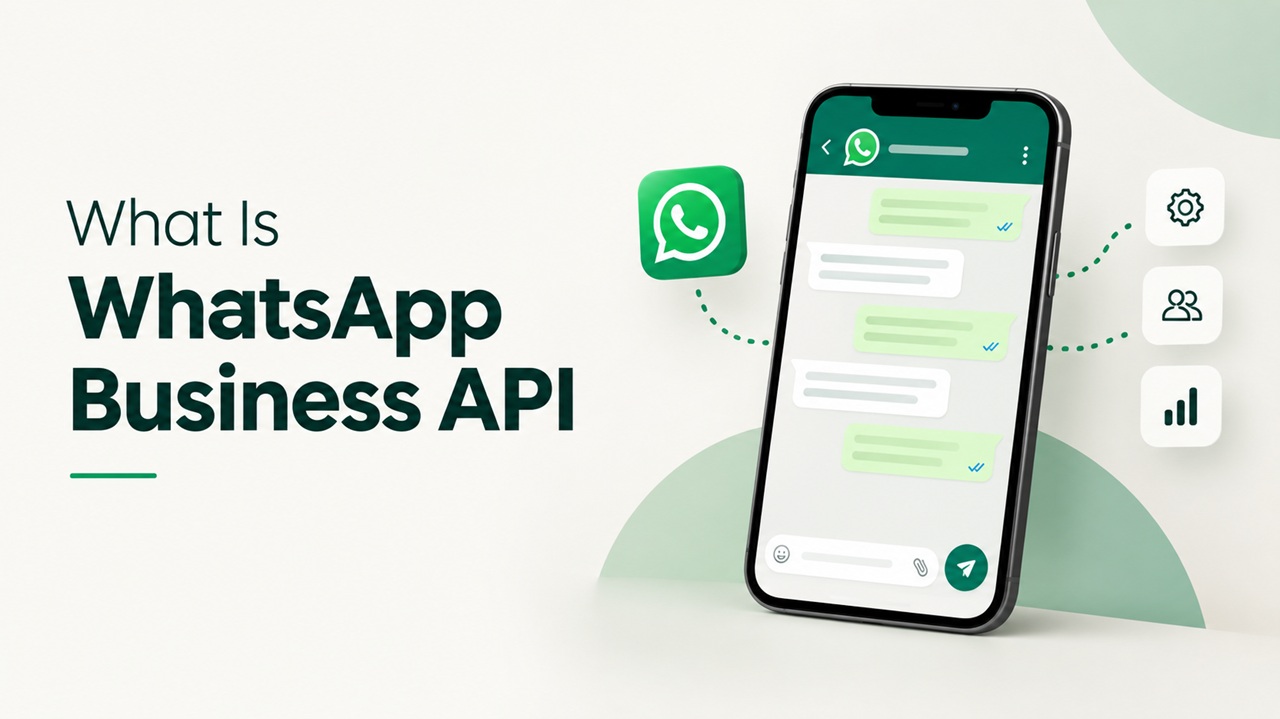
WhatsApp Business API now commonly provided through the WhatsApp Business Platform helps medium and large businesses manage WhatsApp conversations at scale. It can connect WhatsApp with a shared team inbox, customer support system, online store, or other business tools. Unlike the free WhatsApp Business app, it is designed for multiple users, approved message templates, automation, and higher conversation volume.
Why businesses use it
Customers often prefer a quick message to a phone call or long email. The platform allows a business to provide order updates, appointment reminders, support, account alerts, and other useful messages in a familiar channel.
The value comes from organized service, not mass messaging. Businesses still need customer permission, relevant communication, and prompt support when a person wants help.
How it differs from the WhatsApp Business app
WhatsApp Business app
The app is suited to small businesses handling conversations on a phone and a limited number of linked devices. It includes a business profile, catalogue, labels, quick replies, and basic greeting or away messages.
WhatsApp Business Platform
The platform is built to connect with business software. Several team members or automated flows can handle conversations through an approved provider or a business-built setup. It supports structured templates and wider reporting.
A small shop may be comfortable with the app. A growing support, sales, or operations team may need the platform when one phone and manual replies are no longer enough.
Common use cases
· Order confirmations, shipping updates, and delivery alerts
· Appointment booking, reminders, and rescheduling
· Customer support and complaint handling
· Payment or account notifications
· Product guidance after a customer asks for help
· Consent-based offers and product updates
Sensitive information should be handled carefully. A business should avoid asking customers to send passwords, full payment card details, or other unnecessary private data in chat.
How conversations work
When a customer messages a business, the business can reply within the service window defined by WhatsApp’s current rules. To start or continue certain conversations outside that window, the business generally uses an approved message template.
Templates are reviewed to reduce misleading or unwanted messaging. They can include order information, reminders, security notices, or marketing content, depending on the approved category and customer consent. Rules and prices can change, so businesses should check Meta’s current documentation or their chosen provider before launch.
What setup usually involves
1. Choose whether to work directly with the platform or through an authorised service provider.
2. Create or connect the business account and complete required business checks.
3. Register a phone number that can receive the required verification.
4. Create the business profile and prepare message templates.
5. Connect a shared inbox, support system, store, or other business tool.
6. Set up consent records, team roles, handover to a person, reporting, and testing.
A careful pilot with one use case such as delivery updates or appointment reminders is often better than launching many automated journeys at once.
What customers should experience
Good WhatsApp service feels useful and easy to control. The message should identify the business, explain why it was sent, provide the needed information, and offer a clear way to get human help or stop promotional updates.
Automated replies should not trap customers in a loop. If the request is unusual, emotional, urgent, or involves a dispute, a trained person should take over.
Costs to plan for
The total cost may include Meta’s current message or conversation charges, a service provider fee, shared inbox or support software, implementation, template management, and ongoing support. Charges vary by country, message category, provider, and changing platform policy.
Ask for a transparent breakdown. A low platform price can still lead to a high total cost if integration, support, or extra user fees are not clear.
Responsible messaging checklist
· Collect clear consent and keep a record of it.
· State what kinds of messages the customer will receive.
· Use accurate business identity and approved templates.
· Send only useful messages at a reasonable frequency.
· Protect access with strong roles and security practices.
· Make opting out simple and honour it quickly.
· Review failed deliveries, complaints, and quality feedback.
How to choose a solution partner
Ask whether the partner can explain setup, consent, data handling, message templates, handover, reporting, support, and total cost in plain language. Check who owns the business account, number, templates, and customer data.
The right solution should fit the customer journey. More automation is not automatically better; reliable answers and an easy route to a person matter more.
Frequently asked questions
Q1. Is WhatsApp Business API a separate app?
No. It is a business platform that connects WhatsApp with software such as a shared inbox, support system, or online store.
Q2. Can a business send messages to anyone?
No. Businesses must follow consent, template, quality, and messaging rules. Unwanted messaging can harm customers and the account.
Q3. Can chatbots be used?
Yes, for simple tasks such as FAQs, order status, or appointment steps. Customers should be able to reach a person when automation cannot solve the issue.
Q4. Can an existing number be used?
Often yes, if it meets current eligibility and migration requirements. Confirm the latest process before changing an active number.
Q5. Is pricing fixed?
No. Platform charges and provider fees vary and may change. Request a current, written cost breakdown.
Use WhatsApp to make service easier not noisier
The WhatsApp Business Platform can help a growing business respond faster and keep conversations organized. Its success depends on a focused use case, clear consent, useful messages, secure access, and thoughtful human support. Start small, measure customer experience, and expand only when the first journey works well.