WhatsApp Parental Controls: New Safety Tools for Teenagers
-

- Published Updated
- 84 views
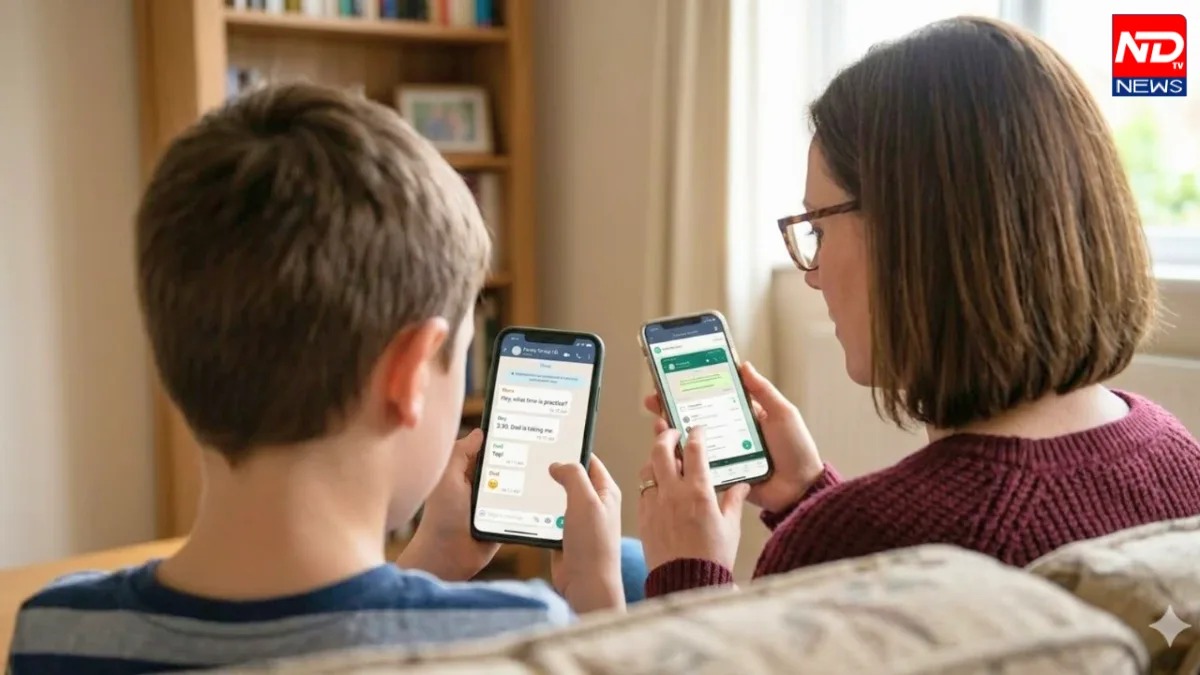
WhatsApp has introduced new Parental Controls to help parents manage selected safety and privacy settings for teenagers between the ages of 13 and 17. The feature is designed to give parents more involvement in their teenager’s WhatsApp experience while maintaining the privacy of personal conversations.
What Are WhatsApp Parental Controls?
The new feature allows a parent’s WhatsApp account to be linked with their teenager’s account. Parents can then manage a range of selected settings related to privacy, Groups, Channels, Status and Meta AI.
During setup, a 6-digit Parent PIN is created to help protect the parental-control settings. The system is designed around supervision rather than direct access to a teenager’s conversations.
Managing Privacy Settings
Parents can get additional control over certain privacy settings, including options connected with a teenager’s profile photo. These controls can help families decide how much personal information should be visible to other WhatsApp users.
The goal is to provide parents with practical safety tools without requiring them to monitor every interaction on the platform.
Greater Control Over WhatsApp Groups
WhatsApp Groups are another important part of the new feature. Parents can manage settings concerning who can add their teenager to groups and can receive selected information about group activity.
This can provide an additional layer of awareness when teenagers join new groups. However, parental controls do not allow parents to read messages inside those groups.
WhatsApp Channels and Status
The new controls also extend to WhatsApp Channels. Parents can choose settings that allow teenagers to access all Channels, only parent-approved Channels, or no Channels.
Status privacy can also be managed through the parental-control system. This gives families more options for deciding who can view a teenager’s Status updates.
Meta AI Controls
WhatsApp has also included settings related to Meta AI. Parents can choose between standard access and an option with more limited content, depending on the controls available to their account.
This is particularly relevant as AI-based features become increasingly integrated into messaging and social platforms.
How to Activate WhatsApp Parental Controls
The setup process begins on the teenager’s WhatsApp account. Users can go to Settings > Parental Controls and follow the instructions to connect a parent.
The parent’s account can be linked using a QR code. WhatsApp may also require adult verification before the Parent PIN is created and the controls are activated.
Can Parents Read Private WhatsApp Chats?
No. The parental-control feature does not give parents access to their teenager’s private messages or calls.
WhatsApp continues to protect personal chats and calls with end-to-end encryption. This means the new controls are focused on selected account and safety settings rather than allowing parents to read private conversations.
Why These Controls Matter
Teenagers increasingly use messaging platforms for communication, communities and online content. WhatsApp’s new Parental Controls provide families with additional tools to manage some of these experiences.
The feature attempts to balance two needs: giving parents greater involvement in online safety while preserving the privacy of teenagers’ personal conversations.
How to Set Up WhatsApp Parental Controls
Setting up the feature begins from the teenager’s WhatsApp account. The user can open Settings > Parental Controls and follow the instructions provided by WhatsApp.
The parent’s account can then be connected through a QR-code process. WhatsApp may also require adult verification before the setup is completed. After the accounts are linked, a 6-digit Parent PIN can be created to secure the parental-control settings.
The setup process is designed to keep both the parent and teenager involved rather than silently activating monitoring on the account.
Can Parents Read Private WhatsApp Chats?
A key point about the new Parental Controls is that they do not allow parents to read their teenager’s private WhatsApp messages or listen to private calls.
Personal chats and calls continue to use WhatsApp’s end-to-end encryption. Therefore, activating parental controls does not turn the parent’s account into a tool for reading private conversations.
This distinction is important because parental supervision and personal privacy are treated as separate aspects of the feature. Parents can manage selected safety settings, while teenagers retain privacy over their personal communications.
Teenagers use messaging platforms for school communication, friendships, communities and everyday conversations. Because of this, online safety has become an important consideration for parents.
WhatsApp’s new Parental Controls provide a structured way for parents to participate in managing selected account settings. At the same time, the controls avoid giving parents direct access to private messages and calls.
The feature covers several areas, including profile privacy, Groups, Channels, Status and Meta AI. Families can
For more details about the new WhatsApp Parental Controls, their setup process and the settings available to parents, read the complete report on NOTD News.