Practical Guide: Adobe Firefly for Design Content — Workflow, Checklist, and Tips
-

- Published Updated
- 304 views

Adobe Firefly for design content is an accessible generative-AI suite that produces images, text effects, and design variations from prompts and assets. This guide explains what Firefly does for designers, how to integrate it into production workflows, and practical controls to keep outputs consistent, licensed, and high quality.
- Adobe Firefly accelerates ideation and asset generation with text-to-image and image-editing models.
- Use a checklist (FIRE Design Checklist) to manage prompts, iterations, and rights checks.
- Key trade-offs: speed vs. craft, control vs. creativity — verify licensing and model constraints.
Adobe Firefly for design content
Adobe Firefly for design content combines text-to-image generation, image-to-image editing, and style transfer to speed concepting and produce final assets. Use Firefly to create background textures, concept visuals, quick mockups, and alternative compositions while retaining the option to refine in vector or raster editors.
How Firefly fits into modern design workflows
Core capabilities and common use cases
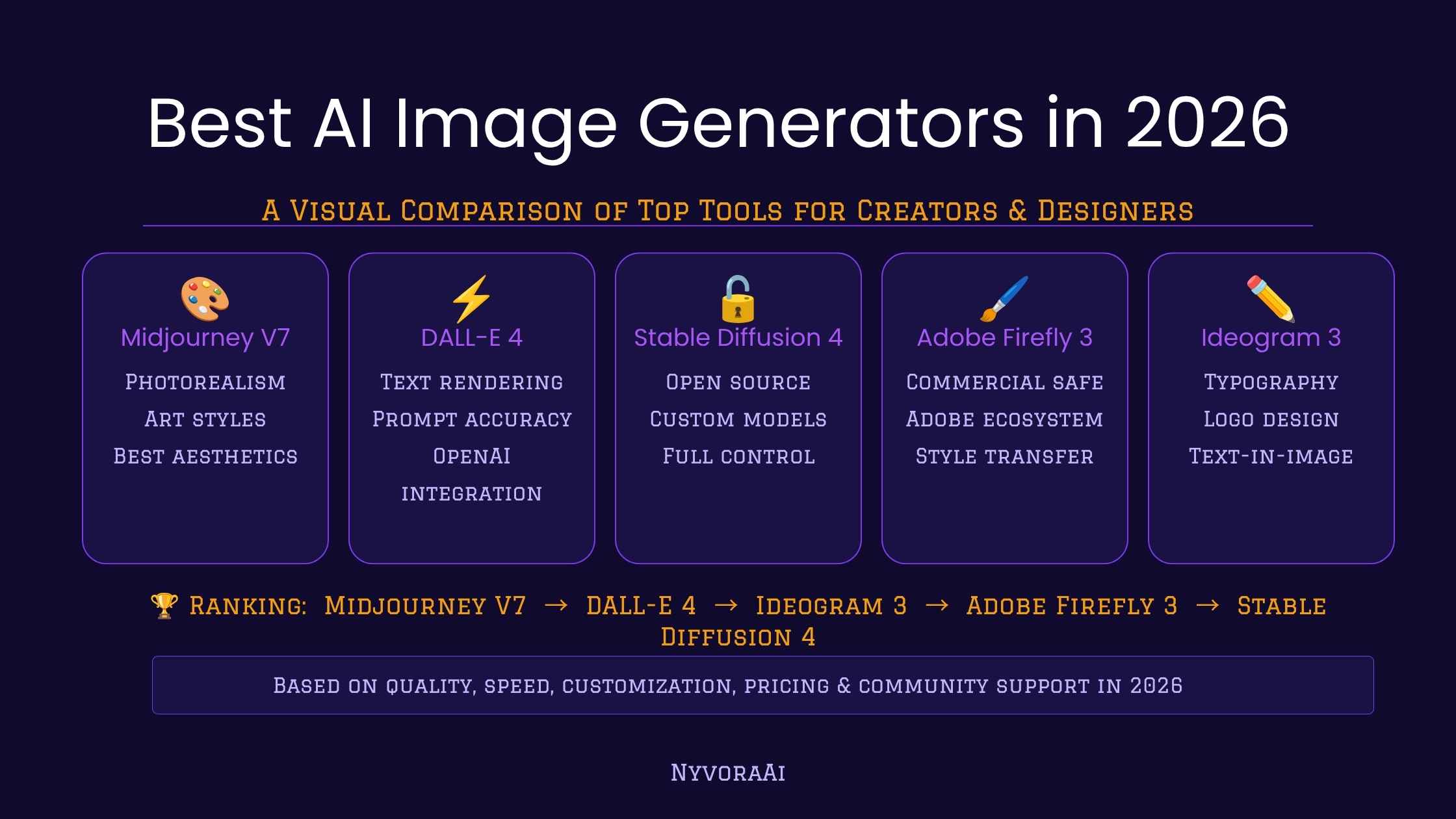
Firefly supports prompt-based image generation, generative fill, and text effects. Common uses include rapid moodboard creation, hero images for landing pages, background patterns, and iterative concept variations. As one of several generative AI image tools for designers, Firefly is often used during the ideation and early visual exploration phases.
Integration patterns
Typical integration paths: export generated images for refinement in Photoshop or Illustrator, use image-to-image to pivot a rough sketch into a finished visual, or automate batch generation for A/B testing creative variations. Establish clear handoffs between AI outputs and human editing steps to maintain brand consistency.
Reference: official product details and licensing notes are available from Adobe's product page here.
FIRE Design Checklist (named framework)
Use the FIRE Design Checklist to evaluate every AI-assisted asset before it enters production:
- Familiarize — Confirm model capabilities, style limits, and company policies.
- Iterate — Generate 3–5 variants, refine prompts, and pick the best candidate.
- Rights-check — Verify licensing, attribution, and any sensitive content constraints; confirm compatibility with brand IP policies and Creative Commons where applicable.
- Export — Convert to proper formats, document edits, and store source prompts for traceability.
Practical example: Designing a social media campaign visual
Scenario: A designer needs a hero image for a promotional post that follows brand colors and uses a stylized cityscape.
- Start with a clear brief: target aspect ratio, dominant color palette, and intended mood.
- Use a descriptive prompt that includes style cues and technical constraints (e.g., "flat vector-style cityscape at sunset, brand palette: teal/high-contrast orange, 1080x1080, minimal text space").
- Generate 4 variants; select one that matches composition and color balance.
- Use image-to-image or export to vector tracing for crisp scaling if the asset needs resizing or modification in Illustrator.
- Run the asset through the FIRE Design Checklist to finalize licensing and export settings.
Practical tips for effective results
- Keep prompts structured: intent, subject, style, colors, technical constraints (size, format).
- Use iterative refinement: tweak one prompt parameter at a time to understand its effect.
- Maintain prompt and version records to reproduce or audit outputs later.
- Combine AI outputs with handcrafted adjustments: AI excels at variation, but human editing ensures brand fidelity.
Common mistakes and trade-offs
Trade-offs arise between speed and control. Relying entirely on AI can produce inconsistent branding, while heavy manual rework negates speed gains. Common mistakes include:
- Skipping rights and license checks — always validate model terms and downstream use policies.
- Using vague prompts — unclear inputs lead to unpredictable outputs and wasted iterations.
- Neglecting accessibility — generated text-in-image elements can be unreadable or inaccessible without contrast checks and alt text planning.
Quality control and governance
Establish a simple QA checklist: resolution check, brand color match, accessibility contrast, source attribution, and legal clearance. For teams, add a review gate that includes a designer and a legal or rights manager for public or commercial campaigns.
When to prefer human-first design over Firefly
Choose manual design when the project demands precise vector output, bespoke illustration styles that must exactly match legacy assets, or when intellectual property risks are unacceptable. For rapid exploration, mockups, and non-critical assets, AI-assisted asset creation offers significant time savings.
FAQ
Is Adobe Firefly for design content suitable for professional projects?
Yes — when used with governance: apply the FIRE Design Checklist, validate licensing, and include human review for brand-sensitive or commercial deliverables.
How should prompts be structured for consistent results?
Structure prompts with intent, subject, style, colors, and technical constraints. Example: "Minimal flat illustration of a park bench, warm afternoon lighting, brand palette: navy/amber, 1200x630, vector-friendly composition."
Can generated assets be edited in standard design tools?
Generated raster outputs can be refined in Photoshop; higher-control needs may require vectorization or re-drawing in Illustrator. Keep source prompts and intermediate files to reproduce or iterate.
What are licensing considerations when using Firefly outputs?
Confirm the model's terms of service and any organizational IP policies. For reusable or commercial assets, document the prompt, date, and model version to support future audits. When in doubt, consult legal counsel.
How can teams measure effectiveness of Firefly design workflow?
Track time-to-first-draft, revision counts, and approval cycles before and after adopting Firefly. Combine these KPIs with qualitative reviews of brand consistency and legal incidents to evaluate impact.