How to Buy Bitcoin Online Safely (Without Overpaying in Fees)
-
- Published Updated
- 1,237 views
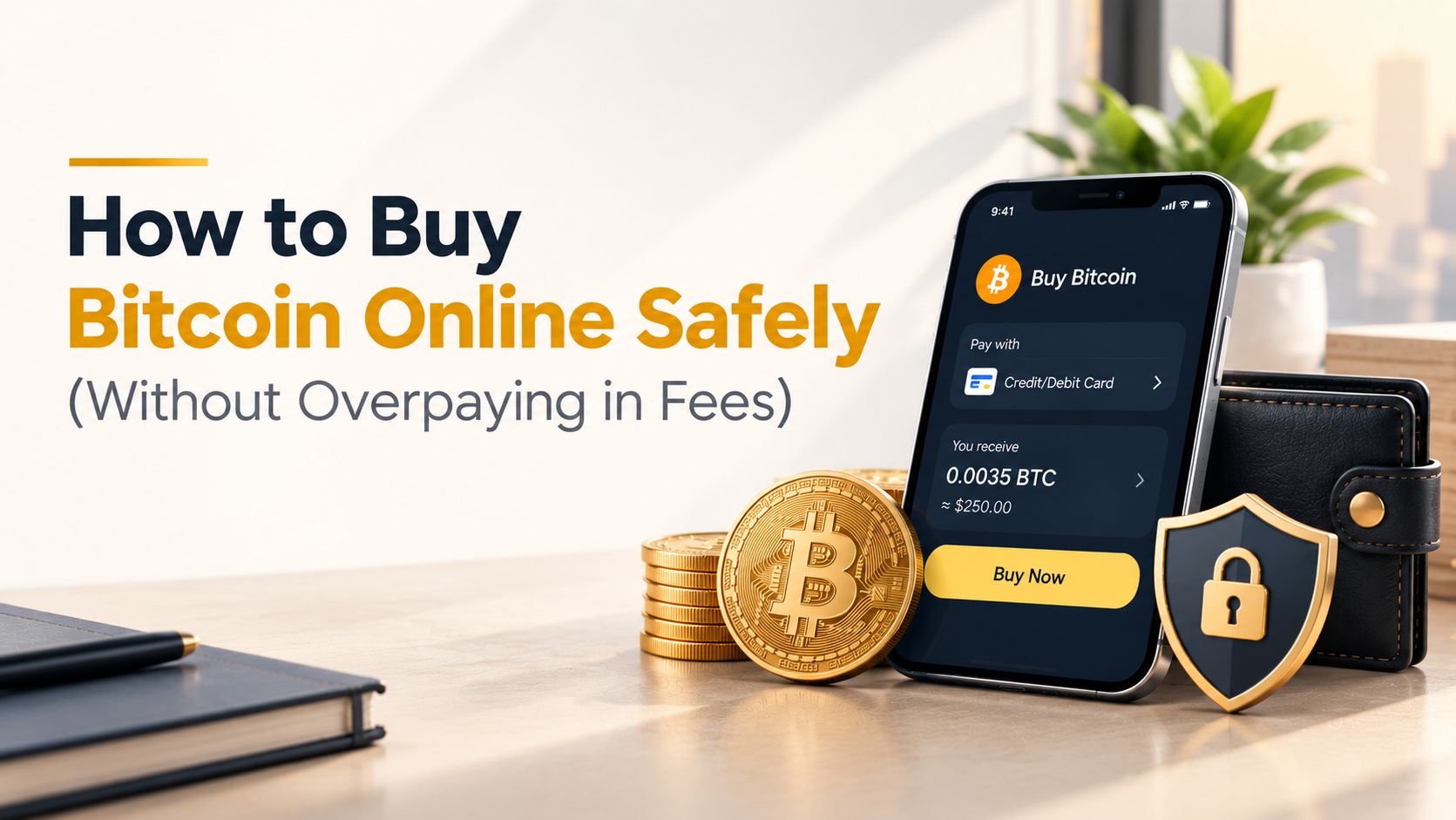
To buy Bitcoin online safely without overpaying, choose a platform with published cold storage and strong authentication, test the real cost with a small trade before going larger, use a bank transfer instead of a card when the fee difference matters, and avoid instant "buy now" widgets that hide their markup in the spread. Doing this right takes about the same effort as doing it carelessly — the difference is entirely in what you check beforehand.
Buying Bitcoin online sounds simple: pick a platform, enter an amount, confirm. But two people can buy the exact same amount of Bitcoin on the same day and end up paying meaningfully different amounts, or taking on very different levels of risk, based on decisions made before either of them ever clicked confirm. This guide walks through exactly how to buy Bitcoin online safely, and how to avoid the fee traps that quietly cost most first-time buyers more than they realize.
Why "Buy Bitcoin Online" Isn't as Simple as It Looks
Unlike buying a stock through a regulated broker with standardized disclosure requirements, the process to buy Bitcoin online varies significantly by platform — different custody models, different fee structures, and wildly different levels of transparency about what you're actually paying. This isn't a reason to avoid it, but it is a reason to approach the first purchase deliberately rather than picking whichever app has the most familiar name.
Step 1: Choose a Platform With Verifiable Security
Before you buy Bitcoin online anywhere, confirm the platform meets a few baseline security standards:
- Published cold storage percentage, ideally 90% or higher of user funds held offline
- Two-factor authentication beyond SMS, such as an app-based authenticator or hardware key
- Withdrawal address whitelisting, which restricts withdrawals to pre-approved addresses
- Clear licensing and regulatory information, including a verifiable company address
If a platform's website doesn't answer these questions clearly, treat that as meaningful information rather than a minor gap. Security should be the first filter, well before comparing fees or interface design.
Step 2: Understand How Fees Actually Work Before You Buy
This is where most people overpay without realizing it. Fees when you buy Bitcoin online generally fall into a few categories:
- Trading fees — a percentage charged on the transaction itself
- Spread — the difference between the buy and sell price, especially relevant on "instant buy" features
- Deposit fees — sometimes charged for funding your account via card
- Network fees — charged by the Bitcoin network itself when you eventually withdraw to a personal wallet
The spread is the one most people miss entirely, since it doesn't show up as a labeled "fee" the way a trading commission does. A platform can advertise "0% commission" while building a 1-2% cost directly into the price you're quoted, and most first-time buyers never notice the difference.
Step 3: Test the Real Cost With a Small Purchase First
Before committing your full intended amount, buy Bitcoin online with a small test purchase, then immediately place a sell order for the same amount. Compare what you end up with to what you started with. That gap — not the advertised fee percentage — is the platform's true, all-in cost. This test takes only a few minutes and reveals far more than reading a fee schedule alone, since it captures the spread that many fee pages don't clearly disclose.
Step 4: Choose Your Funding Method Deliberately
How you fund your purchase affects both speed and cost:
- Bank transfer — typically the cheapest option, though it can take one to several business days to complete
- Debit or credit card — usually instant, but often carries a higher fee, sometimes a flat percentage on top of the trading fee itself
- Existing crypto from another wallet — can avoid fiat-related fees entirely, though it requires you to already hold crypto elsewhere
If you're not in a rush, a bank transfer is usually the better choice specifically to buy Bitcoin online without overpaying, since card payment convenience often comes at a real cost premium.
Step 5: Avoid "Instant Buy" Widgets When You Can Use the Standard Exchange Instead
Many platforms offer two ways to buy Bitcoin online: a simplified "instant buy" widget, and a standard trading interface with visible market prices. The instant buy option is easier to use but frequently carries a wider markup than placing a limit or market order directly on the standard exchange interface. If a platform offers both, comparing the price shown on each before committing can reveal a meaningful difference for the exact same purchase.
Step 6: Use Limit Orders When You're Not in a Rush
If you don't need your purchase to execute immediately, placing a limit order at a specific price you're comfortable with — rather than a market order that executes instantly at the current price — often qualifies for a lower "maker" fee rather than the higher "taker" fee charged on instant market orders. This is a small habit that compounds if you plan to buy Bitcoin online more than once.
Step 7: Double-Check the Confirmation Screen Before You Commit
Every purchase should show you a clear confirmation screen with the exact amount, price, and fee before you finalize the trade. Read it every time, even on repeat purchases, since a misread order or an unintended amount is one of the more common and entirely avoidable mistakes new buyers make. Crypto transactions can't be reversed once confirmed, which makes this small habit more important than it might seem for a routine purchase.
Step 8: Secure Your Account Before, Not After, Your First Purchase
Set up two-factor authentication and, if available, withdrawal address whitelisting before you buy Bitcoin online for the first time, not after you've already deposited funds. This is the single most effective step for protecting your purchase from unauthorized access, and it takes only a few minutes to configure properly during account setup.
Common Mistakes That Lead to Overpaying
- Trusting an advertised "0% fee" claim without checking the spread
- Defaulting to a card payment out of convenience without comparing it to a bank transfer
- Using an instant buy widget without checking the standard exchange price for comparison
- Buying in several small transactions instead of one larger one, since flat fees and minimums can compound unnecessarily
- Skipping the confirmation screen and confirming a trade without verifying the exact amount and price
Where a Transparent Platform Makes This Process Easier
Platforms such as Nezobank are built to make this process straightforward from the start — a fee schedule disclosed clearly, a simplified three-step trading flow (select pair, enter amount, confirm), and cold storage practices that meet the security standard outlined above. Choosing a platform this transparent removes much of the guesswork involved in trying to buy Bitcoin online safely and cost-effectively, since the numbers you see are the numbers you actually pay.
A Quick Pre-Purchase Checklist
- Confirm the platform's cold storage percentage and 2FA options
- Set up strong authentication before depositing any funds
- Test the real cost with a small buy-and-sell trade
- Choose a bank transfer over a card if the fee difference matters to you
- Compare instant buy pricing against the standard exchange interface
- Read the confirmation screen carefully before every purchase
Running through this list takes about fifteen minutes the first time and becomes second nature afterward.
Final Thoughts
Learning how to buy Bitcoin online safely isn't complicated, but it does require a few deliberate checks most first-time buyers skip entirely: verifying security fundamentals, testing the real cost rather than trusting an advertised rate, and choosing your funding method with fees in mind. Getting these right the first time costs you almost nothing in extra effort and can save a meaningful amount over time, especially if you plan to buy Bitcoin online more than once. A platform like Nezobank, with its transparent fee disclosure and strong security practices, makes it easier to get this right from your very first purchase.
Frequently Asked Questions
Q: What's the biggest hidden cost when I buy Bitcoin online? A: The spread on instant buy features, which can be significantly higher than the advertised trading fee and often goes unnoticed since it isn't labeled as a separate charge.
Q: Is it cheaper to buy Bitcoin online with a bank transfer or a card? A: Bank transfers are typically cheaper, though slower to process, while card payments are usually instant but often carry a higher fee premium for that convenience.
Q: How can I check if a platform's fees are actually low? A: Place a small buy order, then immediately sell the same amount, and compare the result to your starting balance. That gap reveals the platform's true, all-in cost.
Q: Should I use an instant buy widget or the standard exchange interface? A: Compare both if the platform offers them. Instant buy widgets are simpler but often carry a wider markup than placing an order directly on the standard exchange interface.
Q: Do I need identity verification to buy Bitcoin online? A: Yes, on most reputable platforms. This is a positive sign, since it indicates the platform operates within regulatory frameworks that add a layer of accountability.
Q: What should I do before making my first purchase? A: Set up two-factor authentication and withdrawal address whitelisting first, then test with a small purchase before committing your full intended amount.