Crypto Gateway Payment Failed? What to Check First
-

- Published Updated
- 1,349 views
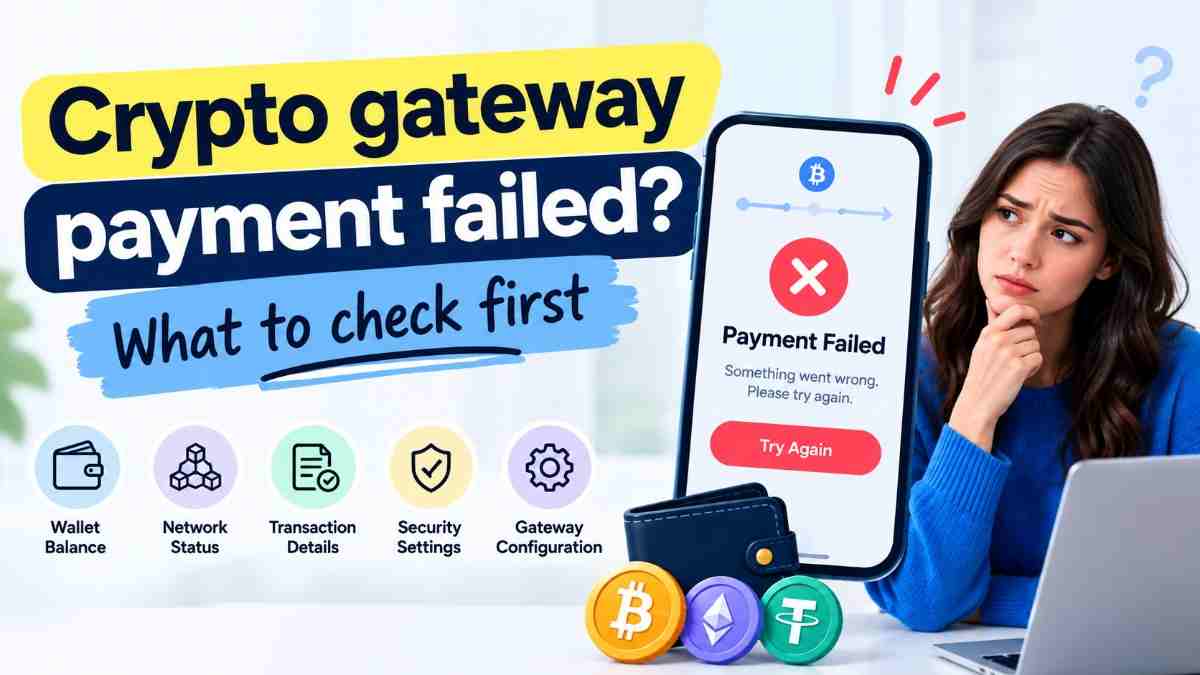
A customer says they paid and your dashboard says otherwise. Before you assume the money vanished, work through the checks in order. Nine times out of ten, a crypto gateway payment that looks failed is actually late, short, or stuck on a step you can verify in minutes. This guide covers Crypto gateway payment failed? What to check first, in the sequence that finds the answer fastest.
The short answer
Start with the transaction hash, not your dashboard. Look it up on a block explorer to see if the payment exists, how many confirmations it has, and where it actually went. Then check the network, the amount, your webhook logs, and your confirmation settings, in that order. Most failed-looking payments are late, short, or sent on the wrong network, not gone. That's Crypto gateway payment failed? What to check first as a whole, and the steps below walk through each one.
Step 1. Get the transaction hash
Everything starts here. Ask the customer for the hash, sometimes called a TXID, from their wallet or exchange's transaction history. Without it, you're guessing. With it, you can look up the exact state of the payment on the blockchain itself, independent of your gateway's dashboard.
If the customer can't find it, walk them through it. Most wallets show a transaction history with a "view details" or "share" option that reveals the hash. Screenshots of a wallet balance aren't proof of anything, since they don't show whether a specific transaction was sent, confirmed, or even exists.
Step 2. Check the hash on a block explorer
Paste the hash into a block explorer for the coin's network. Etherscan for Ethereum, a Tron explorer for Tron, Blockchain.com or similar for Bitcoin. This single check answers most of Crypto gateway payment failed? What to check first on its own.
You'll see one of three things.
- The transaction doesn't exist. The customer likely hasn't sent it yet, sent from a different wallet than described, or is confused about which network they used.
- The transaction exists but is unconfirmed. It's in the mempool, waiting for the network to include it in a block. This is common and usually resolves on its own.
- The transaction is confirmed. Note the number of confirmations, the receiving address, and the amount. This is where the next steps matter.
Step 3. Confirm the network matches
If the transaction is confirmed, check that it landed on the network your gateway expected. USDT, for example, exists on Ethereum, Tron, and other chains, and a payment sent on the wrong one won't be recognized by an invoice configured for a different chain.
This is the single most common cause behind a Crypto gateway payment failed? What to check first search. The money isn't lost, but your gateway is watching the wrong chain for it. Recovery depends on the provider. Some can manually credit a cross-chain payment. Others can't, and the terms should say so.
Step 4. Compare the receiving address, character by character
Confirm the address the transaction actually went to matches the invoice's deposit address exactly. A single mistyped character sends funds somewhere else entirely, and blockchain addresses don't have a built-in checksum that catches every kind of user error, especially if it was hand-typed instead of copied.
If the addresses don't match, the payment went to the wrong destination, and the fix depends on whether that address is controlled by the same gateway account, a different service, or an unrelated wallet.
Step 5. Compare the amount
Check whether the amount sent matches the invoice exactly. Underpayments are extremely common, usually because the sending wallet or exchange deducted its own withdrawal fee from the amount rather than adding it on top. A customer sending 50 dollars can end up 2 or 3 dollars short without realizing it.
Overpayments happen too, often when a customer pays before checking the current invoice total or pays twice by mistake. Either way, this step tells you whether you're dealing with a true failure or a simple reconciliation.
Step 6. Check your confirmation threshold
If the transaction is confirmed on-chain but your gateway still shows the order as unpaid, check how many confirmations your system requires before marking it complete. Bitcoin averages about ten minutes per block, so a six-confirmation requirement takes roughly an hour. Ethereum blocks land roughly every 12 seconds. Fast networks like Tron and Solana confirm in seconds, so a stuck payment there is more unusual and worth investigating sooner.
If the transaction shows fewer confirmations than your threshold requires, the payment hasn't failed. It's just not done yet. Tell the customer the expected wait time instead of escalating.
Step 7. Check your webhook logs
If the transaction has enough confirmations and still isn't reflected in your store, the break is probably between the gateway and your server, not on the blockchain. Check your webhook logs for the event tied to this invoice.
- No webhook arrived. Check the gateway's dashboard for delivery attempts and errors. Your server might have been down, or the endpoint URL might be wrong.
- A webhook arrived but was rejected. Check your signature verification logic. A gateway secret that was rotated without updating your server is a common cause.
- A webhook arrived and was accepted, but your handler failed silently. Check your application logs for an error at the moment the event was processed.
This step covers a large share of Crypto gateway payment failed? What to check first cases that look like a blockchain problem but are actually a plumbing problem in your own integration.
Step 8. Check the invoice expiry window
If the payment arrived after the invoice's rate-lock window closed, often 10 to 20 minutes, some gateways won't auto-credit it, since the original exchange rate is no longer valid. Check the invoice's creation time against the transaction's timestamp on the block explorer. If it's expired, the fix is usually a manual review or a requote, not a technical failure.
Step 9. Contact support with everything in hand
If you've worked through the steps above and the payment still isn't reflected, contact your gateway's support with the transaction hash, invoice ID, amount, timestamp, and a link to the block explorer entry. This is the single most useful thing you can hand them, and it turns a vague "my payment is missing" ticket into one they can resolve quickly.
If support can't explain a confirmed, correctly addressed, correctly networked payment within a reasonable time, that's worth remembering when you evaluate the provider going forward.
A quick reference checklist
- Get the transaction hash from the customer
- Look it up on a block explorer
- Confirm the network matches the invoice
- Compare the receiving address exactly
- Compare the amount sent to the amount expected
- Check your confirmation threshold against actual confirmations
- Check webhook delivery and signature verification
- Check whether the invoice had expired
- Escalate to support with the hash, invoice ID, and timestamp
Working through these in order is the practical version of Crypto gateway payment failed? What to check first, and it resolves most cases without needing to contact anyone.
Where FaradPay fits
FaradPay is a crypto payment provider, so a payment that looks failed there follows the same nine steps as any other gateway. Check its block explorer links, confirmation settings, webhook logs, and invoice expiry rules the same way, and have the transaction hash ready before contacting support. That's the fastest way to work through Crypto gateway payment failed? What to check first on any provider.
FAQ on Crypto gateway payment failed? What to check first
What's the first thing to check if a crypto payment shows as failed?
The transaction hash on a block explorer. It tells you independently whether the payment was sent, how many confirmations it has, and where it actually went.
Can a crypto payment be reversed once it fails?
Confirmed blockchain payments can't be reversed. A payment that looks failed in your dashboard is usually still recoverable, since the funds often exist on-chain and just haven't been matched to the order yet.
Why does my dashboard show unpaid when the blockchain shows confirmed?
Usually a confirmation threshold not yet met, a webhook that failed to arrive or was rejected, or an application error when the webhook was processed.
What if the customer sent the payment on the wrong network?
Recovery depends on the provider and isn't guaranteed. Contact support with the transaction hash as soon as possible.
How long should I wait before treating a payment as failed?
Check the required confirmations against actual confirmations first. Slow isn't failed. Bitcoin can take roughly an hour for six confirmations, while faster networks confirm in seconds.
What information does support need to help quickly?
The transaction hash, invoice ID, amount, timestamp, and a block explorer link. This alone resolves most tickets faster than a description of the problem.
Final thoughts
A failed-looking crypto payment is rarely actually gone. Work through the checks in order, starting with the transaction hash on a block explorer, and most cases resolve themselves before you need to contact anyone. Keep this list handy, and Crypto gateway payment failed? What to check first turns a stressful support ticket into a five-minute lookup.