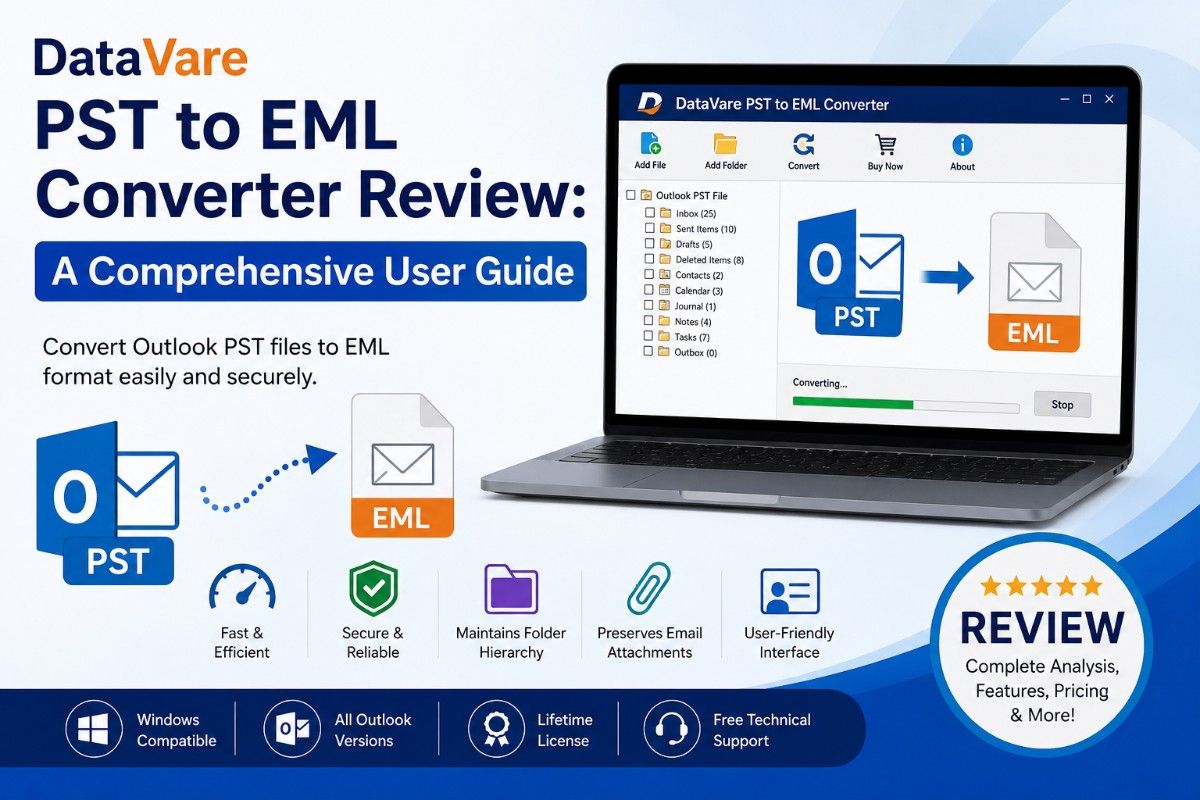
DataVare PST to EML Converter Review: A Comprehensive User Guide
-

- Published Updated
- 7,153 views
Overview
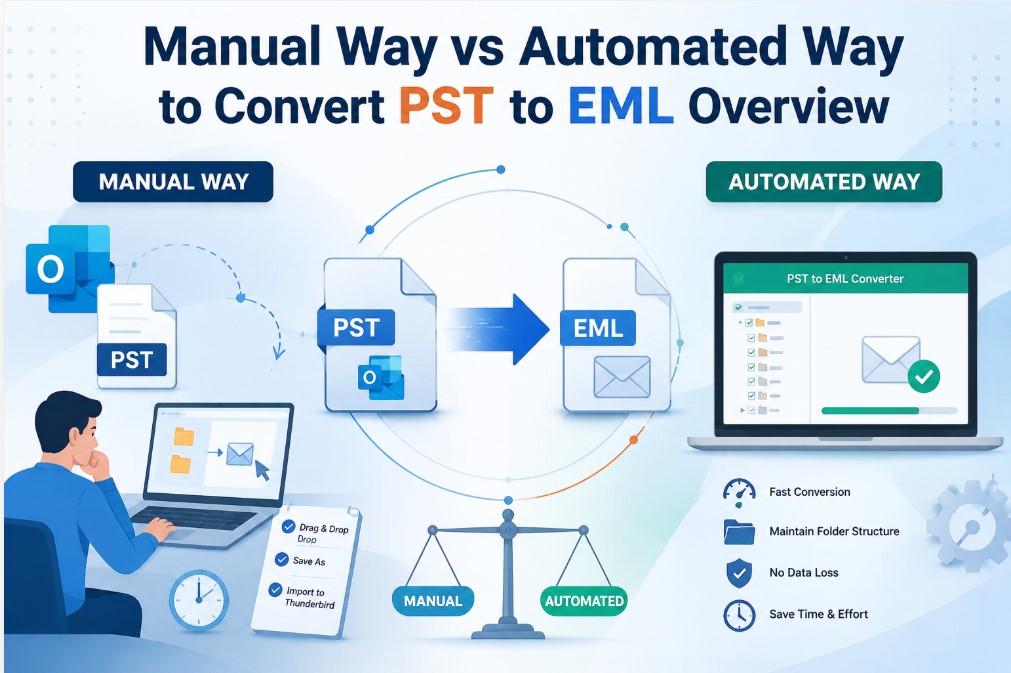
When users need to transfer emails to programs that accept the EML format, managing Outlook mailbox data can become challenging. Many email clients, including Thunderbird, Windows Live Mail, eM Client and Apple Mail, use EML files to store individual emails, whereas Microsoft Outlook keeps mailbox information in PST files.
Although there are manual conversion techniques, they are frequently laborious and error-prone. During conversion, users often run into problems including incomplete exports, corrupted email formatting, and missing attachments. An automatic conversion solution can greatly simplify the process for people and organizations handling massive mailbox archives.
A PST-to-EML conversion tool that effectively exports Outlook emails while preserving mailbox integrity is examined in detail in this review. To assist you decide if it is the best option for your email conversion needs, we will examine its features, compatibility, advantages, restrictions, cost and general performance.
Understanding PST to EML Conversion Software
Email messages can be extracted from Outlook PST files and saved as separate EML files using a specialist program called a PST to EML converter. This enables users to retrieve and import emails into a variety of desktop email programs that are compatible with the EML format.
These programs are frequently utilized for:
- Projects involving email migration
- The generation of mailbox backups
- Changing platforms
- Archiving emails
- Adherence to and preservation of legal records
- Email storage for a long time
While maintaining the original email structure and content, the software under review attempts to eases these tasks.
Major Highlights of the Software
Converting PST Files in Bulk
The ability to convert many PST files at once is one of its best features. Thousands of messages can be processed by users managing huge email archives without the need for individual conversions.
Preserves the Original Email Properties
Important email components are preserved by the program, such as:
- Details about the sender and recipient
- Subject lines
- Time and date stamps
- Attachments
- Hyperlinks
- Inline pictures
- Formatting emails
This makes it easier to guarantee that exported emails are exactly the same as their originals.
Maintains the Folder Structure
Throughout the conversion process, mailbox organization is maintained. The original hierarchy is preserved for folders like Inbox, Sent Items, Drafts and custom folders.
Large PST Files Are Supported
Oversized PST files are a challenge for many converting software. Large mailbox datasets may be processed effectively with this tool without sacrificing performance.
Exporting Specific Emails
Instead of exporting the full inbox, users can select folders as per their needs for conversion. Both time and storage space are saved by this feature.
Easy-to-use Interface
Both novices and seasoned IT professionals can use the software because of its clear and simple design.
What You Need Before Installation
Users should confirm that their computers fulfill the necessary requirements before installing the software.
| Component | Requirement |
| Operating System | Windows 11, 10, 8.1, 8,7, Vista and XP |
| RAM | 512 MB Minimum |
| Processor | Any Pentium Class |
| Hard Disk Storage | 100 MB Free Space |
Advantages of Using This Program
Quicker Than Conversion by Manual Method
Exporting emails by hand can take a lot of time, particularly when dealing with thousands of emails. Migration time is greatly decreased by automated conversion.
Preserves the Integrity of Data
Throughout the conversion process, the program concentrates on maintaining email text, formatting, attachments, and metadata.
Easy to Use for Novices
To properly accomplish conversions, users need not require sophisticated technical understanding.
Reduces Administrative Work
Organizations that manage several mailboxes can simplify migration projects and lessen workload.
Adequate for Various Migration Situations
The program can be utilized for:
- Migration from Outlook to Thunderbird
- Migration from Outlook to Windows Live Mail
- The generation of email backups
- Archiving emails legally
- Email preservation over time
What Could Be Better?
Although the software functions well overall, there are a few noteworthy restrictions.
Windows-Only System
Linux and macOS users are presently not able to use the software.
Limited-Time Trial Version
Software assessment is possible with the free demo version, but the number of emails that can be converted is limited.
Absence of Direct Cloud Migration
Additional tools can be needed by users who want to migrate directly to cloud-based platforms.
The program is nevertheless useful for PST-to-EML conversion operations in spite of these drawbacks.
Real-World Illustration
Consider a business switching from Microsoft Outlook to Thunderbird. Employees have gathered thousands of emails in PST files over a number of years.
Exporting every mailbox by hand would take a long time and raise the possibility of missing crucial information.
The IT staff may swiftly export emails while maintaining folder structures, attachments, and metadata by using a PST-to-EML converter. After that, workers can import the converted EML files into Thunderbird and go on with little interruption.
The usefulness of automated email conversion software is demonstrated by this situation.
Step-by-Step Conversion Process
The conversion procedure is intended to be simple.
Step 1: Set Up the Program
On a computer, download and install the software.
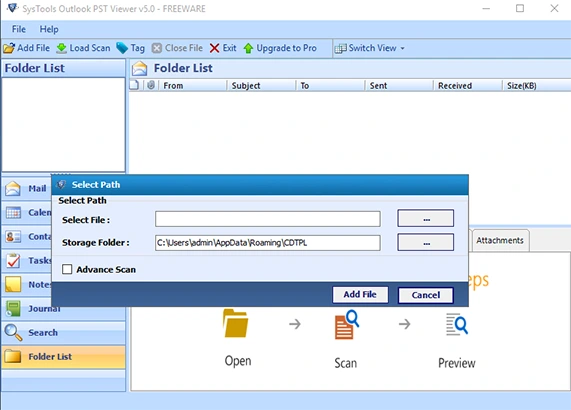
Step 2: Choose PST Documents
Add the Outlook PST file that needs to be converted after browsing the system.
Step 3: View Content in the Mailbox
After scanning the file, the program shows email items and mailbox folders.
Step 4: Select EML as the Format for Output
Choose EML as the export format of your choice.
Choose the Destination Folder in Step Five
Select a place to store the converted files.
Step 6: Begin the Conversion
To start the export process, click the Convert option.
Step 7: Confirm the Outcomes
Verify the produced EML files after finishing to make sure the conversion was successful.
Depending on the size of the mailbox, the procedure usually takes a few minutes.
Pricing Overview
Based on users' needs, there are various plans:
| Licensed Type | Price | Machine | Validity |
| Personal | $29 | Up to 2 | 1 Year |
| Business | $99 | Up to 50 | Lifetime |
| Enterprise | $299 | More than 100 | Lifetime |
Additionally, a free trial edition is offered for testing prior to purchase.
Before making a final purchase choice, users should confirm the most recent pricing and licensing details.
Evaluations of Performance
Rating by Category
User Interface 4.8/5
Conversion Accuracy 4.9/5
Speed 4.7/5
Compatibility 4.8/5
Features 4.7/5
Value for Money 4.8/5
Overall Rating 4.8/5
Conclusion
The tool turns out to be a workable solution for Outlook email conversion needs after an evaluation of its features, performance, usability and cost.
It is appropriate for both individual users and enterprises because to its support for mass conversion, email property preservation, folder structure retention, and user-friendly interface. Although some users may find the lack of macOS compatibility and direct cloud migration to be restrictive, these issues are unlikely to affect the majority of PST-to-EML conversion projects.
This software provides a consistent and effective way to convert Outlook PST files into EML format while preserving data correctness and mailbox structure.