A Complete Guide to Convert JSON Files into Different Formats
-

- Published Updated
- 4,981 views
Overview
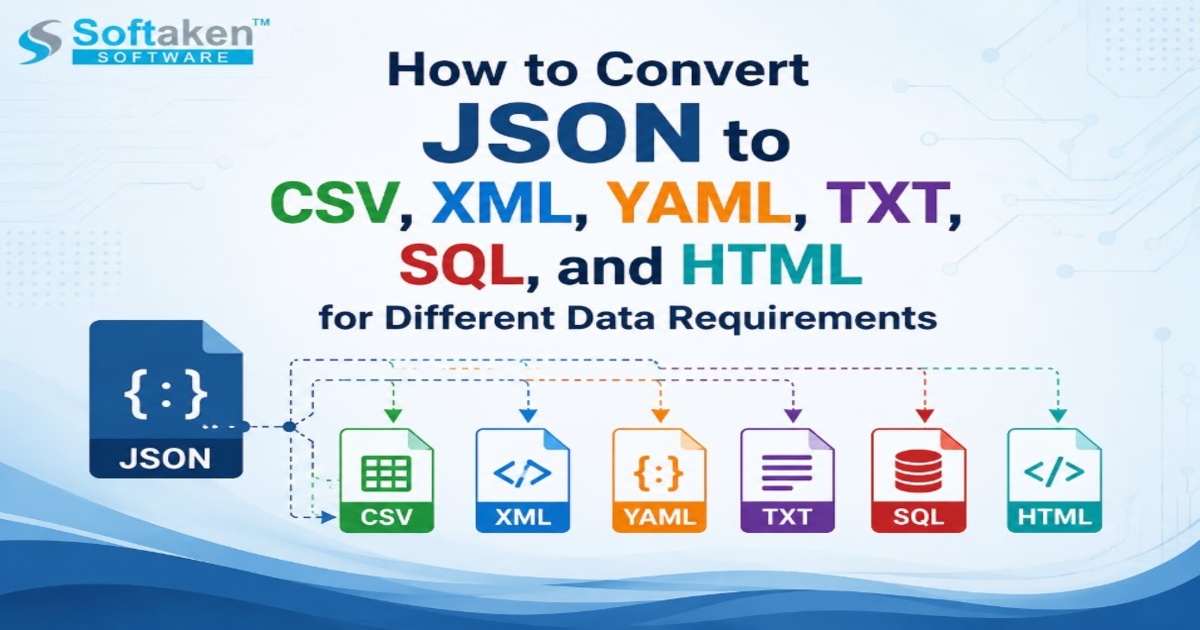
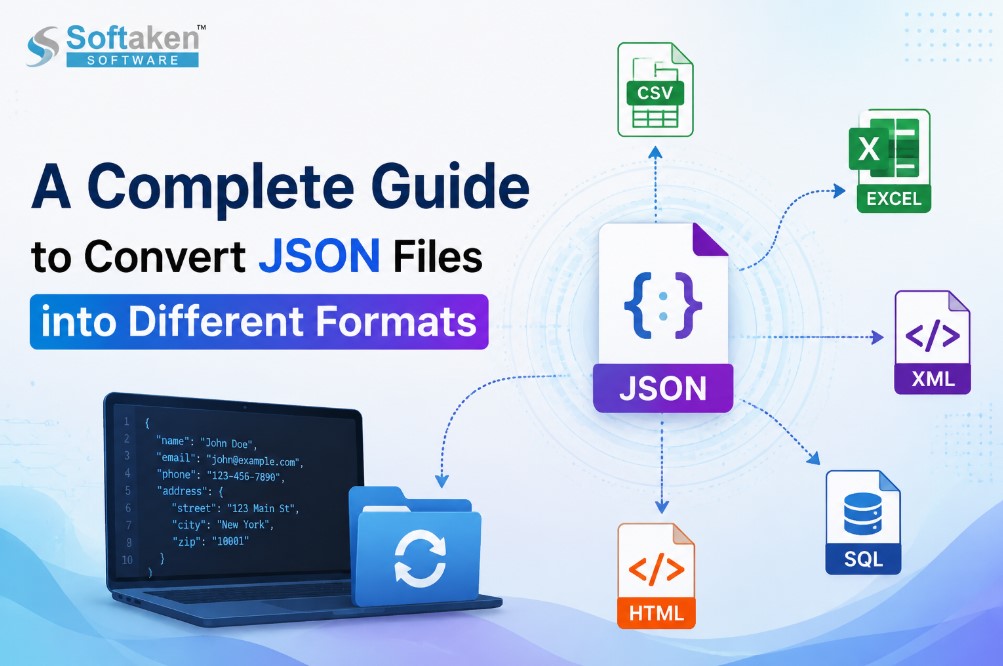
JSON (JavaScript Object Notation) is one of the commonly used data formats for storing and exchanging structured data. Its lightweight architecture and ease of readability has made it a favourite for web applications, APIs, software development and databases and data management systems. However, JSON files don’t always fit the bill for every need. There are many times when users need to convert JSON data to other formats like Excel, CSV, XML, SQL or HTML for reporting, analysis, database migration, better accessibility etc.
A JSON Converter makes this easier by converting JSON files to multiple formats while keeping the data accurate and the structure intact. In this tutorial, we will discuss JSON conversion, its importance, different conversion techniques, supported formats, and the benefits of employing a dedicated tool to ease the process.
What Is a JSON File?
JSON stands for JavaScript Object Notation and is a text format that enables you to store data in a structured format using key-value pairs and arrays. It is widely used for data transfer between applications and servers. JSON is a common data format used by modern applications, websites and APIs because it is easy for both humans and machines to read.
A regular JSON file can contain customer information, product details, user records, application settings, and other structured data. JSON is very useful for developers, but not for users who want to analyze data in spreadsheet applications or import it into databases.
Why Convert JSON Files to Different Formats?
In many situations, both in work and in personal life, you may need to convert from JSON. Different formats offer different advantages depending on what the user needs.
Best Data Analytics: Excel and CSV are main formats for data analysis, reporting and visualization. Users can sort, filter, and analyse data more easily by converting JSON files to spreadsheet formats.
Migrate Database: Organizations may need to get JSON-based data into SQL databases or other structured systems. Conversion makes migration easier, and increases compatibility between platforms.
Enhanced Accessibility: Not all users technically know how to read json files. You can make the JSON data easier to view and share by converting it to HTML, Excel, or CSV.
Compatibility of Applications: Various applications support various file formats. JSON conversion enables users to make their data compatible across different software environments.
Popular JSON conversion formats
A trusted JSON conversion process allows users to convert files to several formats according to their needs.
JSON to Excel: Excel is one of the most preferred format for data management and analysis. JSON to Excel conversion enables you to organize your records in rows and columns, which helps you better understand the complex data.
JSON to CSV: CSV documents are light-weight and are compatible with almost all spreadsheet and database applications. JSON to CSV conversion is useful for data transfer, reporting and importing information to various platforms.
JSON to XML: XML is another data format used for system integration and data exchange. Converting JSON to XML will help users to work with applications that need XML based information.
JSON to SQL: Frequently businesses and developers transform JSON files into SQL format to import records into database systems. This leads to more efficient large-scale data management.
JSON to HTML: HTML converts JSON data into tables or web pages that are easy to read. It is useful for presenting structured information on the Web.
Manual JSON Conversion Functions
Users have different choices to convert JSON files manually based on their technical skills.
Programming Scripting: Developers are able to write scripts in a variety of programming languages, such as Python, JavaScript, or Java, to parse JSON files and export data to a various format. The method is flexible but requires programming skills and might not be feasible for non-technical users.
Using Spreadsheets: Some spreadsheet programs allow you to import JSON data and turn it into tables. But large or complex JSON files may require more processing and manual changes.
Utilizing Online Conversion Services: You can also use online converters to quickly convert JSON files to other formats. However, users might be concerned about file size limits, privacy, data security and dependence on internet availability.
Solution using JSON Conversion Tool
If you need a reliable and effective way to change JSON files into other formats, dedicated conversion software will be a more convenient option for you. Softaken JSON Converter is developed to simplify the conversion of JSON files, enabling you to convert JSON files to multiple formats without requiring any programming knowledge.
A specialized converter helps to preserve the data structure, process complex JSON files and lessen manual conversion efforts. It is useful for people, developers, IT professionals and organizations who often work with structured data.
Key Benefits of Using a JSON Converter
Saves Time & Effort: With automated conversion, you won’t have to write scripts or manually restructure your data, and it works especially well with various JSON files.
Preserves Data Integrity: A professional conversion tool helps to preserve important information during the conversion process and minimize the chances of missing records.
Works with big files: Handling large JSON datasets manually is difficult. A dedicated converter makes bulk conversion requirements easier to handle.
Easy-to-use procedure: Modern JSON converters have simple interfaces so users can complete conversions without advanced technical knowledge.
Who Benefits from JSON Conversion?
JSON conversion is helpful for many types of users, including:
- Developers using APIs and application data
- Companies working with big data sets
- IT administrators performing data migration
- Researchers involved in structured information
- Database professionals transferring records
- Users who require legible versions of JSON files
Tips for the Conversion of JSON Files
Some important points users should do before converting JSON files:
- Always create a backup of the original JSON files
- Validate the JSON data structure before conversion
- Select appropriate output format as per requirements
- Verify converted files for accuracy when done
- Use safe conversion techniques for sensitive data.
Final Verdict
The importance of conversion to JSON is that structured data becomes accessible, compatible and easier to manage. Converting JSON files helps improve data usability if users need Excel spreadsheets for analysis, CSV spreadsheets for sharing, XML for integration, SQL for databases or HTML for presentation. The conversion process can be made more faster, simple and reliable using a dedicated solution like Softaken JSON Converter for different data management needs.