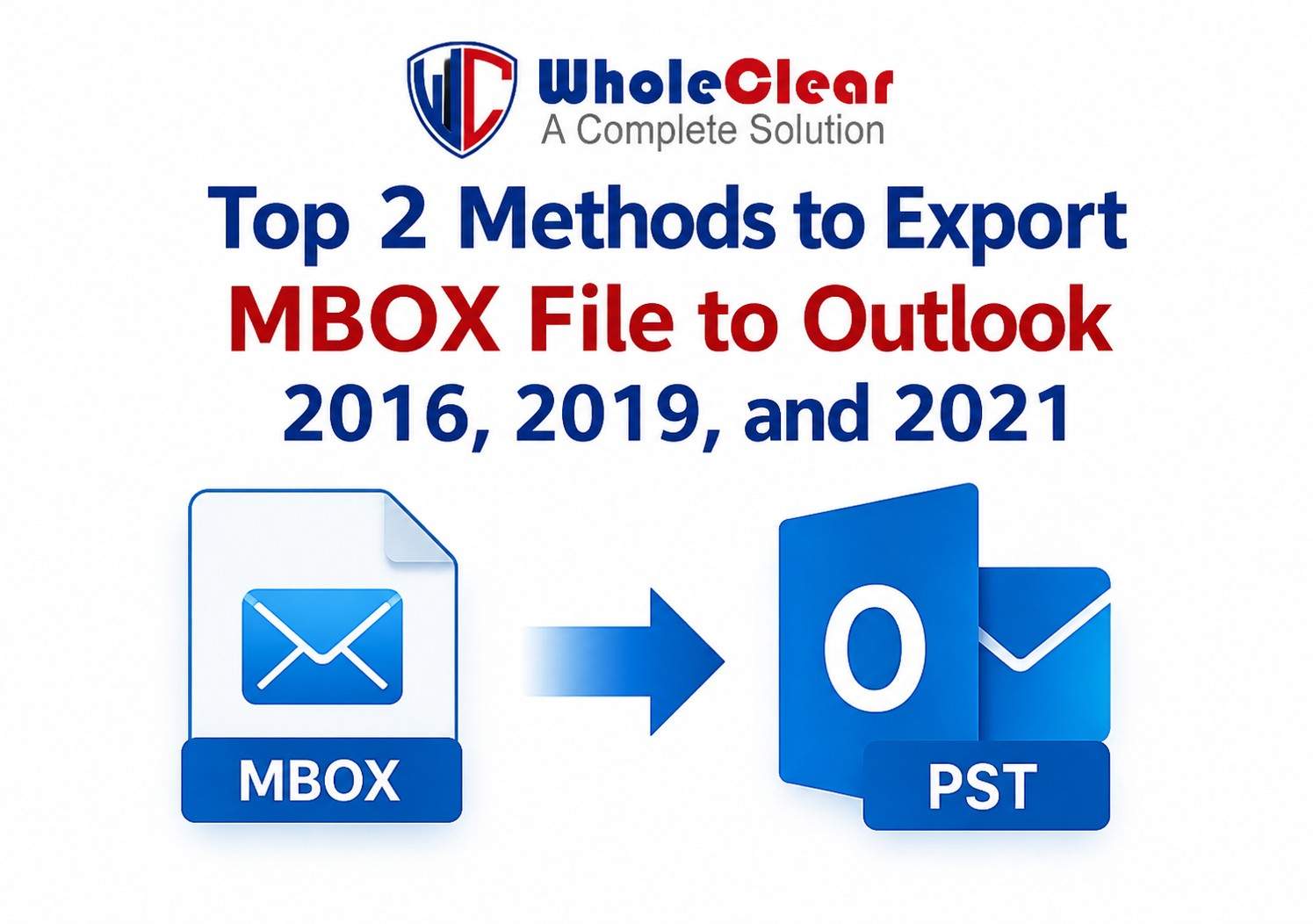
Top 2 Methods to Export MBOX File to Outlook 2016, 2019, and 2021.
-

- September 10th, 2026
- 5,438 views
Introduction
MBOX is one of the most widely used file formats for saving email messages. MBOX files are used to save mailbox data in many email applications like Thunderbird, Apple Mail, Eudora, Entourage and Sea Monkey. But Microsoft Outlook does not support MBOX format directly. Outlook stores e-mail, contacts, calendars, notes and other mailbox data in PST files.
As Outlook remains the most popular email client for businesses and professionals, there are a lot of users looking for a reliable method to WholeClear Convert MBOX to Outlook. You may be upgrading your email platform and moving to Outlook for its productivity features or consolidating email data. Whatever the case may be, you need to export MBOX files to an Outlook-compatible PST format.
This article will help you to know about the top two methods to export MBOX files to Outlook 2016, 2019 and 2021.
Why Should You Convert MBOX Files to Outlook?
Before we get into the methods, it is important to know why people are moving away from MBOX supported email clients to Outlook.
Typical reasons are:
· Enhanced mail handling
· Microsoft Office application integration
· Enhanced security & encryption features
· Better tools for business communications
· Calendar and task management
· Microsoft Exchange Server Compatibility
· Improved search and filter options
Outlook does not support MBOX files directly, so users need to convert them into PST format to access the data easily.
Method 1: Convert MBOX into Outlook Manually
The manual process employs Mozilla Thunderbird as an intermediate application. Thunderbird can deal with MBOX files, so you can import your MBOX files into Thunderbird first, and then use an IMAP account to move the emails into Outlook.
1. Thunderbird installation
If you have not installed Mozilla Thunderbird, please download and install it on your system.
Step 2: MBOX Files Import
Install the ImportExportTools NG add-on in Thunderbird .
Launch Thunderbird.
Right click Local Folders.
Choose ImportExportTools NG.
Select Import MBOX File.
Choose and open your MBOX file.
The mailbox data will now be visible inside the Thunderbird.
Step 3: Set up an IMAP account
Add Gmail or other IMAP email account to Thunderbird.
Create folders in the IMAP account if needed.
Copy the imported mails from MBOX folder to IMAP folder.
Step 4: Set up the Same Account in Outlook
Open Outlook 2016, 2019 or 2021.
Create the same email account IMAP.
Let Outlook synchronize mailbox data.
When the synchronization is complete, the emails will be available in Outlook.
Manual Method Limitations
The manual method is free but has several disadvantages:
· Long process
· Required technical knowledge
· Have to apply multiple times
· Risk of losing emails
· Not for very large MBOX files
· No promise of data integrity.
· Mass mailbox migration is difficult
Due to these limitations, many users prefer a professional conversion solution.
Method 2: MBOX to PST Converter – A Professional Solution
The best and simple way to import MBOX files into Outlook is to use a professional MBOX to PST Converter. The mailbox migration with dedicated conversion software is specifically designed to retain email properties and folder structure.
This is one such solution which allows users to convert MBOX files directly to PST file format without the use of Thunderbird, Gmail or any complicated manual steps.
How the Professional Tool Operates
Conversion is simple:
Step 1: Installing the Software
Install & download MBOX to PST Converter on your Windows computer.
Step 2 - Add MBOX Files
Select one or more MBOX files you want to convert from the browse window.
Step 3: View Mailbox Data
The software scans selected files and shows mailbox contents before conversion.
Step 4: Select PST Format
Select PST as the Output format of your choice.
Step 5: Begin Conversion
Click on Convert button to start exporting MBOX data into Outlook PST format.
Once done, the created PST file can be imported back to Outlook 2016, 2019 or 2021 itself.
Advantages of Using a Professional Converter
Guarantees Data Integrity
The software retains the original email format, metadata, attachments, and folder structure during the conversion process.
Supports Bulk Converting
Users can convert multiple MBOX files at once which saves lots of time and efforts.
Easy-to-Use Interface
No technical background required. The migration process is so easy that even a novice can do it with ease.
Email Properties Maintains
Critical email elements such as the sender information, recipient information, subject lines, date/time stamps and attachments are preserved.
Fast Conversion Rate
Professional tools are designed for working with large mailbox files.
Supported Versions of Outlook
Converted PST files are working like charm with supported Outlook editions (2016, 2019, 2021 and others).
So, Which Approach Do You Take?
It is, as you want.
The manual method is suitable for users having some MBOX files and sufficient technical knowledge. However, it can get complicated and time-consuming for larger migrations.
The professional approach is more accurate, faster, and involves a much lower risk of data loss. It is perfect for individual users, businesses, IT administrators, and organizations that need a secure mailbox migration solution.
Conclusion
To perform email data migration from MBOX supported applications to Microsoft Outlook, you need to convert MBOX files to PST format. The manual method with Thunderbird and IMAP accounts is available, but has some steps and a few limitations.
A professional MBOX to PST Converter is an easier, safer and more effective solution. It is helps users Convert MBOX files to Outlook with preserving mailbox structure, attachments, and email properties. Thus, users can easily access their MBOX mailbox data in Outlook 2016, 2019 and 2021 without any hassle by selecting the appropriate conversion method.