Quick and Secure Method to Transfer MBOX Emails to Outlook PST for Mac & Windows?
-

- June 27th, 2026
- 4,947 views
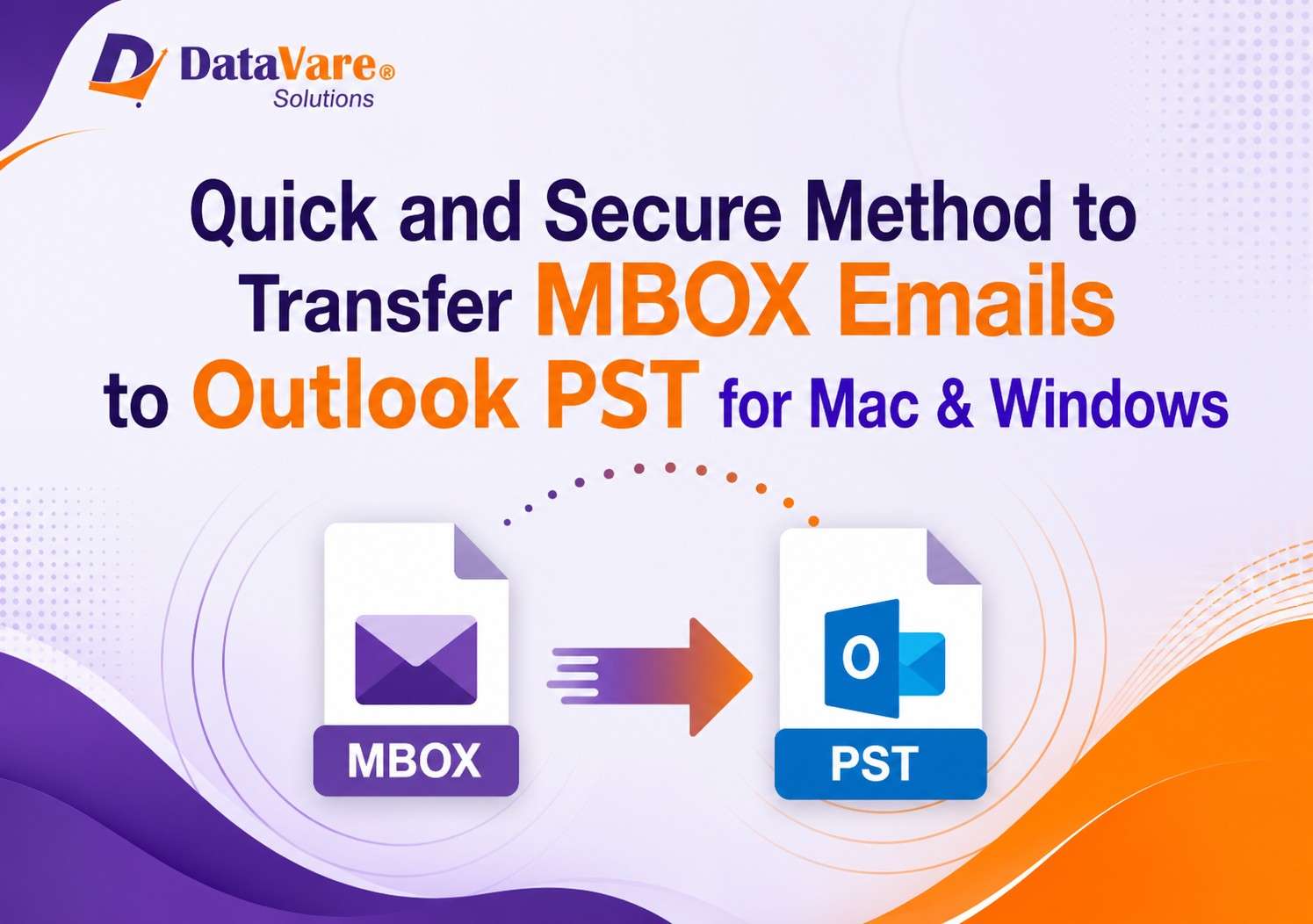
Email migration is a common requirement for both personal and organizational needs. Many users use email clients such as Thunderbird, Apple Mail, Eudora, Sea Monkey, and Opera Mail to store mailbox data in MBOX format. But, if you are switching to Microsoft Outlook then you need to convert MBOX files to PST format as Outlook doesn’t support MBOX files directly.
In this article we will discuss about the issues of MBOX migration, manual ways available and Datavare MBOX to PST Converter Software is providing a quick and secure way to transfer MBOX emails to Outlook PST on Mac and Windows platform.
MBOX and PST File Formats – Understanding
MBOX is a mailbox file format used by many email applications to store collections of email messages in a single file. It contains the email body, attachments, sender information and other metadata.
Microsoft Outlook uses a proprietary file format, PST to store emails, contacts, calendars, tasks, journals, and notes.
As Outlook does not support the opening of MBOX files directly, users have to convert them to PST format before importing them into Outlook.
Why MBOX to PST Conversion?
There are multiple reasons why users need to convert MBOX to PST format:
· Switching from Thunderbird to Microsoft Outlook
· Consolidating Outlook Mailbox Data
· Better email management tools
· Better integration with Microsoft Office applications
· Enterprise email migration projects.
· long term email archiving and backup
MBOX files can be converted into PST files, so that users can access all their emails in the outlook without losing any important information.
Manual MBOX to PST Conversion Challenges
Most of the users try to convert Thunderbird files to PST manually at first. But these methods normally need several applications and complicated procedures.
Here are some of the common challenges:
· Conversion process is time-consuming
· Technical expertise requirement
· Danger of data corruption
· Possibility of cutting attachments
· Breaking Folder Structure
· Problems with large mail box files
Business and professional users may not find manual methods practical because of the risk involved.
Professional Solution: MBOX to PST Converter Program
To avoid such problems, most of the users prefer to use a dedicated conversion tool like MBOX to PST Converter Expert.
The software is specifically designed to convert MBOX files to Outlook PST format without any data loss. It supports MBOX files generated by Thunderbird, Apple Mail, SeaMonkey, Eudora, Entourage and many more email clients.
Software Key Features
1. Thunderbird to PST Converter
The software successfully converts Thunderbird mailbox files to PST format. Users can transfer entire email folders while retaining email properties.
2. MBOX bulk conversion
It allows users to add multiple MBOX files at a time for batch conversion instead of converting the files one by one.
3. Maintains Data Integrity
What the software preserves during conversion:
· Email style Attachments
· Hyperlinks
· Information for Sender and Receiver
· Email headers [email headers]
· Folder hierarchy
4. Supports Large Mailbox File
The software is suitable for both personal and business use as it converts large MBOX files without performance issues.
5. Easy to Use Interface
Thanks to its simple graphical interface, the conversion process is simple enough to do with minimal effort even for non-technical users.
6. Compatibility of Outlook Versions
The software is compatible with PST files of:
· Outlook 2021 Outlook 2019 Outlook 2016 Outlook 2013 Outlook 2010
· Older Outlook versions Procedure to Convert MBOX to PST
Here are easy steps to follow:
Step 1: Download the Software
Download & Install MBOX to PST Converter Expert on your Windows system.
Step 2: Add MBOX Files
Run the application and navigate to the MBOX files you want to convert.
Step 3: View Mailbox Data
The software shows mailbox folders and emails before conversion so that users can verify data.
4. Choose PST Format
Choose PST for the type of output file.
Step 5: Select Destination Path
Choose a location to save the converted PST file.
Step 6: Initiate Conversion
Click on the Convert button and wait for the process to be completed.
Once converted, import the PST file to Microsoft Outlook and get access to all your emails in an instant.
Benefits for Mac & Windows Users
PST files are Outlook's native format on Windows, but plenty of people switching to Mac also move their email data.
Through the software, users can:
· Change from Mail to Outlook
· Convert Thunderbird mailboxes to access in Outlook
· Archived email collections move
· Keep entire mailbox structure
· Save migration time.
This means it is a practical solution for both personal and corporate email migration projects.
Reasons to Buy MBOX to PST Converter
The software has a number of advantages over manual procedures:
· High conversion speed
· Safe email migration
· Support for batch files
· Precise results
· No loss of data
· Simple to use
· Compatibility with Multiple MBOX Email Clients
Users can complete the migration process with a few clicks and ensure complete mailbox preservation.
Conclusion
Manual migration from MBOX based email clients to MS Outlook is a tough job. Outlook does not natively support MBOX files, so you will need to convert them to PST format. The professional MBOX to PST Conversion Software makes things easy and avoids the risks involved in manual methods.
MBOX to PST Converter provides a fast, safe and reliable way to convert Thunderbird files to PST and migrate MBOX emails to Outlook. This tool is an ideal solution for users looking to transfer their mailbox data efficiently on Mac and Windows platforms due to its bulk conversion support, data integrity preservation, and a user-friendly interface.