OpenArt AI Review 2026: Free AI Art Generator, Free AI Image Creator & Free Plan Guide
-

- Published Updated
- 7,151 views
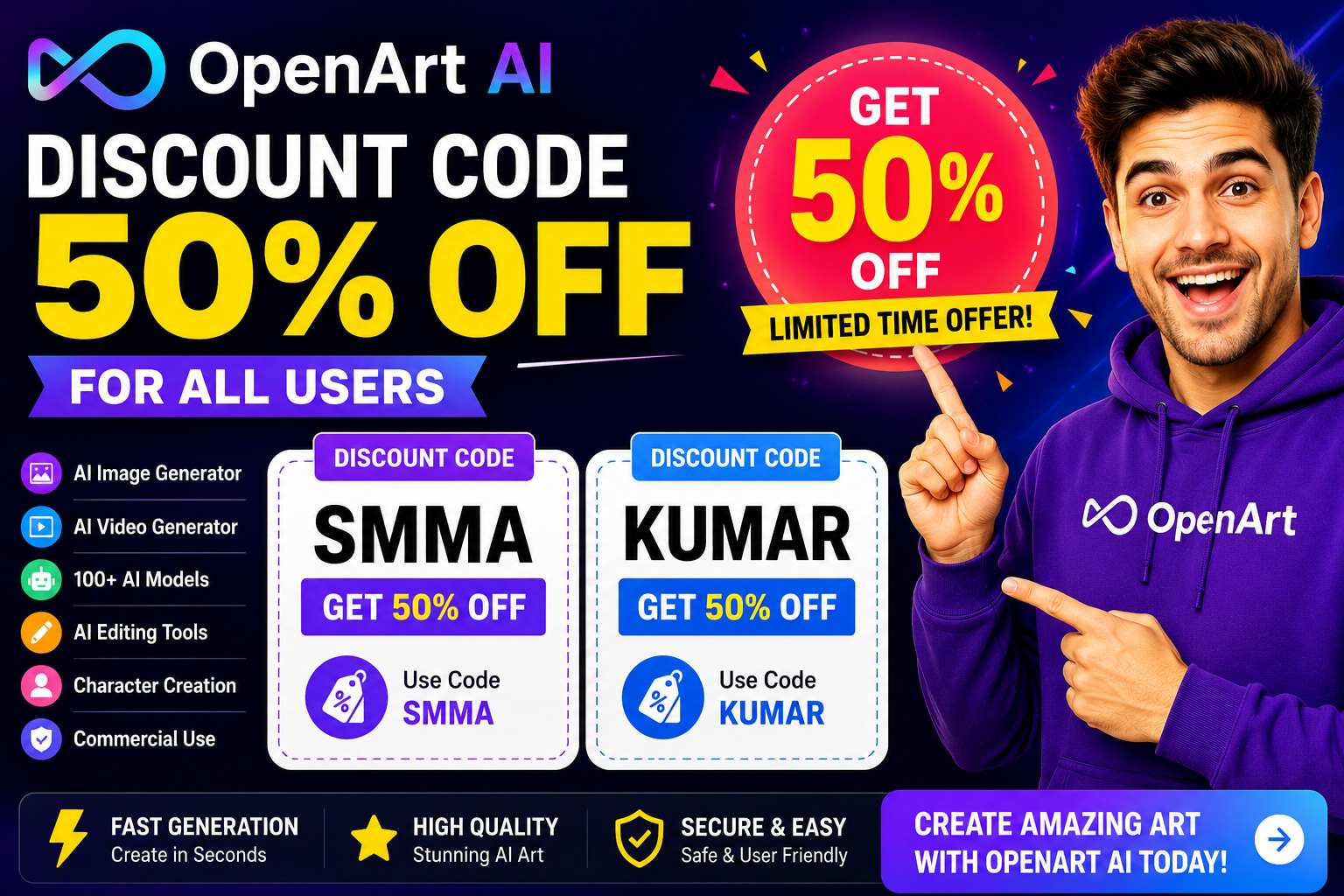
Artificial Intelligence has transformed digital creativity, making it possible for anyone to create stunning artwork, illustrations, and graphics without professional design skills. Among the many AI art generators available today, OpenArt AI stands out as one of the most popular platforms for generating high-quality AI images and artwork from simple text prompts.
But is OpenArt AI really worth using? Does its free plan provide enough features for beginners? And how does it compare to other AI image generators?
In this detailed OpenArt AI Review, we'll explore its features, pricing, free plan, pros and cons, and everything you need to know before signing up.
What Is OpenArt AI?
OpenArt AI is an AI-powered image generation platform that allows users to create artwork, illustrations, graphics, characters, and digital designs using text prompts.
Instead of spending hours creating designs manually, users simply describe what they want, and the AI generates multiple image variations within seconds.
OpenArt AI is widely used by:
- Content Creators
- Bloggers
- YouTubers
- Graphic Designers
- Social Media Managers
- Digital Marketers
- Artists
- Business Owners
The platform combines powerful AI technology with an easy-to-use interface, making it suitable for both beginners and professionals.
How OpenArt AI Works
Using OpenArt AI is straightforward.
Step 1: Create an Account
Sign up for a free OpenArt AI account.
Step 2: Enter a Prompt
Describe the image you want to create.
Example:
A futuristic city skyline at sunset with flying cars and neon lights.
Step 3: Generate Images
The AI processes your prompt and generates multiple image options.
Step 4: Edit and Download
Choose your favorite image, make edits if necessary, and download it.
The entire process usually takes less than a minute.
OpenArt AI Features
AI Text-to-Image Generator
The platform's most popular feature is its ability to transform text prompts into detailed images.
Users can create:
- Digital artwork
- Illustrations
- Concept art
- Marketing graphics
- Social media visuals
- Blog images
- Fantasy art
- Product mockups
This feature saves countless hours compared to traditional design methods.
Multiple Art Styles
OpenArt AI supports numerous artistic styles including:
- Realistic Photography
- Anime Art
- Fantasy Illustrations
- Digital Paintings
- Cinematic Scenes
- 3D Art
- Concept Art
This flexibility allows users to create virtually any type of visual content.
AI Character Generator
Character creation is one of OpenArt's strongest features.
Users can generate:
- Game Characters
- Storybook Characters
- Avatars
- Influencer Models
- Fantasy Creatures
The AI can create highly detailed characters from simple descriptions.
AI Video Features
OpenArt AI has expanded beyond image generation and now offers AI-powered video creation tools.
Users can generate short videos and animations using AI-generated visuals.
This makes OpenArt AI more versatile than many traditional AI art generators.
AI Editing Tools
The platform includes several editing features:
Background Removal
Remove unwanted backgrounds instantly.
Image Upscaling
Improve image quality and resolution.
Style Transfer
Apply different artistic styles to existing images.
Object Editing
Modify specific elements within generated artwork.
These tools help users refine their creations without needing additional software.
OpenArt AI Free Plan
One of the biggest reasons people try OpenArt AI is its free plan.
What Does the Free Plan Include?
The free version typically provides:
- Free image generations
- Access to selected AI models
- Basic editing tools
- Community features
- Limited daily credits
This allows users to test the platform before upgrading.
For beginners, the free plan offers an excellent opportunity to explore AI-generated art without spending money.
Benefits of OpenArt AI's Free Plan
No Financial Risk
You can start creating images without purchasing a subscription.
Beginner Friendly
Learn how AI art generation works before investing.
Access to Powerful Tools
Even free users can generate impressive images.
Test Different Art Styles
Experiment with various artistic styles and prompts.
For casual creators, the free plan may be sufficient.
Who Should Use OpenArt AI?
Content Creators
Create unique visuals for social media and online content.
YouTubers
Generate eye-catching thumbnails and channel artwork.
Bloggers
Add custom illustrations to articles.
Marketers
Design advertising creatives quickly.
Businesses
Create branding materials and promotional graphics.
Artists
Experiment with AI-powered creativity and inspiration.
OpenArt AI Pricing Overview
OpenArt AI offers several subscription options designed for different levels of usage.
| Plan | Best For |
|---|---|
| Free Plan | Beginners |
| Starter Plan | Casual Users |
| Advanced Plan | Content Creators |
| Business Plan | Agencies & Teams |
Premium plans typically provide:
- More generation credits
- Faster image generation
- Premium AI models
- Advanced editing features
- Higher-resolution downloads
Users who create content regularly may benefit from upgrading.
Pros of OpenArt AI
Easy to Use
The interface is simple and beginner-friendly.
High-Quality Images
Produces professional-looking artwork.
Multiple AI Models
Offers flexibility and creativity.
Free Plan Available
Great for testing the platform.
AI Editing Tools
Enhance and customize generated images.
Fast Results
Generate artwork within seconds.
Cloud-Based
No software installation required.
Cons of OpenArt AI
Credit-Based System
Heavy users may need premium plans.
Learning Curve for Prompts
Better prompts often produce better results.
Premium Features Locked
Some advanced features require a paid subscription.
Despite these limitations, OpenArt AI remains one of the strongest AI image generators available.
Is OpenArt AI Worth It?
For most creators, the answer is yes.
OpenArt AI provides an excellent balance between ease of use, image quality, and creative flexibility.
Its strengths include:
- AI image generation
- AI character creation
- AI video tools
- Multiple artistic styles
- Editing capabilities
- Free plan access
Whether you're creating content for business, social media, YouTube, or personal projects, OpenArt AI can significantly speed up your creative workflow.
OpenArt AI Alternatives
If you're exploring other AI image generators, alternatives include:
- Midjourney
- Leonardo AI
- Adobe Firefly
- Canva AI
- DALL·E
- Stable Diffusion
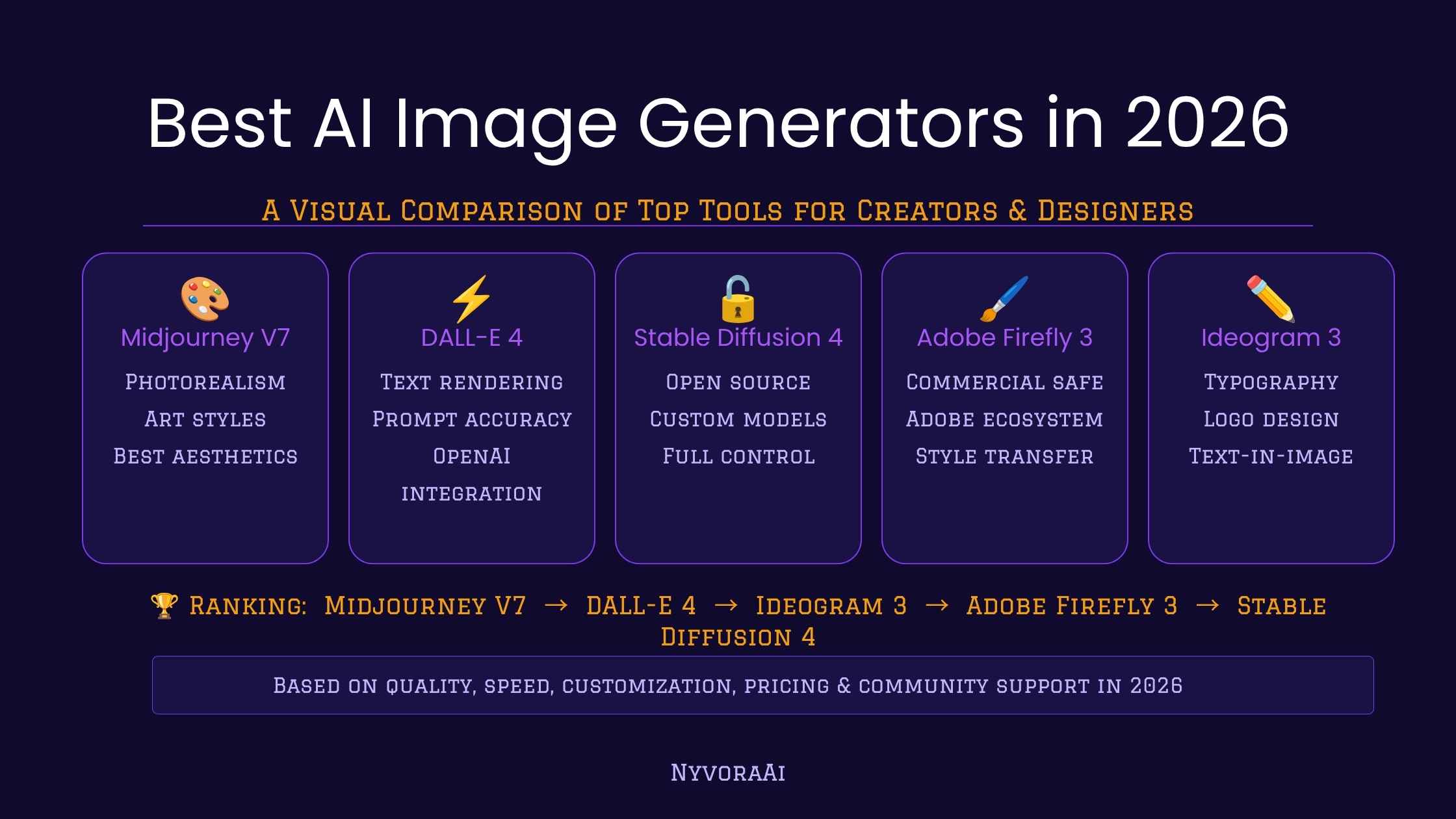
However, OpenArt AI stands out because it combines image generation, editing, character creation, and video tools in one platform.
Final Verdict
OpenArt AI is one of the best AI art generators available in 2026. Its combination of powerful image generation tools, creative flexibility, AI editing features, and a generous free plan makes it an excellent option for beginners and professionals alike.
If you're looking for a free AI image generator that can also scale with your needs as you grow, OpenArt AI is definitely worth trying.
Overall Rating: ⭐ 4.8/5
Best For:
✔ Content Creators
✔ YouTubers
✔ Bloggers
✔ Marketers
✔ Designers
✔ AI Art Enthusiasts
Frequently Asked Questions
Is OpenArt AI free?
Yes. OpenArt AI offers a free plan with image-generation capabilities and basic tools.
Can OpenArt AI create realistic images?
Yes. The platform supports realistic photography-style image generation.
Is OpenArt AI good for beginners?
Absolutely. Its user-friendly interface makes it easy for beginners to create AI-generated artwork.
Can OpenArt AI generate videos?
Yes. OpenArt AI includes AI-powered video creation features.
Is OpenArt AI worth using in 2026?
Yes. OpenArt AI remains one of the top AI creative platforms thanks to its image generation quality, editing tools, free plan, and ease of use.