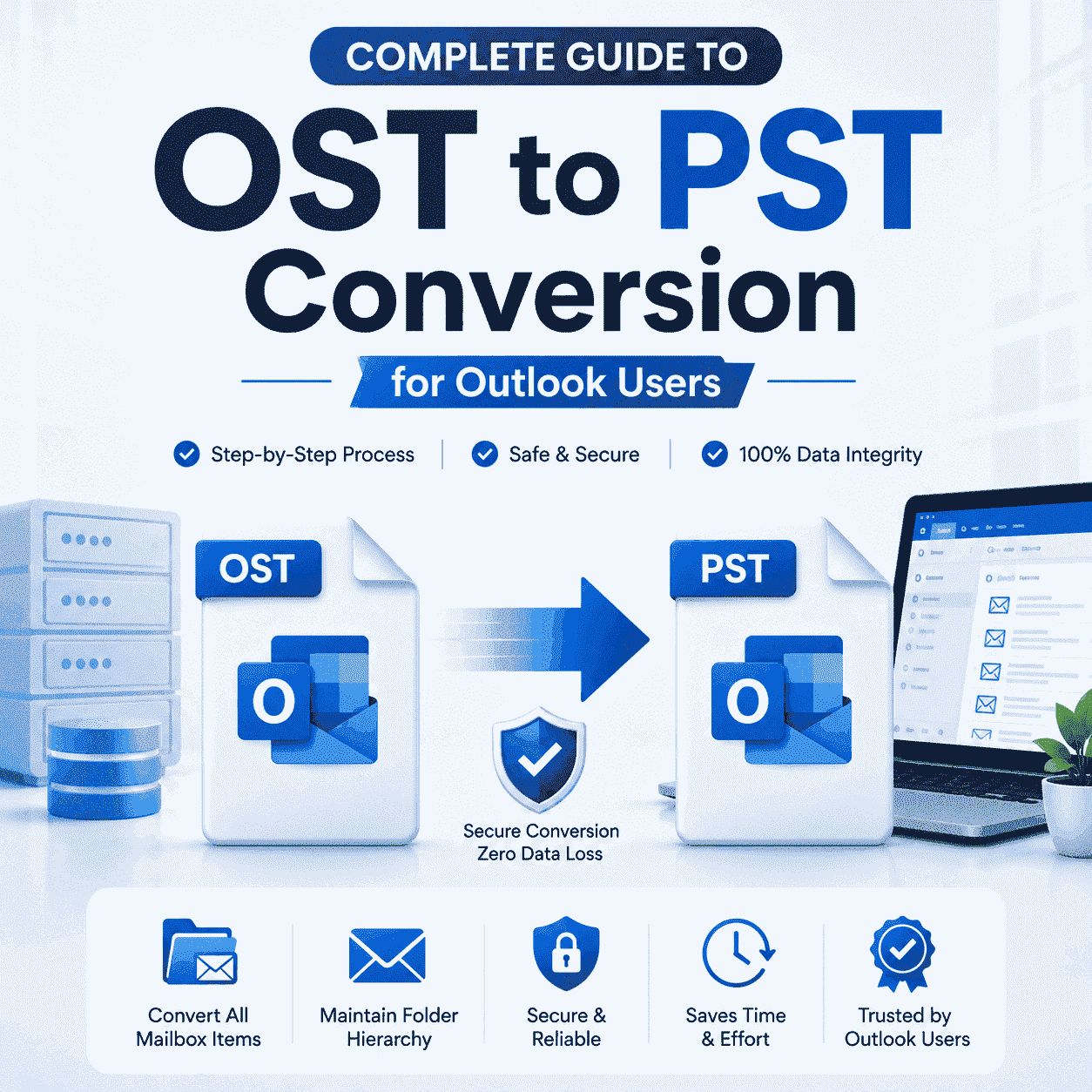
Complete Guide to OST to PST Conversion for Outlook Users
-

- Published Updated
- 7,136 views
Summary
OST files help Outlook users access their emails and mailbox data even when there is no internet connection. However there are many situations where users need to convert OST files into PST format for easy access, backup, transfer or recovery purposes. In this blog we will explain why OST to PST conversion is important discuss both manual and professional methods and help you choose the best way to complete the conversion safely and accurately.
Reasons for Converting OST to PST Format
Access on other systems
Changing from Outlook to another email client such as Thunderbird converting your OST file to PST format can help make the transfer process easy and ensure your mailbox data remains accessible.
Backup
OST files are made for a particular Outlook profile which limits their accessibility on other systems. Converting them to PST format make it easy to keep a backup of your emails.
Data Recover
If an Outlook profile becomes damaged or cannot be accessible converting the OST file to PST can help recover mailbox data.
Easy Data Migration
PST files can be imported into Outlook accounts when users are moving to a new computer or creating a new Outlook profile.
Better Data Management
PST files allow users to organize, archive and store Outlook data separately for future use.
Methods
There are two main methods for converting an OST file to a PST file.
Follow these steps carefully to ensure a clear understanding:
Solution 1: Manual Method
Microsoft Outlook provides options that can help users to save OST mailbox data into PST format.
Steps to Convert OST to PST Manually
Launch Microsoft Outlook on your system.Click on the File tab.Select Open and Export and then choose Import/Export.Select Export to a File and click Next.Select Outlook Data File and click Next to continue.Choose the mailbox or folder that you want to export.Check the Include Subfolders option if you wish to export.Click next and choose a destination location.Click finish to start the export process.
Limitations Section
Although the manual method is available for Outlook users it has several limitations.
It requires Outlook to be properly installed and configured.
The process can take a long time for large mailbox files.
Users may find the steps difficult if they are not familiar with Outlook.
Corrupted or damaged OST files cannot be converted successfully.
There is a risk of missing some mailbox items during the process.
No batch conversion option is available.
Manual methods may not always maintain complete data accuracy.
Solution 2: Professional Method
Softaken Software OST to PST Converter is made for users who want a faster and more reliable solution for convert OST files to PST. The software is made to convert OST files into PST format without affecting the original mailbox data. The application allows users to preview mailbox data before conversion and supports both accessible and inaccessible OST files. It keeps all email properties unaffected including To, Cc, Bcc, Subject, Date, Attachments and formatting during the conversion process. This software also provides a user-friendly interface that can be use by both professionals and beginners. The software works easily on all major Windows operating systems and helps users complete the conversion process with minimum effort. A 30-day trial version is available for users to test the software before purchasing the paid version.
Software Working Steps
Step 1
Download OST to PST Converter on your computer.
Step 2
Run the software and choose the OST file you want to convert.
Step 3
Preview the mailbox folders and items loaded in the software panel.
Step 4
Choose PST as the desired output format.
Step 5
Select the destination folder where the converted file will be saved.
Step 6
Click the convert now button to start the process.
Step 7
Wait for the process to complete and access the new created PST file.
Conclusion
Whether you need to create a backup, migrate to a new system or meet organizational requirements converting OST files to PST format can be extremely beneficial. While manual approaches are available and may not always provide the desired level of convenience and accuracy. In such cases a professional OST to PST converter can help a smooth conversion experience. Overall OST to PST conversion is an important process for users who want better access to their Outlook mailbox data. Before selecting any method it is important to consider factors such as data size, file condition, conversion speed and data security. A reliable conversion solution can help maintain mailbox integrity and ensure successful results without unnecessary complications.