Visitor Management System: 10 Ways It Can Transform Modern Workplace Management
-

- Published Updated
- 3,709 views
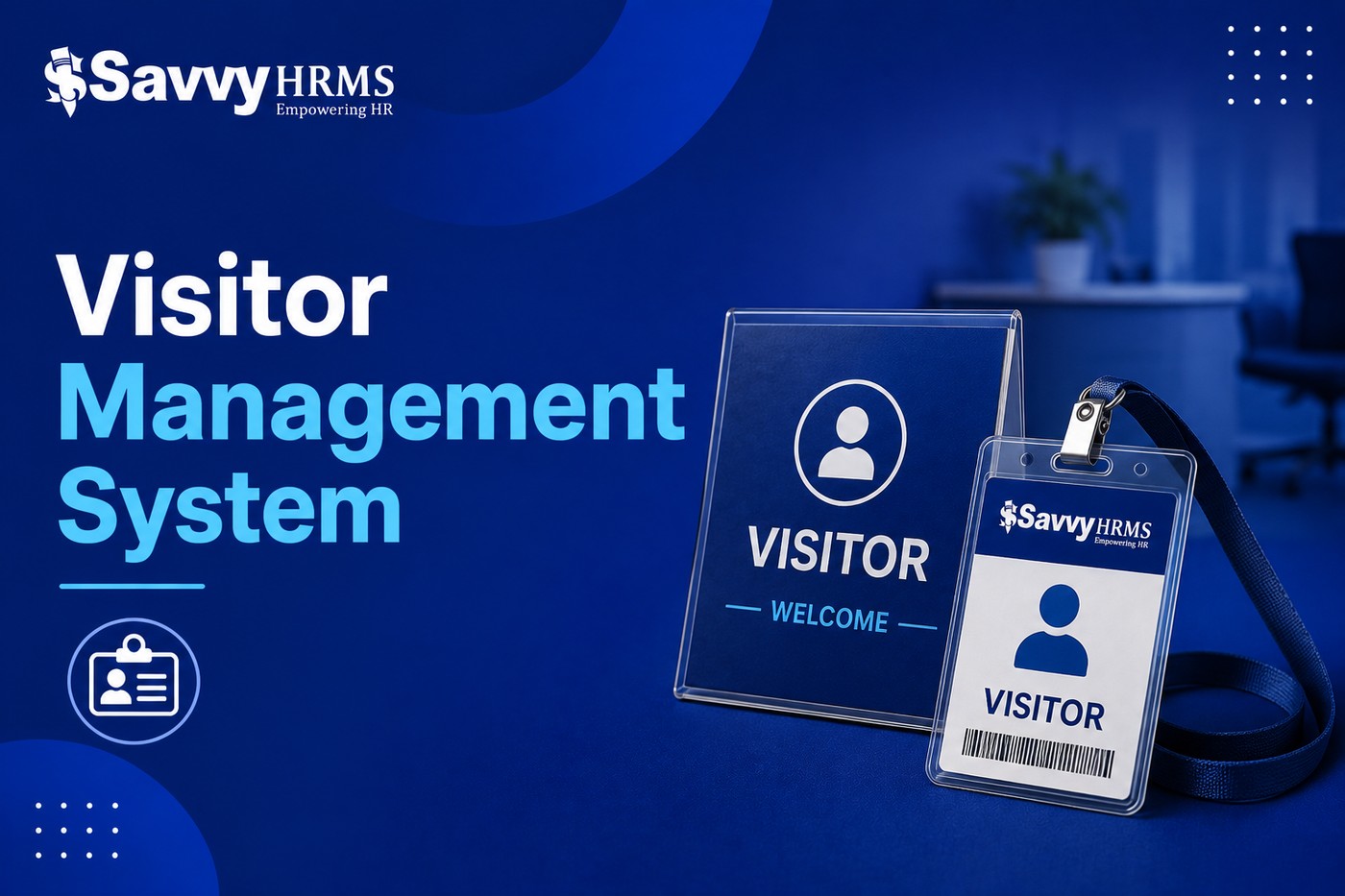
A busy office can have dozens of people entering its premises every day. Some may be employees' guests, some may be clients, while others could be candidates, vendors, delivery personnel, or contractors. Managing all these visitors efficiently is more important than it may seem.
Many organizations still depend on reception desks, paper registers, phone calls, and spreadsheets to handle visitors. While this approach may work for a small office, it becomes difficult to maintain when visitor traffic increases.
A Visitor Management System offers a more structured approach. It helps organizations manage visitor information, appointments, check-ins, notifications, and departures through a centralized digital process.
For HR, administration, facilities, and security teams, this can mean less paperwork, better visibility, and a smoother experience for everyone entering the workplace.
But the real value of visitor management goes beyond replacing a paper register. It can help organizations build a more connected and professional workplace.
Let's explore ten practical ways a Visitor Management System can improve workplace operations.
1. Creates a More Organized Reception Process
Reception is usually the first point of contact for people visiting an organization. When the process is manual, receptionists often have to handle several tasks at the same time.
They may need to:
Ask visitors for their details
Check appointments
Contact employees
Issue temporary passes
Record entry times
Answer visitor questions
Track departures
During busy periods, this can create queues and confusion.
A digital visitor management system can organize these activities into a defined workflow. Visitors can provide their information digitally, while employees can receive notifications when their guests arrive.
This allows the reception team to spend less time on repetitive paperwork and more time assisting visitors.
2. Makes Visitor Pre-Registration Easier
Not every visitor needs to arrive without prior notice.
For scheduled meetings, employees can register visitors in advance. This can be particularly useful for:
Client meetings
Interviews
Vendor appointments
Audits
Training sessions
Business events
Contractor visits
For example, an HR manager expecting five candidates for interviews can enter their appointment details before the interview day.
When candidates arrive, reception staff already have the necessary information, reducing unnecessary questions and delays.
Pre-registration can also help organizations prepare for high-volume visitor periods.
3. Improves Employee-Visitor Coordination
One common workplace problem is the gap between a visitor arriving and the host knowing about it.
A receptionist may call the employee several times before getting a response. Meanwhile, the visitor waits.
Automated notifications can make this process much smoother.
Once a visitor checks in, the system can notify the host that the visitor has arrived. Depending on the organization's setup, notifications may be delivered through supported communication channels.
This creates a simple chain:
Visitor arrives → Visitor checks in → Host receives notification → Meeting begins
It removes unnecessary communication steps and makes the experience more convenient for both employees and visitors.
4. Helps Manage Different Visitor Categories
A company doesn't necessarily want every visitor to follow the same process.
A customer visiting the sales team may need a different workflow from a contractor entering a restricted facility.
A Visitor Management System can help organizations categorize visitors according to their purpose.
Common categories include:
1. Clients
Clients may be directed to meeting rooms or reception areas.
2. Candidates
Candidates may be connected with HR or recruitment teams.
3. Vendors
Vendors may require access to procurement or designated delivery areas.
4. Contractors
Contractors may require additional verification or temporary permissions.
5. Guests
Guests can be managed through a separate visitor process.
By defining categories, organizations can create clearer workflows instead of using a one-size-fits-all approach.
5. Supports Workplace Security
Visitor management is closely connected to workplace security.
Organizations need to know who is entering their premises, who they are meeting, and whether they have left.
A digital system can maintain visitor records and provide authorized users with relevant information.
For workplaces with restricted areas, visitor permissions can also be structured according to location, visitor type, or purpose.
For example, a contractor visiting a warehouse may not need access to corporate offices. A client visiting the sales team may only need access to a conference room.
A well-planned visitor process helps organizations avoid giving unnecessary access.
6. Provides Better Visibility During Emergencies
Emergencies require accurate information.
If an organization has to evacuate a building, security and administration teams may need to know which visitors are currently inside.
A paper register can make this difficult, especially if information is incomplete or handwriting is unclear.
Digital visitor records can provide a more organized view of visitor activity, including check-in and check-out information.
This does not replace an organization's emergency response plan, but it can provide useful information for managing people on the premises.
7. Reduces Dependence on Paper Records
Paper-based processes create several practical problems.
Registers can become difficult to search, pages can be damaged, handwriting may be unclear, and maintaining records over long periods can become inconvenient.
Digital visitor management reduces the need for physical paperwork.
Instead of searching through pages to find an old entry, authorized users can retrieve visitor information digitally.
For organizations trying to reduce administrative paperwork, this can be a simple but useful improvement.
8. Helps HR Deliver a Better Candidate Experience
HR teams have a strong reason to care about visitor management.
Candidates are often among the most important visitors to an organization.
Imagine a candidate arriving for an interview and spending 15 minutes waiting because the recruiter doesn't know they have arrived.
Now imagine a more organized process where the candidate checks in, the recruiter receives an immediate notification, and the candidate knows what to expect next.
The second experience feels more professional.
This is especially important for organizations competing for talent. Small details throughout the recruitment journey can influence how candidates perceive an employer.
Visitor management can therefore become a small but meaningful part of the overall candidate experience.
9. Connects Visitor Management With HRMS Software
Modern organizations rarely operate with just one digital system.
They may use:
HRMS software
Payroll software
Attendance systems
Access control
Recruitment software
Employee self-service portals
Workplace communication tools
Connecting visitor management with HRMS can make employee information easier to manage.
For example, when a visitor needs to meet an employee, the visitor system needs accurate information about the host.
If employee information is maintained manually in multiple systems, changes such as transfers, department changes, or employee exits can create inconsistencies.
Integration can help reduce duplicate data management and make visitor workflows more reliable.
For businesses looking to connect visitor management with their broader HR technology environment, exploring a dedicated Visitor Management System can be a useful starting point.
10. Turns Visitor Data Into Useful Insights
Visitor information isn't only useful for tracking individual visits.
Over time, organizations can use visitor data to understand workplace patterns.
For example, suppose reports show that:
Monday mornings have the highest visitor traffic.
Candidates make up a large percentage of visitors.
One office location receives significantly more visitors than others.
Most visitors arrive during a specific two-hour period.
These insights can help management make better operational decisions.
The organization might increase reception staffing during peak hours, create dedicated workflows for frequent visitor categories, or adjust visitor policies based on actual usage.
This turns visitor management from a simple administrative process into a source of workplace information.
What Features Should You Look For?
Before selecting a solution, organizations should identify the features that actually match their needs.
1. Digital Check-In
Visitors should be able to complete registration without unnecessary paperwork.
2. Pre-Registration
Employees should be able to create invitations for expected visitors.
3. Automated Notifications
The system should alert the relevant host when a visitor arrives.
4. Visitor Badge Management
Temporary badges can help identify visitors while they are on the premises.
5. Visitor Check-Out
The system should record when visitors leave.
6. Visitor History
Authorized users should be able to access relevant past visitor records.
7. Reporting
Reports can help administration and security teams understand visitor trends.
8. Multi-Location Management
This can be important for organizations operating from several offices or facilities.
9. Integration
Consider whether the solution can connect with HRMS, access control, employee directories, and other workplace systems.
How to Implement a Visitor Management System Successfully
Technology alone doesn't guarantee a successful visitor management process. The implementation needs to be planned properly.
Step 1: Understand Your Current Process
Start by documenting how visitors are currently handled.
Ask:
How do visitors register?
Who approves them?
How does the host receive notifications?
How are badges issued?
How is departure recorded?
Where are visitor records stored?
Step 2: Identify the Biggest Problems
Look for repetitive tasks and common delays.
For example, if reception spends most of its time calling employees, automated notifications may be a priority.
If visitor records are difficult to find, centralized digital storage may be more important.
Step 3: Create Visitor Policies
Define how different visitor categories should be handled.
Make sure employees, receptionists, and security staff understand these rules.
Step 4: Choose a User-Friendly System
Don't focus only on the number of features.
The system should be simple enough for visitors to understand without requiring extensive assistance.
Step 5: Train Employees
Employees should know how to invite visitors, respond to notifications, and follow visitor policies.
Step 6: Test Before Full Deployment
Start with one location or reception desk if possible.
Collect feedback and identify problems before expanding the system across the organization.
Step 7: Monitor Performance
After implementation, review metrics such as:
Average visitor check-in time
Visitor waiting time
Number of manual registrations
Notification response time
Visitor volume
Check-out completion rate
This helps determine whether the new process is actually improving workplace operations.
Common Mistakes to Avoid
1. Making the Process Too Complicated
Security is important, but legitimate visitors shouldn't have to navigate unnecessary steps.
Keep the visitor journey simple while maintaining appropriate controls.
2. Collecting Unnecessary Information
Organizations should carefully decide what visitor information they actually need.
Collecting excessive information can create additional privacy and data-management responsibilities.
3. Ignoring the Reception Team
Receptionists and security personnel are the people who interact with the system every day.
Their feedback is valuable when selecting and configuring the software.
4. Forgetting About Check-Out
A visitor record isn't complete if only the entry is recorded.
Make sure the departure process is equally easy.
5. Not Reviewing Visitor Data
Once the system is implemented, organizations should periodically review reports and workflows.
Visitor patterns can change over time, so the process should evolve as workplace requirements change.
Is a Visitor Management System Suitable for Every Business?
Not every organization needs the same level of visitor management.
A very small office with only a few visitors each month may be comfortable with a simple manual process.
However, digital visitor management becomes increasingly useful when an organization has:
High visitor traffic
Multiple office locations
Strict security requirements
Frequent candidate interviews
Large numbers of vendors or contractors
Multiple reception areas
Existing HRMS or access-control systems
A need for detailed visitor reporting
The important thing is to evaluate your actual requirements rather than adopting technology simply because it is available.
Final Thoughts
Visitor management may look like a small part of workplace administration, but it affects several areas at once.
A well-designed Visitor Management System can help organizations organize reception activities, improve visitor communication, support security, reduce paperwork, and create a more professional experience for candidates, clients, vendors, and other guests.
For HR and administration teams, it can also become part of a larger connected workplace ecosystem when integrated with HRMS and other business systems.
The best approach is to start with a simple question:
What problems are we currently facing when people visit our workplace?
Once those problems are clear, it becomes much easier to identify the right processes, features, and technology.
A visitor should never feel lost or unnecessarily delayed when they enter your workplace. With the right system and a well-planned process, organizations can make every visit more organized, secure, and professional.