Practical Guide to Kubernetes Deployment Strategies for DevOps Pipelines
-

- March 14th, 2026
- 328 views

Get a free topical map and start building content authority today.
Kubernetes deployment strategies shape how new code reaches users, how risks are managed, and how rollbacks are executed. This guide to Kubernetes deployment strategies explains the most impactful options, how to integrate them into DevOps pipelines, and practical checks to reduce downtime and operational risk.
- Detected intent: Informational
- Primary focus: Kubernetes deployment strategies for CI/CD pipelines (rolling, canary, blue-green, A/B, recreate)
- Includes a named checklist (DEPLOY), a short real-world scenario, 3–5 actionable tips, and common mistakes
Kubernetes deployment strategies: core options and when to use them
Common Kubernetes deployment strategies include rolling updates, recreate, blue-green, canary releases, and A/B testing. Each approach balances release velocity, risk, and operational complexity: rolling updates prioritize gradual pod replacement; canary releases route a small portion of traffic to new versions; blue-green uses parallel environments; A/B focuses on user-facing behavior experiments; recreate is simplest but causes downtime during the swap.
Key terms
- Rolling update: Gradually replace Pods using incremental updates with Deployment strategy=RollingUpdate.
- Canary release: Route a fraction of traffic to a new version to validate behavior before full rollout.
- Blue-green deployment: Maintain two live environments (blue/green) and switch traffic atomically.
- Recreate: Tear down the old version entirely, then start the new version (fast but downtime-causing).
- Progressive delivery: Automated, observability-driven rolling and canary flows (often using feature flags and traffic control).
How to implement Kubernetes deployment strategies in DevOps pipelines
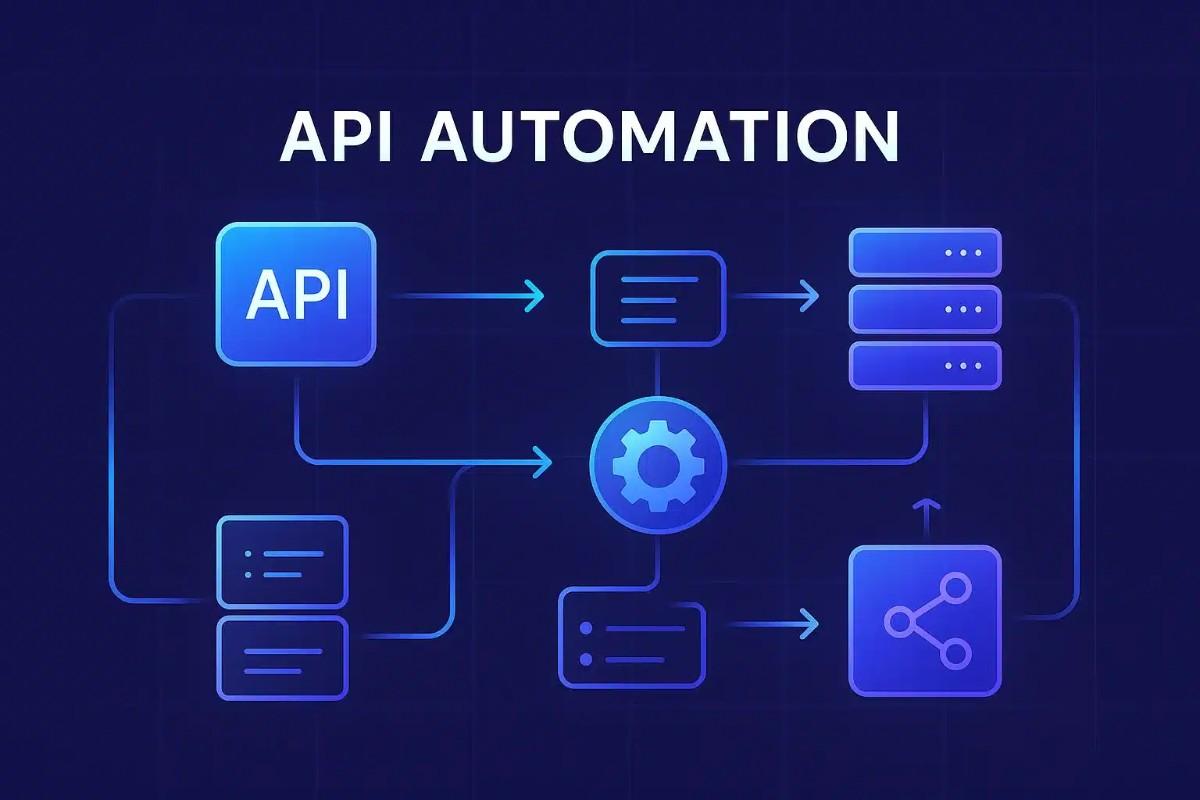
Integrating Kubernetes deployment strategies into CI/CD pipelines requires automation, observability, and clear rollback paths. Pipelines should include build, test, image promotion, staged deploys (dev/staging/prod), and automated verification gates tied to metrics and logs.
Pipeline stages and tools
- Build & test: Container image build, unit/integration tests, security scans.
- Image registry & signing: Promote artifacts through registries with immutable tags.
- Staged deployment: Deploy to dev/staging using the chosen strategy (rolling or recreate) before canary or blue-green in production.
- Traffic control: Use ingress + service mesh (e.g., Istio, Linkerd) or API gateway for traffic shifting during canary/blue-green.
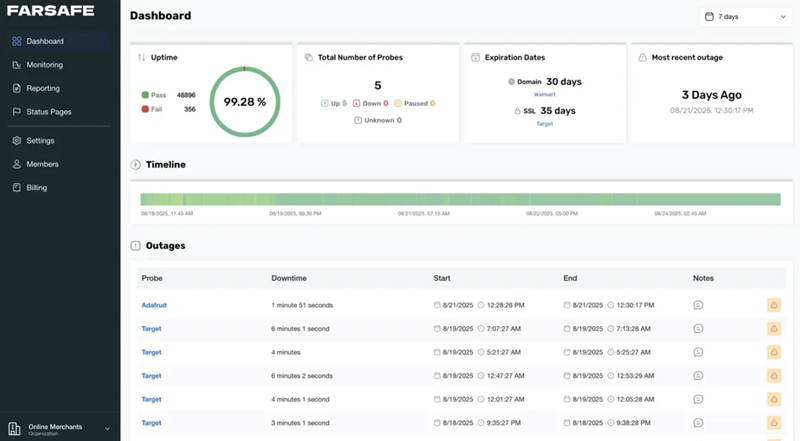
- Observability gate: Automated checks using metrics (latency/error rate), tracing, and logs before promoting rollout.
Standards and resources
For core Kubernetes concepts, consult the official Kubernetes documentation for definitions and recommended patterns: https://kubernetes.io/docs/concepts/overview/what-is-kubernetes/. Also align practices with Cloud Native Computing Foundation (CNCF) guidance where relevant.
DEPLOY checklist: a practical framework for safe rollouts
Use the DEPLOY checklist to validate readiness for progressive delivery workflows.
- Define baseline metrics: error rate, p95 latency, saturation KPIs.
- Environment parity: ensure dev/staging mirrors production topology.
- Percentage plan: predefine traffic percentages and time windows for canaries.
- Logging & monitoring: alerts and dashboards configured before rollout.
- Orchestration tooling: confirm CI/CD and service mesh supports traffic shifting and automated rollback.
- Yankback plan: documented manual and automated rollback steps including database migration reversals.
Short real-world example
Scenario: A payments microservice needs a new performance optimization. Use this sequence: build and push an immutable image; run canary in production routing 5% of traffic via Istio; run synthetic and user-facing validations for 30 minutes; increase to 25% if metrics are stable; after full validation, promote to 100%. Keep the DEPLOY checklist items verified before each step. If error rate rises above the baseline, automated rollback should reduce traffic to zero to the new revision and route back to the stable revision.
Practical tips for production-ready deployments
- Automate verification gates with concrete SLOs: convert dashboards into pipeline gates to pause or rollback deployments on violation.
- Use immutable artifacts and immutable tags for reproducibility; avoid deploying :latest in production.
- Prefer progressive delivery (canary + metrics) when user impact must be minimized; reserve recreate for non-critical internal workloads.
- Combine feature flags with canary routing to separate code rollout from feature activation, limiting blast radius.
- Test rollback procedures in staging as part of regular runbooks—rollbacks must be practiced, not assumed.
Trade-offs and common mistakes
Choosing a strategy involves trade-offs:
- Speed vs safety: Rolling and canary reduce risk but slow time-to-full-release compared with recreate.
- Complexity vs control: Blue-green and canary require traffic control and observability tools, increasing operational overhead.
- Monitoring dependency: Progressive rollouts succeed only with reliable metrics and alerts; weak observability undermines safety.
Common mistakes to avoid:
- Not defining success/failure thresholds before starting a canary.
- Deploying with no automated rollback path or test dataset for verification.
- Assuming staging equals production—differences in traffic patterns often reveal bugs only under load.
- Neglecting database migration compatibility during blue-green or canary phases.
Core cluster questions for internal linking and further reading
- How to automate canary releases in Kubernetes pipelines?
- When to use blue-green deployment vs rolling updates?
- What observability metrics are essential for progressive delivery?
- How to combine feature flags with Kubernetes deployment strategies?
- What rollback strategies work best for stateful services?
Operational checklist: quick pre-release validation
- Confirm CI/CD pipeline artifacts and signatures are valid.
- Verify health probes and readiness/liveness endpoints are configured.
- Ensure load balancing and service mesh rules are staged and tested.
- Prepare rollback automation and incident runbook accessible to on-call teams.
Frequently asked questions
Kubernetes deployment strategies: which one should be used in production?
Selection depends on risk tolerance and observability maturity. For low-risk, non-user-facing services, rolling updates or recreate may suffice. For user-facing critical services, canary releases combined with feature flags and strong observability are recommended to limit blast radius.
How does canary deployment differ from blue-green deployment?
Canary routes a small percentage of live traffic to a new version and gradually increases exposure; blue-green runs two full environments and cuts traffic atomically. Canary offers finer control and lower resource overhead; blue-green gives a simpler instant switch but requires duplicate capacity.
What tools support progressive delivery in Kubernetes CI/CD pipelines?
Common components include CI systems (Jenkins, GitHub Actions, GitLab CI), GitOps tools (Argo CD, Flux), service meshes (Istio, Linkerd) for traffic control, and observability stacks (Prometheus, Grafana, OpenTelemetry) for verification gates.
How should rollbacks be automated in a pipeline?
Automated rollback needs clear triggers (SLO breaches), the ability to shift traffic back to the previous revision, and a reversal plan for database migrations. Implement pipeline steps that revert to previous image tags and reapply stable manifests; test this flow in staging regularly.
Can deployment strategies be combined in a single pipeline?
Yes. A pipeline may use rolling updates for routine builds, canary for production feature releases, and blue-green for major platform changes. Use the DEPLOY checklist to ensure each path has appropriate gates and rollback plans.