AutoCAD (Beginner / Basic)
-

- May 20th, 2026
- 6,692 views
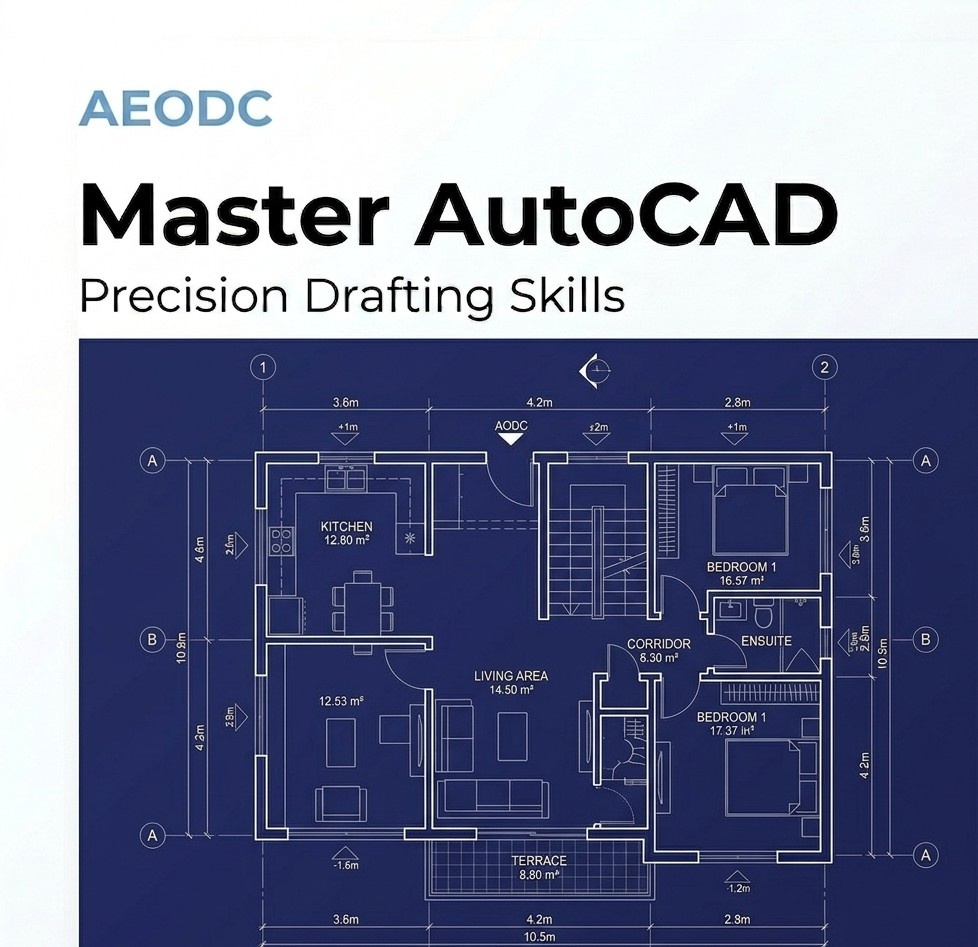
AutoCAD Beginner Training
AutoCAD Beginner Training is designed for students, freshers, diploma holders, degree holders, and working professionals who want to build a strong foundation in Computer-Aided Design (CAD) using industry-standard drafting software. This course introduces learners to essential drafting concepts, technical drawing standards, and practical workflows commonly used by architects, engineers, interior designers, construction professionals, and drafting technicians worldwide.
The training focuses on developing practical drafting skills that help learners create accurate 2D drawings, technical layouts, floor plans, elevations, sections, and professional documentation used in real-world projects. Whether you are beginning your career in the Architecture, Engineering, and Construction (AEC) industry or looking to improve your technical drafting skills, this beginner AutoCAD course provides the knowledge and practical exposure required to work confidently on CAD-based projects.
At AEODC, the course is designed with an industry-oriented approach that combines theoretical understanding with hands-on practical learning. Learners are trained using workflows and drafting methods that reflect actual project requirements followed in modern construction and engineering industries.
Career Opportunities After Training
Candidates who successfully clear the AEODC evaluation exam with a score above 85% may be considered for opportunities to work with AEODC on live CAD projects as Interns or on a Contract basis, with the possibility of full-time placement depending on performance, technical skills, project requirements, and business needs.
Freshers may be selected for structured internship programs where they gain practical project exposure under technical supervision. These internships help learners understand real drafting standards, project documentation processes, and coordination workflows used in the industry.
Experienced professionals who demonstrate strong technical capabilities may qualify for project-based assignments or full-time opportunities aligned with organizational and project requirements.
All opportunities are strictly performance-based and aligned with AEODC quality standards and operational requirements.
Build Strong Drafting Skills with AutoCAD Fundamentals
Modern architecture, engineering, manufacturing, and construction industries rely heavily on CAD drafting for accurate technical documentation, project coordination, and design communication. AutoCAD remains one of the most widely used drafting software applications globally for creating detailed engineering and architectural drawings.
This beginner AutoCAD training program helps learners understand the fundamentals of CAD drafting and introduces them to the tools and workflows required for creating professional technical drawings efficiently and accurately.
The training is structured to help learners gradually build confidence in drafting while understanding industry drafting standards and project documentation requirements.
Key Learning Areas
AutoCAD Interface & Workspace Setup
Interface navigation
Workspace customization
Toolbars and command usage
File handling and project setup
Drawing Tools
Line
Polyline
Circle
Arc
Rectangle
Polygon
Ellipse
Modify Tools
Move
Copy
Rotate
Mirror
Trim
Extend
Offset
Scale
Stretch
Fillet
Chamfer
Layer & Object Management
Layer creation and organization
Object properties
Line types and colors
Selection methods
Drawing management standards
Annotation & Documentation
Dimensioning techniques
Text styles and annotations
Leaders and callouts
Drafting standards and documentation methods
Blocks & Reusable Components
Creating blocks
Editing reusable components
Basic dynamic block concepts
Standard drafting elements
Hatch Patterns & Drafting Symbols
Material hatching
Section graphics
Drafting symbols and representations
Layouts & Plotting
Layout setup
Viewports
Plot settings
Sheet preparation and printing standards
Drafting Standards & Workflows
Units and limits
Scaling and measurements
Technical drawing practices
Industry drafting workflows and coordination basics
The course emphasizes practical implementation and project-based understanding so learners can understand how drafting standards are applied in real project environments.
Why Learn AutoCAD?
AutoCAD skills are highly valuable across multiple industries including Architecture, Civil Engineering, Mechanical Design, Interior Design, Construction, Manufacturing, and Infrastructure Development. Technical drafting remains an important part of project planning, execution, and coordination, making CAD professionals valuable in both domestic and international markets.
Learning AutoCAD helps improve technical drawing accuracy, productivity, and professional communication skills. It also provides a strong base for learning advanced BIM software such as Revit Architecture, Revit Structure, Revit MEP, and Navisworks.
This training is ideal for:
Students preparing for technical careers
Freshers looking to enter the AEC industry
Professionals upgrading drafting skills
Engineers and designers transitioning into BIM workflows
Individuals interested in technical drawing and construction documentation
BIM & CAD Training at AEODC
AEODC provides industry-focused BIM and CAD training designed to prepare learners for practical project environments. Learners can choose from Online BIM Courses, Offline Classroom Training, or Self-Paced Learning programs depending on their schedule and learning preferences.
The institute offers:
BIM Professional Courses for working professionals
BIM Diploma Courses for beginners and freshers
Practical project-oriented training
Industry-standard workflows and documentation methods
The training methodology focuses on technical accuracy, software proficiency, project understanding, and professional skill development aligned with current industry standards.
By completing AutoCAD and BIM-related courses at AEODC, learners gain industry-relevant knowledge that helps prepare them for professional opportunities in the Architecture, Engineering, and Construction industry.
Industry Exposure & Professional Development
AEODC training programs are designed to provide learners with exposure to real project workflows, technical documentation standards, and professional drafting practices. Candidates trained through AEODC programs have worked with organizations across multiple international markets including the Middle East, United States, Canada, Europe, and the United Kingdom.
With experienced trainers, practical assignments, and project-oriented learning methods, AEODC helps learners strengthen their technical knowledge and improve professional readiness for CAD drafting and BIM-based project environments.
This AutoCAD Beginner Training program serves as a strong starting point for individuals looking to build a successful career in drafting, engineering, design, and construction technology while developing industry-ready CAD skills for modern project environments.