Bloxstrap Download: A Complete Guide for Roblox Players
-

- Published Updated
- 4,840 views
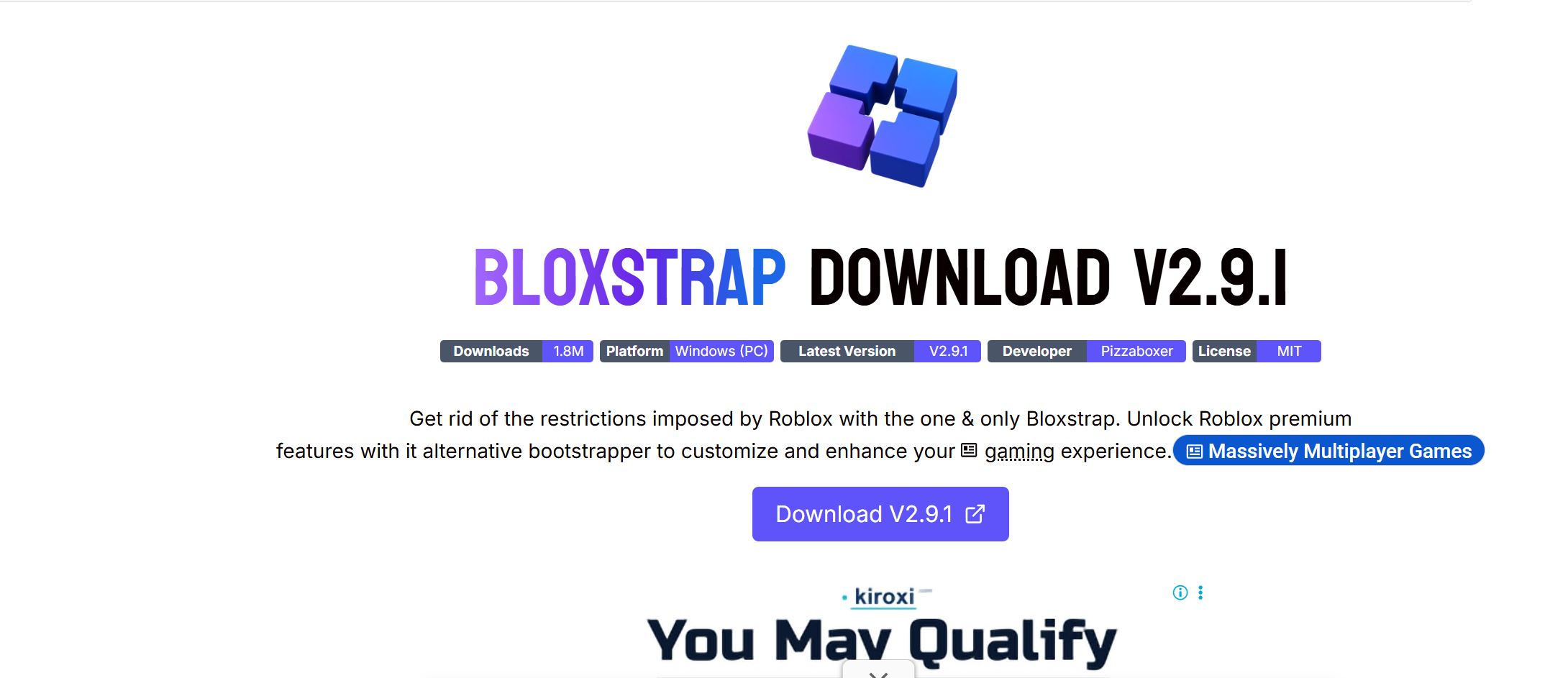
Bloxstrap Download is a popular search among Roblox players who want an alternative launcher with additional features and customization options. Bloxstrap is a third-party replacement for the standard Roblox bootstrapper and is designed for Windows computers. The official project describes it as an alternative launcher that provides useful features and improvements beyond the standard Roblox launching experience.
What Is Bloxstrap?
Bloxstrap is not a separate version of Roblox. Instead, it works as an alternative bootstrapper that helps launch Roblox while providing additional configuration and convenience features. Because it is open source, its source code is publicly available, allowing users and developers to inspect the project.
The software is intended for Windows users and currently requires the Microsoft .NET 6 Desktop Runtime. The official website provides a Windows download and also lists installation through Winget.
Where to Download Bloxstrap
When searching for Bloxstrap Download, choosing a trustworthy source is extremely important. The official Bloxstrap FAQ states that there are only two official download locations: the Bloxstrap Labs website and the project's official GitHub repository.
Official Bloxstrap website
Official Bloxstrap GitHub repository
Users should avoid websites that offer modified installers or claim to be an alternative official Bloxstrap website https://blxstrp.com/. The project specifically warns that other sites may impersonate Bloxstrap.
How to Install Bloxstrap
Installing Bloxstrap on a supported Windows computer is relatively simple. First, download the installer from one of the official sources. After downloading it, open the installer and follow the instructions displayed on screen.
If the required .NET 6 Desktop Runtime is missing, it may need to be installed before Bloxstrap can operate correctly. The official website identifies this runtime as a requirement.
After installation, users can open Bloxstrap and review its available settings before launching Roblox. It is a good idea to change only settings that you understand, especially when dealing with advanced configuration options.
Bloxstrap Features
One of the main reasons players search for Bloxstrap Download is the additional functionality offered by the launcher.
Activity Tracking
Bloxstrap includes an activity-tracking component that can detect which Roblox experience a user is playing. This feature provides the foundation for functions such as Discord Rich Presence, game history, server-location hints, and certain desktop integrations.
Users who enable activity tracking should understand that Bloxstrap may remain running in the background while they play Roblox.
Engine Settings
Bloxstrap has historically provided options for changing certain Roblox engine parameters through the Fast Flag system. However, Roblox introduced restrictions on which Fast Flags can be applied by players in September 2025. As a result, many older Bloxstrap guides describing extensive Fast Flag customization are now outdated.
This is an important consideration for anyone following an older tutorial. A setting shown in a video or article from previous years may no longer be available or functional.
Fullscreen and Graphics Options
Bloxstrap documentation includes options related to fullscreen behavior and rendering quality. For example, its exclusive-fullscreen option can allow users to use Alt+Enter for true fullscreen mode, although the documentation also lists possible drawbacks involving GPU behavior, server notifications, and certain Roblox windows.
Therefore, users should test changes individually instead of applying a large collection of settings without understanding their effects.
Latest Bloxstrap Release
The official Bloxstrap website lists version 2.11.3 as a release published on April 4, 2026. This release included several bug fixes, including improvements related to Discord RPC, file exporting, notifications, and translations. It also removed a rendering-mode setting because it was no longer functional.
The project's GitHub repository currently states that Bloxstrap is no longer under active development. This means users should keep realistic expectations about future updates, issue responses, and compatibility with future Roblox changes.
Is Bloxstrap Safe?
Safety is an important question whenever users install third-party software. According to the official FAQ, Bloxstrap is open source, meaning its source code can be publicly reviewed. The project also states that it is digitally signed and reports that the software is clean on VirusTotal.
Still, users should distinguish between the genuine Bloxstrap project and unofficial copies. Downloading a file named "Bloxstrap.exe" from an unknown website does not guarantee that it is the authentic application.
The safest practice is to use only the official Bloxstrap website or official GitHub repository and avoid installers distributed through random download pages.
Does Bloxstrap Get Roblox Accounts Banned?
Bloxstrap's official FAQ states that using Bloxstrap itself does not result in a Roblox ban and that it is not exploit software.
That distinction matters because Bloxstrap is primarily a launcher and customization tool. It should not be confused with software designed to exploit Roblox games or bypass Roblox security.
Nevertheless, users should always follow Roblox's current rules and avoid combining any launcher with unauthorized tools intended to manipulate gameplay.
Why Older Bloxstrap Guides Can Be Confusing
Roblox changes frequently, and these changes can affect third-party launcher features. For example, the Bloxstrap v2.10.0 release removed several options because Roblox changes had made them ineffective. These included multi-instance launching and several Engine Settings presets.
More recently, v2.11.2 added Roblox Studio support and improvements, showing how the project's capabilities have changed over time.
For this reason, users should always check the latest official documentation rather than relying entirely on old YouTube videos or outdated blog posts.
Final Thoughts
Bloxstrap Download can be useful for Windows Roblox players who want an alternative launcher with additional customization, activity tracking, Discord integration, and other quality-of-life features. However, the software and its available features have changed alongside Roblox, so older information may no longer be accurate.
The most important step is to download the software only from the official Bloxstrap Labs website or GitHub repository. Checking the latest release notes and documentation before installation can also help users avoid outdated instructions and unnecessary troubleshooting.
With the right source and realistic expectations about its current development status, users can make a more informed decision about whether Bloxstrap is suitable for their Roblox setup.