Best HR Analytics Software: Features, Vendor Comparison and Whether It Pays Off
-
- Published Updated
- 50 views
Every vendor claims to be the best HR analytics software, which makes choosing one harder than it should be. The honest answer is that "best" depends on the decisions you need to improve. This guide walks through the questions buyers ask most: what features matter, how to compare vendors, what data these tools use, and whether the investment is worth it.
What is HR analytics software?
HR analytics software gathers data about people and work, such as time, activity, workload, hiring and turnover, and turns it into reports that managers and HR leaders can act on. Instead of relying on instinct or end-of-quarter surprises, leaders can see which teams are overloaded, where time is being lost, and which groups may be at risk of losing people.
Demand is rising. Technavio forecasts the workforce analytics market will grow by about $3.27 billion between 2024 and 2029, a compound annual growth rate of 19.1 percent. Yet adoption has lagged ambition: Deloitte's 2015 Global Human Capital Trends survey found 75 percent of companies thought people analytics was important, but only 8 percent felt strong in it.
What features make the best HR analytics software?
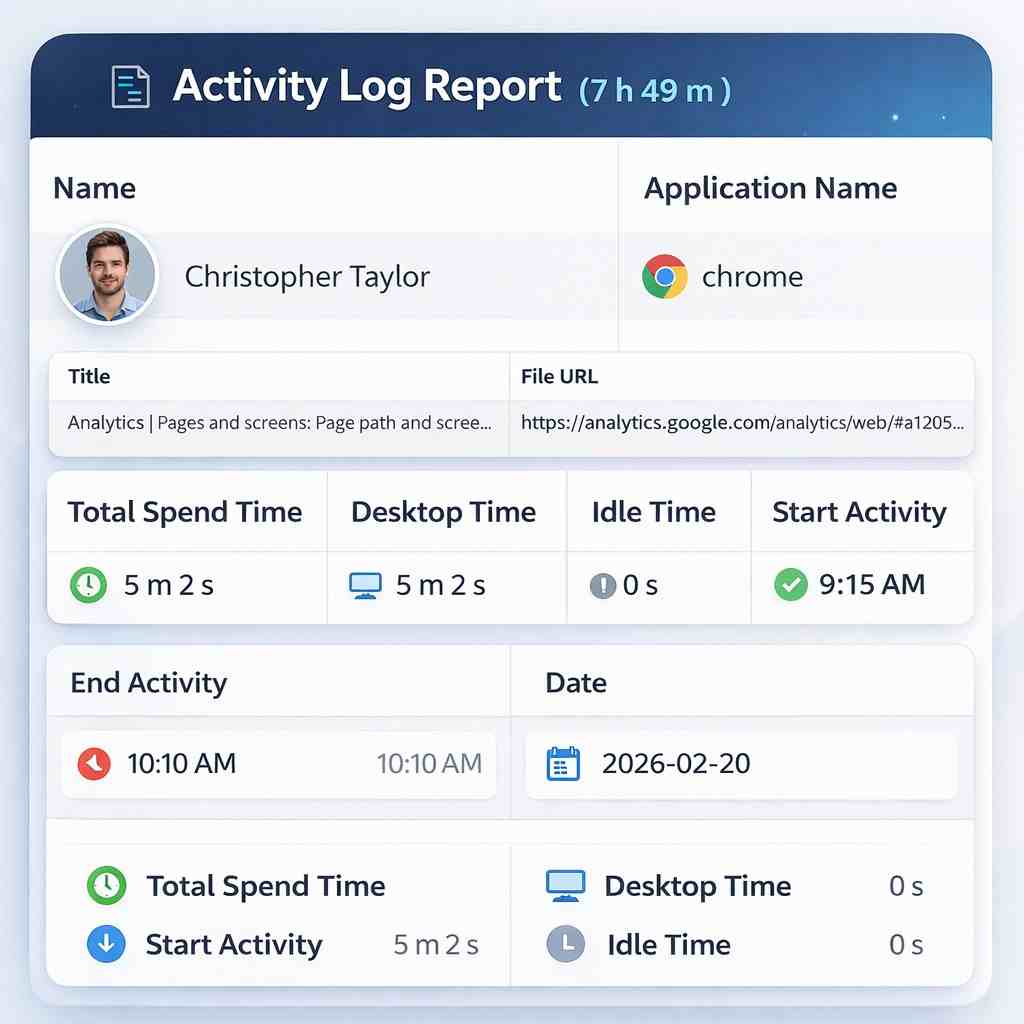
- Productivity and time insights. They separate focused work from idle or fragmented time and show where hours actually go.
- Workload and capacity views. They show who is over-allocated and who has room, so work can be rebalanced.
- Early risk signals. Sustained overload or falling engagement often comes before burnout and resignations.
- Readable reports. A non-analyst manager should understand a dashboard in a few minutes.
- Team and project views. Patterns across groups are more useful, and fairer, than individual rankings alone.
- Transparency and privacy controls. Employees should know what is measured and why, and access should be limited by role.
What data does HR analytics software use?
It depends on the product. Work analytics tools use time and activity data from the devices and applications employees already use. HR reporting layers use HRIS data such as headcount, hiring dates, turnover and leave. The strongest setups combine the two, so people data and work data can be read side by side. Whatever the sources, ask vendors how data is stored, who can see it, and how long it is kept.
How do I compare HR analytics software vendors?
- Write down the decision first. Pick the question you most need answered, such as workload balance, retention or planning, and score each vendor against it.
- Check time to value. Ask how long it takes to see a first useful report and what effort your team must put in.
- Run a short pilot with one real team. The test is whether managers open the reports and change what they do.
- Review privacy and communication tools. Look at what is collected, how it is explained to employees, and how access is controlled.
- Compare price at your real headcount, including what each plan leaves out.
Is HR analytics software worth the investment?
It is when the data changes a decision. The cost of disengagement is large: Gallup's State of the Global Workplace 2026 report found global employee engagement fell to 20 percent in 2025, costing the world economy an estimated $10 trillion in lost productivity, and that lower manager engagement accounts for most of the recent decline. If a tool helps managers spot overload earlier, rebalance work and keep good people, it can pay for itself in retained talent and fewer missed deadlines. If it only produces dashboards nobody uses, it will not.
Common mistakes to avoid when buying
- Buying for the demo, not the decision. A polished dashboard means little if it does not answer the question your managers actually ask each week.
- Ignoring adoption. The best software is the one managers open. If reports need an analyst to interpret, usage will fade within a month.
- Treating one metric as a verdict. Hours online or activity counts rarely tell the full story. Use trends and context, and talk to people before drawing conclusions.
- Skipping employee communication. Tools introduced quietly damage trust. Explain what is measured, why it is measured and how the data will be used, before launch.
- Over-buying features. A smaller tool that your team uses daily beats an enterprise suite that nobody configures.
A simple checklist before you sign
- Can a manager get a useful answer within the first week?
- Can you show employees exactly what is collected and why?
- Are reports available at team and project level, not only per person?
- Is pricing clear at your real headcount, with no surprise add-ons?
- Can you export or connect the data to the systems you already use?
Where We360.ai fits
We360.ai is workforce analytics software used by 120K+ users across 10K+ companies in 21+ countries and rated 4.7 on G2. It brings productivity, time and workload patterns into one place so managers can decide on evidence instead of perception.
If you are shortlisting options, pick two or three, run a pilot, and choose the one that helps your managers make better decisions within the first few weeks.