Should You Share a PDF as a Download, Cloud Link, or Reading Page? A Practical Decision Guide
-

- Published Updated
- 265 views
Sharing a PDF sounds simple.
You create the file, upload it somewhere, copy a link, and send it.
But there is an important decision hidden inside that workflow:
What kind of link should you actually share?
A PDF can be distributed in several ways:
as a downloadable file,
through cloud storage,
through a direct
.pdfURL,through a browser-based reading page.
Each method solves a different problem.
Using the wrong one can create unnecessary friction, weak presentation, poor access control, or zero visibility into what happens after the document is shared.
This guide provides a practical way to decide which option fits each situation.
The Core Question: Is the PDF a File or an Experience?
The easiest way to choose a sharing method is to ask:
Does the recipient simply need the file, or does the reading experience matter?
If the recipient only needs the original PDF, direct delivery is usually enough.
If presentation, access control, branding, engagement, or follow-up matter, then a browser-based reading page may be more useful.
That distinction is the foundation for everything else.
Option 1: Share the PDF as a Downloadable File
A downloadable PDF is the most straightforward method.
The recipient receives the file and stores it locally.
This works well for:
invoices,
printable forms,
manuals,
receipts,
downloadable guides,
archival documents.
Advantages
Very simple
Easy to save
Works offline
Easy to print
No special interface required
Limitations
Once the file is downloaded, the sender usually loses visibility.
You may know the file was downloaded, but you cannot easily know:
which pages were read,
how long someone stayed,
whether they reopened it,
whether they reached a specific section.
For many documents, that does not matter.
For customer-facing material, it sometimes does.
Option 2: Use a Direct PDF URL
A direct PDF URL typically looks like this:
example.com/files/report.pdf
The URL points directly to the PDF file.
This is especially useful for technical use cases.
Best for
API access,
software integrations,
direct downloads,
embedded file references,
systems that require a
.pdfURL.
Advantages
Clean and predictable
Easy for software to access
No extra webpage layer
Good for automation
Limitations
A direct PDF URL usually provides limited presentation options.
It does not naturally include:
branding,
password gates,
call-to-action buttons,
reader analytics,
QR management.
A direct URL is often best when the PDF is primarily a file asset.
Option 3: Share Through Google Drive, Dropbox, or OneDrive
Cloud storage is another common choice.
This is usually the best method when the main objective is:
storing documents,
organizing folders,
collaborating internally,
controlling account permissions,
sharing files across a team.
Google Drive, Dropbox, and OneDrive are excellent at this.
Advantages
Familiar tools
Strong file organization
Team collaboration
Easy permission management
Good for internal workflows
Limitations
Cloud storage is still primarily designed around file management.
It may not be the best fit when the document itself is part of a customer-facing experience.
For example:
a sales proposal,
a pitch deck,
a portfolio,
a product catalog,
a white paper.
In these situations, presentation and engagement may matter more than folder organization.
Option 4: Publish the PDF as a Reading Page
A browser-based reading page changes the model.
Instead of sending the PDF file itself, you share a normal webpage URL that displays the document.
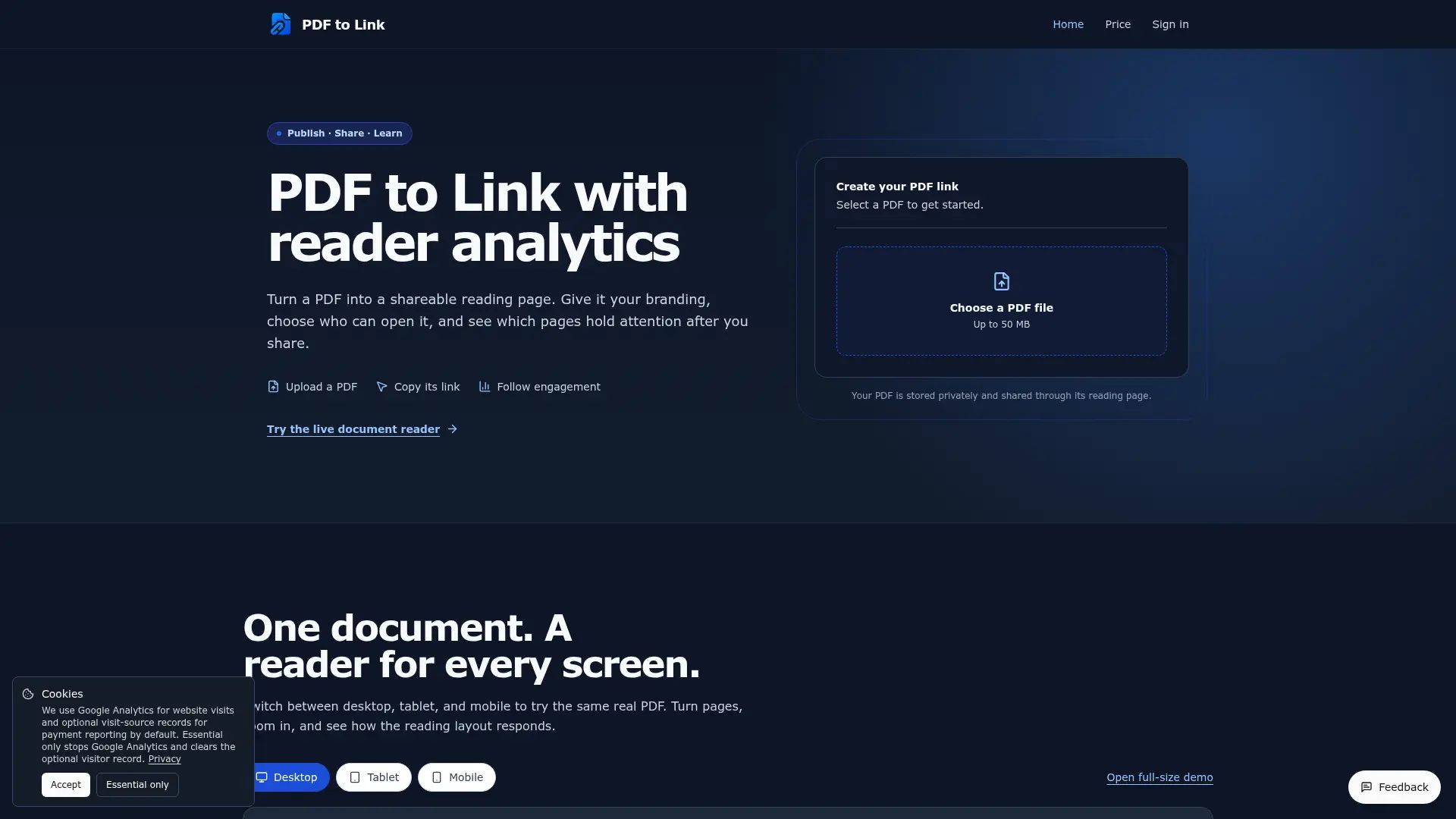
For example, PDF to Link follows this model.
The workflow looks like this:
PDF
→ Upload
→ Publish
→ Share reading-page URL
→ Review engagement
The PDF remains a PDF.
The page simply adds a web layer around it.
This creates additional possibilities.
What a Reading Page Can Add
A browser-based reading page can support things such as:
branding,
password protection,
QR codes,
calls to action,
reader analytics,
mobile access,
page-level engagement data.
This makes it more suitable for external-facing documents.
A Simple Decision Framework: FILE
To make the choice easier, use the FILE framework.
F — Function
What is the document supposed to do?
If the goal is simply:
Give the recipient the file
then download or direct URL is usually enough.
If the goal is:
Present, measure, or guide the reader
then a reading page may be more appropriate.
I — Identity
Does branding matter?
For internal files, probably not.
For customer-facing documents, it may.
Examples:
portfolio,
proposal,
brochure,
catalog,
pitch deck.
A branded reading page can feel more intentional than a generic cloud-storage interface.
L — Limits
Does access need to be restricted?
Ask:
Should anyone with the link be able to view it?
Should the reader enter a password?
Should the document be publicly downloadable?
For public brochures, unrestricted access may be fine.
For private proposals, password protection may make more sense.
E — Engagement
Do you need to know what happens after the document is opened?
If the answer is no, basic file sharing is enough.
If the answer is yes, reader analytics may be useful.
Why Engagement Data Can Matter
Suppose two proposals each receive 50 opens.
At first glance, they appear equally successful.
But imagine:
Proposal A
Most sessions reach page 12.
Proposal B
Most sessions stop at page 2.
The same open count hides very different behavior.
This is why reader analytics can add context.
Reading Depth
Reading Depth shows how far sessions progress through a document.
For example:
Page 1 — 100%
Page 5 — 81%
Page 10 — 58%
Page 15 — 34%
This can help identify:
where interest drops,
whether important sections are reached,
whether long documents are too long.
But Reading Depth has a limitation.
A reader can jump forward.
So:
Reached page 15
does not mean:
Read pages 1 through 14 carefully
That distinction matters.
Reached Last Page Is Not Completion
This is one of the easiest analytics mistakes to make.
If someone jumps directly from page 1 to page 20, they technically reached the last page.
That does not mean they completed the document.
So analytics should describe the event accurately.
Better:
Reached Last Page
Less accurate:
Completed Reading
The wording may seem minor, but it prevents false conclusions.
Active Time
Another useful metric is Active Time.
A raw session duration can be misleading.
Imagine:
reader opens the PDF,
reads for 45 seconds,
switches browser tabs,
returns 15 minutes later.
A simple timer might report 16 minutes.
That would exaggerate engagement.
A better metric focuses on time while the document is visible and the browser is active.
Even then, Active Time should still be treated as a behavioral signal, not proof of full attention.
Page Engagement
Page-level engagement can reveal which parts of the document deserve attention.
Example:
Page 1 — 18 sec
Page 2 — 21 sec
Page 3 — 19 sec
Page 4 — 69 sec
Page 5 — 17 sec
Page 4 clearly stands out.
Why?
Possibilities include:
pricing,
a product comparison,
technical detail,
an important chart,
confusing content.
Analytics do not explain the reason automatically.
They tell you where to investigate.
Exit Pages
Exit Page data can also be useful.
If many sessions repeatedly end around the same page, that section may deserve review.
But browser tracking is never perfect.
Sometimes an exit cannot be captured.
A realistic analytics system should allow:
Unknown Exit
instead of pretending every session is perfectly measured.
Choosing the Right Method by Document Type
Different PDFs require different sharing methods.
Invoice
Best choice:
Attachment or direct download
Why?
The recipient mainly needs the file.
Internal Policy Document
Best choice:
Google Drive or OneDrive
Why?
Version control, permissions, and internal access matter more than presentation.
Sales Proposal
Best choice:
Reading page
Why?
You may want:
branding,
password protection,
reading depth,
CTA,
controlled presentation.
Pitch Deck
Best choice:
Reading page
Why?
It may be useful to know:
whether the deck was opened,
whether key pages were reached,
whether it was reopened.
Product Catalog
Best choice:
Reading page + QR code
Why?
It may be distributed through:
email,
messaging apps,
websites,
print materials.
Technical Manual
Best choice:
Direct PDF URL or downloadable file
Why?
Users may want to save, print, or access it offline.
White Paper
Best choice:
Reading page or downloadable PDF
The choice depends on whether your priority is:
lead acquisition,
analytics,
offline reading,
distribution reach.
Why QR Codes Matter More Than They Seem
Once a PDF has a stable URL, it can also be shared offline.
A QR code can appear on:
brochures,
business cards,
packaging,
event displays,
posters,
menus,
classroom materials.
The same PDF can move between physical and digital channels without creating multiple versions.
This is especially useful for catalogs, event material, and promotional documents.
When Branding Matters
For internal documents, branding may not matter.
For external documents, it often does.
A customer-facing PDF may represent:
a company,
a consultant,
a designer,
a startup,
an agency.
A dedicated reading page can add:
logo,
favicon,
background,
social links,
call-to-action buttons.
The PDF itself stays unchanged.
The surrounding experience becomes more professional.
Password Protection
Password-protected links can be useful when a document is private but does not require enterprise-level DRM.
Examples include:
private proposals,
investor decks,
partner documents,
limited-access reports.
A password layer helps restrict casual access.
It should not be confused with high-security document management, but it can be useful for everyday business sharing.
A Direct URL and a Reading Page Serve Different Audiences
The easiest way to remember the distinction is:
Direct PDF URL = file access
Reading page = reader experience
If a system needs the PDF, choose direct access.
If a person needs to read, navigate, and potentially take action, a reading page can be more appropriate.
The difference is explained in more detail in this PDF to URL guide.
Google Drive vs PDF Reading Page
These tools are often compared, but they solve different problems.
Google Drive answers:
Where is the file?
It is excellent for:
storage,
folders,
team collaboration,
permissions.
A PDF reading page answers:
What happened after the document was shared?
It is better suited for:
external presentation,
engagement signals,
branding,
CTA,
QR distribution.
You may use both in the same workflow.
When You Should Keep Things Simple
Not every PDF needs analytics.
This is important.
Do not add complexity just because the technology exists.
Use a basic attachment or direct file when:
the document is low-value,
there is no follow-up workflow,
the recipient simply needs a copy,
offline access matters more than analytics.
A reading page is most useful when the document is part of a larger communication or business process.
A Practical Decision Table
| Document | Recommended Method | Main Reason |
|---|---|---|
| Invoice | Attachment | Simple delivery |
| Manual | Direct PDF URL | Download/offline use |
| Internal document | Cloud storage | Collaboration |
| Proposal | Reading page | Engagement + presentation |
| Pitch deck | Reading page | Reader behavior |
| Catalog | Reading page + QR | Multi-channel distribution |
| Portfolio | Reading page | Branding |
| White paper | Reading page/download | Depends on campaign goal |
How to Make a PDF Shareable
If the goal is to create a browser-based PDF link, the process is straightforward.
A guide on how to make a PDF a link follows this basic workflow:
Choose the PDF.
Upload it.
Publish a reading page.
Copy the URL or QR code.
Configure access or branding if needed.
Share the document.
Review engagement later.
The important part is not the upload itself.
It is choosing the right sharing method for the document.
Common Mistakes
Mistake 1: Using Google Drive for Every Document
Cloud storage is excellent, but not every customer-facing document needs a cloud-drive interface.
Mistake 2: Assuming a View Means the Document Was Read
A view only confirms that the page opened.
It does not prove full consumption.
Mistake 3: Calling Last-Page Reach a Completion Rate
A reader may skip pages.
Use precise metric names.
Mistake 4: Tracking Too Many Metrics
Focus on the metrics that support a real business question.
Mistake 5: Adding Complexity to Simple Documents
An invoice does not need a sophisticated analytics dashboard.
Match the tool to the use case.
Final Checklist
Before sharing an important PDF, ask:
Does the reader need the file or the experience?
Does the document need branding?
Should access be restricted?
Is downloading necessary?
Will the link be shared through QR code?
Do I need engagement data?
Is there a next action after reading?
Would cloud storage be simpler?
If you can answer these questions, the correct distribution method usually becomes obvious.
Final Thoughts
There is no single best way to share every PDF.
The best method depends on what the document is supposed to accomplish.
Use:
Attachments for simple delivery.
Direct PDF URLs for file access.
Cloud storage for collaboration and organization.
Reading pages for external presentation, access control, analytics, branding, and next-step actions.
The right question is not:
What is the best PDF sharing tool?
It is:
What should happen after this PDF is shared?
Once that is clear, the right sharing method is much easier to choose.
Related Articles