Top Offline Navigation Travel Apps for Reliable Trips
-

- Published Updated
- 1,986 views
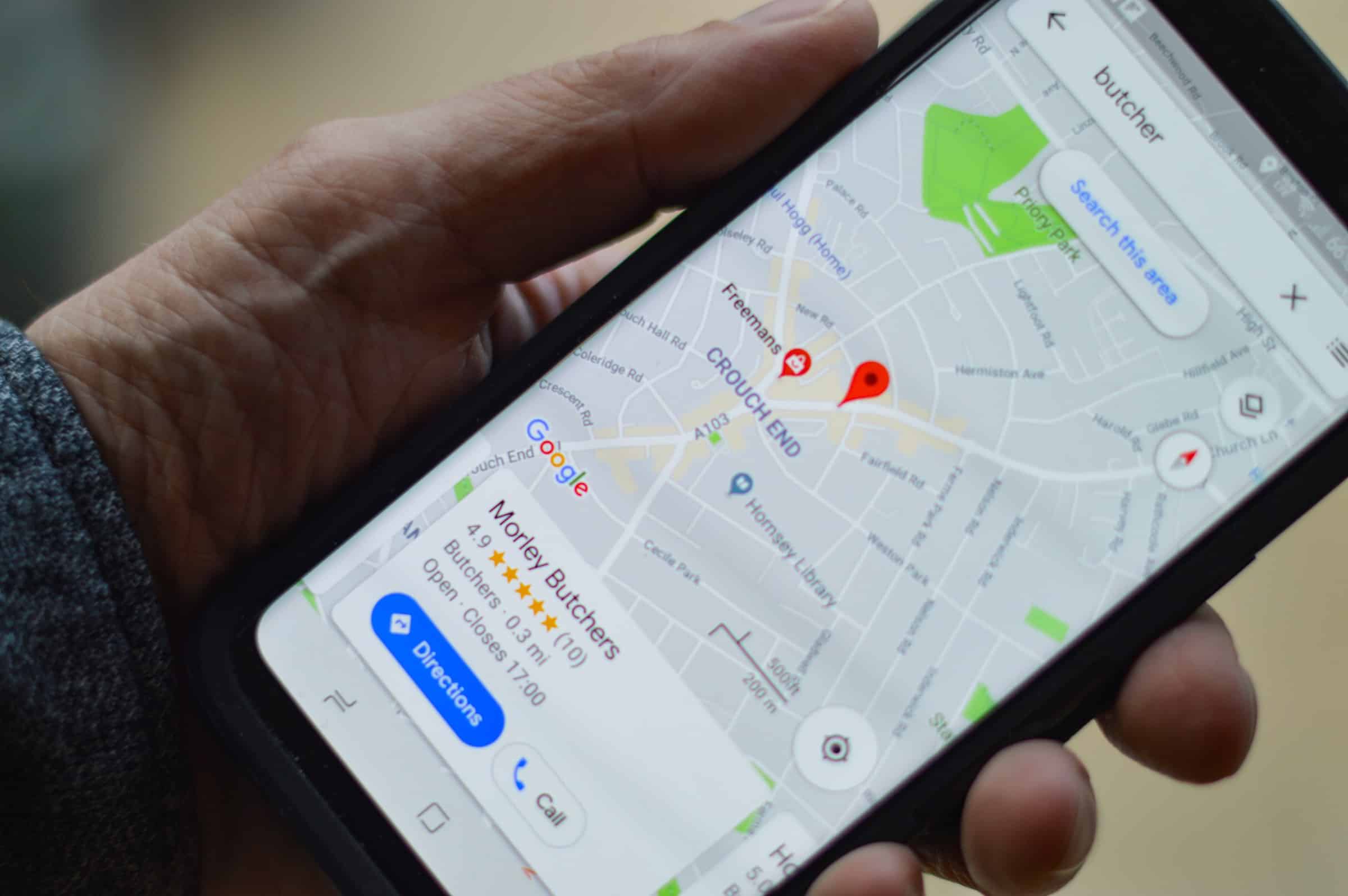
Choosing the right travel apps for offline navigation can make a trip more reliable, reduce roaming charges, and provide safety when cellular coverage is limited. This guide explains how offline navigation works, compares leading apps, and offers practical tips for downloading maps and saving battery while traveling.
- Offline navigation uses downloaded map data and on-device routing to guide travel without an internet connection.
- Top choices include apps that use OpenStreetMap data, commercial map packs, and specialized outdoor maps.
- Key selection factors: map detail, routing for walking/driving/biking, offline search, storage needs, and platform compatibility.
Why use travel apps for offline navigation
Using travel apps for offline navigation reduces dependence on mobile data, ensures access to maps in remote areas, and can speed up route calculations. Offline maps are useful for international travel to avoid roaming fees, for multi-day hikes without coverage, and where public transit connections are not reliably listed online.
How offline navigation works
Downloaded map tiles and vector data
Offline maps typically store either raster tiles (images) or vector data (compact, scalable map features) on the device. Vector maps are smaller and allow smoother zooming and dynamic styling.
On-device routing and search
Routing engines calculate directions using local data. Offline search requires pre-indexed place names and points of interest. Some apps allow adding custom POIs before travel.
Data sources and updates
Many offline navigation apps rely on community-maintained projects such as OpenStreetMap for base map data; official agencies like national park services provide trail maps in some regions. Regular updates are important—download the latest map packs before a trip.
Reference: OpenStreetMap as a common source of free map data used by many offline navigation tools.
Top travel apps for offline navigation
The following apps are widely used for offline map access and cover a range of travel needs: urban navigation, driving, hiking, and cycling. App availability and features change over time; check current documentation before travel.
Maps.me
Maps.me uses OpenStreetMap data to offer full offline maps, turn-by-turn navigation, and offline search. Strengths include compact downloads and broad global coverage. Limitations can include less frequent updates in some regions compared with paid services.
Google Maps (Offline areas)
Google Maps allows downloading regional map areas for offline use, including driving directions and transit basics. Offline features are limited compared with online mode (some live traffic and transit schedules may be unavailable). Google Maps is convenient for users already in the Google ecosystem.
HERE WeGo
HERE WeGo provides downloadable country and regional maps with offline routing for driving, walking, and public transit (where available). It is known for efficient map compression and clear route guidance without a data connection.
Sygic
Sygic offers commercial offline maps with advanced navigation features including lane guidance and speed limit warnings. It uses map providers for high-quality offline data and targets users wanting premium in-car navigation without an internet connection.
OsmAnd
OsmAnd is focused on OpenStreetMap-based offline maps and provides extensive map customization, offline search, contour and hiking data, and map rendering options. It is a strong choice for outdoor activities and users needing detailed control over map layers.
Komoot and Gaia GPS (outdoor use)
Komoot emphasizes route planning for hiking and cycling with offline map packs and turn-by-turn voice guidance. Gaia GPS provides topographic maps, backcountry navigation, and GPX import/export—useful for multi-day hikes where topo detail and offline tracking are essential.
Choosing the right offline navigation app
Compare by use case
- Urban travel and transit: Choose an app with reliable offline search and transit schedules (note transit may be limited offline).
- Driving: Look for accurate offline routing, lane guidance, and up-to-date speed limit data.
- Hiking and backcountry: Prefer apps with topographic maps, contour lines, and GPX support.
Storage, updates, and device compatibility
Offline maps consume device storage. Vector maps reduce space needs. Plan map downloads for the specific regions to minimize storage and ensure the device has the latest updates before departure.
Practical tips for offline navigation
- Download maps over Wi-Fi before travel and check the region coverage and file size.
- Save offline POIs such as accommodations, embassies, and planned stops to local storage within the app.
- Carry a power bank and enable battery-saving modes; offline GPS use still consumes power.
- Keep a paper map or printed directions as a backup in safety-critical situations.
Safety and privacy considerations
Offline navigation reduces exposure to data-based tracking during travel, but apps may still collect usage data when online. Review privacy settings and offline data retention policies in app settings. For regulated environments or professional use, consult official guidance from transport authorities or national safety agencies.
FAQs
What are the best travel apps for offline navigation?
Popular choices include Maps.me, HERE WeGo, OsmAnd, Sygic, Google Maps (offline areas), Komoot, and Gaia GPS. Selection depends on needs: driving, transit, or outdoor navigation.
How much storage do offline maps require?
Storage varies by region and map type. A single small country may require a few hundred megabytes with vector maps; larger regions or detailed topographic packs can be several gigabytes. Always check size before downloading.
Can offline navigation provide accurate directions without internet?
Yes. Offline routing uses downloaded map data and the device's GPS. Accuracy depends on map data quality and the app's routing engine. For the most current road changes or live traffic, online mode is required.
How often should offline maps be updated?
Update maps before major trips or when notified of significant changes. For regions with frequent construction or seasonal trail closures, update more often—monthly or before each trip if possible.
Are offline navigation apps safe to use in wilderness areas?
Many apps provide topographic maps and offline tracking suitable for wilderness travel, but GPS signal availability and device battery life are limiting factors. Combine offline apps with other navigation methods and follow official park guidance when available.