How to Start a Career in Video Editing: Skills, Tools and Practical Tips
-

- Published Updated
- 69 views
Video content has become an important part of online communication. Businesses use videos to explain their products, creators publish content for social media, and organizations rely on visual storytelling to reach their audiences. As a result, video editing has become a useful skill for people interested in creative work, digital media and content production.
However, starting a career in video editing involves more than learning how to cut clips together. Beginners need to understand storytelling, sound, pacing, colour, visual continuity and the technical requirements of different video formats.
This guide explains the essential skills, tools and practical steps that can help aspiring video editors get started.
1. Understand the Fundamentals of Video Editing
Before exploring advanced effects, beginners should learn the fundamentals of editing. These skills form the foundation of almost every professional video project.
Important concepts include:
Timeline editing: Arranging video clips, audio and other elements in the correct sequence.
Cutting and trimming: Removing unnecessary footage and improving the flow of a video.
Transitions: Connecting scenes smoothly without distracting the viewer.
Audio editing: Balancing dialogue, background music and sound effects.
Colour correction: Adjusting exposure, contrast and colour consistency.
Export settings: Selecting suitable resolutions, frame rates and file formats for different platforms.
Practising these fundamentals helps beginners create videos that are clear, engaging and technically consistent.
2. Choose the Right Video Editing Software
There are several video editing applications available, and the best choice depends on the type of projects you want to create.
Adobe Premiere Pro
Adobe Premiere Pro is widely used for editing interviews, promotional videos, YouTube content and other forms of digital media. It offers timeline editing, audio tools, colour adjustments and integration with other creative applications.
DaVinci Resolve
DaVinci Resolve combines video editing, colour correction, visual effects and audio post-production features. Its free version makes it a useful starting point for learners who want to explore professional editing workflows without immediately purchasing software.
Adobe After Effects
Adobe After Effects is primarily used for motion graphics, animation and visual effects. It can complement traditional video editing when projects require animated titles, compositing or more advanced visual elements.
Beginners do not need to master every application at once. Starting with one main editing program and learning its core features is usually more productive.
3. Develop Storytelling and Creative Skills
Technical knowledge alone does not make an effective video editor. Editors also need to understand how visual sequences communicate information and emotion.
For example, a promotional video may need quick cuts and clear messaging, while a documentary may require more deliberate pacing and carefully arranged interviews.
Useful creative skills include understanding shot selection, maintaining continuity, choosing appropriate music, creating a consistent visual style and adapting the editing rhythm to the intended audience.
Studying well-edited videos can help beginners understand how these decisions affect the final result. Recreating similar editing techniques in personal practice projects is another effective way to improve.
4. Practise With Different Types of Video Projects
Practical experience is essential when learning video editing. Instead of watching tutorials continuously, learners should apply each new technique to a real project.
Useful beginner projects include:
Editing a short YouTube video.
Creating a 30-second social media reel.
Producing a promotional video for a fictional business.
Combining interview footage with supporting visuals.
Creating a short travel montage with music and transitions.
Each project develops different skills. For example, an interview edit teaches dialogue organisation, while a short promotional video requires concise storytelling and careful pacing.
Reviewing finished projects and identifying mistakes also helps learners improve their editing decisions over time.
5. Build a Strong Video Editing Portfolio
A portfolio allows potential clients and employers to evaluate your skills through actual work. It is often more convincing than a list of software applications on a résumé.
Beginners can create a portfolio using three to five carefully selected projects. Each project should demonstrate a different capability, such as social media editing, storytelling, colour correction or motion graphics.
A useful portfolio should include:
A short showreel highlighting your strongest work.
Individual project samples with clear descriptions.
Information about your role in each project.
Examples showing different editing styles.
Links to videos that can be viewed without complicated access requirements.
Only include work you have permission to share. If you use sample footage, clearly distinguish practice projects from paid client assignments.
6. Learn Through Structured Practice and Feedback
Self-learning resources can help beginners understand software features, but structured learning may be useful for people who want a planned curriculum, guided assignments and feedback on their projects.
When evaluating a training program, review the syllabus, software covered, practical project opportunities, trainer experience and portfolio support.
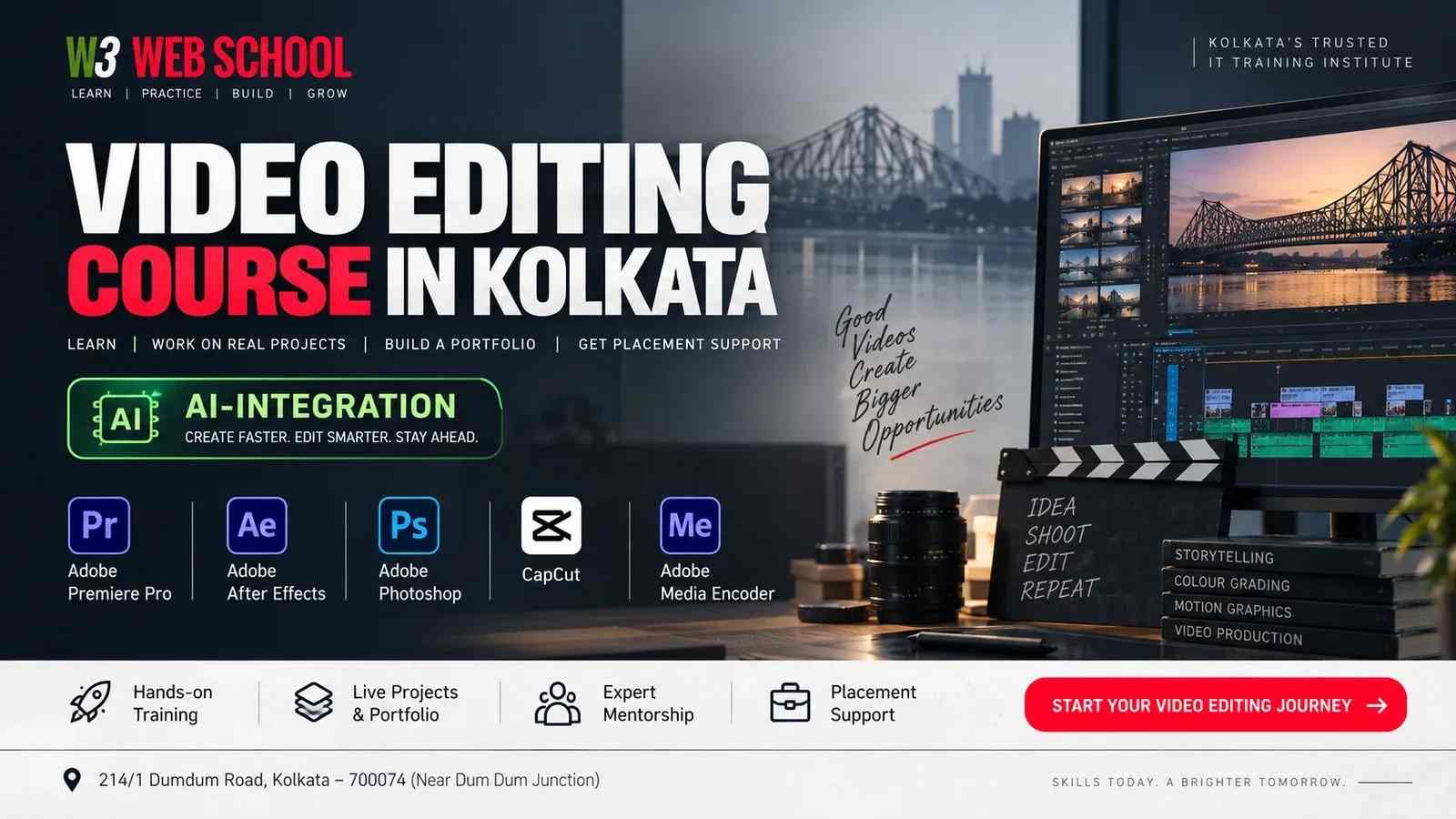
For learners exploring formal training, those interested in a Video Editing Course in Kolkata can review the available course information, practical learning approach and support offered by W3 Web School.The most useful learning environment is one that encourages regular practice, constructive feedback and gradual improvement rather than relying entirely on demonstrations.
7. Explore Career Opportunities in Video Editing
Video editing skills can be applied across several industries. Depending on their abilities and experience, editors may pursue roles such as:
Video editor for digital content.
YouTube video editor.
Short-form social media video editor.
Corporate video editor.
Assistant editor for production projects.
Motion graphics artist, with additional specialised training.
Freelance video editor working with individual clients or businesses.
Career opportunities vary by location, portfolio quality, technical skills and industry demand. Beginners should focus on developing reliable editing skills and a portfolio before making assumptions about potential earnings.
8. Create a Consistent Learning Routine
Consistency matters more than trying to learn every advanced feature immediately. A beginner can create a simple weekly routine that combines software practice, creative exercises and portfolio development.
For example, spend the first part of the week learning a specific technique, apply it to a short project during the next session, and review the final result before moving to a more advanced skill.
Over time, these small projects can become a collection of work that demonstrates genuine progress.
Conclusion
Starting a career in video editing requires a combination of technical knowledge, creativity, practical experience and continuous learning. Beginners should start with editing fundamentals, choose suitable software, practise different video formats and gradually build a portfolio that reflects their abilities.
Whether you learn independently or through structured training, focus on producing finished projects and improving them through feedback. A strong foundation and consistent practice can help you explore the many ways video editing skills are used in today's digital media industry.