Docker for Drupal: Clear Benefits, Setup Checklist, and Best Practices
-

- March 20th, 2026
- 265 views

Get a free topical map and start building content authority today.
Docker for Drupal is a practical way to standardize development, testing, and deployment across teams by packaging the web server, PHP, database, and services into reproducible containers. Using containers reduces "works on my machine" issues and speeds iteration cycles, making it easier to deliver stable Drupal sites.
This guide explains the core benefits of using Docker for Drupal, provides a compact Docker for Drupal checklist, a short real-world scenario, recommended best practices (including the 12-Factor App principles), and practical tips for development and production preparation.
Detected intent: Informational
Docker for Drupal: key benefits
Predictable, reproducible environments
Containers encapsulate application dependencies and runtime configuration. A Docker image built for a Drupal site ensures the same PHP version, extensions, Composer dependencies, and server settings run locally, in CI, and on staging, dramatically reducing environment drift.
Faster onboarding and parallel development
Onboarding a new developer becomes as simple as pulling the repository and starting the compose stack. Teams can run multiple projects with different PHP and database versions on a single host without conflict—useful for maintaining legacy Drupal 7/8/9/10 projects concurrently.
Safer, repeatable deployments
Containers make it straightforward to run smoke tests in CI and promote the same artifact through environments. Immutable images reduce configuration errors during deploys and make rollbacks easier.
Scalable local testing and performance profiling
Use containers to replicate multi-service architectures (e.g., Varnish, Redis, Solr, or Elasticsearch) for realistic load testing and profiling before production deployment.
Best practices when using Docker for Drupal
Follow the 12-Factor App principles where relevant
Many 12-Factor App rules apply to containerized Drupal: store config in environment variables, keep build and run stages separate, and treat processes as stateless where possible. Treat uploaded files and persistent storage carefully—state must be mapped to durable volumes or external storage.
Use a Docker for Drupal checklist
- Define image sources and pin versions (PHP, base OS, Composer).
- Separate build (composer install, npm build) from runtime images.
- Map persistent file directories (sites/default/files) to named volumes or external object storage.
- Keep database data on a volume and manage dumps for backups/migrations.
- Add healthchecks, resource limits, and liveness probes for production orchestration.
Secure images and credentials
Minimize attack surface by using minimal base images, avoid running processes as root, and do not bake secrets into images. Use environment variables, secret stores, or orchestration platform secret management for database and API credentials.
Use official documentation and standards
Containerization and Docker tooling evolve; consult official resources for runtime and security guidance. For example, Docker's official guides cover image best practices and lifecycle management.
Docker documentation (official)
Practical setup: a concise model and checklist
Recommended stack model
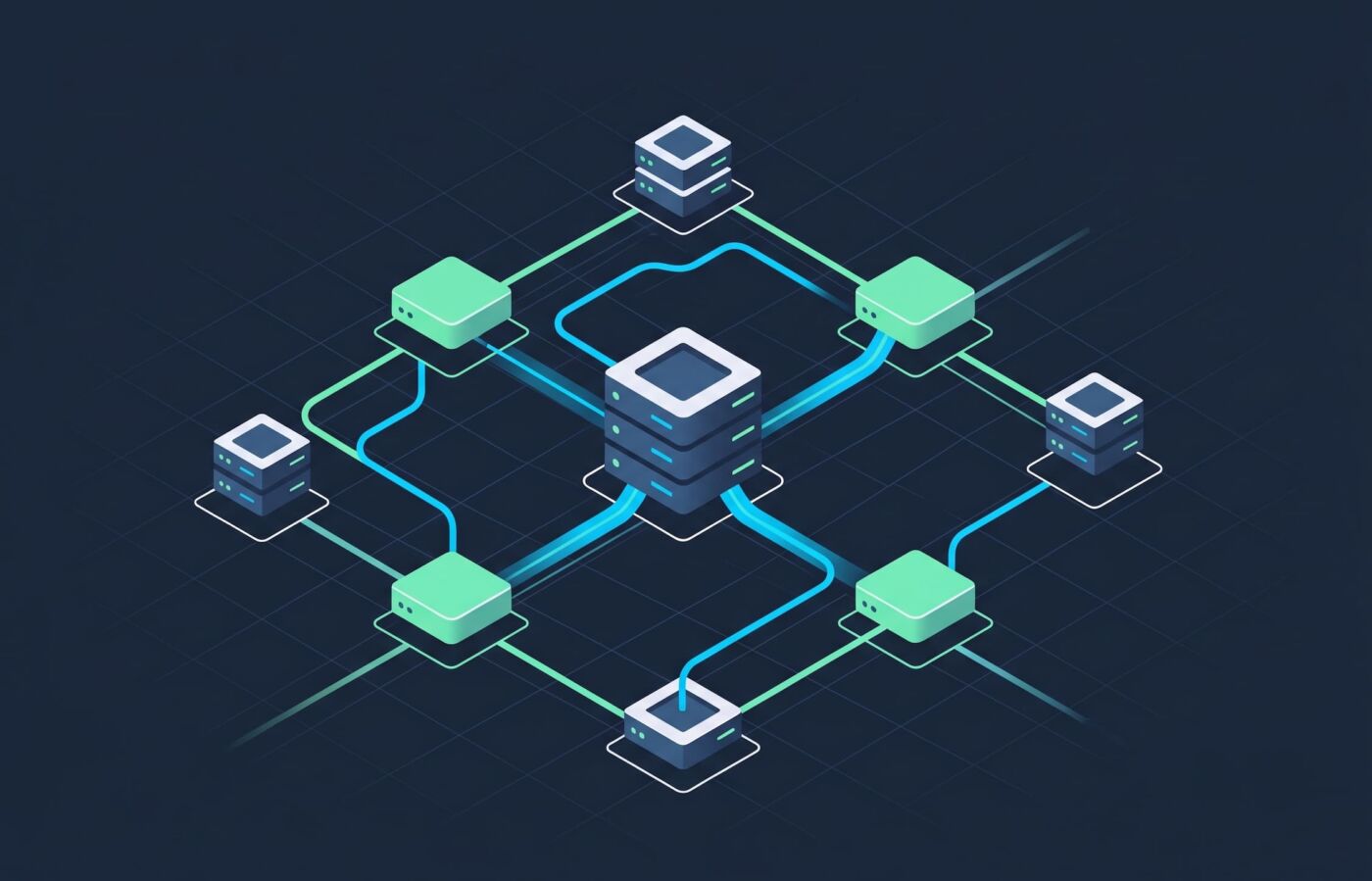
Use a multi-container approach: a web container (PHP-FPM + a minimal web server), a reverse proxy or cache (Nginx/Varnish), a database container (MySQL/MariaDB/Postgres), and optional services (Redis for cache, Solr/Elasticsearch for search). Keep assets and uploaded files on named volumes or external object storage.
Docker for Drupal checklist (actionable)
- Set up multi-stage Dockerfiles: build assets in a builder stage, produce a lean runtime image for PHP.
- Use docker-compose for development stacks; include environment-specific override files (docker-compose.override.yml).
- Keep database credentials and settings.php configuration tuned to use environment variables for connection strings.
- Mount the sites/default/files directory as a named volume and script media sync tasks for CI.
- Include a CI pipeline step that runs composer install, automated tests, and a database schema check against a disposable containerized DB.
Real-world example scenario
Agency migrating a legacy Drupal site to containerized workflow
A mid-size digital agency managing a Drupal 8 site adopted Docker to standardize environments across 6 developers. The migration included: creating a multi-stage Dockerfile with PHP 7.4 and Composer in the build stage; adding docker-compose with app, db, and redis services; moving uploaded files to a named volume and creating an rsync task for CI-driven refreshes. The result: new developers bootstrapped in under 10 minutes, fewer environment-related bugs in PRs, and a CI pipeline that runs integration tests on an identical stack.
Practical tips
- Use named volumes for persistent Drupal files and database data; avoid bind-mounting host system paths in production to prevent permission and performance issues.
- Keep local development fast: prefer bind mounts for source code with delegated consistency flags on macOS/Windows to improve I/O performance.
- Automate configuration imports and feature syncs in CI so state changes are validated with each deploy.
- Profile and tune PHP-FPM worker counts and memory limits inside the container to match expected workload; container defaults may be too conservative or too aggressive.
Trade-offs and common mistakes
Common mistakes
- Embedding secrets in images or committed environment files—use secret management instead.
- Treating containers as VMs—containers should be ephemeral; persistent data must be externalized.
- Running a heavyweight full stack in a single container—split concerns into separate services for easier scaling and maintenance.
- Ignoring platform differences (macOS/Windows vs Linux) for volume performance—test on CI/Linux or use remote dev containers when needed.
Trade-offs
Containers add a layer of complexity: build pipelines, orchestration, and image lifecycle management are new responsibilities. For very small projects or single-developer sites, the overhead might outweigh benefits. However, for teams, the reproducibility and CI integration typically justify the investment.
Core cluster questions
- How does Docker improve Drupal development workflows?
- Can Dockerized Drupal run in production, and what extra considerations are needed?
- How should uploaded files and database state be managed with containers?
- What services (Redis, Varnish, Solr) should be containerized alongside Drupal for realistic testing?
- How to integrate Docker-based testing into CI pipelines for Drupal sites?
FAQ
Is Docker for Drupal suitable for production?
Yes—Docker for Drupal can be suitable for production, but production use requires additional considerations: image hardening, secret management, orchestration (Kubernetes, Docker Swarm, or platform-managed containers), resource limits, backup strategies for volumes, and robust healthchecks. Treat images as immutable artifacts and use orchestration for scaling.
How do files (sites/default/files) work with Dockerized Drupal?
Files must be persistent. Use named Docker volumes, mount points to networked file systems, or external object storage (S3-compatible) for shared or durable storage. Ensure proper permissions and a synchronization strategy for CI and staging environments.
What is the recommended approach for Drupal Docker setup in local development?
Use docker-compose with a development override file, map source code as a bind mount for fast edits, and use a separate image or service for Composer tasks to avoid modifying the runtime image during development.
How can performance be monitored in a containerized Drupal environment?
Use APM tools that support containers, export metrics with Prometheus, and attach logging and tracing. Profile with Xdebug in a debug image and run load tests using containerized tools to reproduce production-like conditions.
Docker for Drupal: how to start without breaking existing workflows?
Start by containerizing development only while keeping production deploys unchanged. Add CI validation against the containerized stack, then iteratively move deploys to container-based releases once confidence grows. Maintain a rollback path while transitioning.