10 Best Project Management Software Tools for Teams in 2026
-
- Published Updated
- 62 views

Ask ten people to name the best project management software and you will get ten different answers, because they are solving ten different problems. A software team tracking sprints, a construction firm tracking job costs and a marketing team tracking campaign deadlines need almost nothing in common from their tools. This guide covers the 10 tools worth knowing in 2026, plus dedicated picks for small teams, construction and AI-heavy workflows. For pricing, features and a full comparison, read the original guide on 10 Best Project Management Software for Teams in 2026.
What are the best project management software tools in 2026?
The right pick in 2026 depends on team size, technical comfort and whether AI-assisted scheduling matters to you, not on a single universal winner. Here is the current lineup, with the best use case for each tool.
- monday.com: best for customizable cross-team workflows, from $9 per user per month with a 3-seat minimum.
- ClickUp: best all-in-one tool at a low entry price, with a free plan that allows unlimited users and paid plans from $7 per user per month.
- Asana: best for structured task management, free for up to 10 users and paid from $10.99 per user per month.
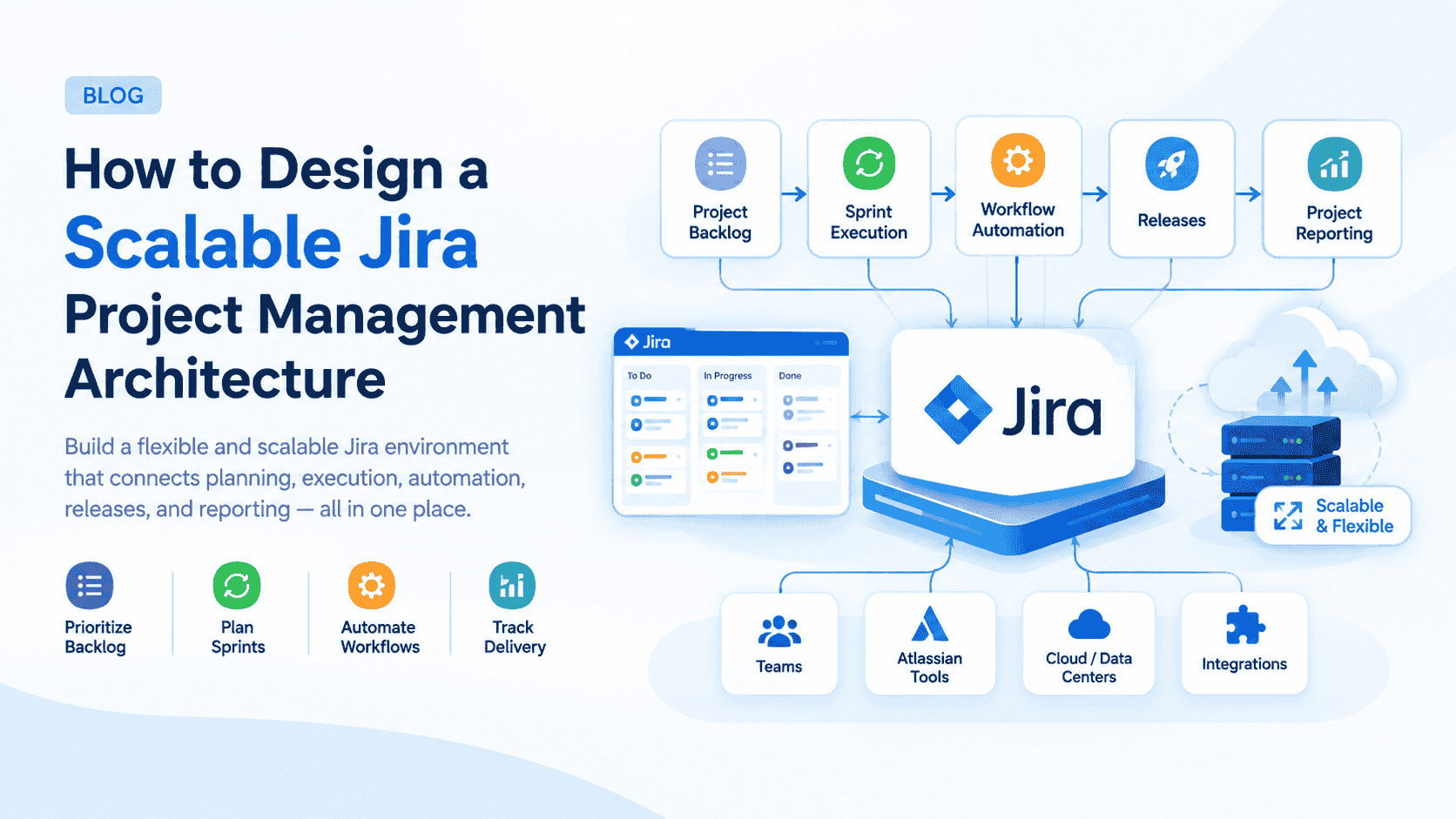
- Jira: best for software development teams, free for up to 10 users with Standard from $7.91 per user per month.
- Trello: best for simple Kanban boards, with a free plan and Standard from $5 per user per month.
- Notion: best for documentation-heavy teams, with team plans from $8 to $10 per user per month.
- Wrike: best for resource-heavy enterprise teams, with a free tier and Team from $10 per user per month.
- Teamwork: best for agencies billing client work, with a free tier and paid plans from $10.99 per user per month.
- Motion: best for AI-powered scheduling, with Pro AI around $19 per seat per month.
- We360.ai: best for teams that want task management tied to real time-tracking data.
Best project management software for small teams
For a small team, Trello or ClickUp usually win. Both offer genuinely usable free tiers rather than a crippled trial. Trello's card-and-board Kanban interface is intuitive within seconds, while ClickUp's free plan allows unlimited users, which is rare at the no-cost tier.
A small team rarely needs Wrike's capacity planning or Jira's agile reporting on day one. Those features earn their complexity once a team has several overlapping projects and needs to track who is overloaded. Starting simple and upgrading when a specific limitation actually bites beats adopting enterprise features nobody uses yet.
Best project management software for construction
Procore is the clearest project management software built specifically for construction. It prices by annual project volume rather than per user, typically around $4,500 to $10,000 a year for small contractors and $25,000 or more for larger firms. That model reflects how construction billing works, unlike the flat per-seat pricing used by every general-purpose tool on this list.
None of the general project management tools handle job costing, subcontractor scheduling or permit tracking the way a construction-specific platform does. If your team's work involves managing a job site rather than a marketing campaign or a sprint backlog, a general tool will always feel like it is missing something Procore builds in by default.
Which project management tools use AI well?
The tools using AI well right now are Asana, monday.com, ClickUp and Motion, each applying AI to a specific bottleneck instead of bolting on a generic chat assistant. Asana's AI Studio automates workflow steps. monday.com uses AI for risk flagging and resource assignment, matching people to tasks based on skills, availability and current capacity. ClickUp's AI handles task generation and summarization, while Motion goes furthest by auto-scheduling tasks directly against your calendar.
The honest limit is that AI scheduling still needs a person to catch edge cases, such as a double-booked meeting or a task scheduled around a holiday nobody flagged. Treat it as a strong first draft of your week, not a finished one.
Is there an official "big 3" in project management software?
There is no single official "big 3". The phrase is used informally and depends on who is asking. For general business teams, the three names that come up most in comparisons and reviews are Asana, monday.com and ClickUp. For software and engineering teams, the conversation shifts to Jira, alongside Azure DevOps. Neither grouping is an industry standard; both simply reflect which tools show up most often in buyer research for that audience.
How to choose the right project management software
You choose the right tool by naming your team's actual bottleneck, whether that is planning, execution or visibility into who is overloaded, before comparing feature lists. The tool that wins on paper rarely matches the tool your team will keep using.
- Identify your primary pain point. Missed deadlines point to better execution tracking; unclear priorities point to better planning views.
- Match technical comfort honestly. Jira rewards developer-adjacent teams, while ClickUp and Trello work better for mixed-skill teams.
- Decide if native time tracking matters. ClickUp, Wrike, Teamwork and We360.ai build it in, while Asana, Trello and Notion need a separate tool.
- Test with one real project first. Migrate your most active project before committing the whole team, so a bad fit costs a week, not a quarter.
Final thoughts
No single tool wins every category. The right one depends on your team's actual workflow, not a generic feature checklist, and the best tools are the ones your team uses every day. Start with your bottleneck, pilot one project, and upgrade only when a real limit appears.
Read the complete comparison with pricing, features and use cases: https://www.we360.ai/blog/10-best-project-management-software/